Outbound Sequence Demo

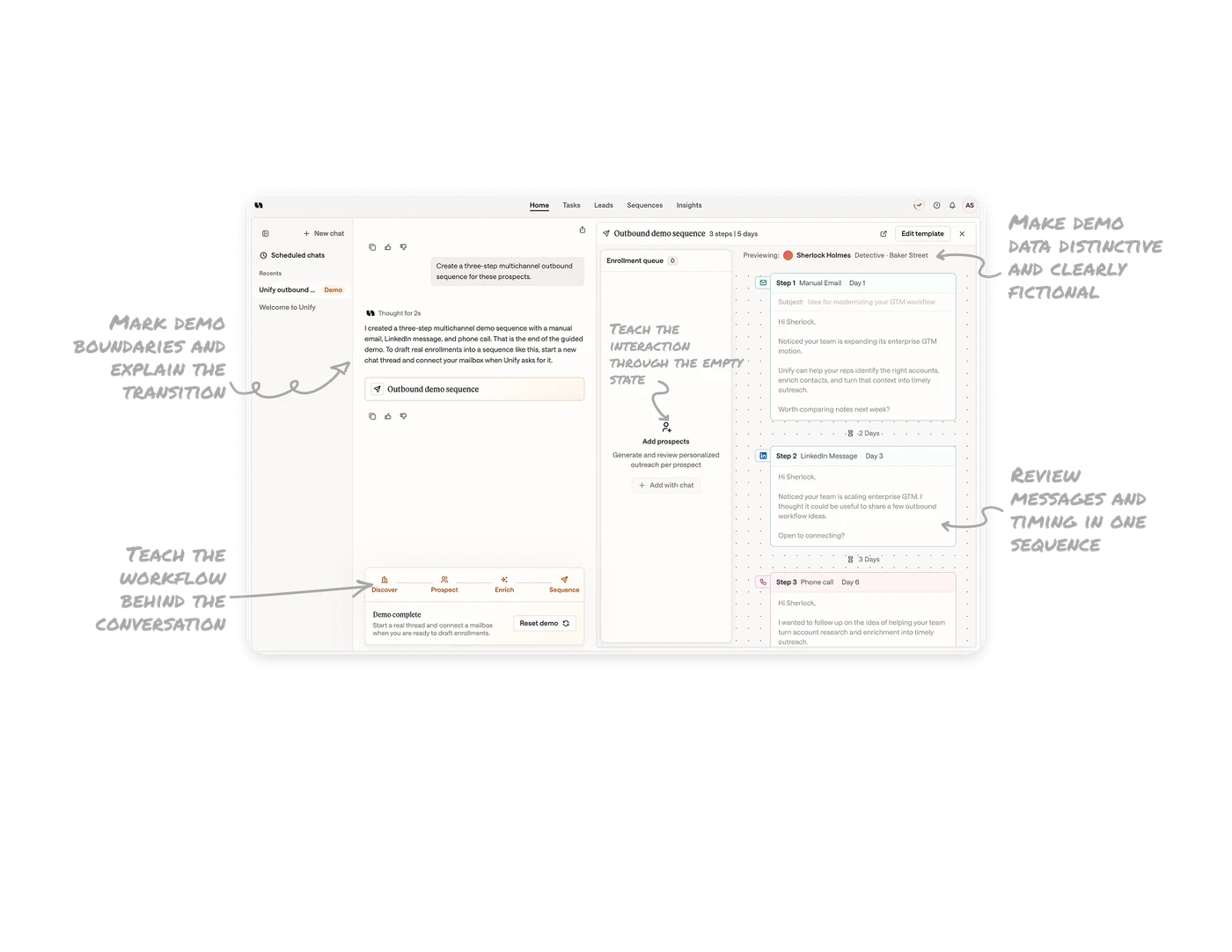
Make demo data distinctive and clearly fictional
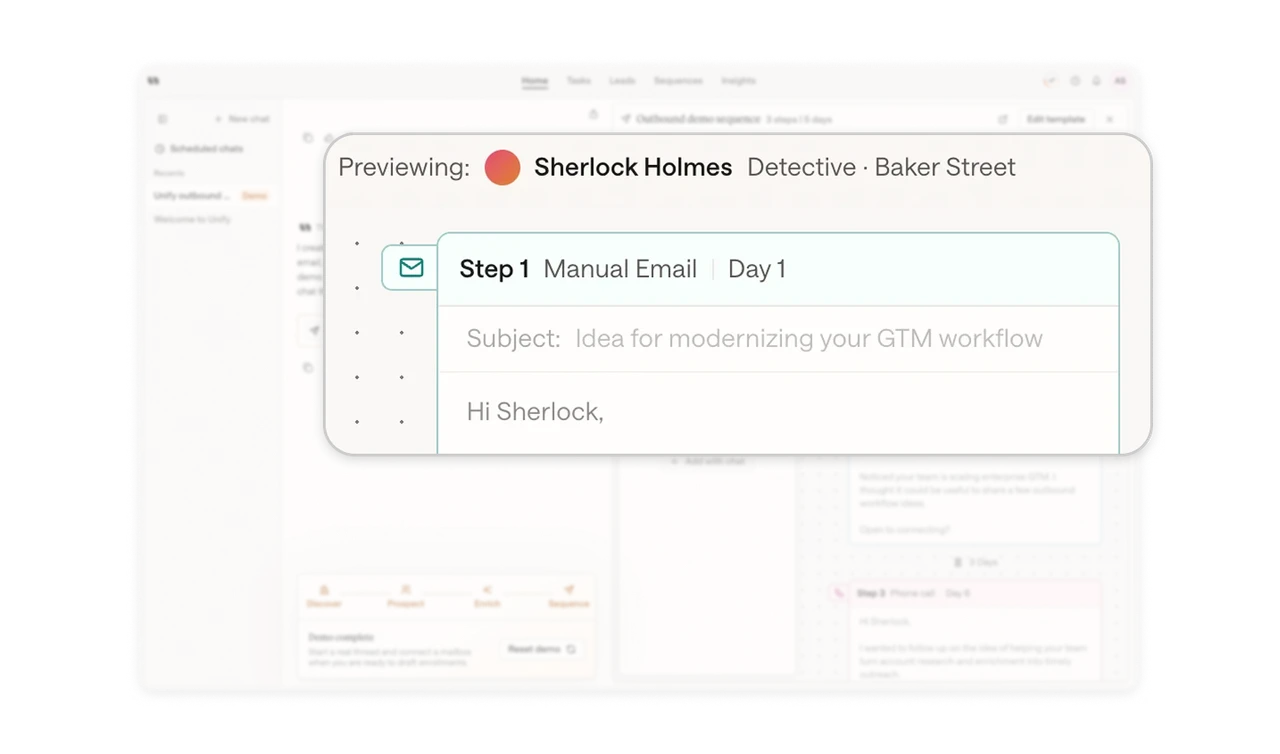
The preview names Sherlock Holmes, Detective at Baker Street, and the messages open with “Hi Sherlock.” A recognizable fictional character gives sample fields personality while helping signal an illustrative scenario. The enterprise sales pitch, however, fits the detective less convincingly. Choose distinctive fictional data that also suits the task, and retain explicit demo labels rather than relying on cultural recognition alone.
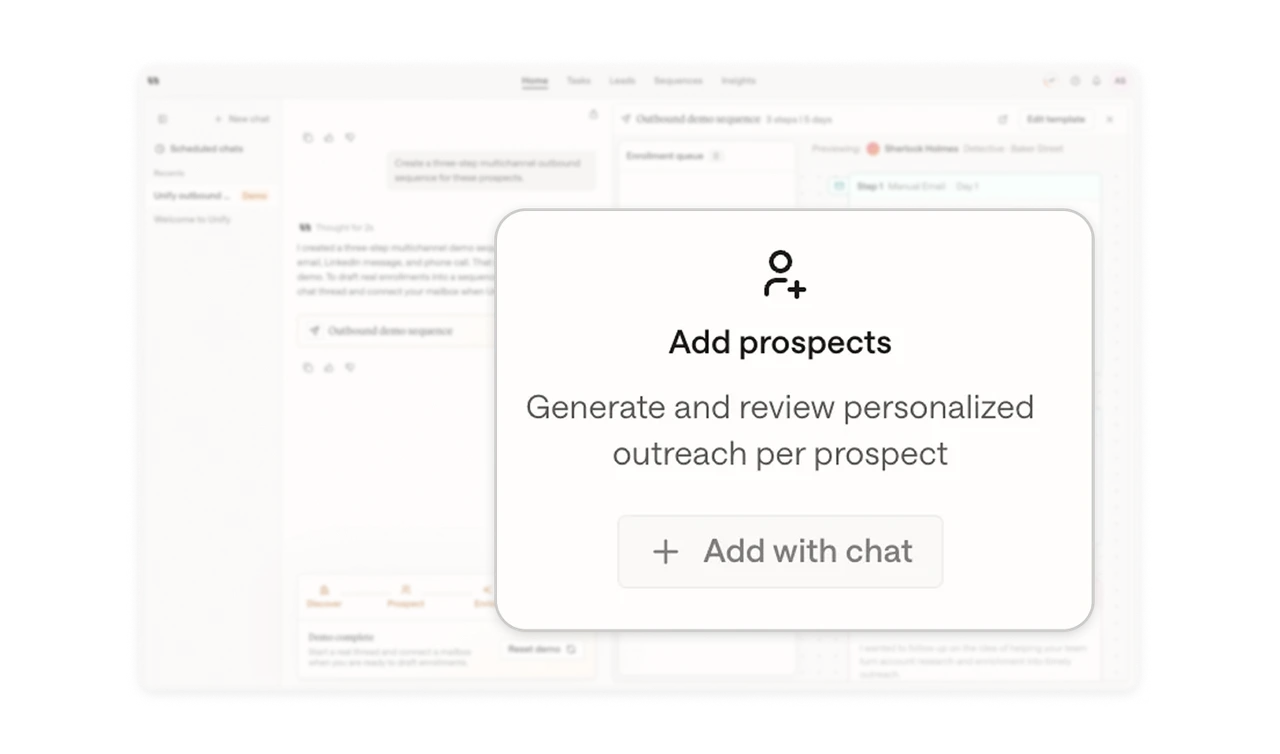
Teach the interaction through the empty state
“Enrollment queue 0” pairs “Add prospects” with an “Add with chat” control and a brief explanation of outreach generation and review. The empty state explains both what belongs here and how users would add it. Meanwhile, the Sherlock Holmes preview illustrates the result separately. Use empty states to teach the product’s interaction model at the moment users need a way forward.
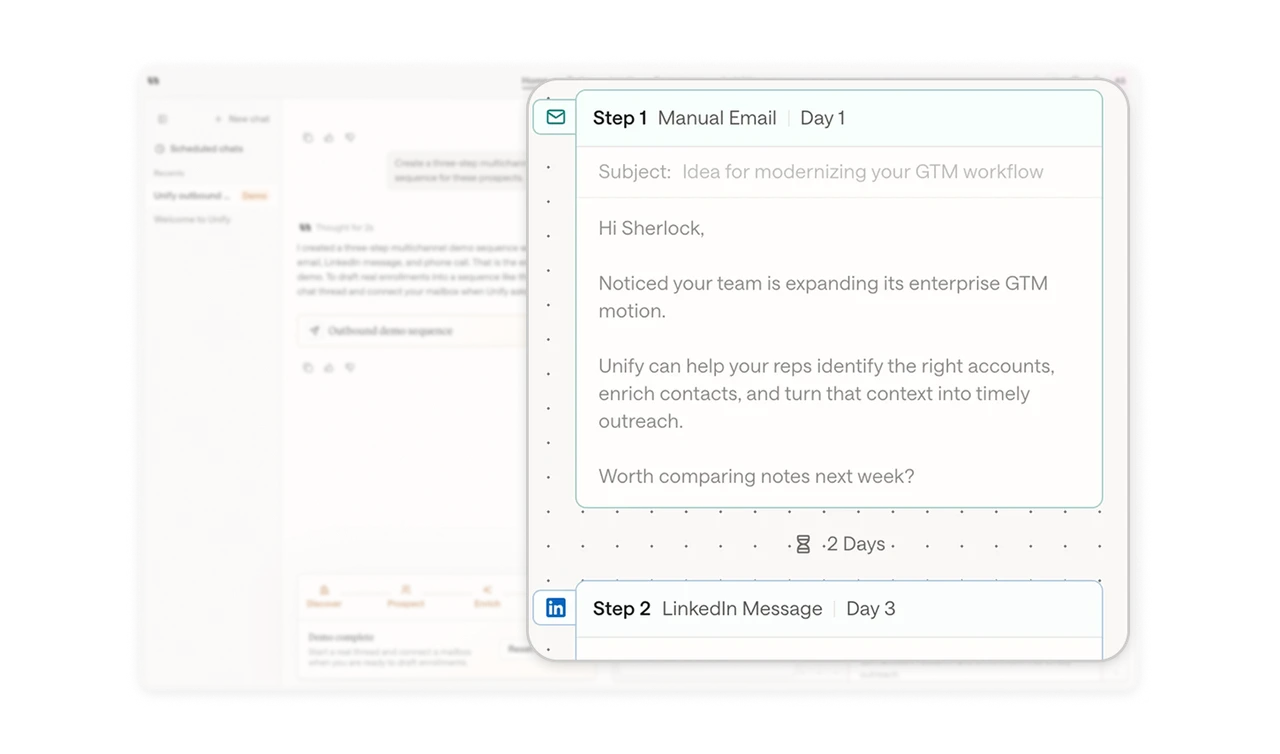
Review messages and timing in one sequence
The timeline shows message content inside channel cards, with day labels and waiting intervals between steps. Users can inspect what the email, LinkedIn message, and phone script say alongside their place in the outreach sequence. This brings content and cadence into the same review. For communication workflows, show the messages people will encounter together with the timing that shapes their experience.
Mark demo boundaries and explain the transition
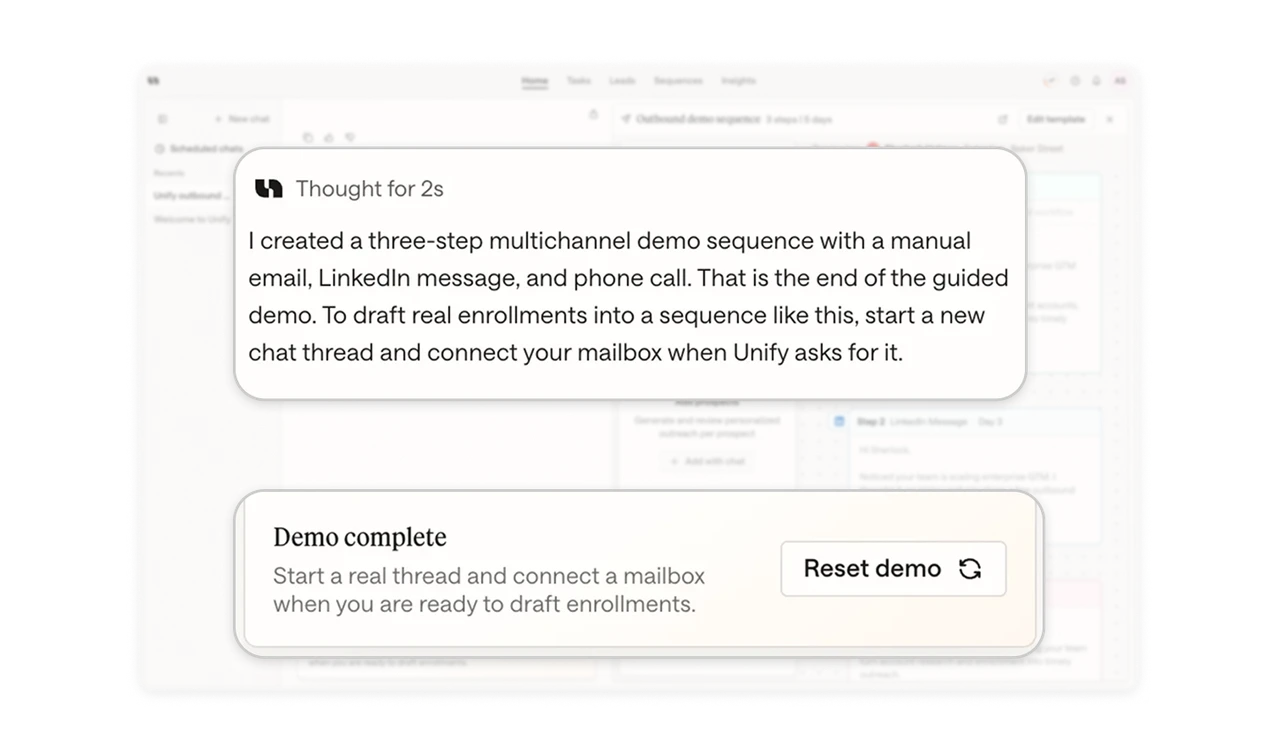
A “Demo” badge, the assistant’s closing message, and a “Demo complete” panel repeatedly identify this as a guided example. Instructions name the transition to real work: start a new thread and connect a mailbox when prompted. “Reset demo” offers a separate replay option. When demonstrations resemble working interfaces, keep their status explicit and distinguish restarting the example from beginning actual setup.
Teach the workflow behind the conversation
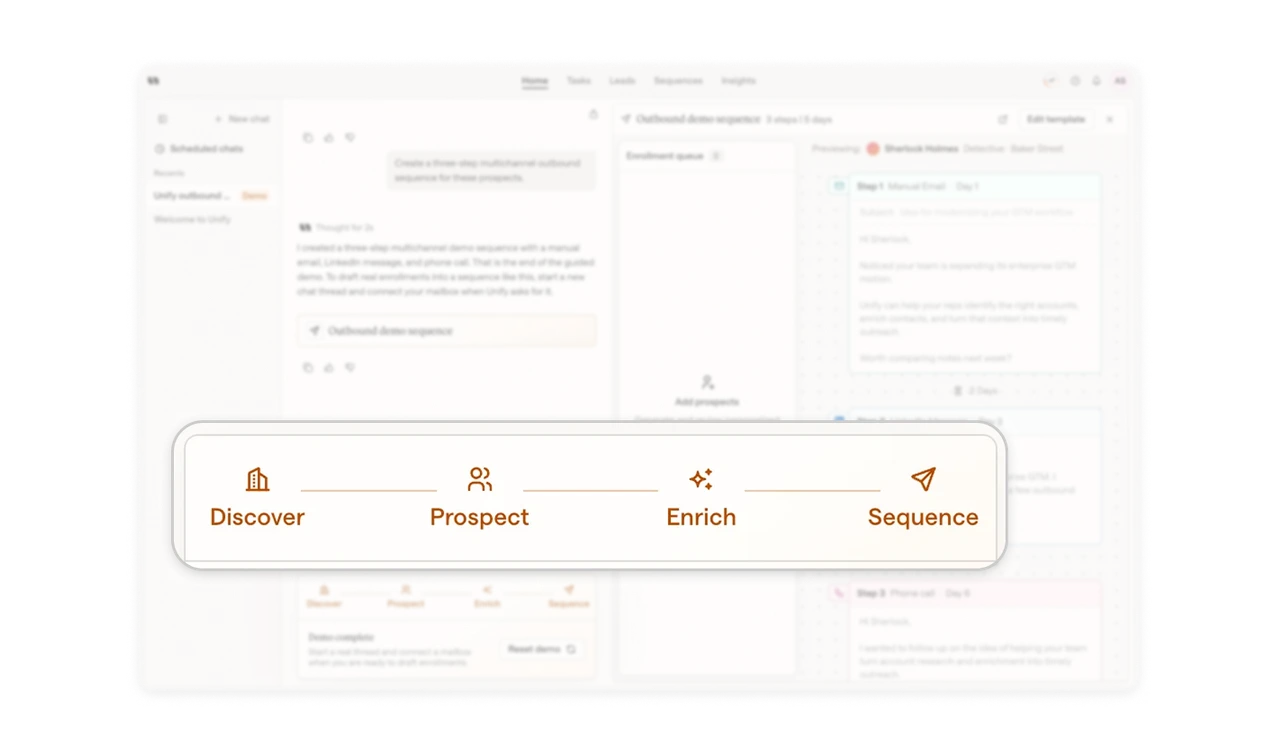
A four-stage strip names Discover, Prospect, Enrich, and Sequence above the demo completion message. These domain labels place the visible sequence within a larger outbound process, giving users a map beyond individual chat exchanges. A conversational interface can make the immediate request easy while leaving the overall workflow unclear. Use a compact process map to explain how separate activities fit together.
Similar Breakdown Lessons