Voice Creator Hub

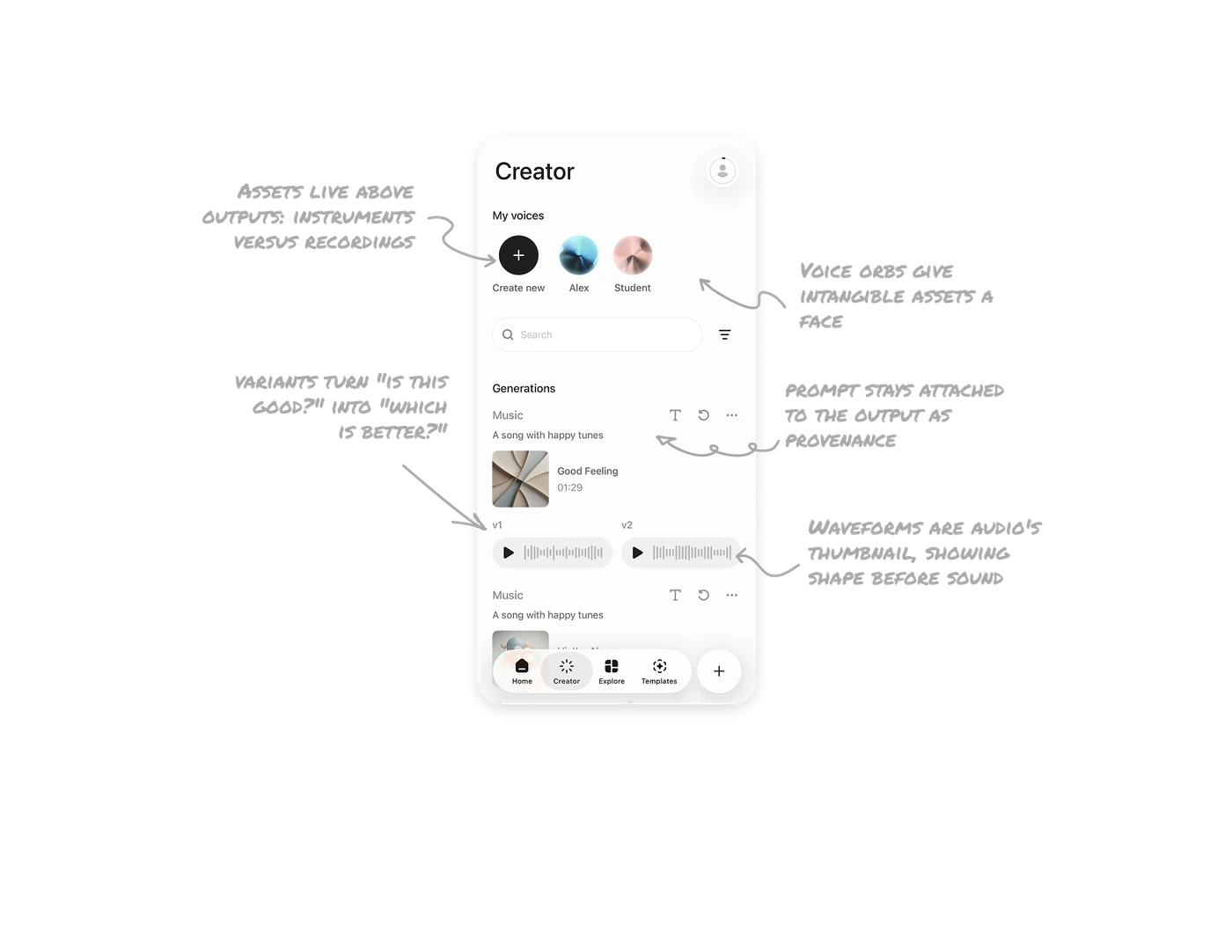
Voice orbs give intangible assets a face, and Create leads the row
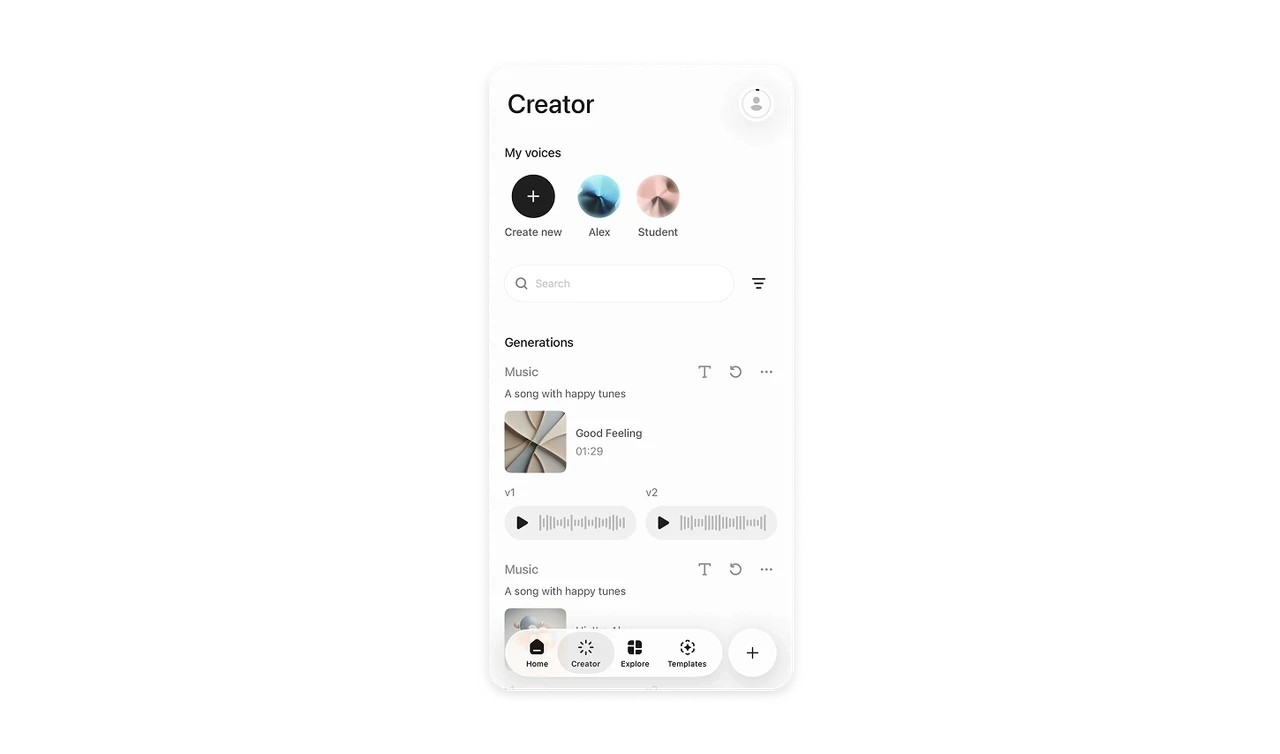
Custom voices (Alex, Student) appear as iridescent 3D orbs, each with a unique abstract identity, and "Create new" sits first in the row with equal visual weight. A voice has no natural thumbnail, so the orbs make each one recognizable and ownable, turning features into possessions. Leading with creation instead of appending it signals that making more is expected. Order communicates what the product wants you to do.
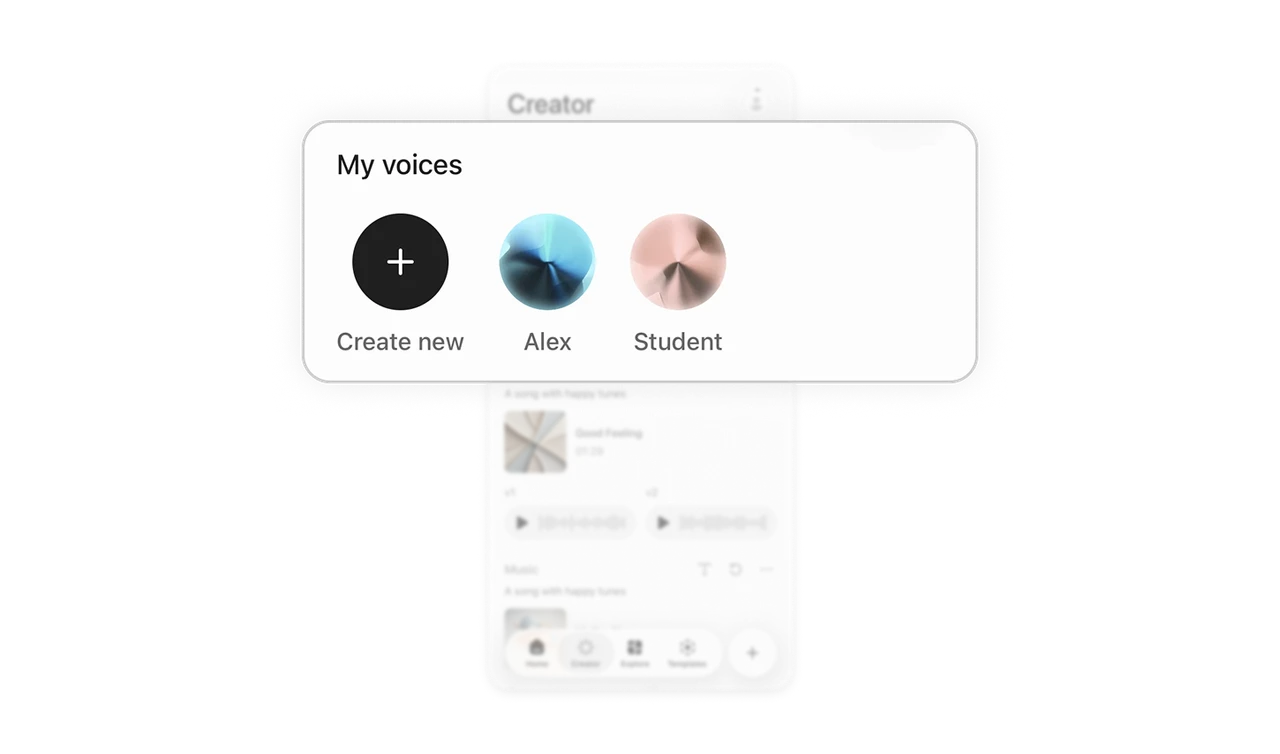
V1 and V2 variants turn "is this good?" into "which is better?"
Each generation produces two labeled versions side by side, each with its own play button and waveform. Comparison is built directly into the output display. Judging one output against nothing is hard, judging two against each other is easy, and the choice always ends with a usable result. When AI generates content, produce variants as comparable equals. Choice is the interface, and it quietly reframes the AI from oracle to collaborator offering options.
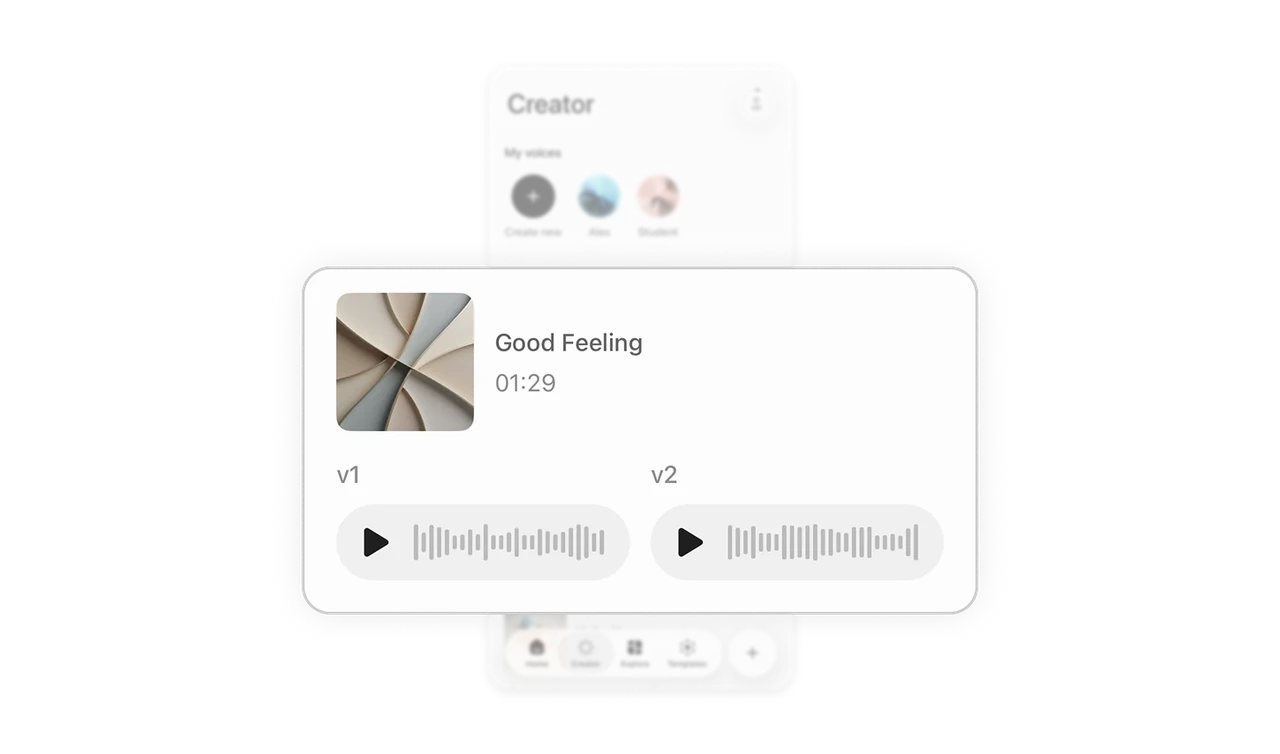
Waveforms are audio's thumbnail, showing shape before sound
Each version renders as a waveform pill with an inline play button. You see the audio's density, dynamics, and length before hearing a second of it, and you can compare two takes at a glance, where one is denser or quieter. Give time-based media a visual preview proportional to its content. Representing audio as just a filename and duration wastes the one channel (sight) that works before playback starts.
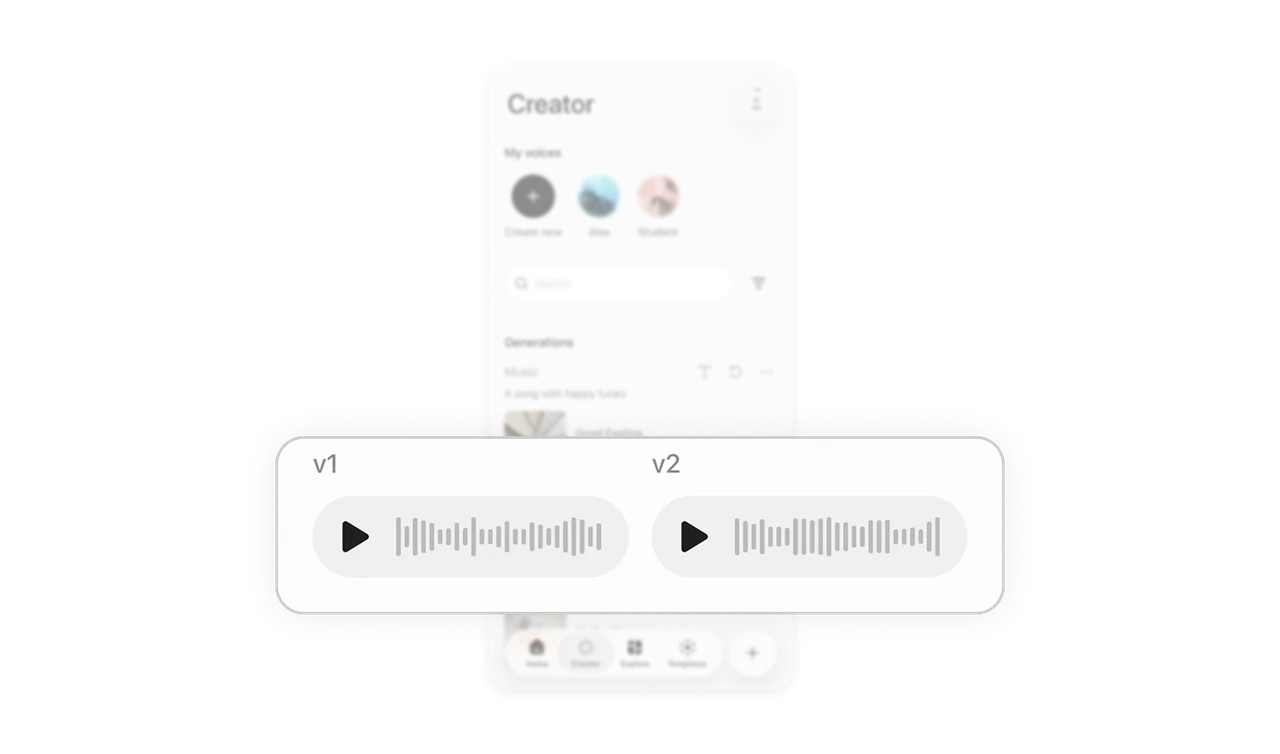
The prompt stays attached to the output as its provenance
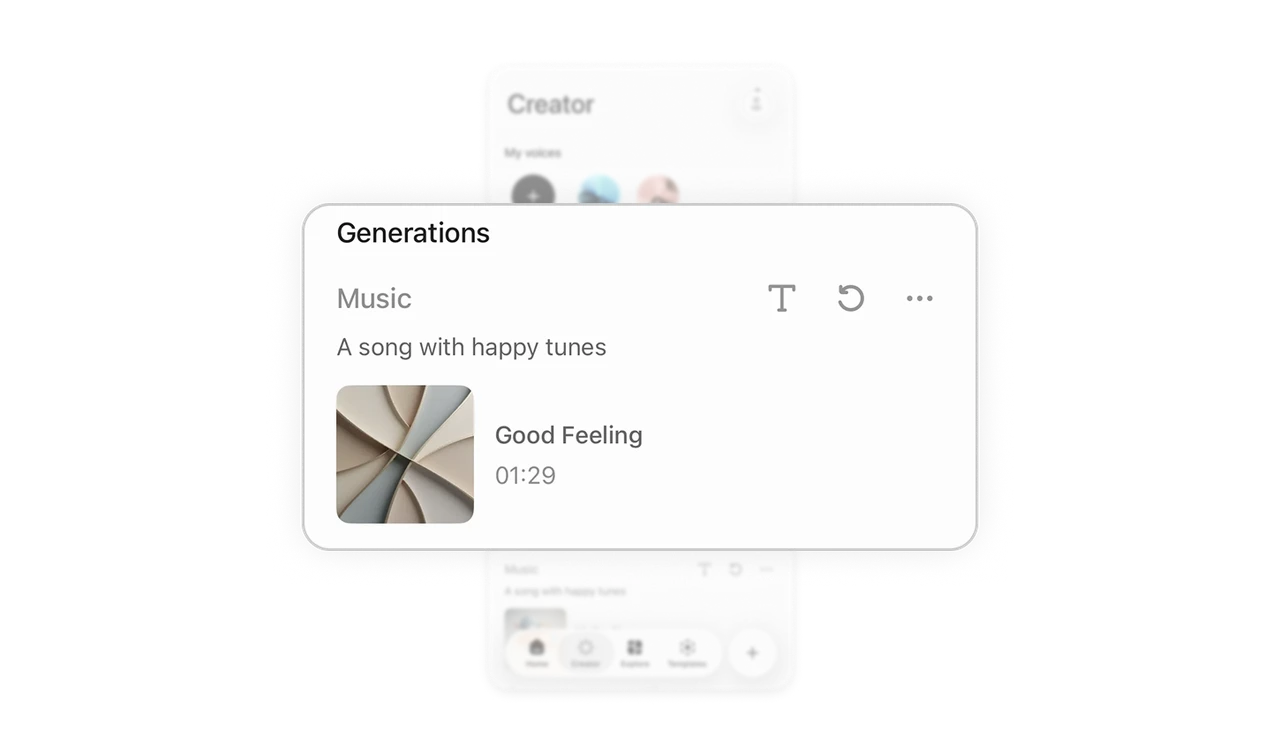
Each generation shows its original prompt ("A song with happy tunes") above the result. The input that created the content stays with it, so users recall what they were trying to make, iterate on the wording, and reuse prompts that worked. Detaching outputs from their inputs destroys the learning loop of prompt-craft. In generative tools, the prompt is not metadata, it is the recipe, and hiding the recipe keeps users from becoming better cooks.
Assets live above outputs: instruments versus recordings
The screen splits cleanly: My voices (reusable assets) at top, Generations (outputs) below, search between them. Voices are instruments, generations are recordings, and they are never mixed in one list. Separating "things I use" from "things I made" matches how creators actually think about their studio. Blending tools and products into one feed is the quiet IA mistake that makes creator libraries feel chaotic as they grow.
Similar Breakdown Lessons