Activity Feed Timeline

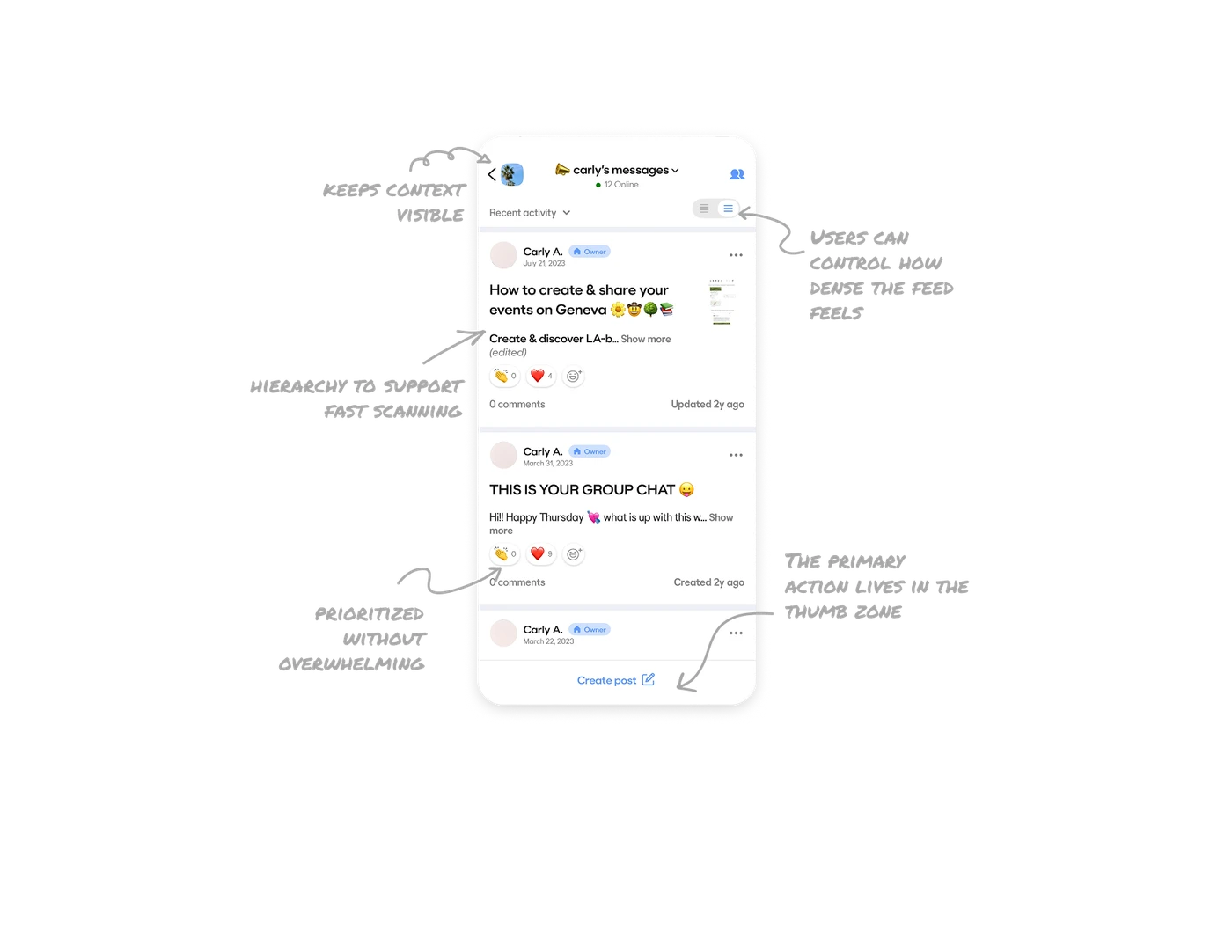
The header keeps group context visible at all times
The top bar clearly shows which group thread the user is in, how many members are online, and provides a direct entry point to view participants. Users never lose their sense of place, which is critical in multi-group environments.
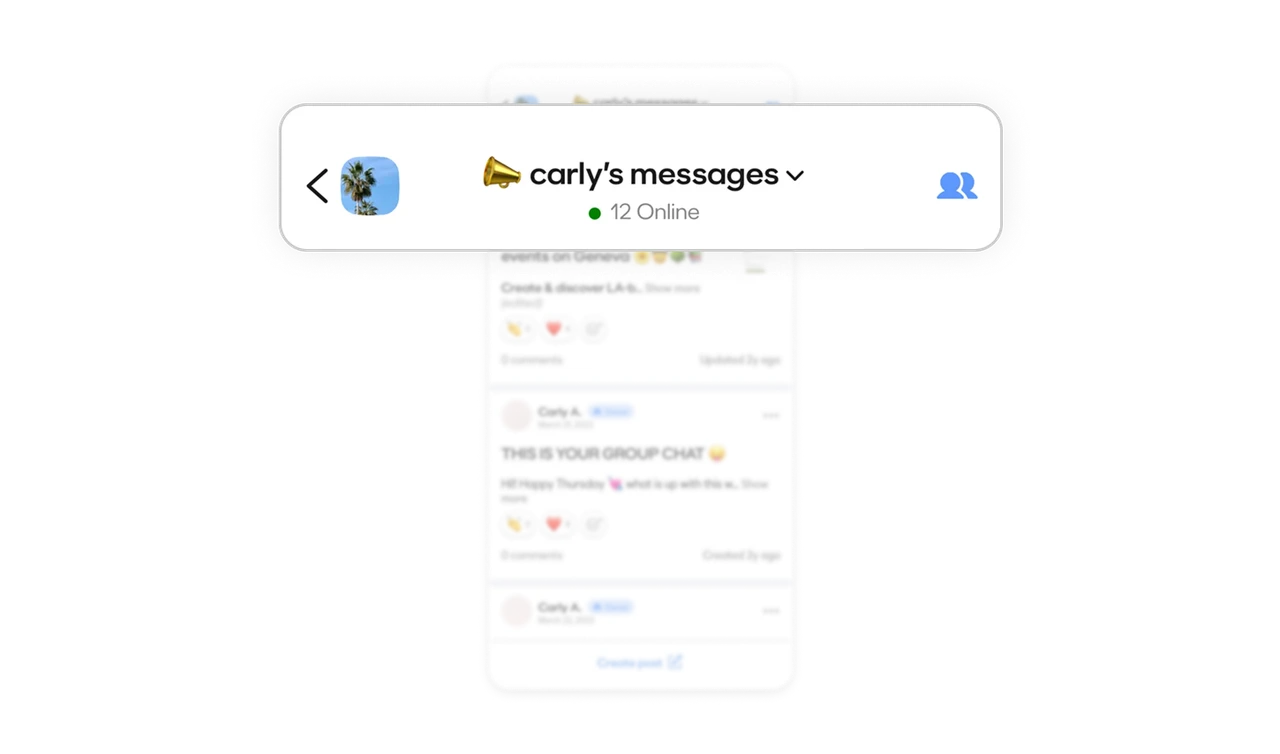
Users can control how dense the feed feels
The interface allows switching between expanded and compact feed views, along with sorting options like recent activity. This gives users control over how much information they see at once. Flexible density is a powerful way to serve both skimmers and deep readers without redesigning the feed.
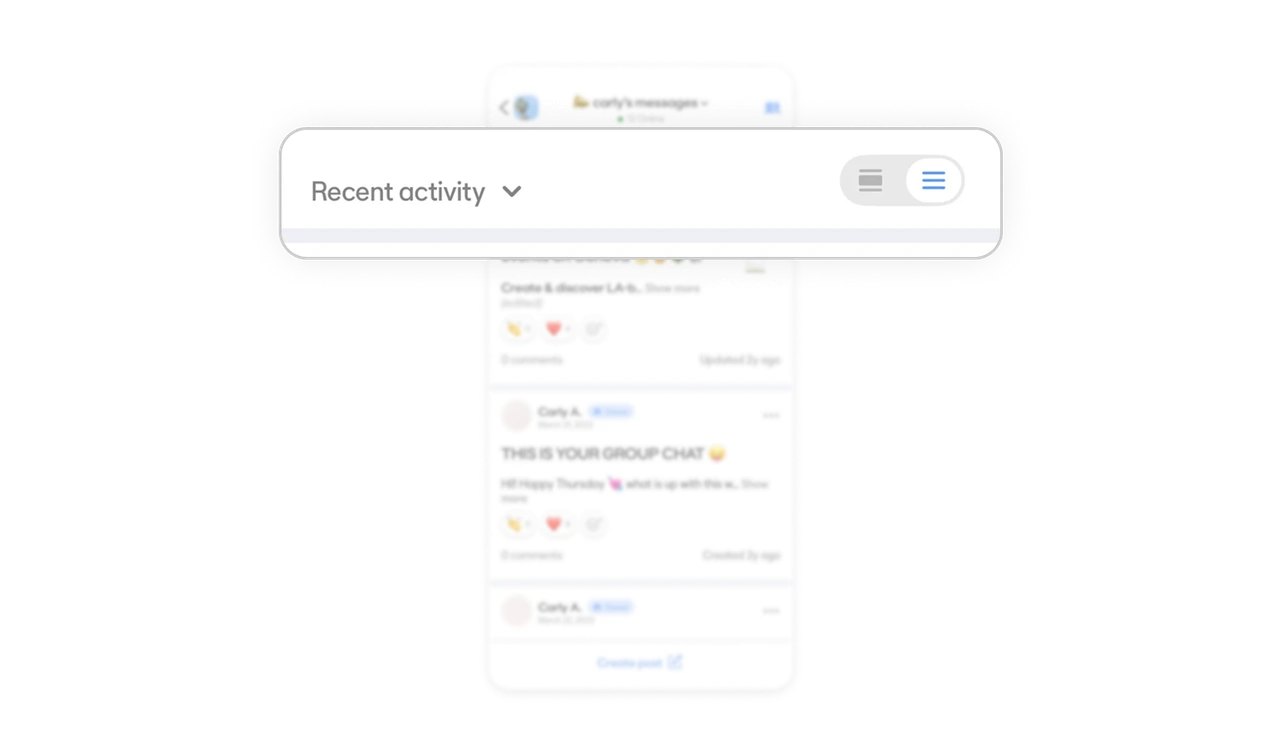
Post layout uses hierarchy to support fast scanning
Each post groups the author name, role tag, and date together, creating a clear metadata block. The main content stands out with larger, readable typography, while previews and images sit to the side. Longer text is truncated in the feed view, preventing scroll fatigue.
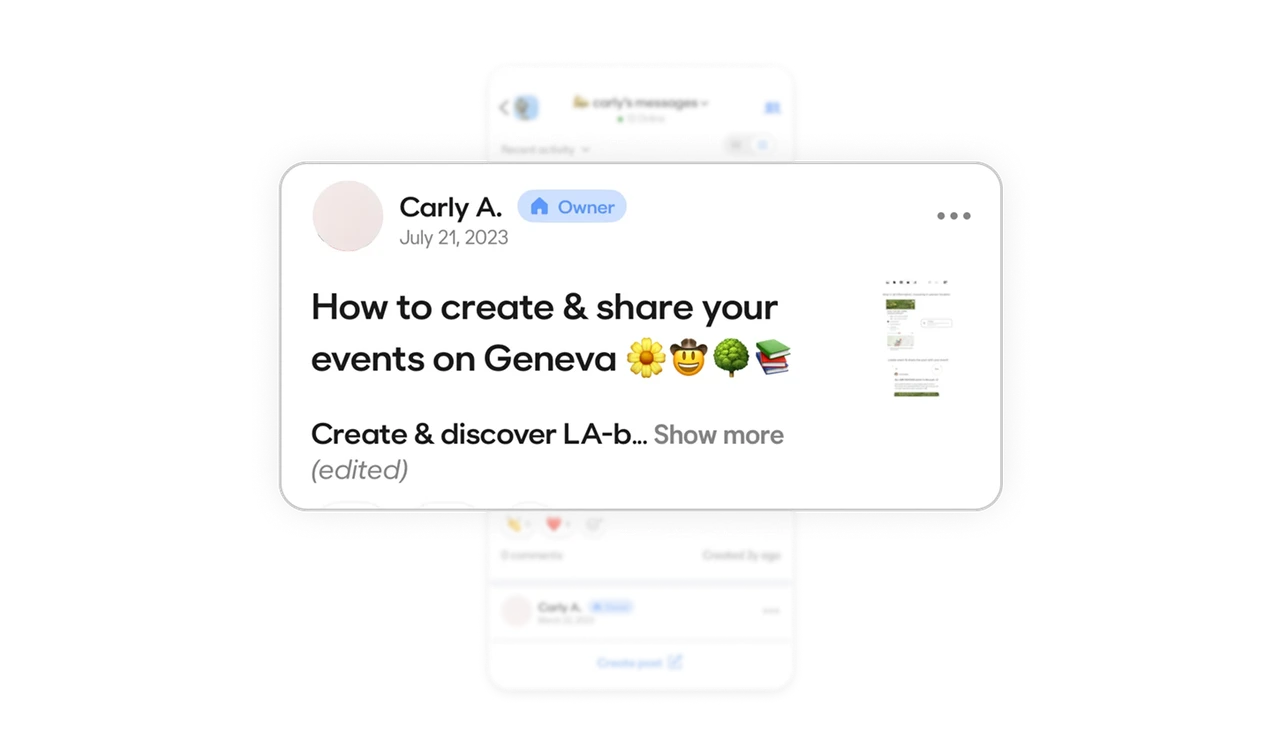
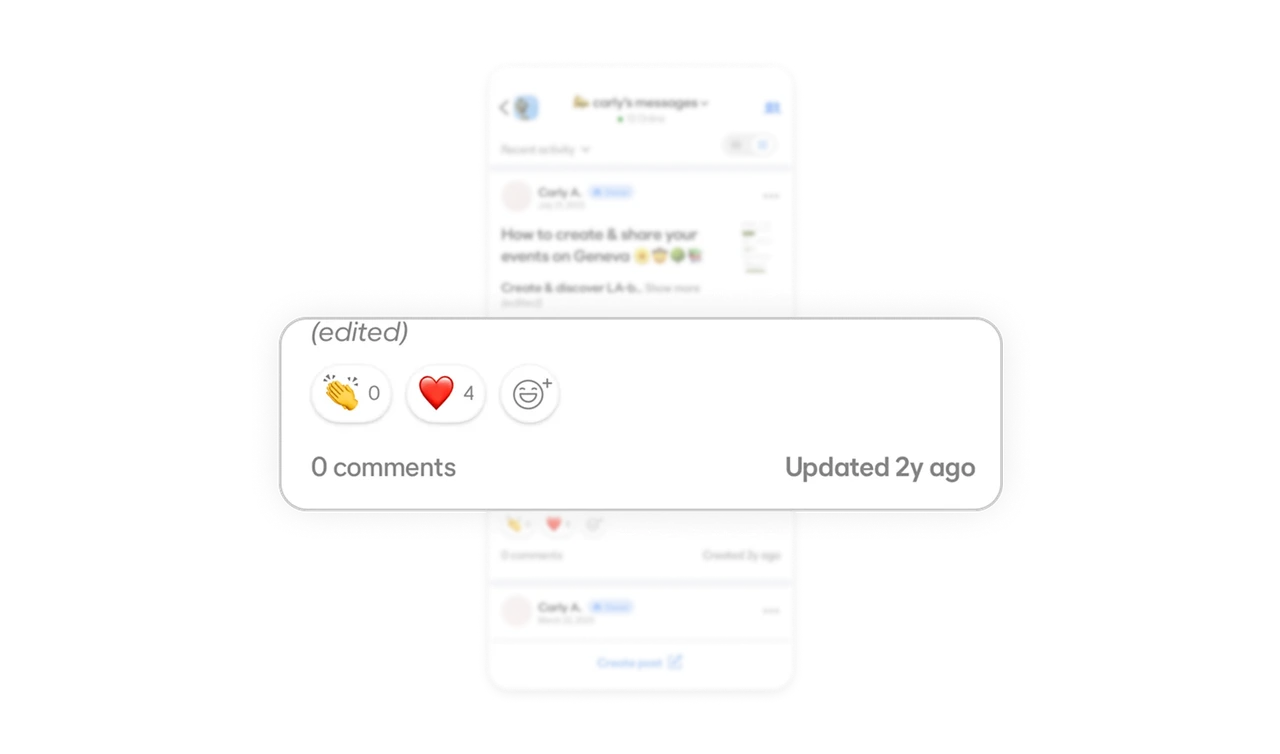
Reactions are prioritized without overwhelming the UI
The most common reactions are shown upfront as quick-tap options, while an additional button allows users to access more reactions. This keeps engagement lightweight and avoids visual clutter.
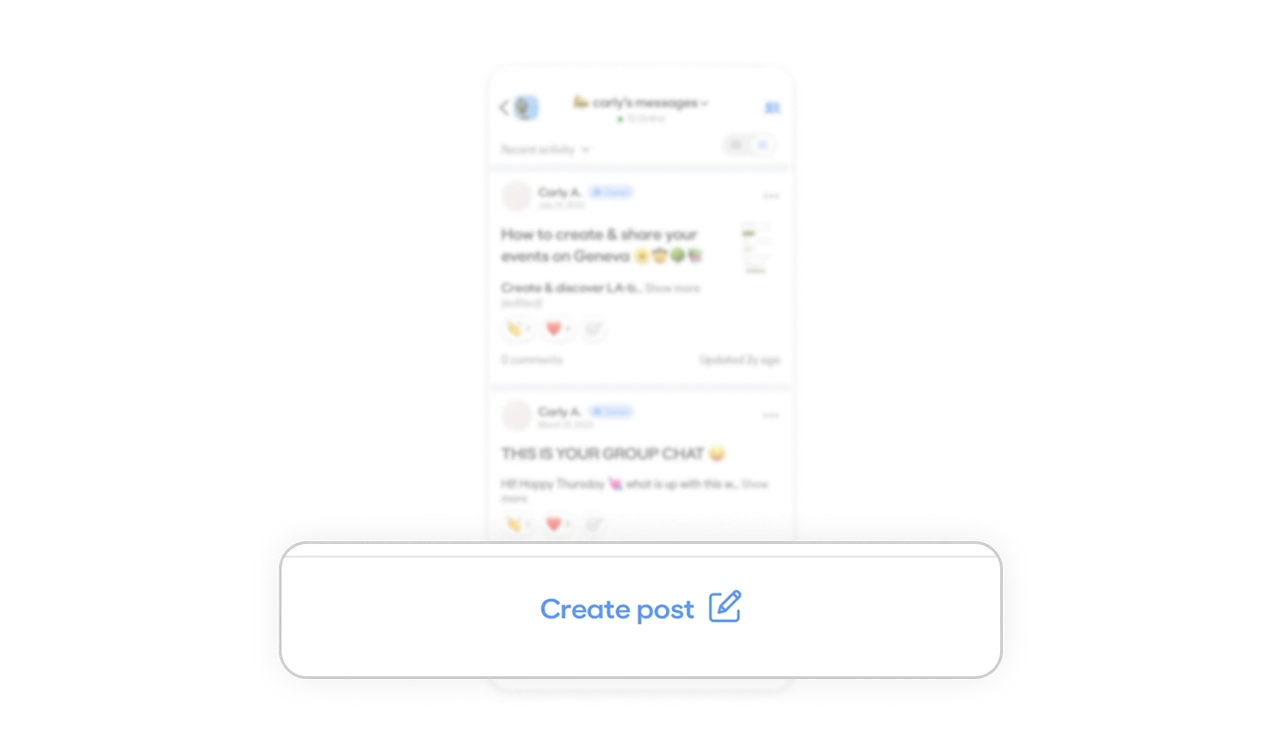
The primary action lives in the thumb zone
The Create post button is placed at the bottom of the screen, within easy reach on mobile. It is visually distinct but not intrusive, making the contribution feel effortless rather than demanding.
Similar Breakdown Lessons







