AI Design Canvas

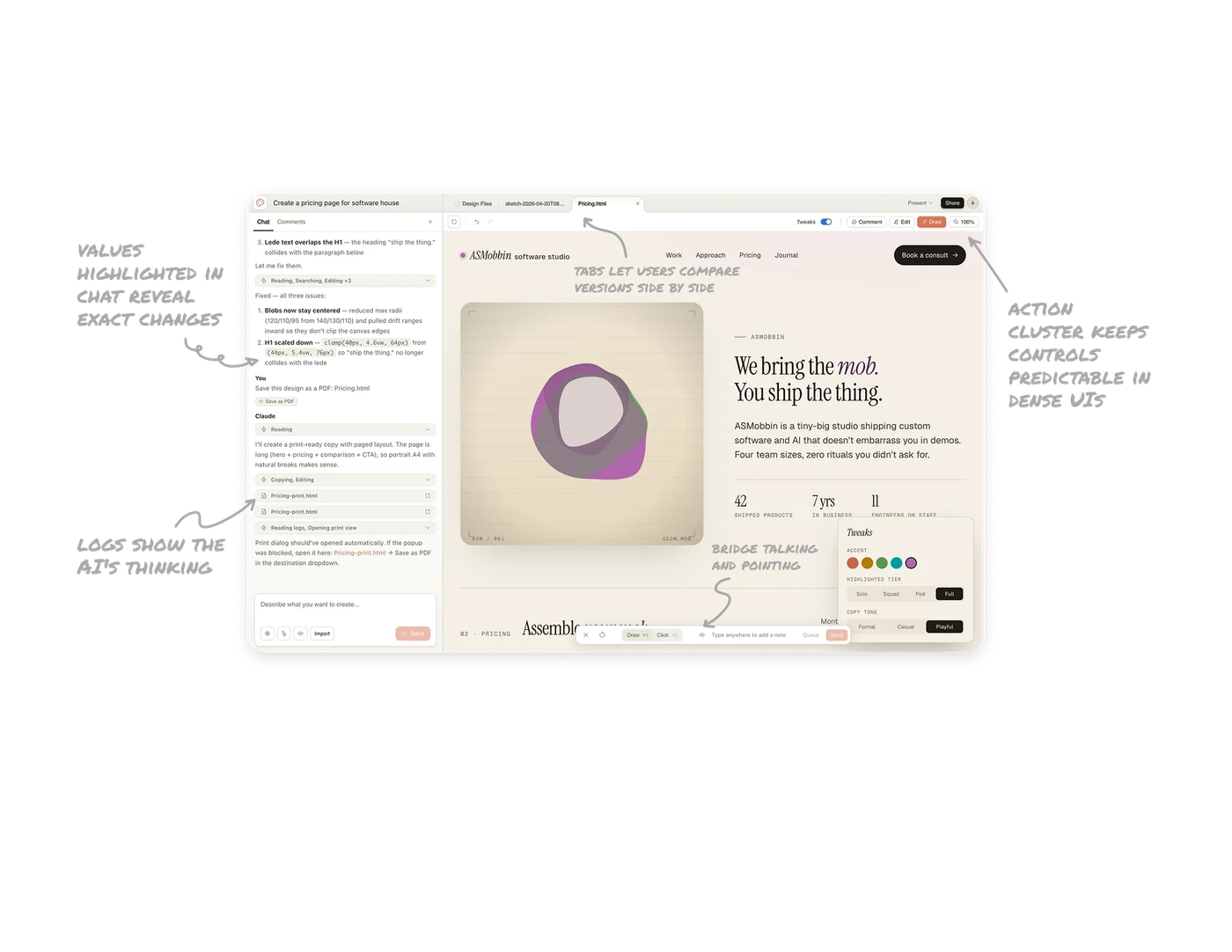
Inline code values highlighted in chat reveal exact changes
When Claude explains a fix, specific values like clamp(40px, 4.6vw, 64px) appear in highlighted code style within the prose. Users see exactly what numbers changed without reading the full explanation. Highlighting the diff inside the explanation, not in a separate code block, turns long AI responses into scannable change logs. Any AI tool that produces code changes should consider this pattern.
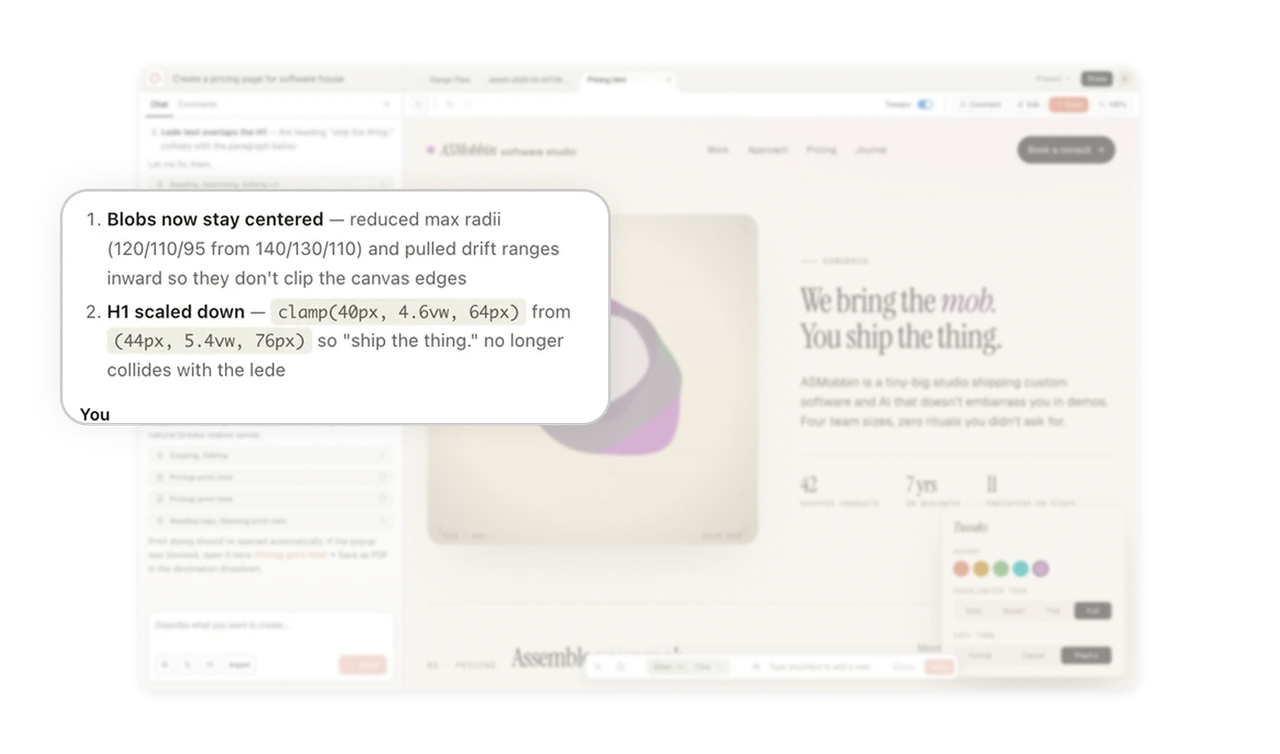
Reading, Editing, Copying logs show the AI's thinking
Collapsible cards labeled "Reading, Searching, Editing x3" and "Copying, Editing" appear between Claude's messages. Users see what tools the AI is using behind the scenes, not just the final output. This transparency turns a black-box generation into an observable process. When users can see what the AI did, they trust the result. When they can't, they second-guess everything.
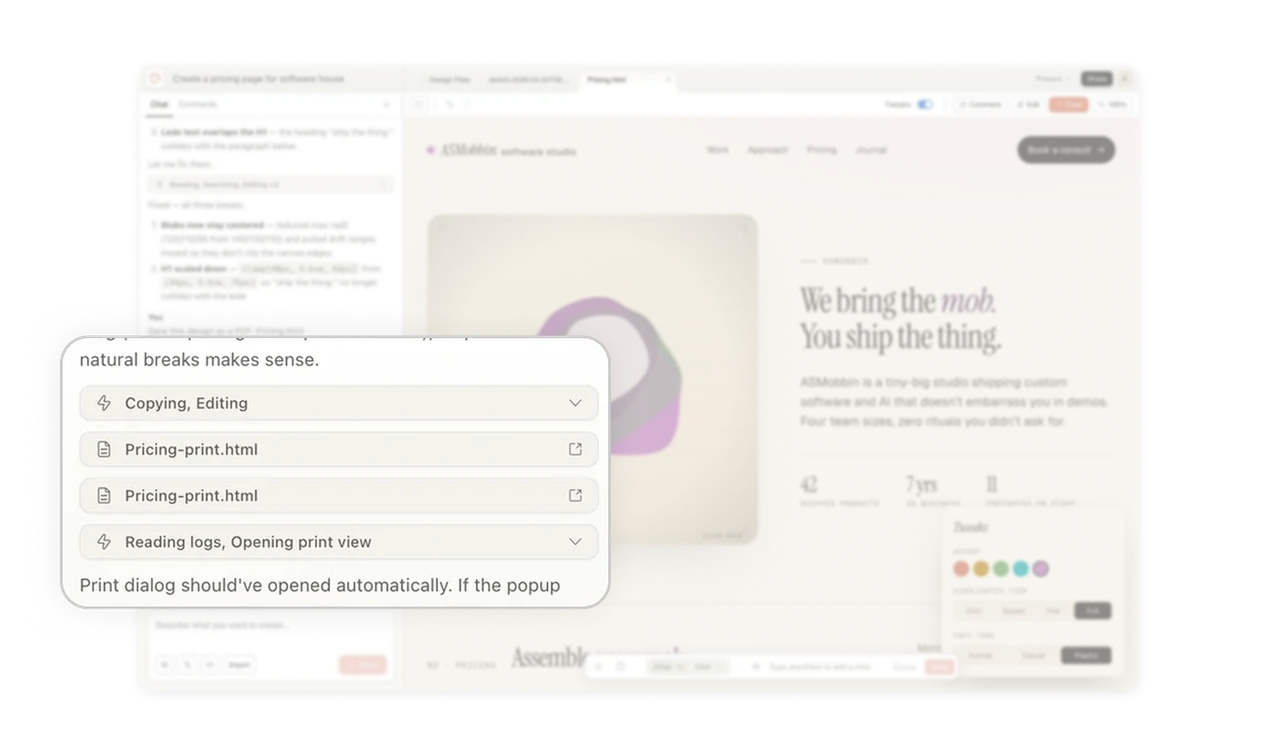
Top-right action cluster keeps controls predictable in dense UIs
Tweaks toggle, Comment, Edit, Draw, and zoom controls all sit clustered in the top right of the canvas. In an information-dense AI tool where the user's attention shifts constantly between chat, canvas, and output, a single fixed action zone gives users a reliable place to look for any control. Predictable action placement matters more than visual elegance in tools where users iterate fast and cannot afford to hunt for buttons.
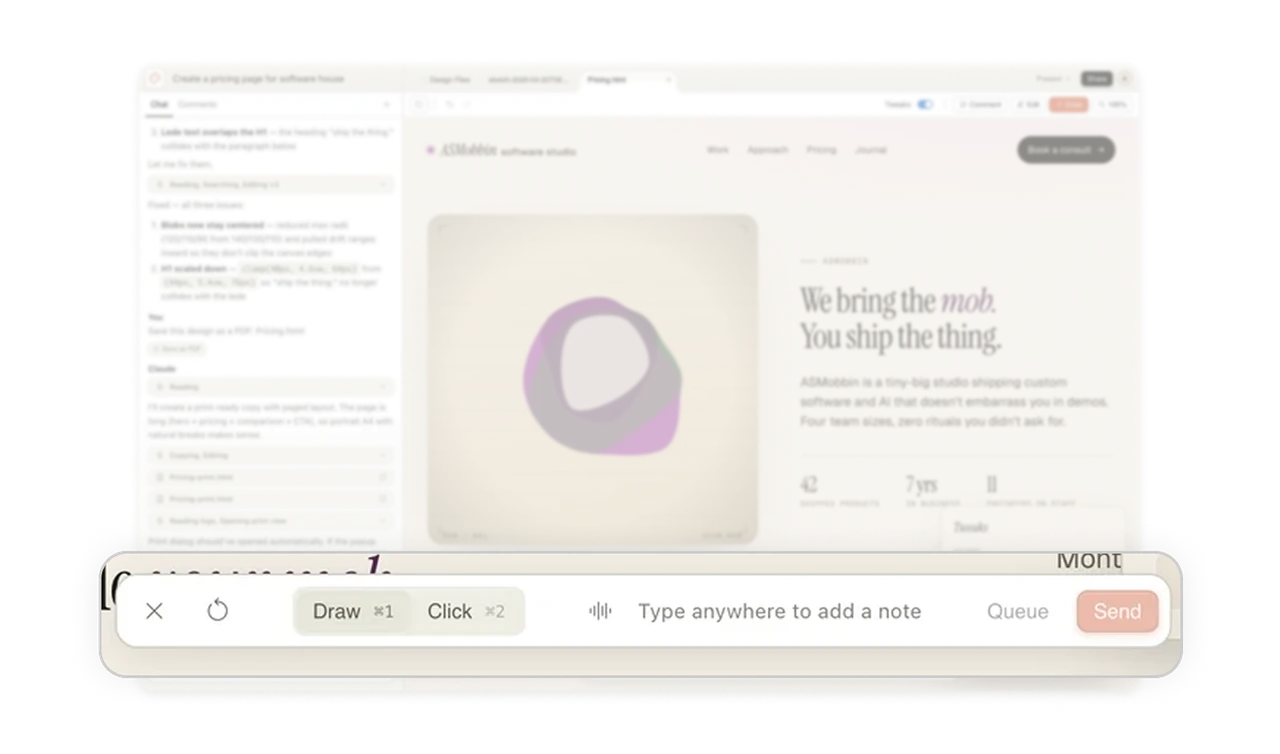
Draw and Click annotations bridge talking and pointing
The bottom toolbar offers Draw and Click modes for annotating directly on the design. Users can circle a problem area or click on an element instead of describing it. Pointing is faster than typing when the issue is visual. Annotation tools turn the AI from a chat partner into a design collaborator that understands "this thing right here" without needing words.
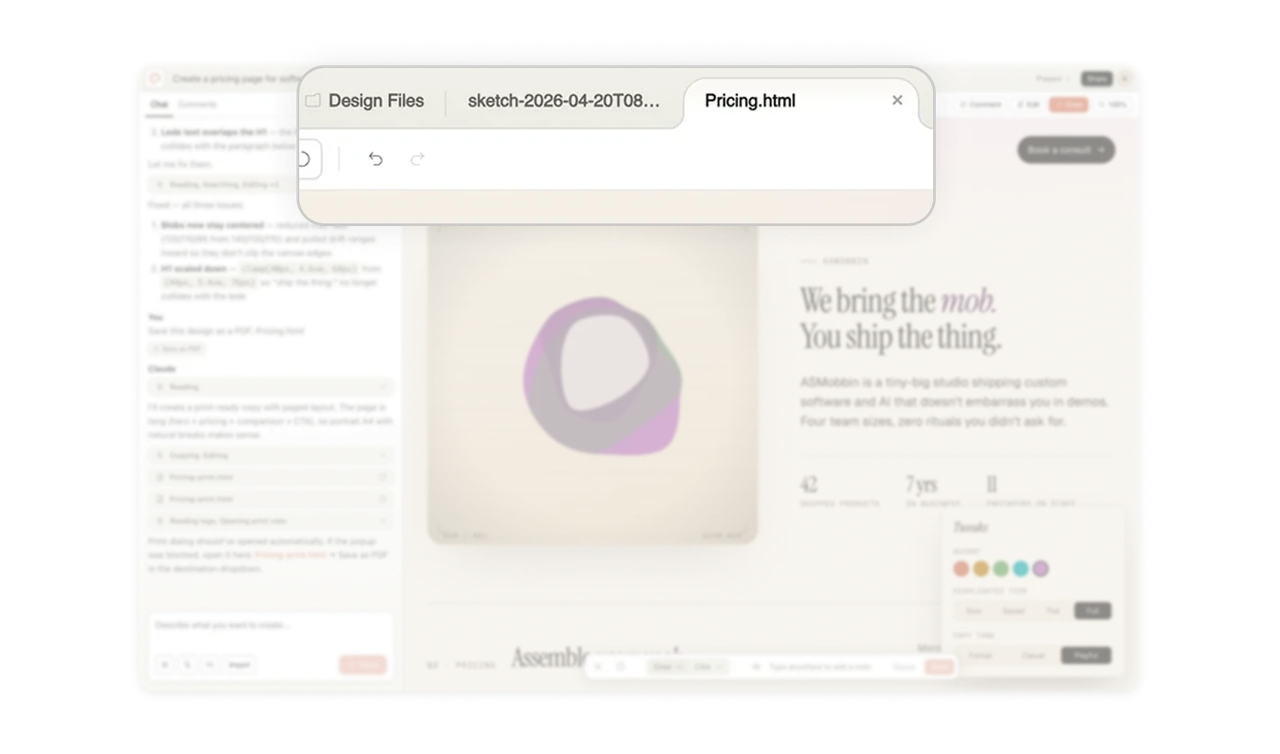
Multi-file tabs let users compare versions side by side
Design Files, sketch-2026-04-20, and Pricing.html sit as switchable tabs at the top. Users can flip between the design source, an iteration, and the live HTML output without losing context. In any AI tool where multiple artifacts get generated, tabbed file management beats linear chat history because users need to compare outputs, not just consume the latest one.
Similar Breakdown Lessons