AI Search Result

Make the research trail inspectable
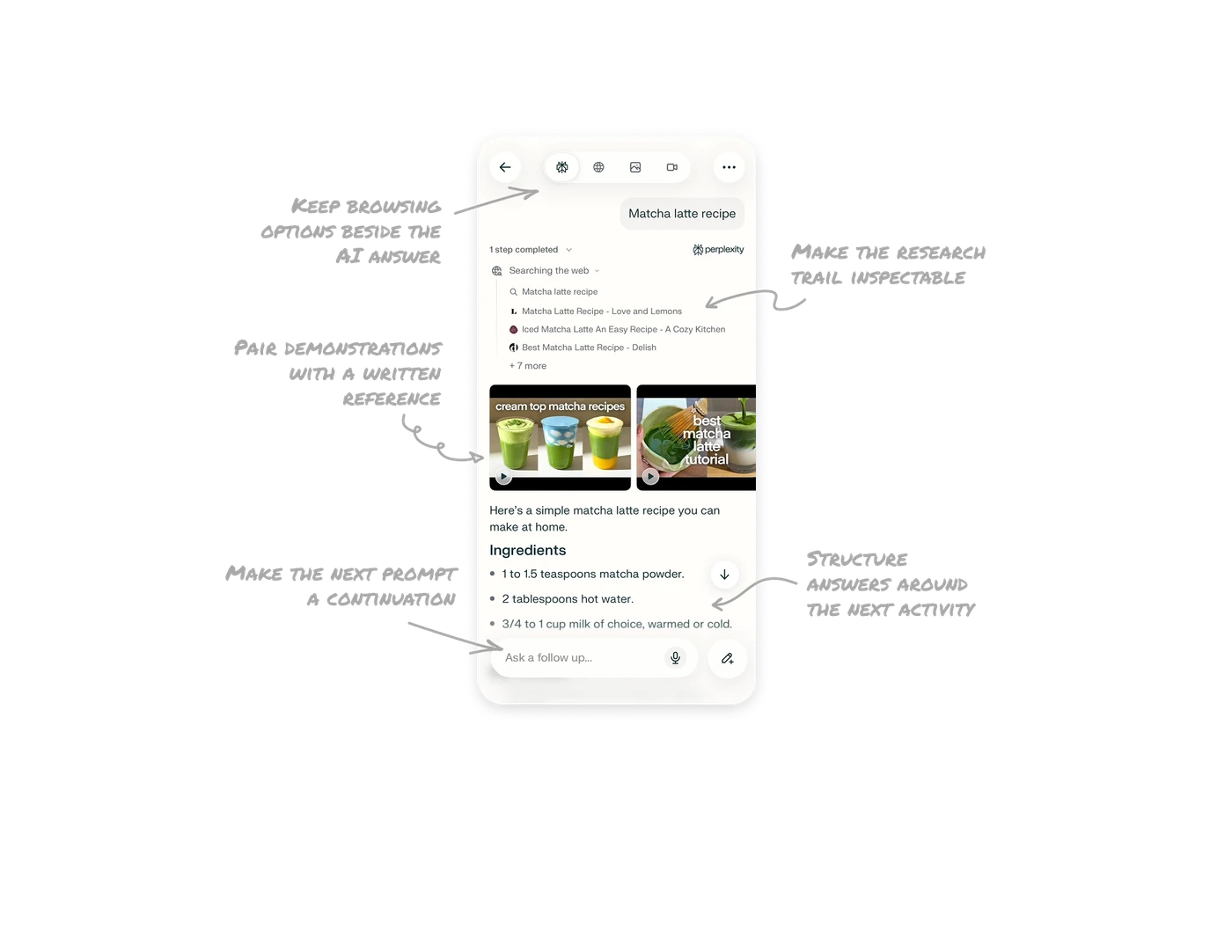
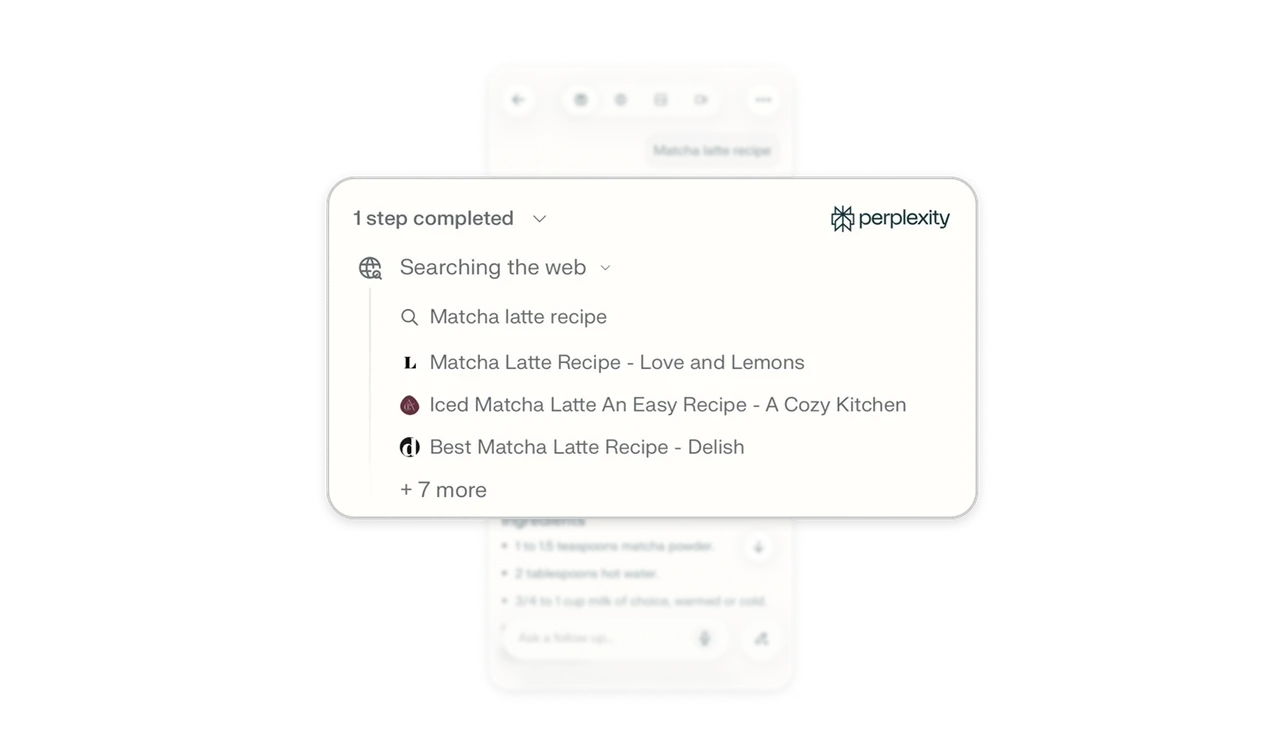
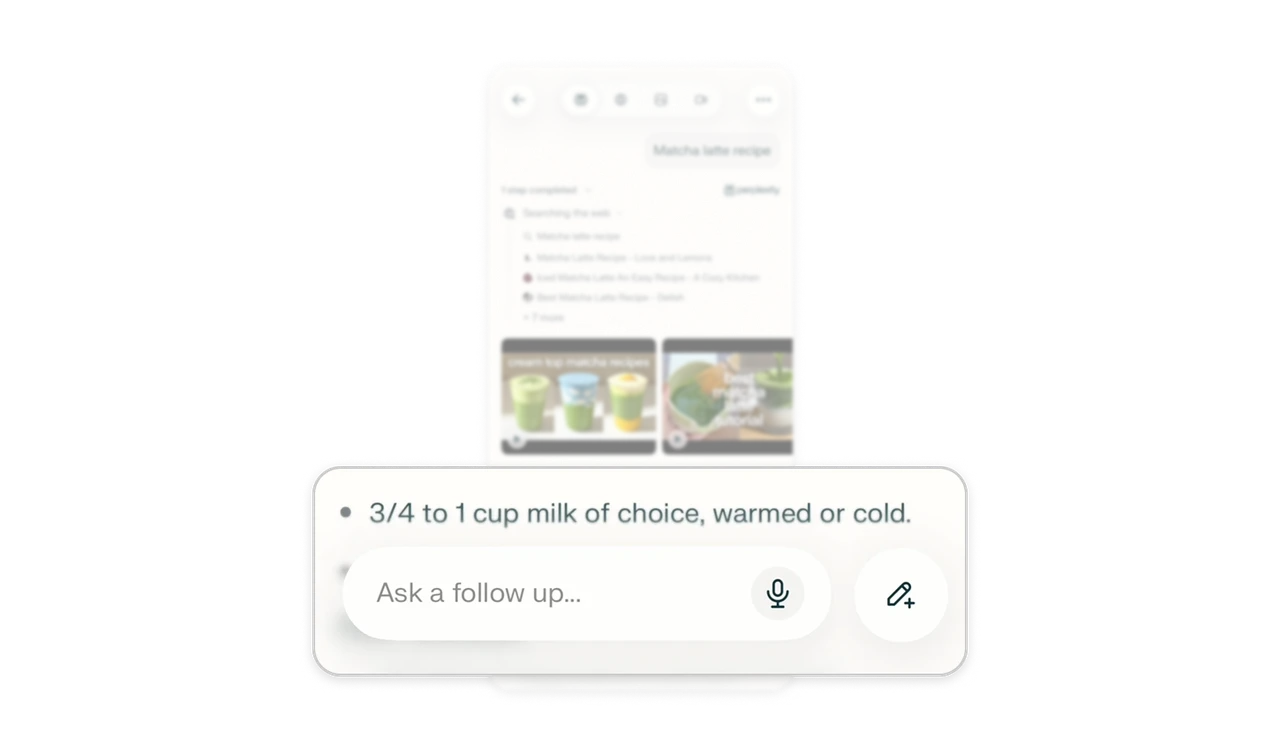
Before the recipe, “Searching the web” reveals the query, three named sources with favicons, and “+ 7 more.” This placement makes supporting material part of the reading order, giving readers an opportunity to assess it before reaching the answer. Pair recognizable source identities with a compact indication of what remains. Make the research inspectable without treating source quantity as proof of quality.
Keep browsing options beside the AI answer
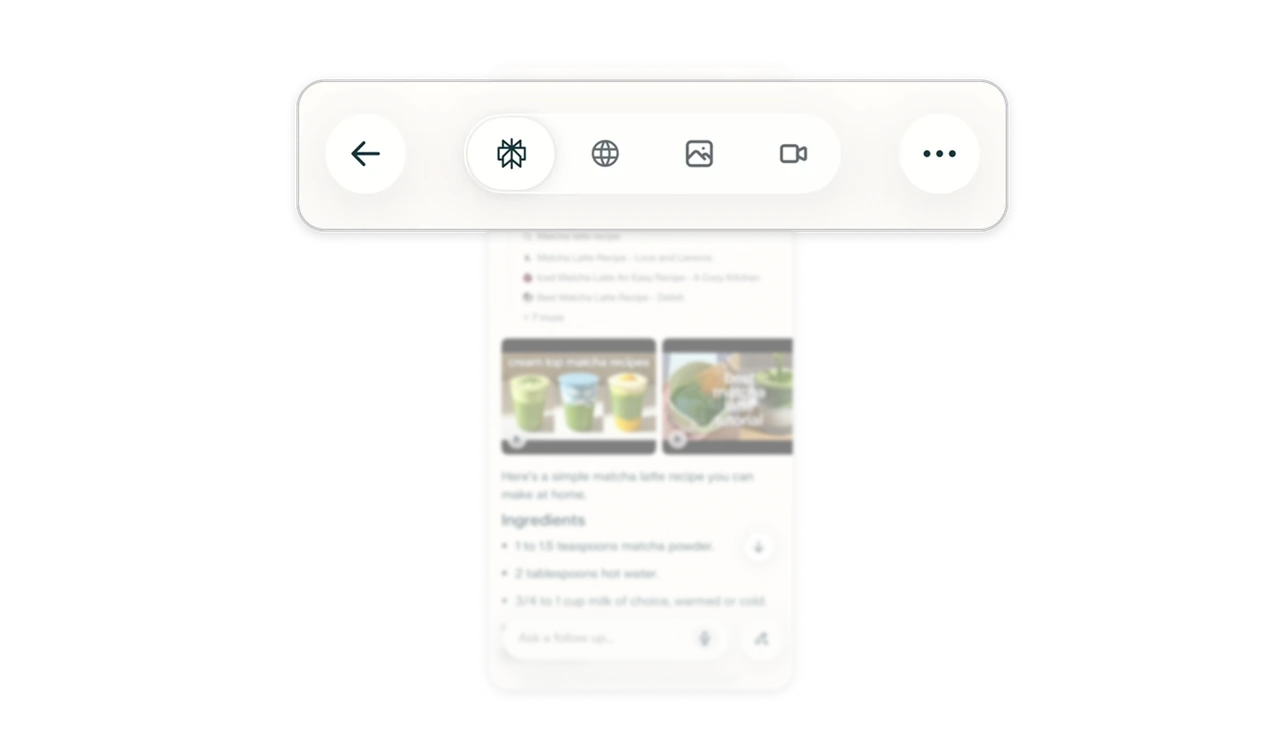
The header places the selected Perplexity answer view beside web, image, and video result controls. These alternatives let users choose how to explore the topic beyond the synthesized response. In AI search products, keep direct browsing routes visible alongside generated answers. Users may want a concise explanation, original pages, or visual examples, and the interface should make those choices easy to discover.
Pair demonstrations with a written reference
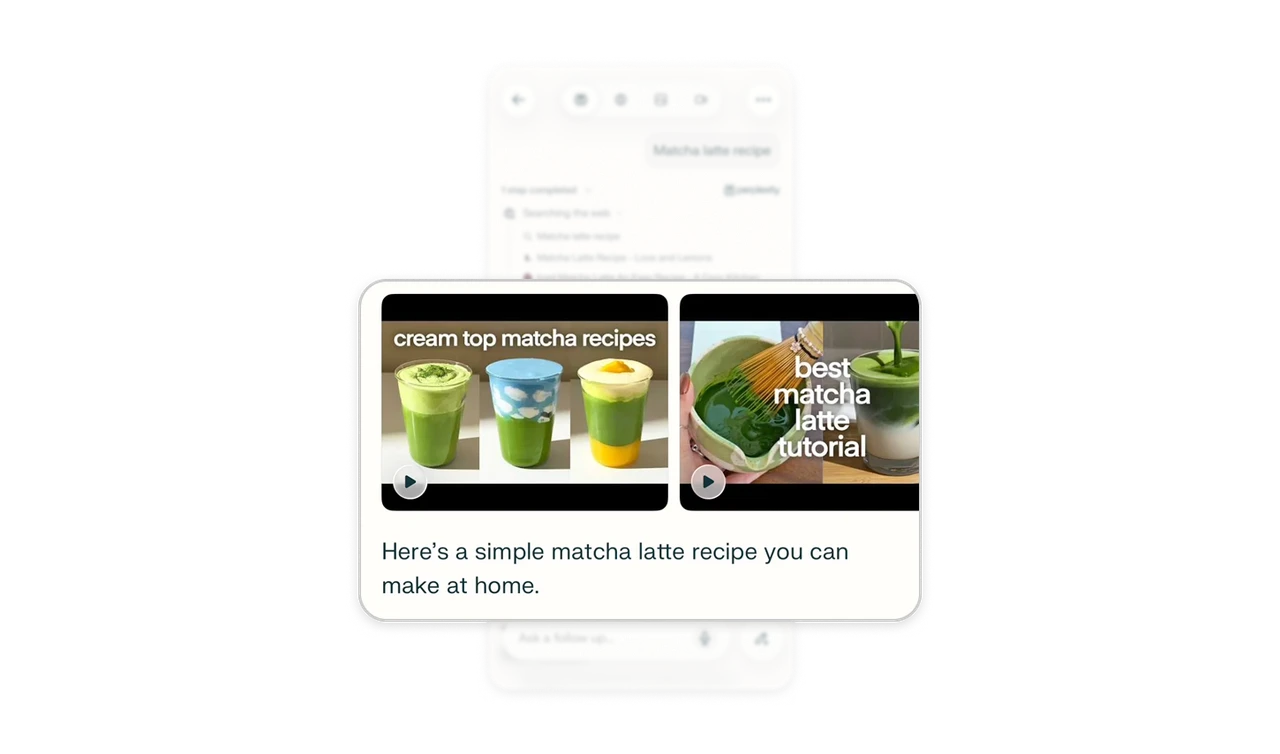
Recipe video thumbnails with play buttons appear before the written recipe and ingredient list. For a physical task such as making matcha, demonstrations can communicate technique while text provides quantities readers can check at their own pace. Place complementary formats near the same task, giving each a clear role. Useful media helps explain the activity as well as showing its outcome.
Structure answers around the next activity
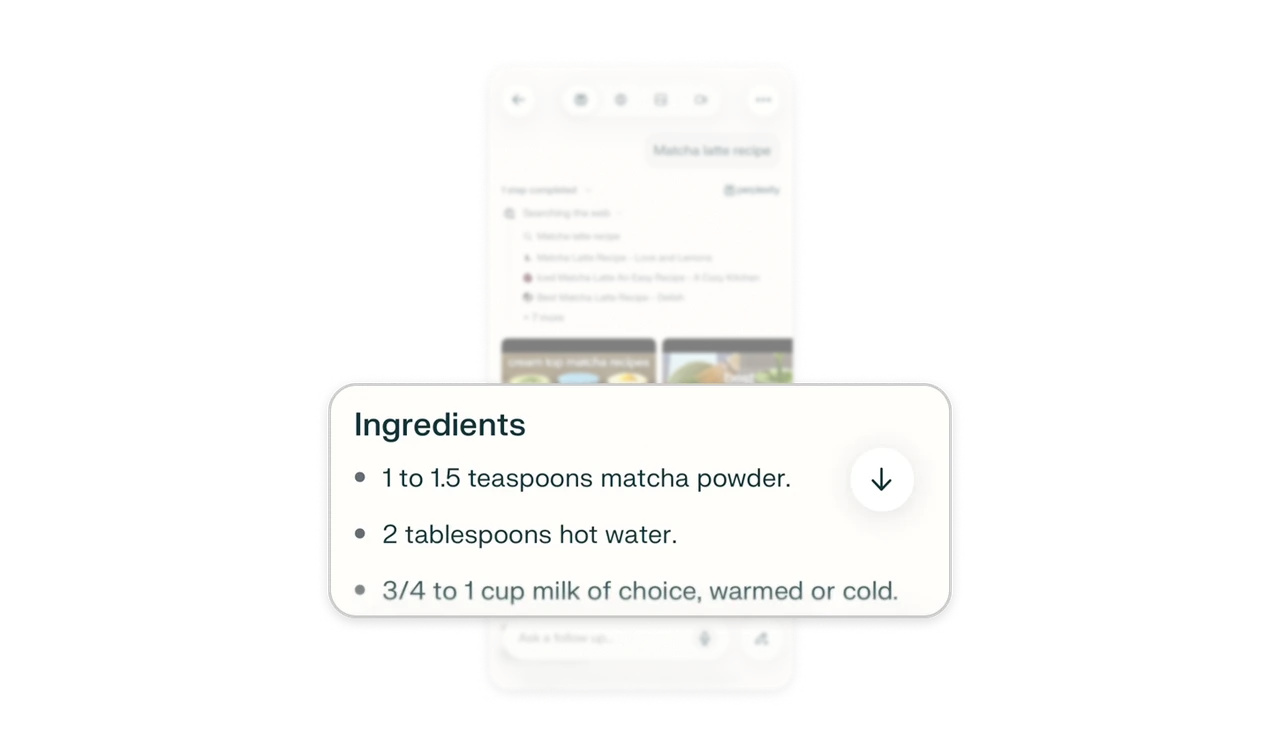
A bold “Ingredients” heading introduces bullets that begin with quantities, including teaspoons of matcha and tablespoons of water. The answer adopts a recipe structure that readers can use while gathering ingredients. Shape generated output around the activity it needs to support. Familiar sections and consistently placed details help users move from understanding an answer to acting on it.
Make the next prompt a continuation
The bottom input says “Ask a follow up…” while the recipe remains visible above it. That wording invites readers to refine what they have just received, such as asking about a substitution or an amount. After delivering an AI answer, frame the next action around the user’s stage in the conversation. The input’s language can make refinement feel like an expected part of the task.
Similar Breakdown Lessons