AI Slide Creator

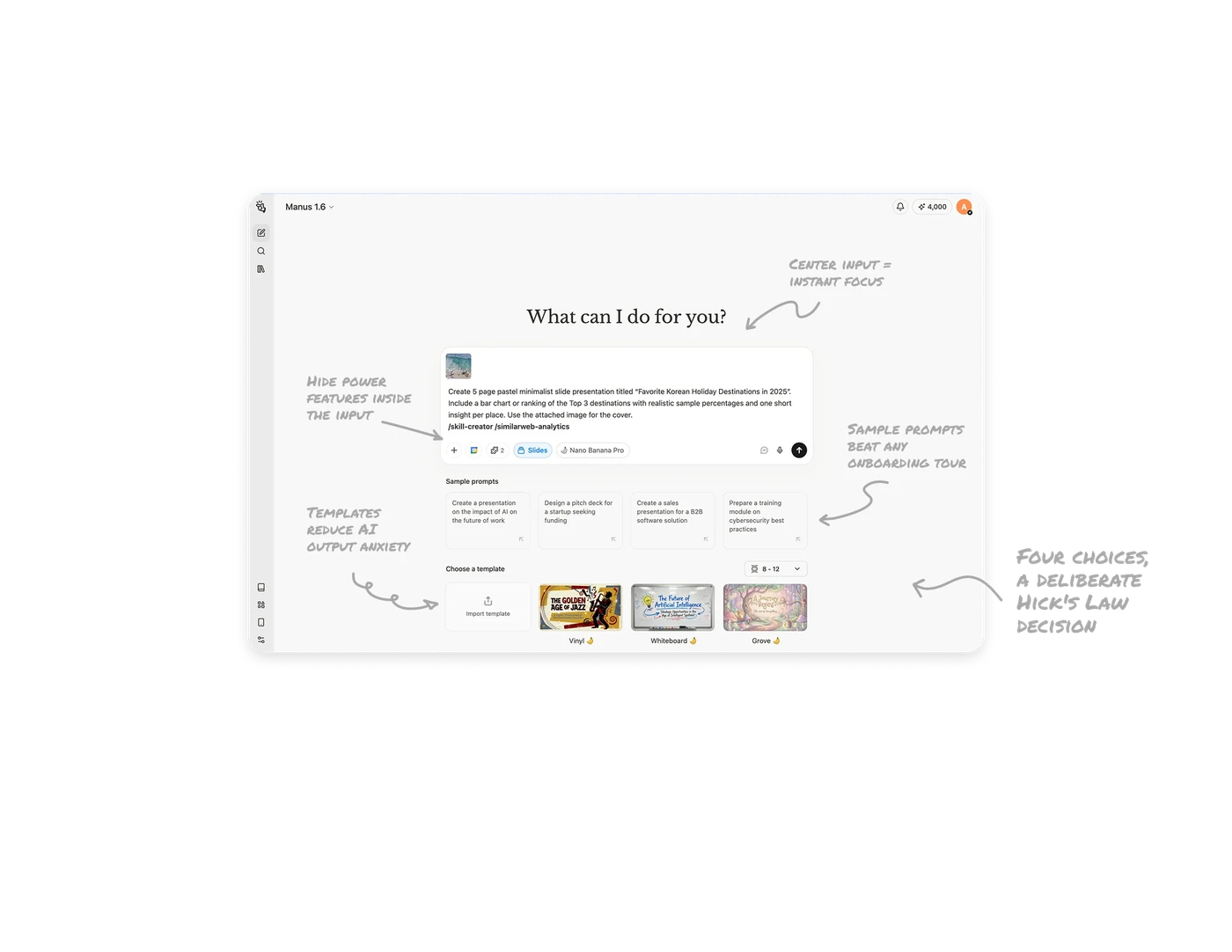
Center input = instant focus
One dominant element plus one heading eliminates scanning. Users know exactly where to start. The heading "What can I do for you?" does emotional work, lowering the barrier before they type a single word.
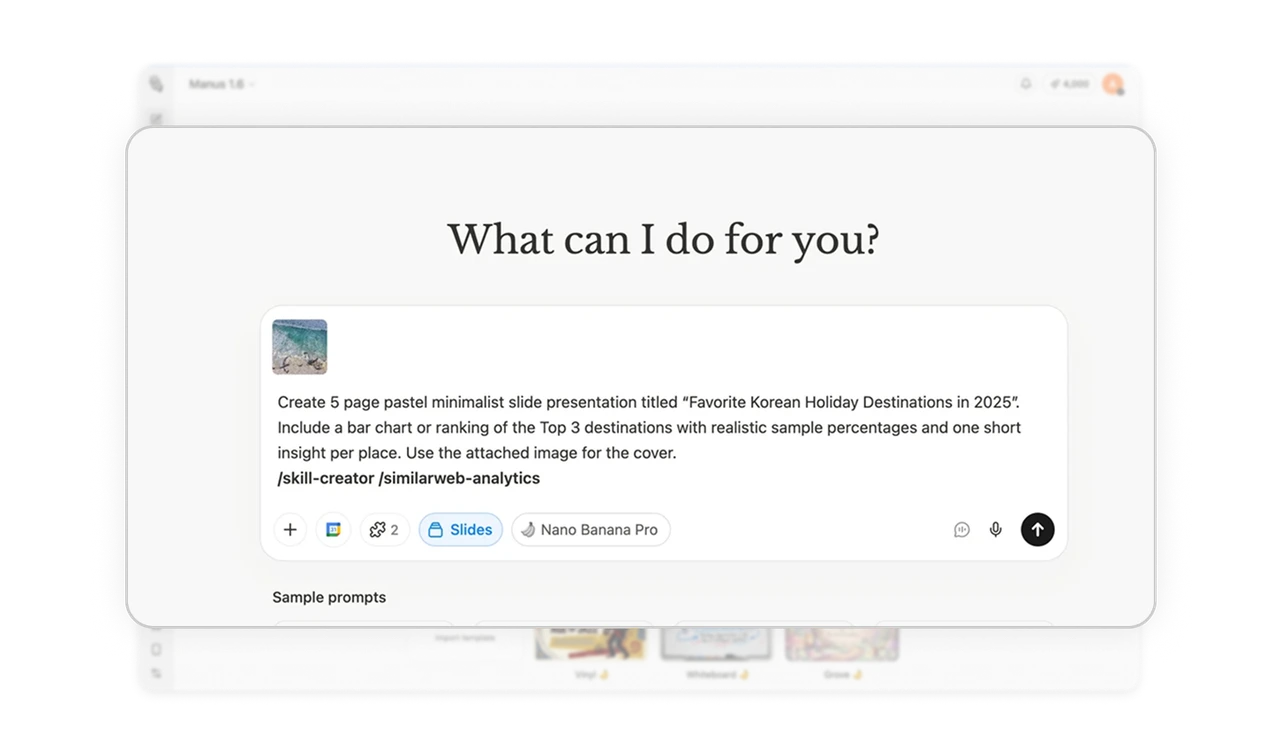
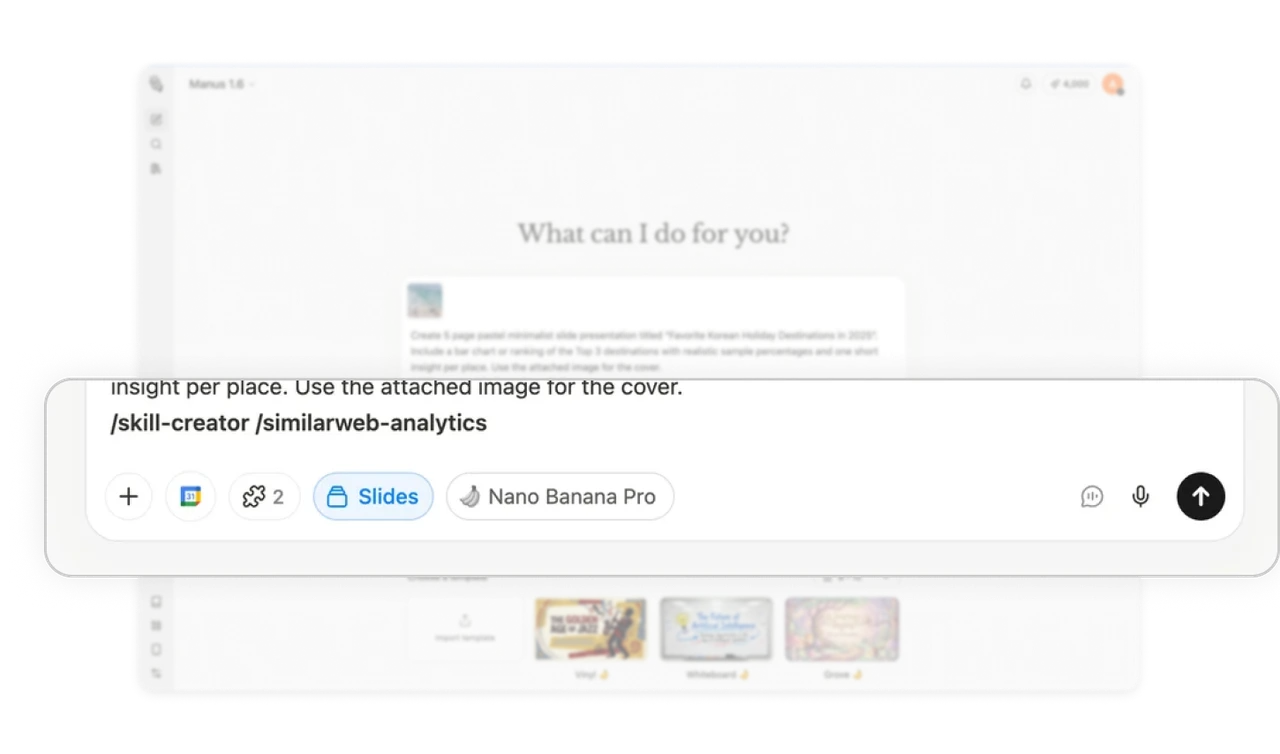
Hide power features inside the input
Attachments, model selector, and integrations sit inside the input row. Novices skip them. Experts reach for them. Size and placement do the hierarchy work without a settings panel or extra tap.
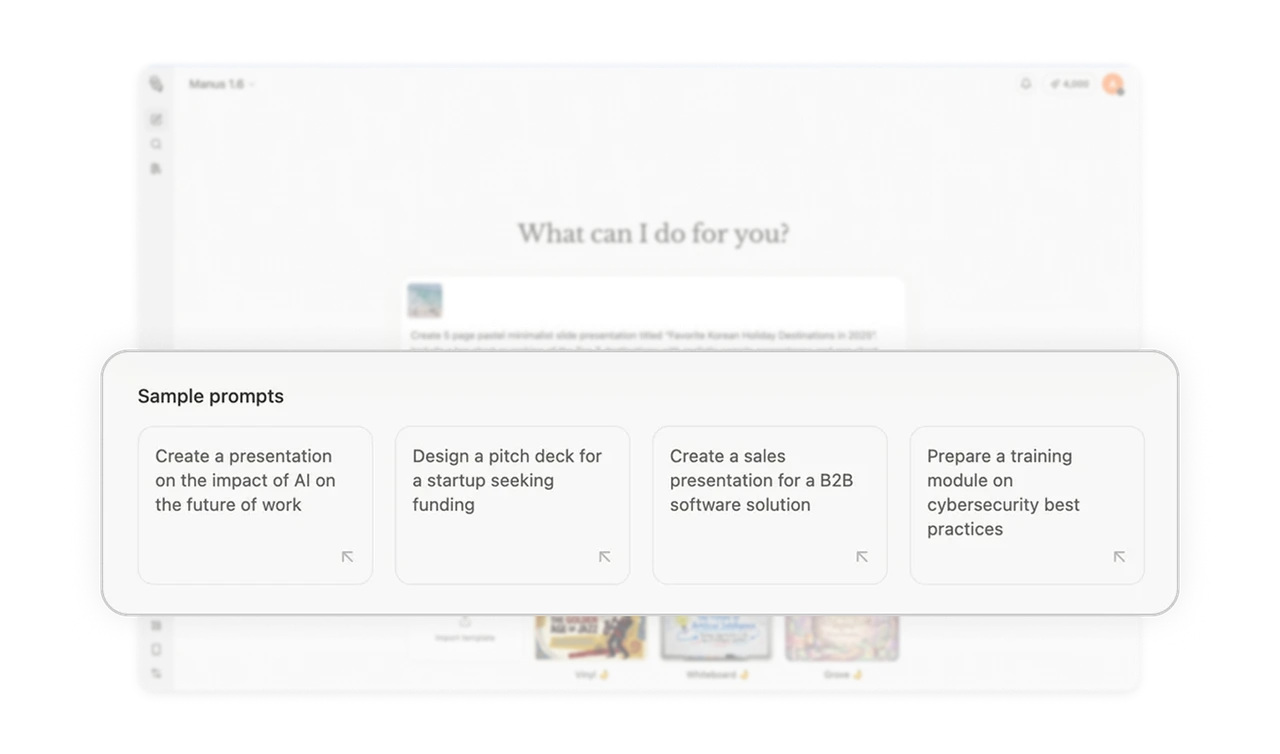
Sample prompts beat any onboarding tour
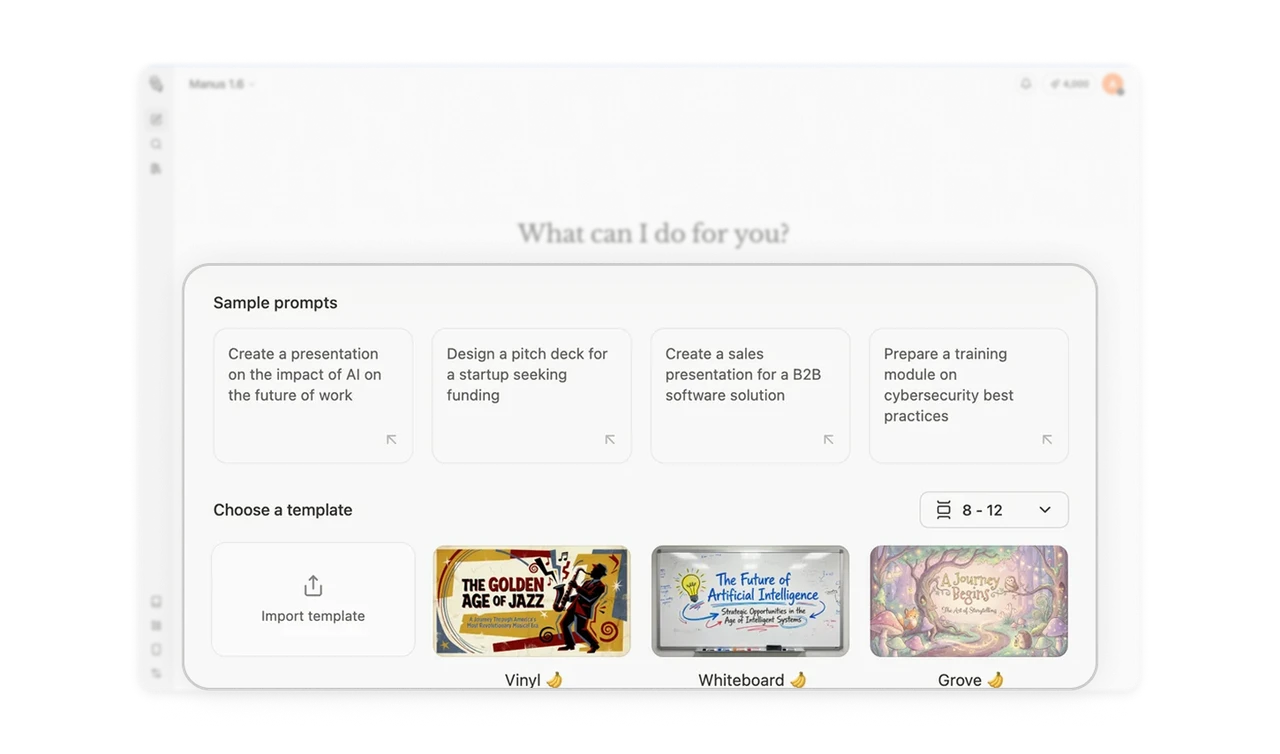
Four ready-made prompts eliminate the blank canvas problem. Users instantly understand scope, feel confident to start, and get to value faster. The right examples convert a curious visitor into an active user in seconds.
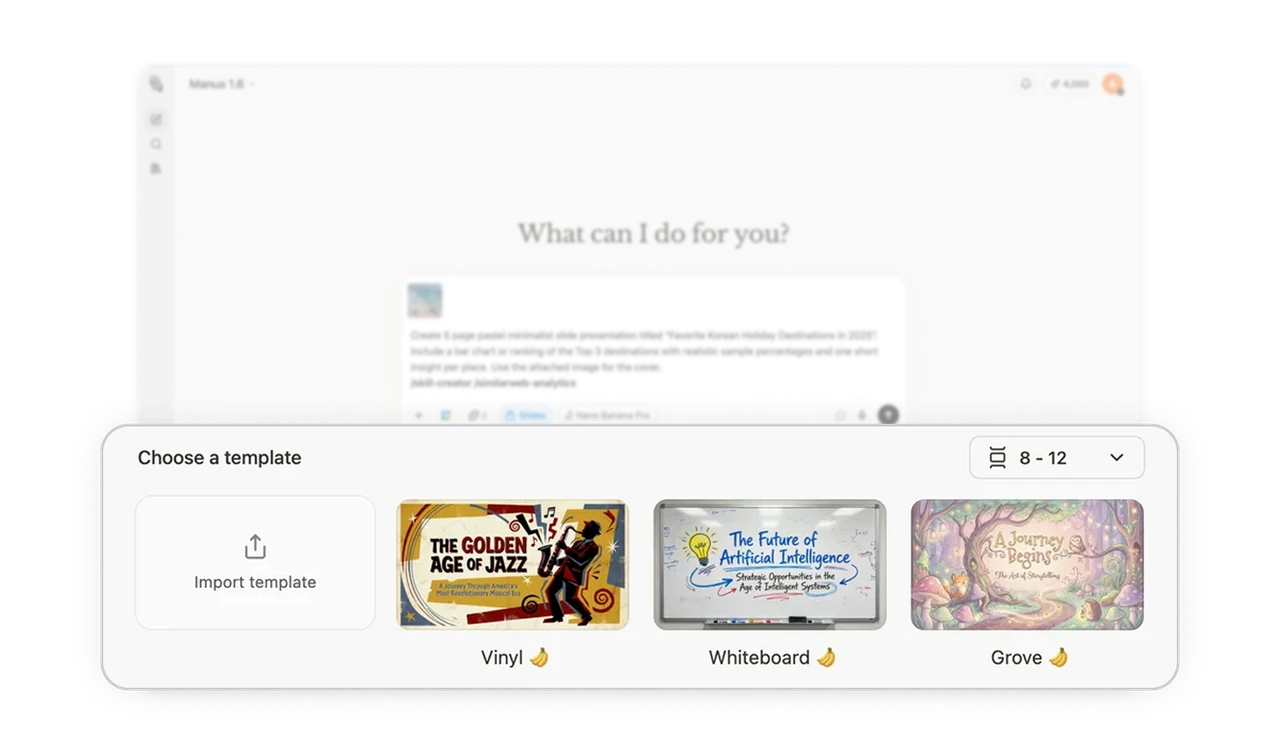
Templates reduce AI output anxiety
Thumbnail-previewed styles let users co-author the aesthetic before committing. This removes uncertainty about what the output will look like. When people feel they made a creative choice, satisfaction with the result goes up significantly.
Four choices is a deliberate Hick's Law decision
Manus shows exactly four sample prompts, not eight, not two. Hick's Law says more choices = more decision time. Four communicates product range without overwhelming. Designers add options to feel generous. Removing options to feel focused takes more discipline and delivers better conversion.
Similar Breakdown Lessons