AI Workflow Builder

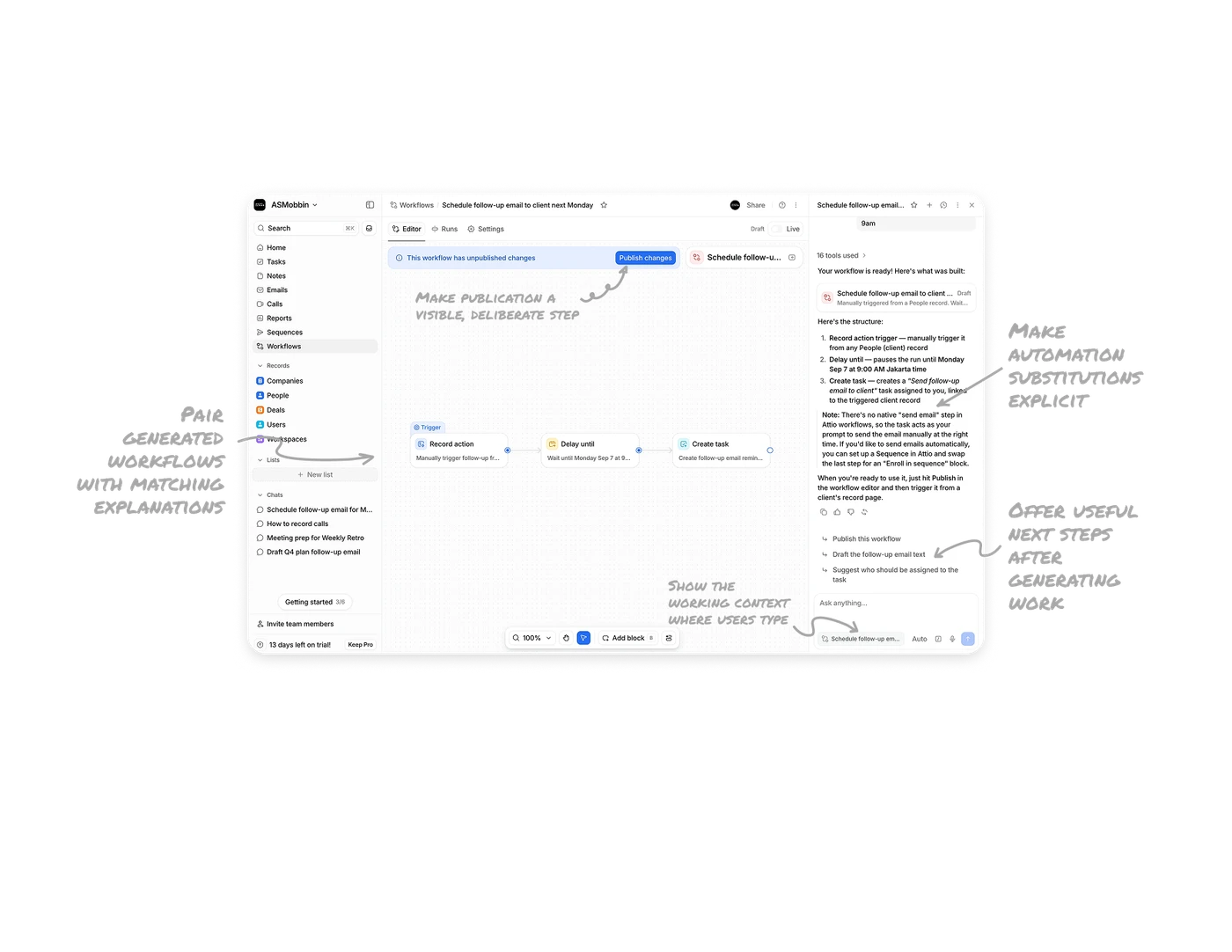
Make automation substitutions explicit
The title refers to scheduling a follow-up email, but the final workflow block is “Create task.” The assistant explains that this produces a reminder to send the email manually and suggests a Sequence for automatic delivery. A reminder and a sent email represent different outcomes. When automation substitutes a different action, disclose the changed result, the remaining human work, and a concrete route toward the original goal.
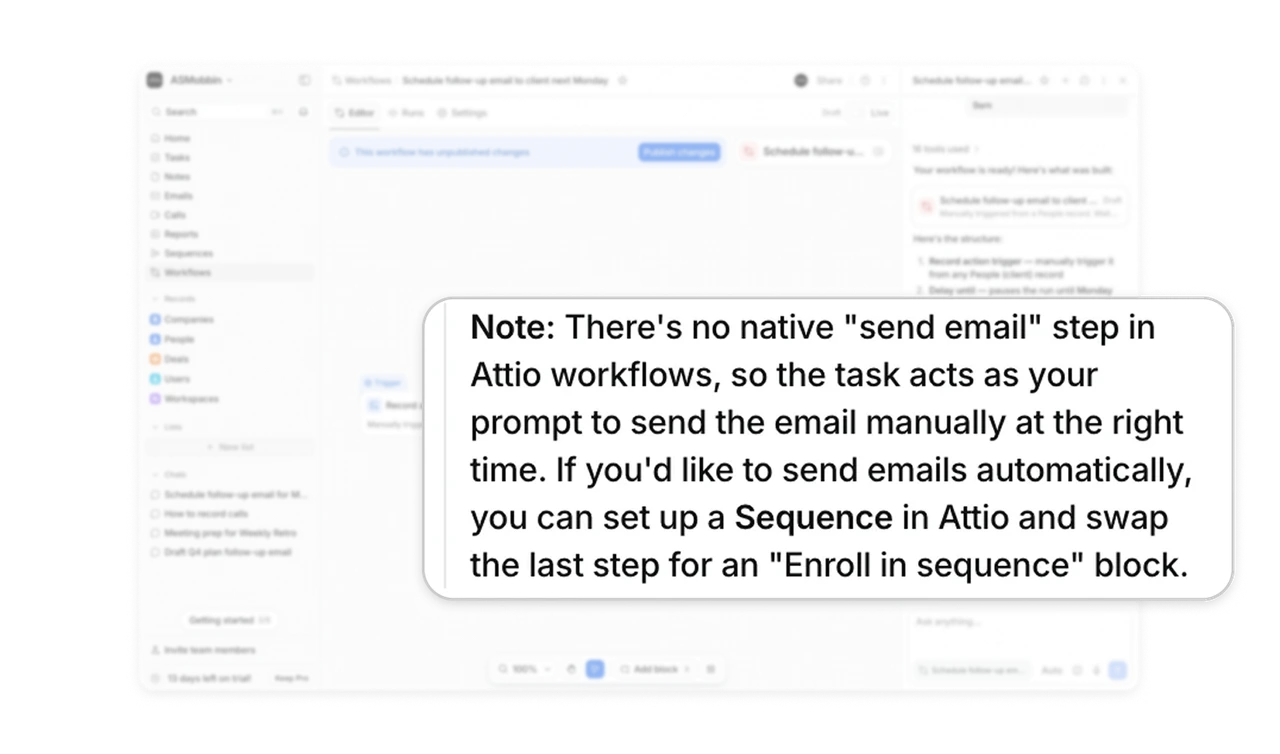
Make publication a visible, deliberate step
The assistant returns a workflow marked Draft. Above the canvas, the Draft/Live control and an unpublished-changes banner show its state, with “Publish changes” beside the message. Starting generated automation in draft creates a review opportunity before it becomes available to run. For AI features that build operational workflows, distinguish generation from activation so users can inspect the proposed behavior before publishing it.
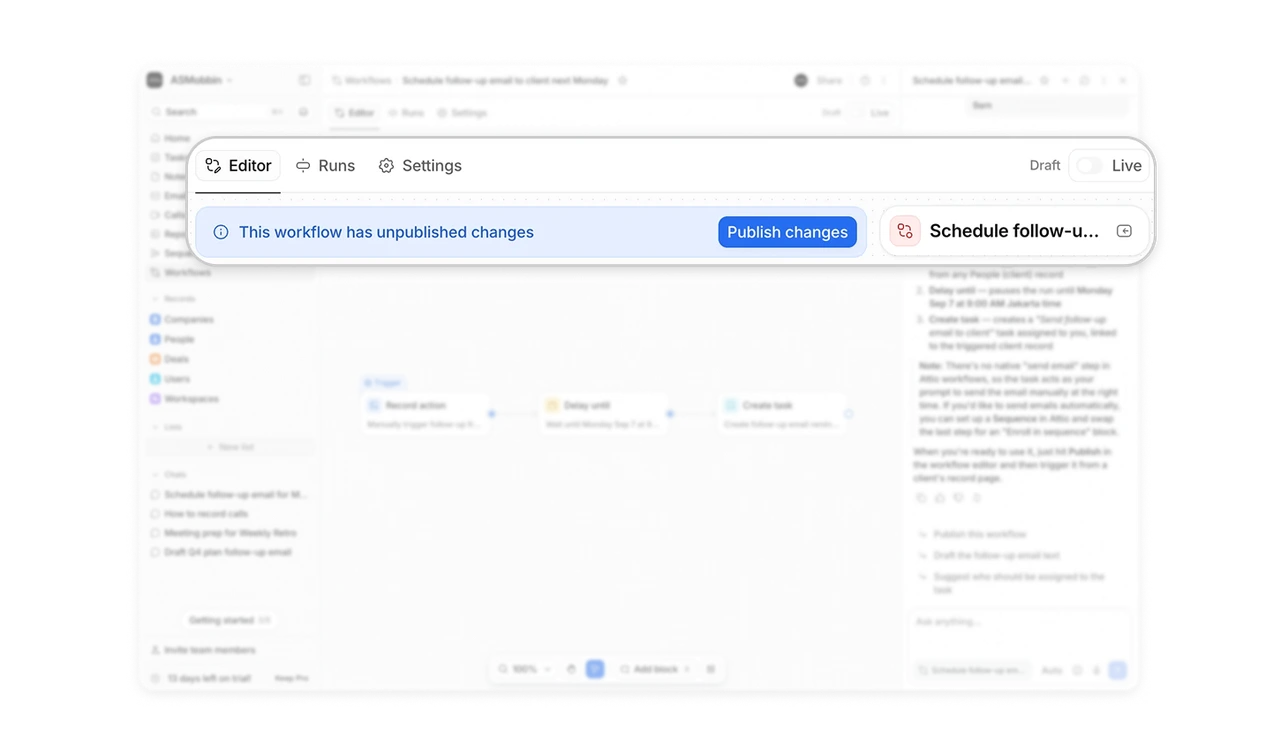
Pair generated workflows with matching explanations
The canvas shows “Record action,” “Delay until,” and “Create task,” and the adjacent explanation repeats those stages in the same order. Short descriptions beneath each block outline its intended behavior, while the nearby summary expands on the steps. Matching names and order help users compare the visual structure with the written plan. When AI generates an editable workflow, make both representations easy to compare so people can review the proposed steps before publishing.
Offer useful next steps after generating work
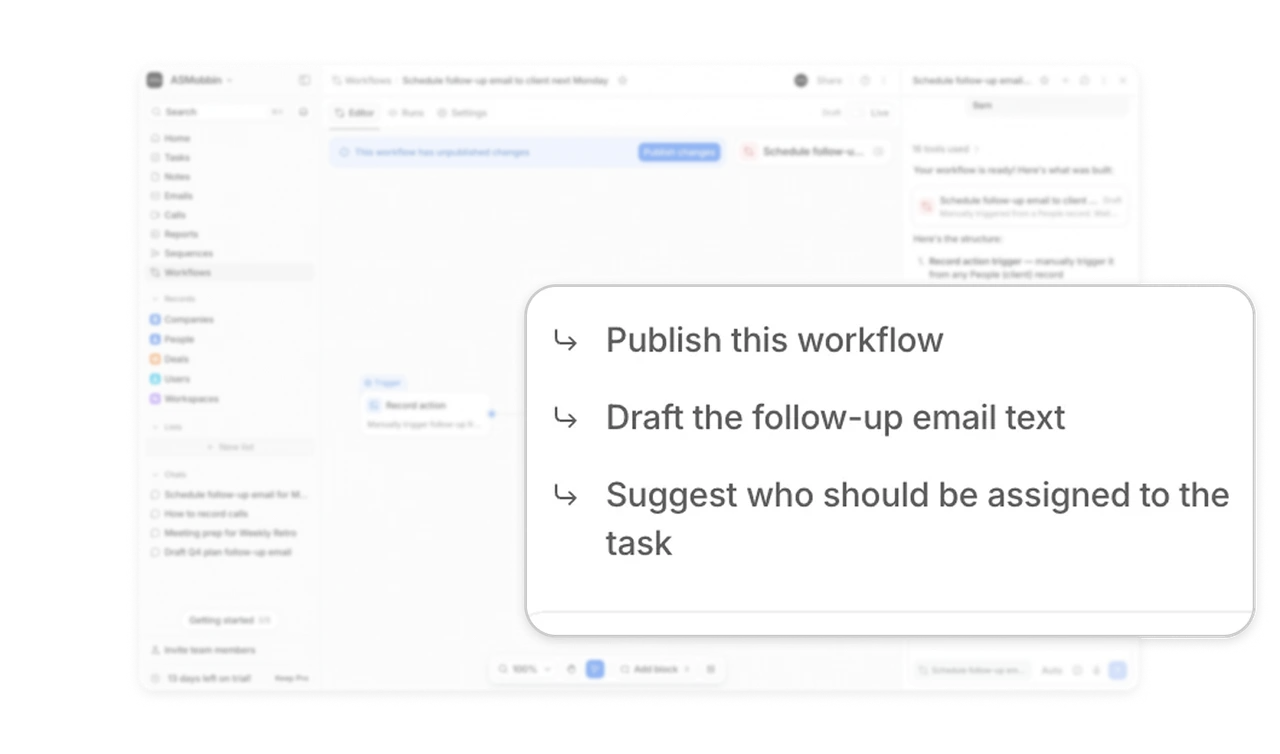
The three suggested prompts below the response cover publishing the workflow, drafting the follow-up email, and suggesting a task owner. Each names a specific continuation tied to the work on screen. This gives users a short set of directions for the next exchange, even when they have not decided what to ask. After generating something editable, suggest relevant ways to continue so users can move from reviewing the result into refining or using it.
Show the working context where users type
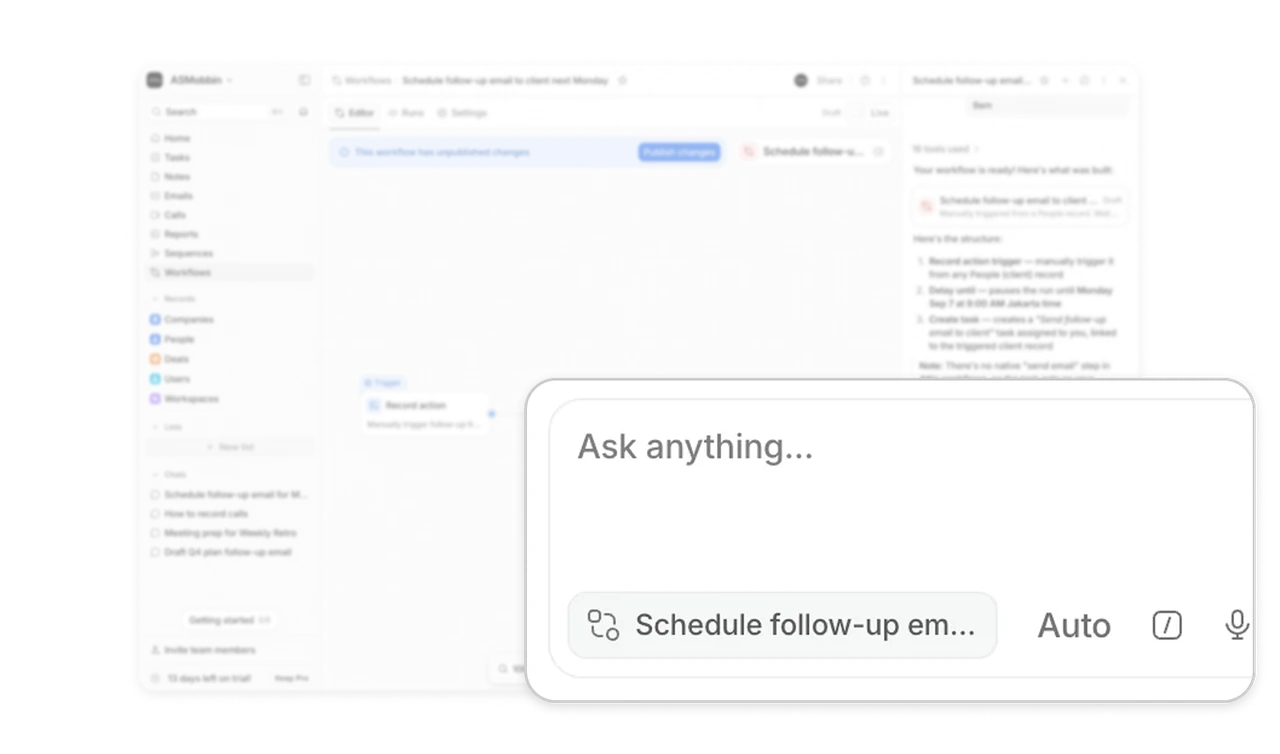
A workflow chip sits inside the message composer, identifying the item Attio prioritizes as context. This gives a follow-up such as “change the timing” a visible reference point beside the input. Users can see which workflow the conversation is centered on before sending another message. When an assistant can work across several objects, show the relevant object where people type so they can connect a short instruction to the work they mean.
Similar Breakdown Lessons