Daily Health Dashboard

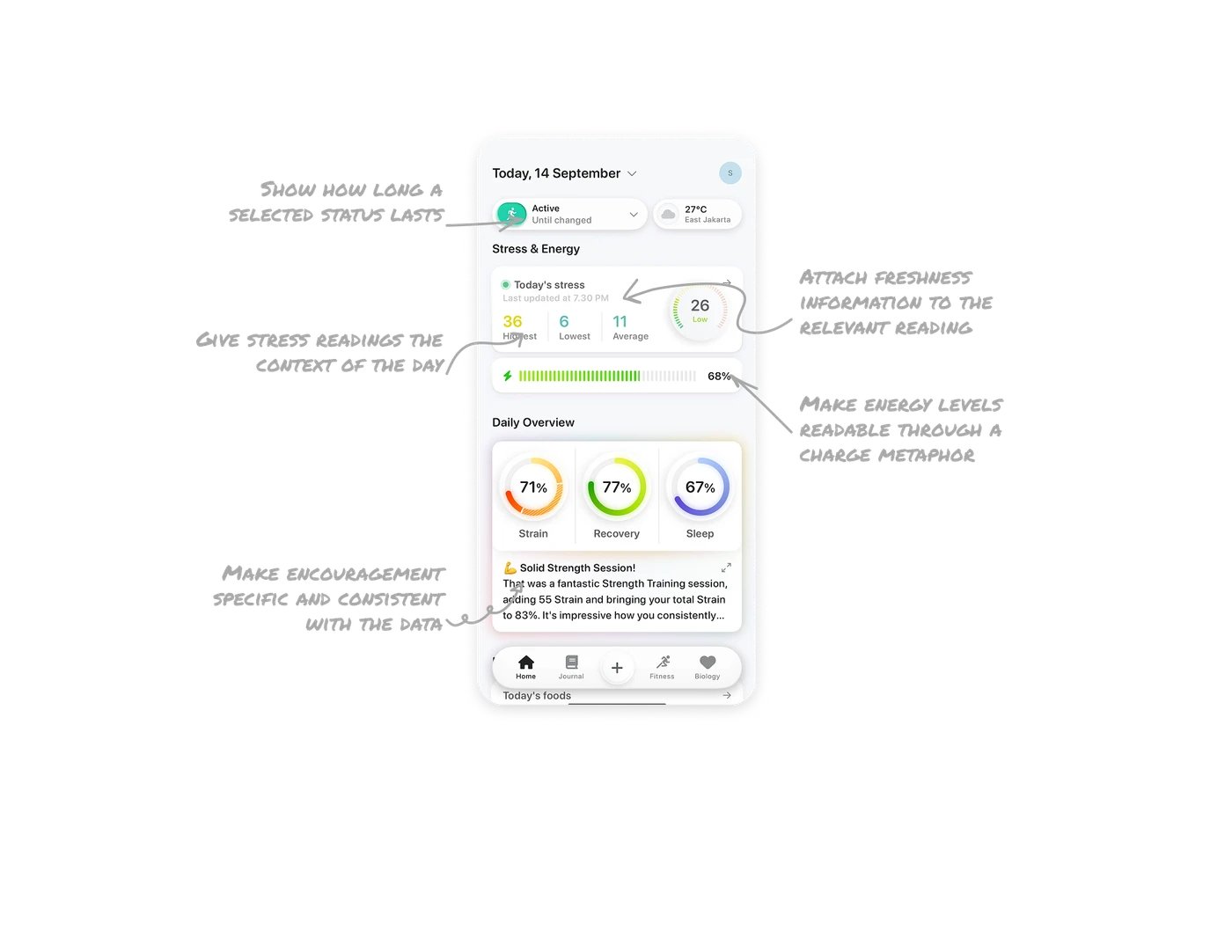
Give stress readings the context of the day
The stress card places 26 and “Low” beside a daily high of 36, low of 6, and average of 11. The word interprets the score; the statistics show how it compares with the wider day. A single reading cannot describe that variation. Pair prominent metrics with the few comparisons users need to understand the number within its reporting period.
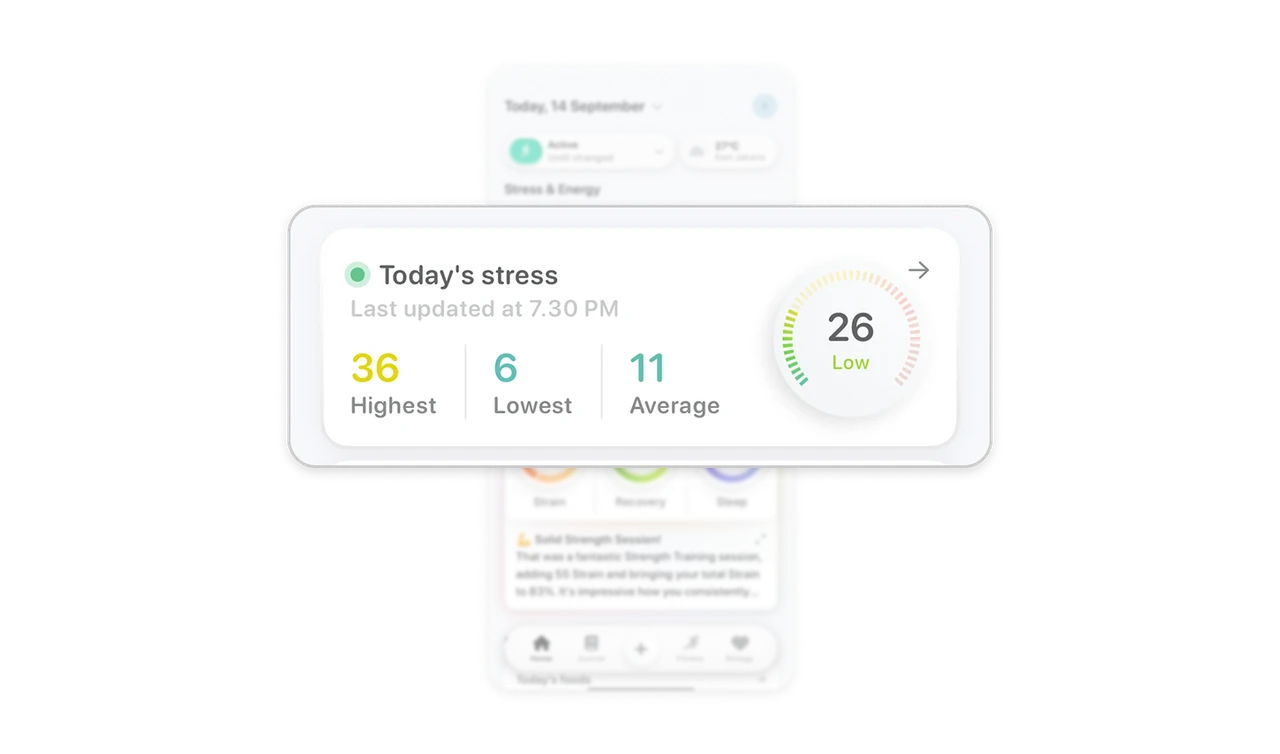
Show how long a selected status lasts
The activity selector pairs “Active” with “Until changed” beneath it. The first line names the selected status, while the second explains how long that choice persists. Showing both distinguishes an ongoing setting from a temporary status. When a selection continues beyond the immediate task, display its duration beside the value so users can inspect both without reopening its controls.
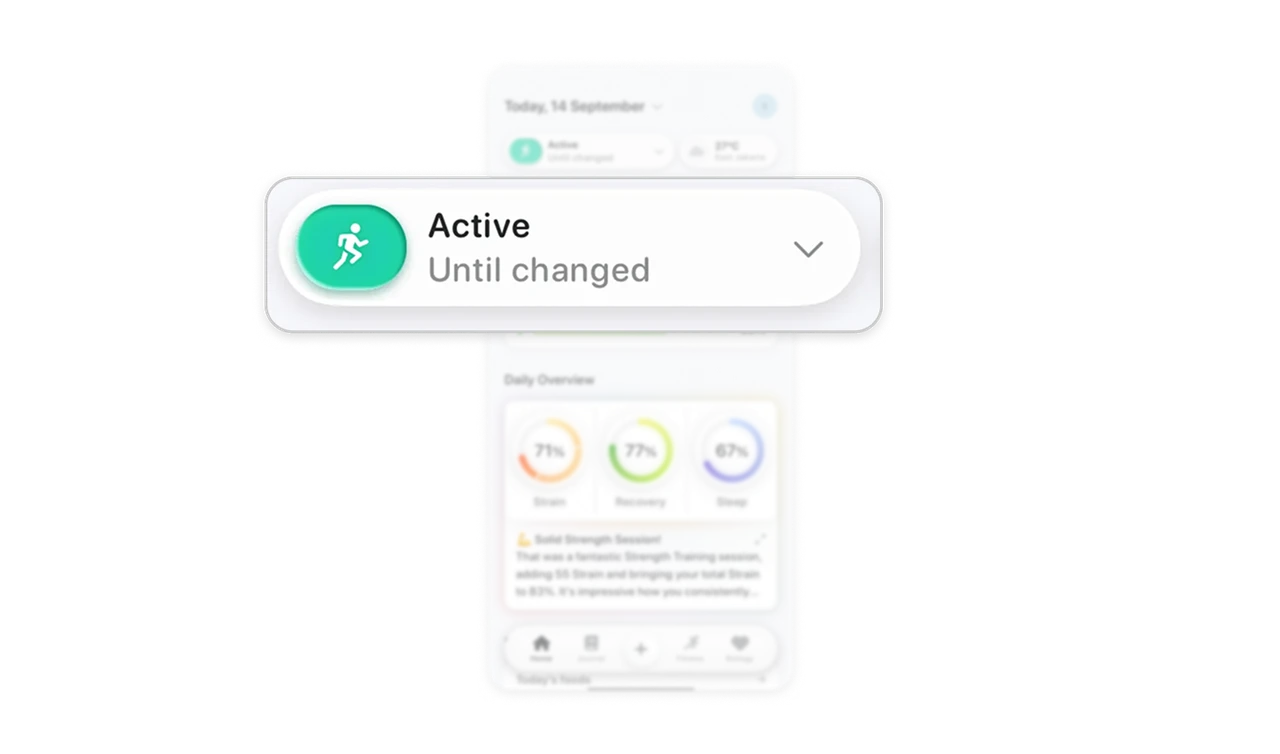
Attach freshness information to the relevant reading
The stress card includes “Last updated at 7.30 PM” beneath its heading. The header names the day, while the timestamp tells users how recently this specific summary was refreshed. Those are different questions when a dashboard contains several readings. Attach freshness information to the reading it qualifies, and give it enough visual weight to remain useful during a quick scan.
Make energy levels readable through a charge metaphor
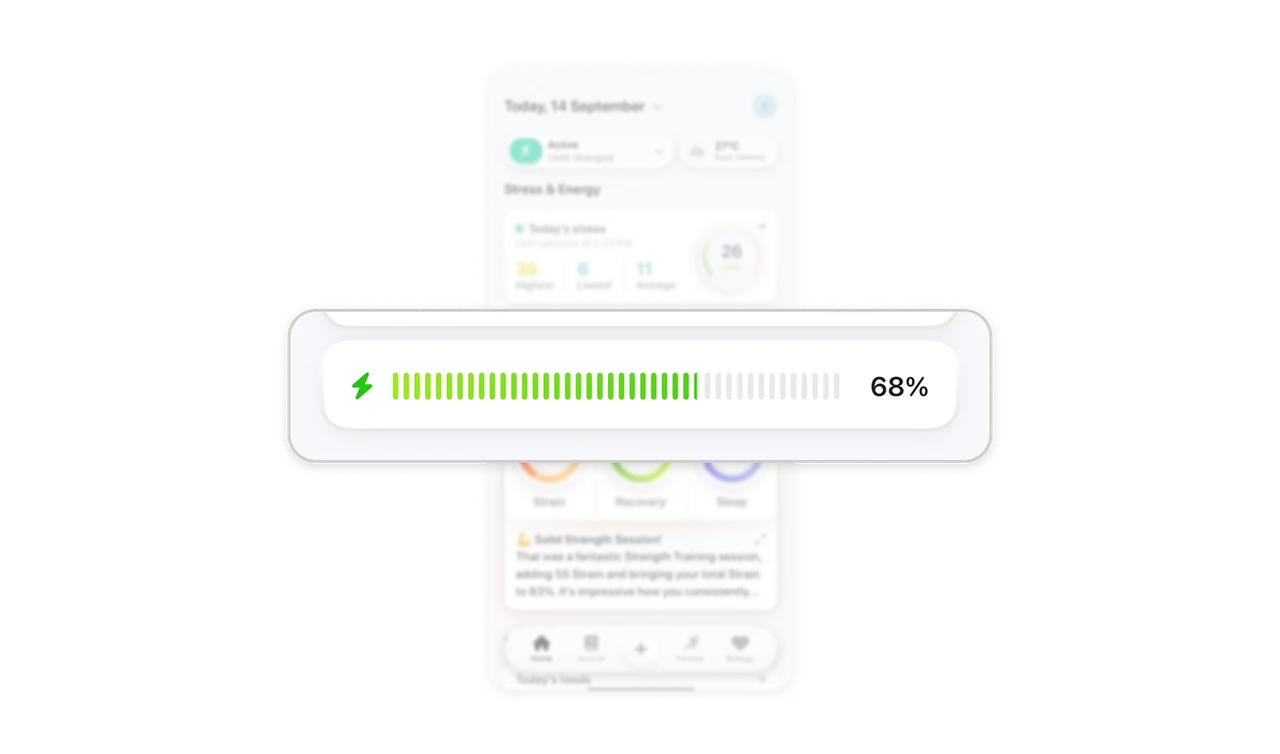
Below “Stress & Energy,” a lightning symbol accompanies a segmented green bar and “68%.” Filled and unfilled segments suggest a charge level, while the number provides precision beyond the visual estimate. Familiar metaphors can make abstract scores easier to approach, but the quantity still needs a clear label. Pair recognizable visual forms with an explanation of what the score represents.
Make encouragement specific and consistent with the data
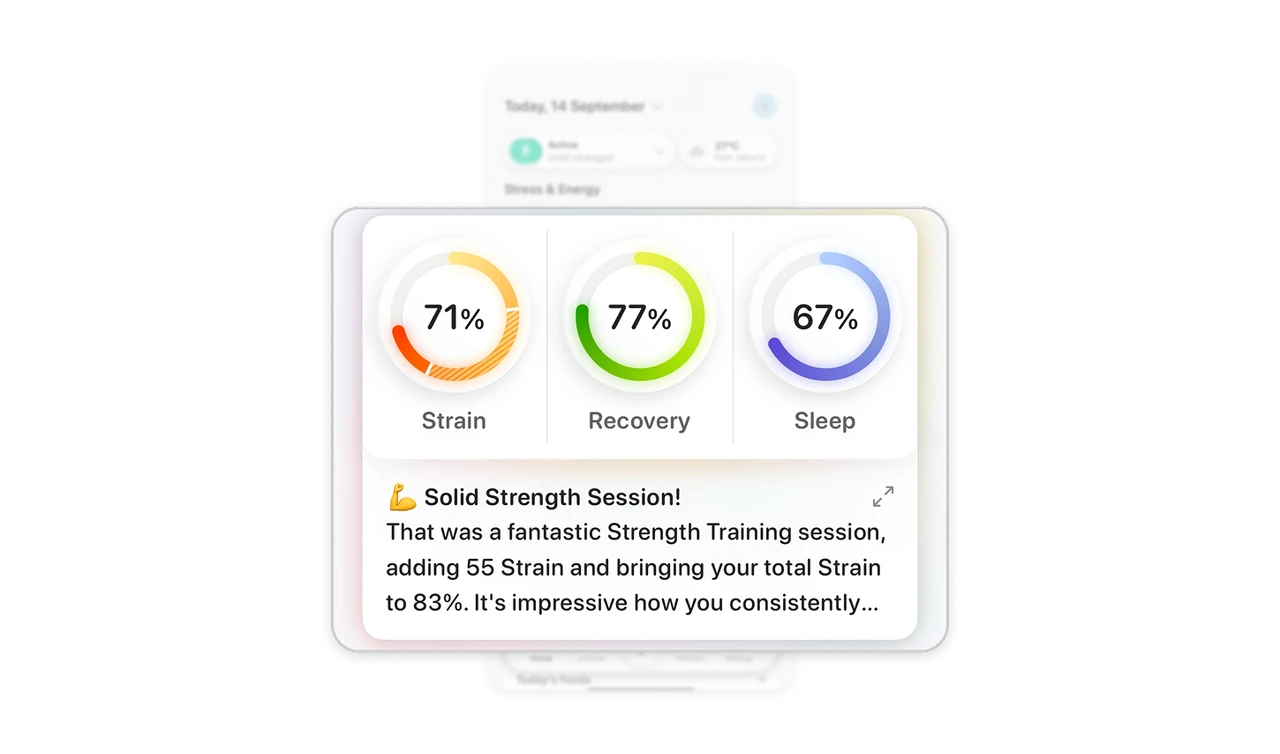
The strength-session note reports 55 Strain and a daily total of 83%, making its praise specific to the activity. This connects encouragement to a concrete record users can inspect. However, the ring above shows 71%, leaving the relationship between the two totals unexplained. Ground feedback in specific activity details, and keep repeated figures consistent or clearly distinguish their timeframes.
Similar Breakdown Lessons