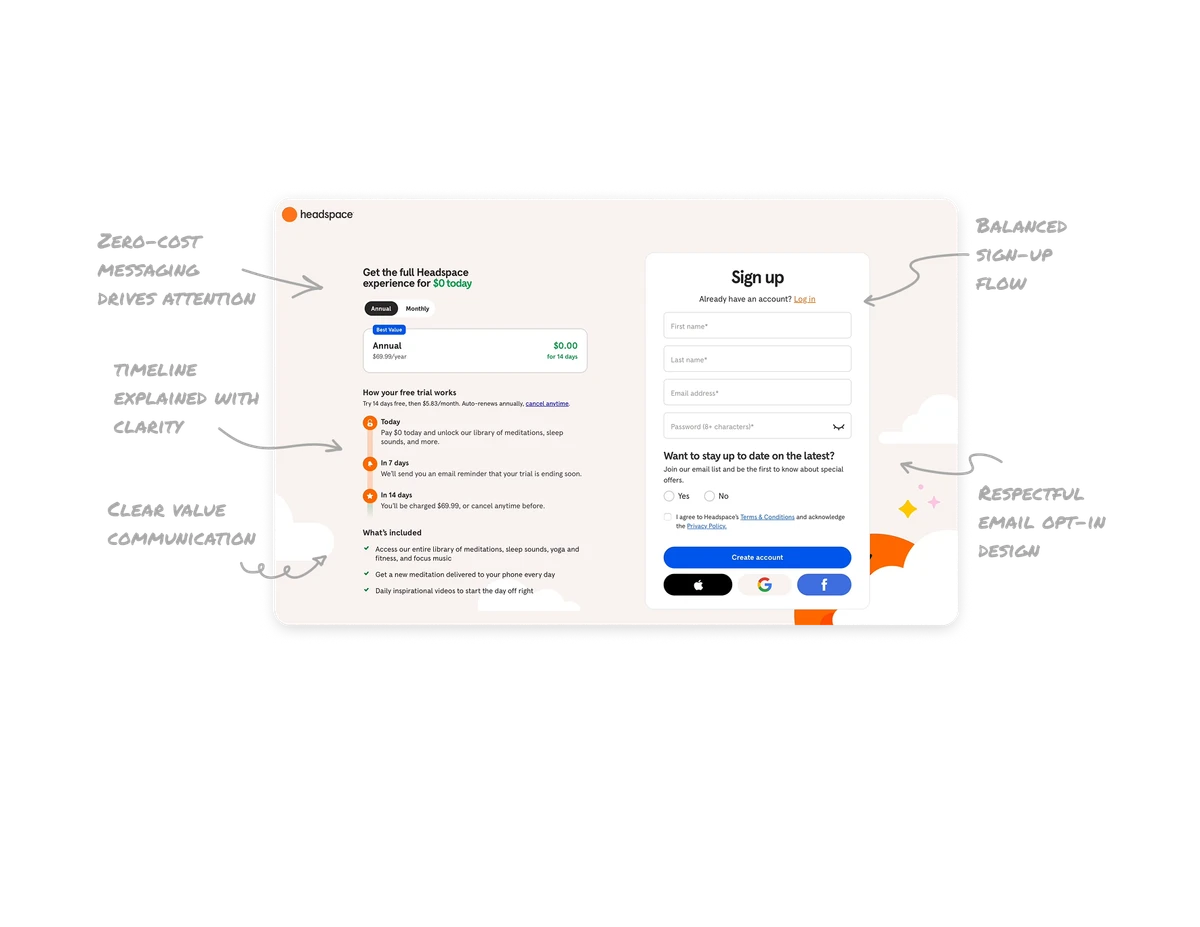
Conversational AI Playground

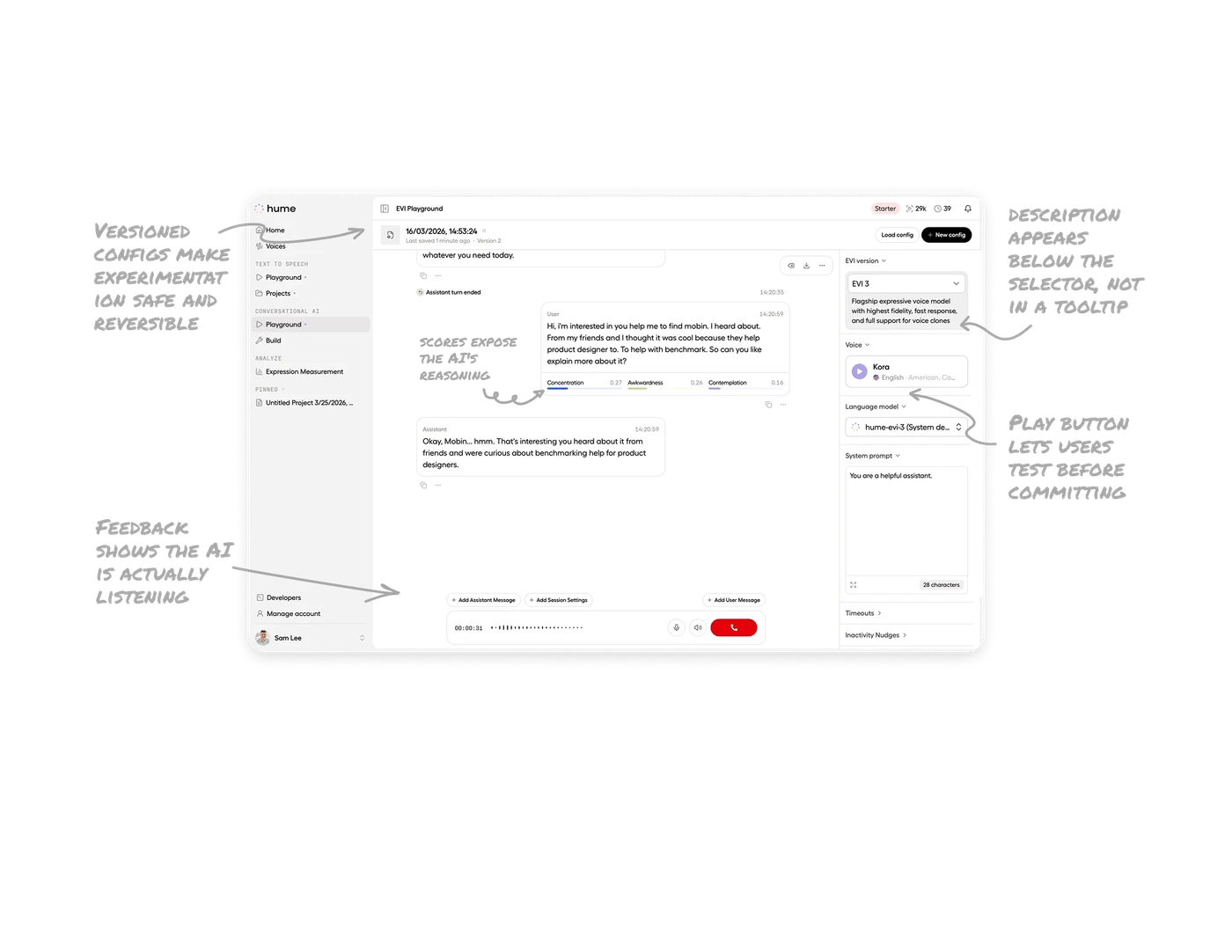
Inline emotion scores expose the AI's reasoning per message
Each user message shows Concentration, Awkwardness, and Contemplation scores beneath it. Users see exactly how the AI interpreted their tone before generating a response. Most voice AI tools hide their interpretation entirely. Surfacing the emotional read inline turns an opaque process into a transparent one and makes the AI feel intelligent rather than mysterious.
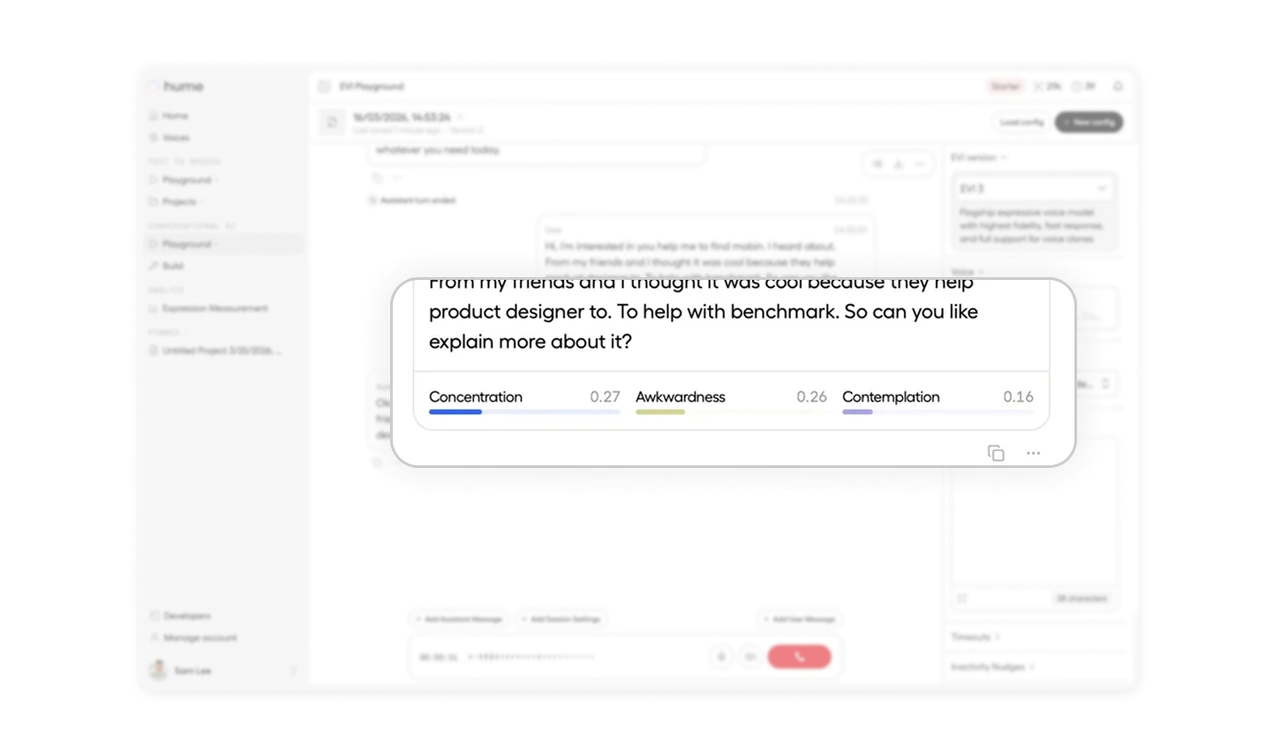
Model description appears below the selector, not in a tooltip
Right after picking EVI 3, a paragraph describes its capabilities: "highest fidelity, fast response, and full support for voice clones." Users do not need to hover, click, or open a docs page to understand what they just selected. Inline model descriptions are an underused pattern that builds confidence in a technical choice the user otherwise would have to guess at.
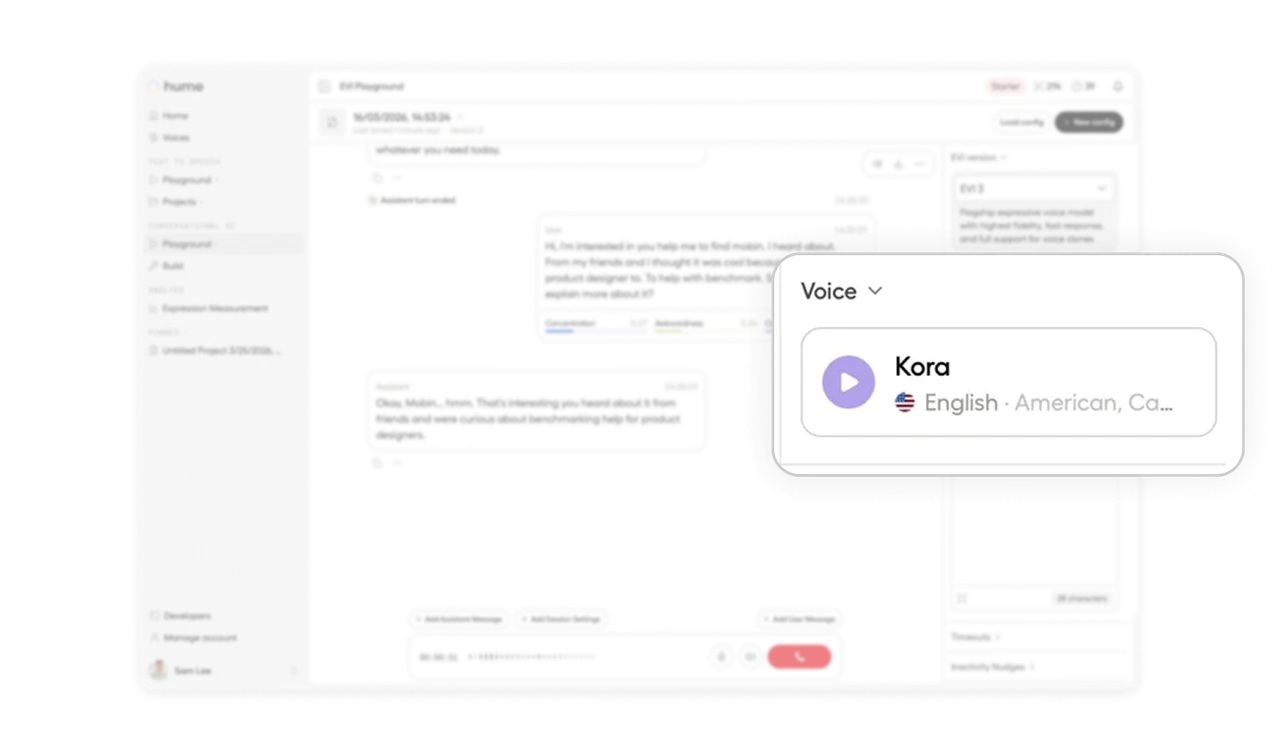
Play button next to voice name lets users test before committing
The voice card for "Kora" shows a play button, the language, and the accent. Users can preview the voice instantly without selecting it first. Voice and audio products that force users to commit before listening have one of the highest abandonment rates in AI tooling. One-tap previews remove that friction and turn voice selection into a pleasant browsing experience.
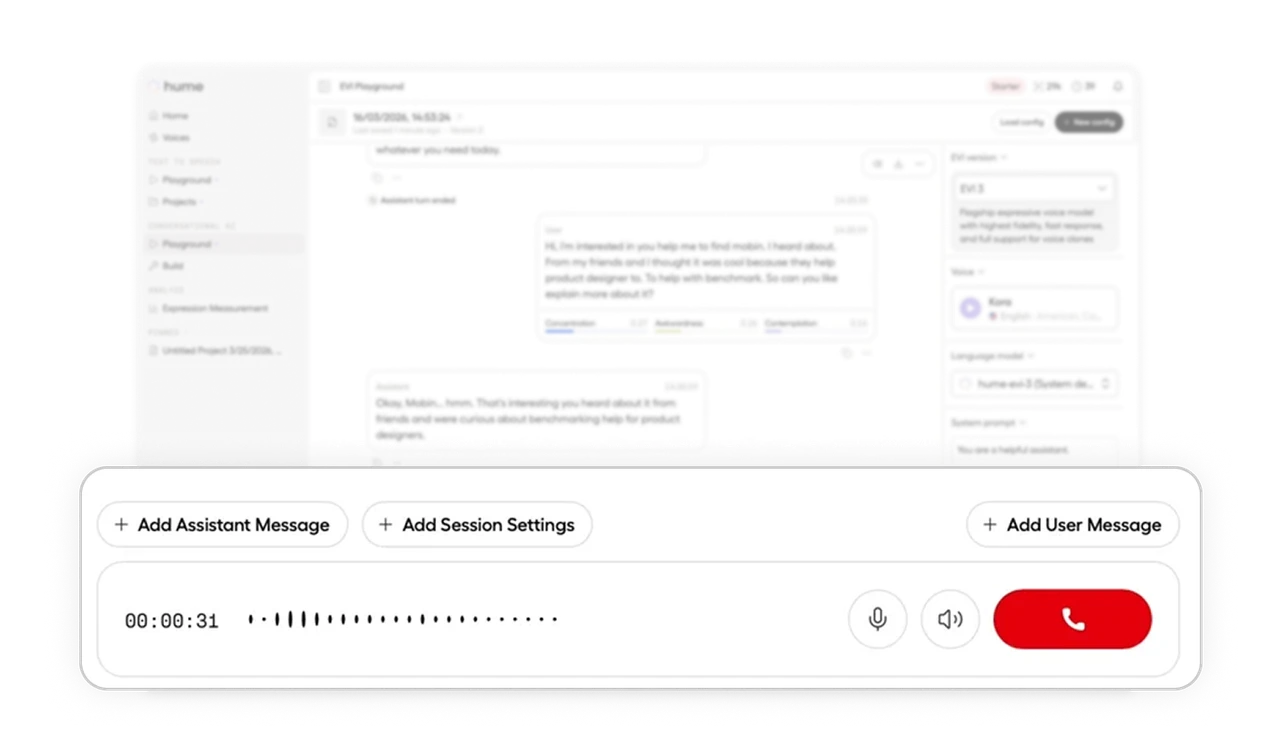
Live waveform shows the AI is actually listening
The bottom bar shows a real-time audio waveform reacting to the user's voice input. Users see proof that the system is capturing them, not silently ignoring their speech. In voice products, the gap between "did it hear me" and "did it understand me" is enormous. A live waveform answers the first question instantly and lets users focus on what they are saying instead of whether anything is happening.
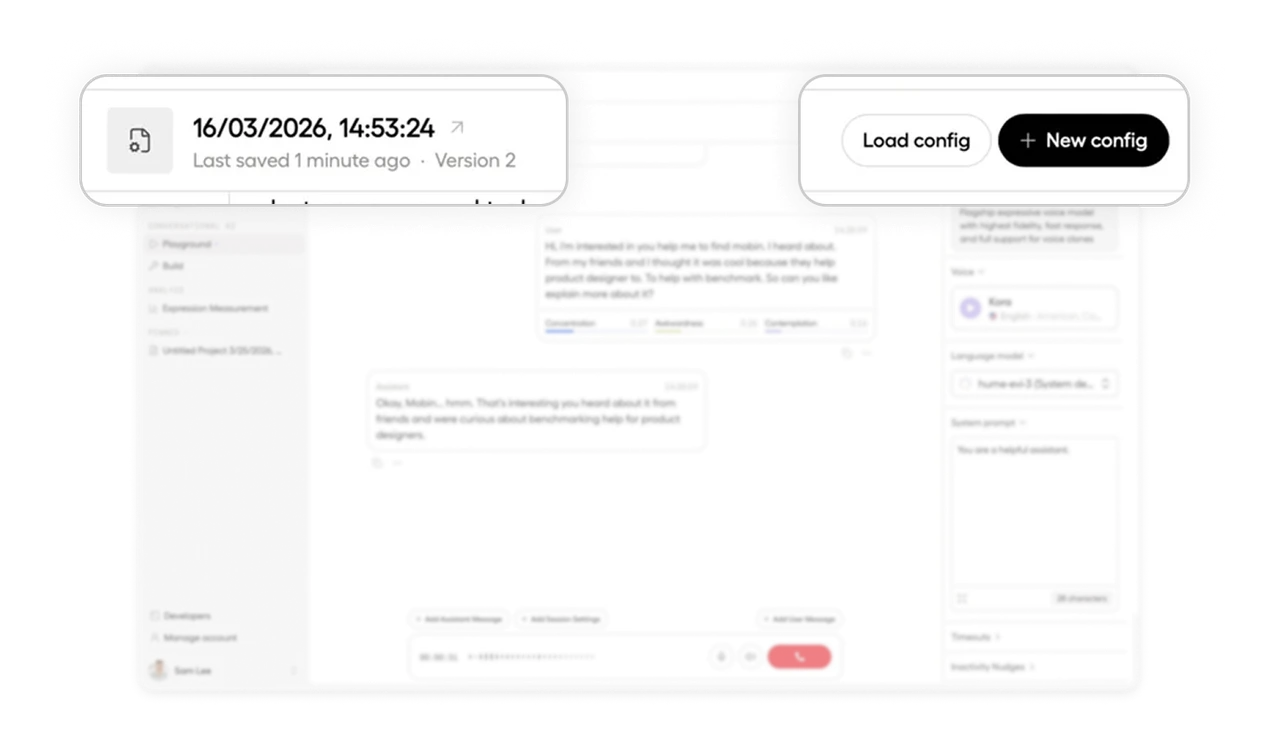
Versioned configs make experimentation safe and reversible
"Last saved 1 minute ago, Version 2" sits at the top with Load config and New config buttons. Users can save snapshots of their playground setup and return to any version anytime. In experimental AI tools, the fear of losing a working configuration prevents users from trying new things. Explicit versioning removes that fear and turns the playground into a place for genuine exploration.
Similar Breakdown Lessons