Mobile Agent Review

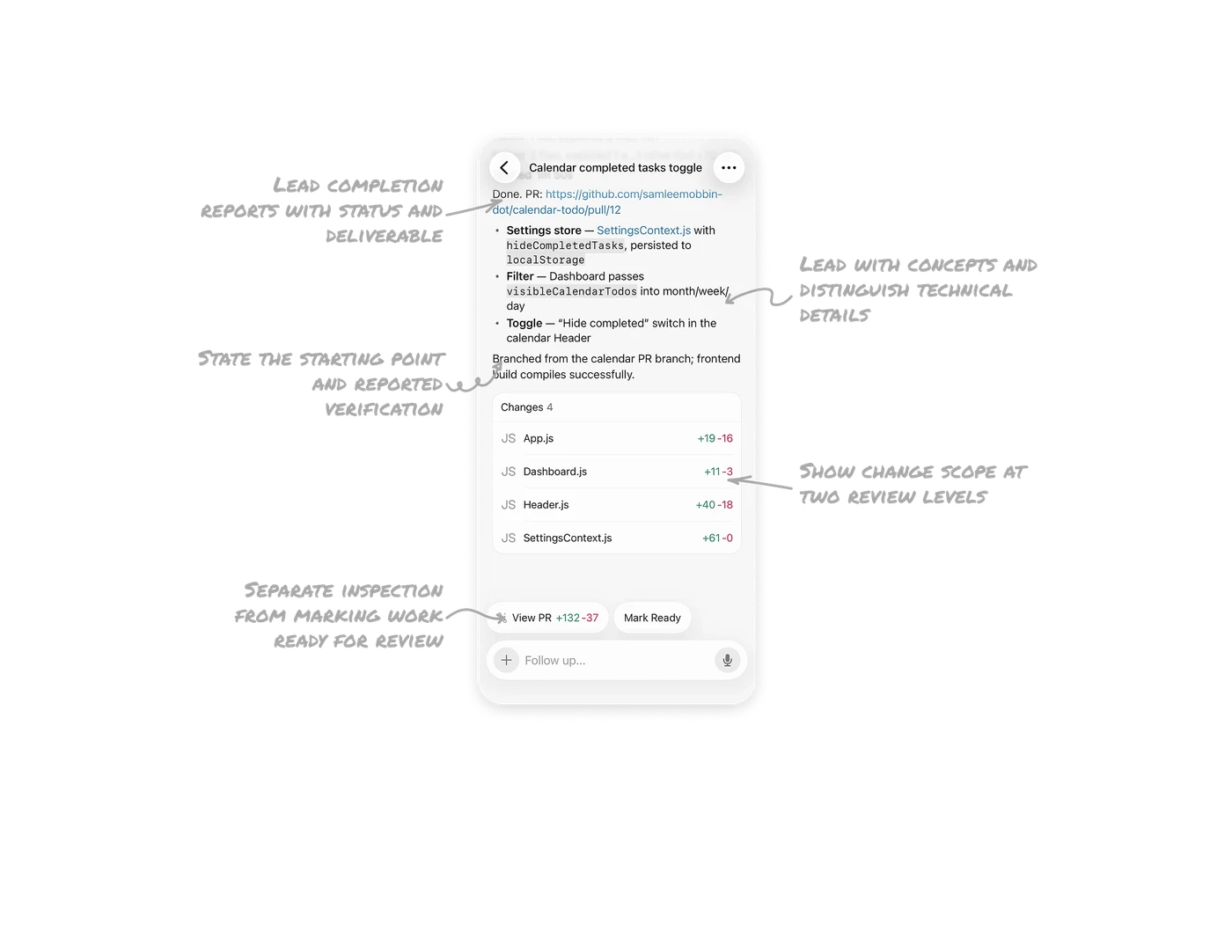
Lead completion reports with status and deliverable
The header names the task, “Calendar completed tasks toggle,” and the response opens with “Done” followed by a pull-request link. The implementation recap comes afterward. This connects the task, its reported status, and the resulting work before introducing supporting detail. Begin an agent’s handoff with an immediate status signal and a route to the deliverable so users can inspect the result without searching through the explanation.
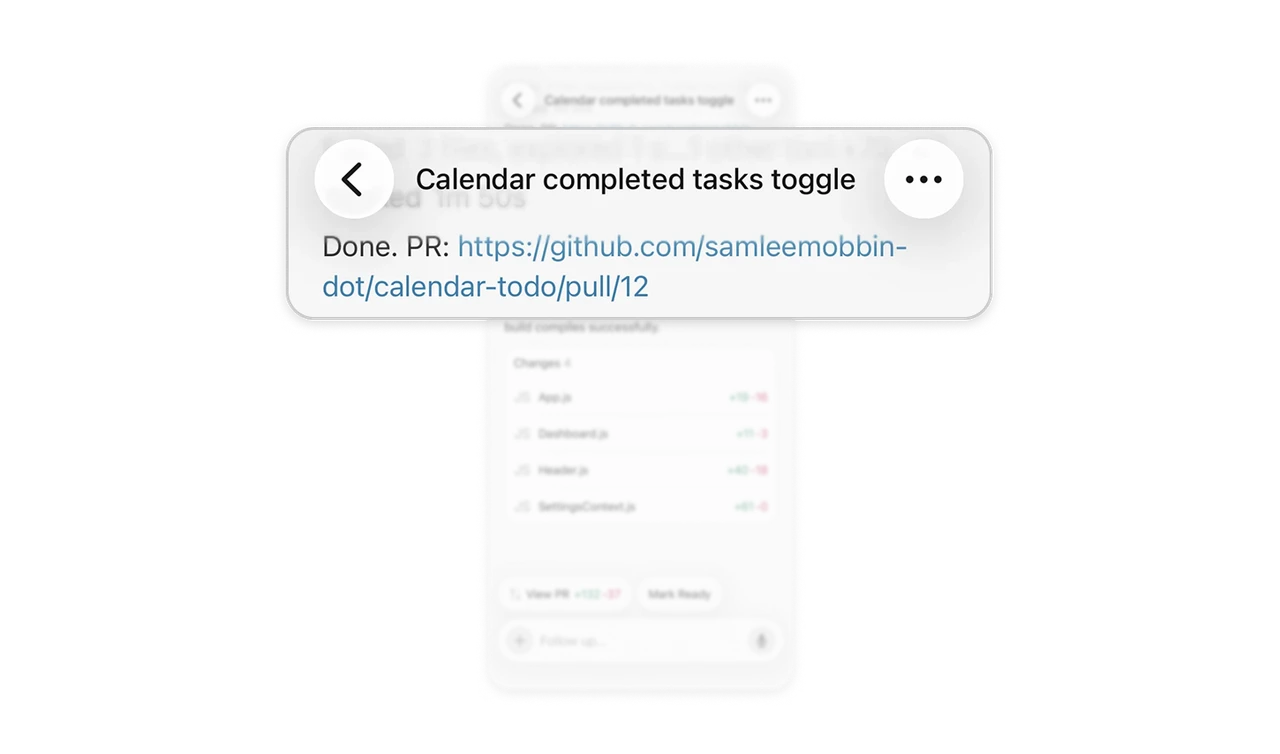
Lead with concepts and distinguish technical details
Bold labels such as “Settings store,” “Filter,” and “Toggle” explain what each change does before introducing its implementation details. Monospace text and pale gray backgrounds distinguish identifiers such as hideCompletedTasks from the surrounding prose, while the filename appears as a link. Organize technical summaries around meaningful changes, then subtly highlight precise references within them. Readers can follow the explanation naturally and locate specific technical terms when they want to investigate further.
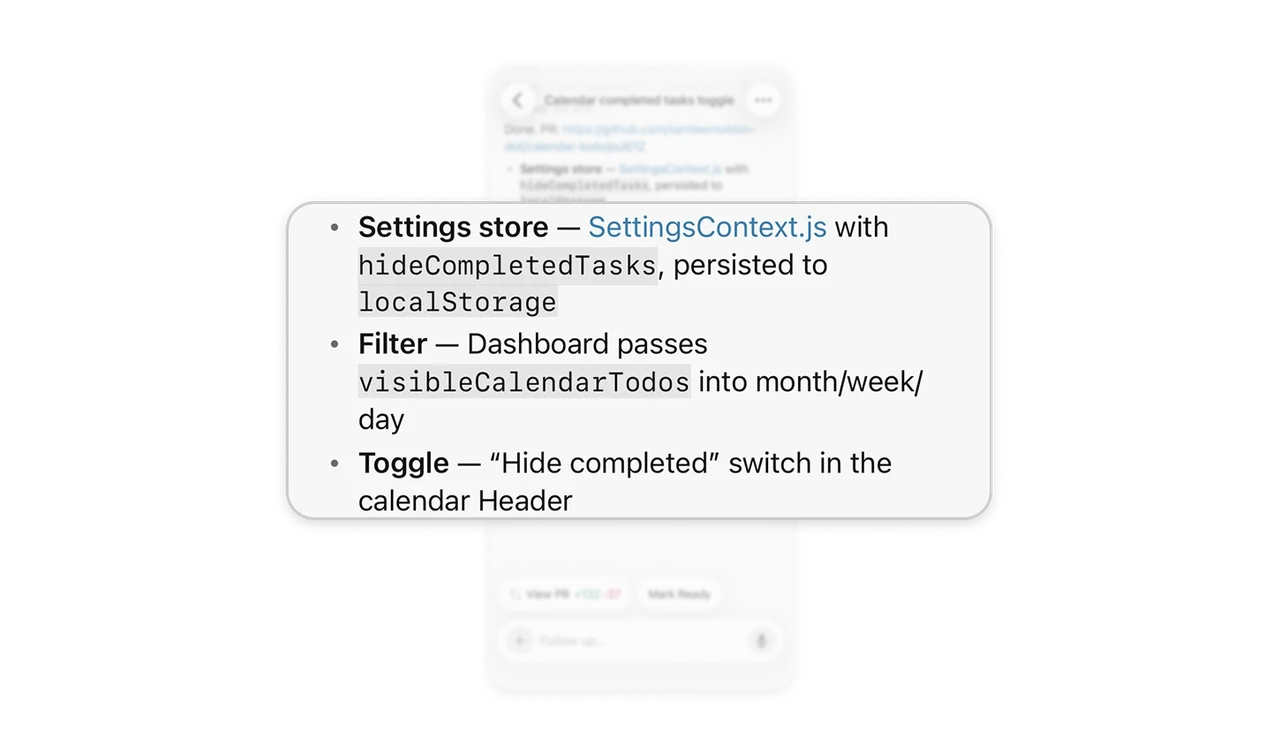
Show change scope at two review levels
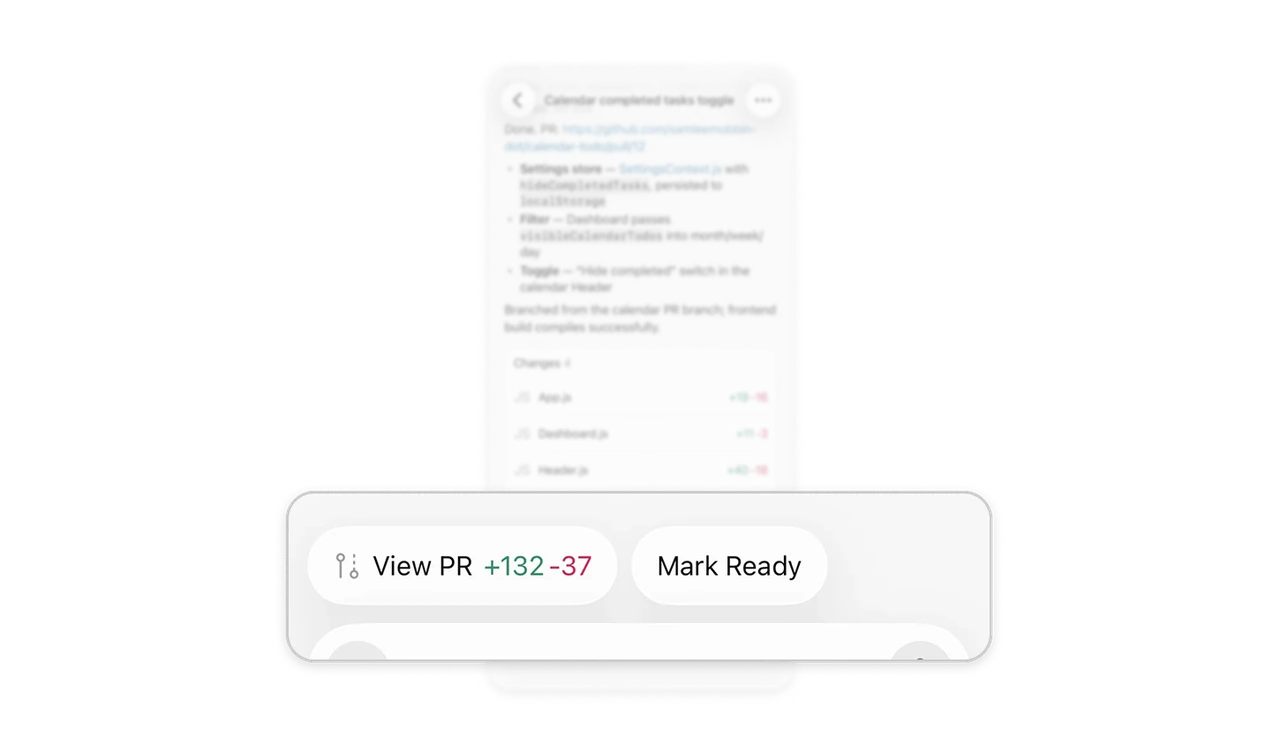
The “Changes 4” card lists affected files with additions and deletions aligned on the right, while “View PR” also carries change counts. The file rows help users compare where edits are concentrated; the button provides an overall scope cue before opening the pull request. Plus and minus signs distinguish additions from deletions alongside their colors. Present an overview and a breakdown together so reviewers can understand the change’s breadth and choose where to look more closely.
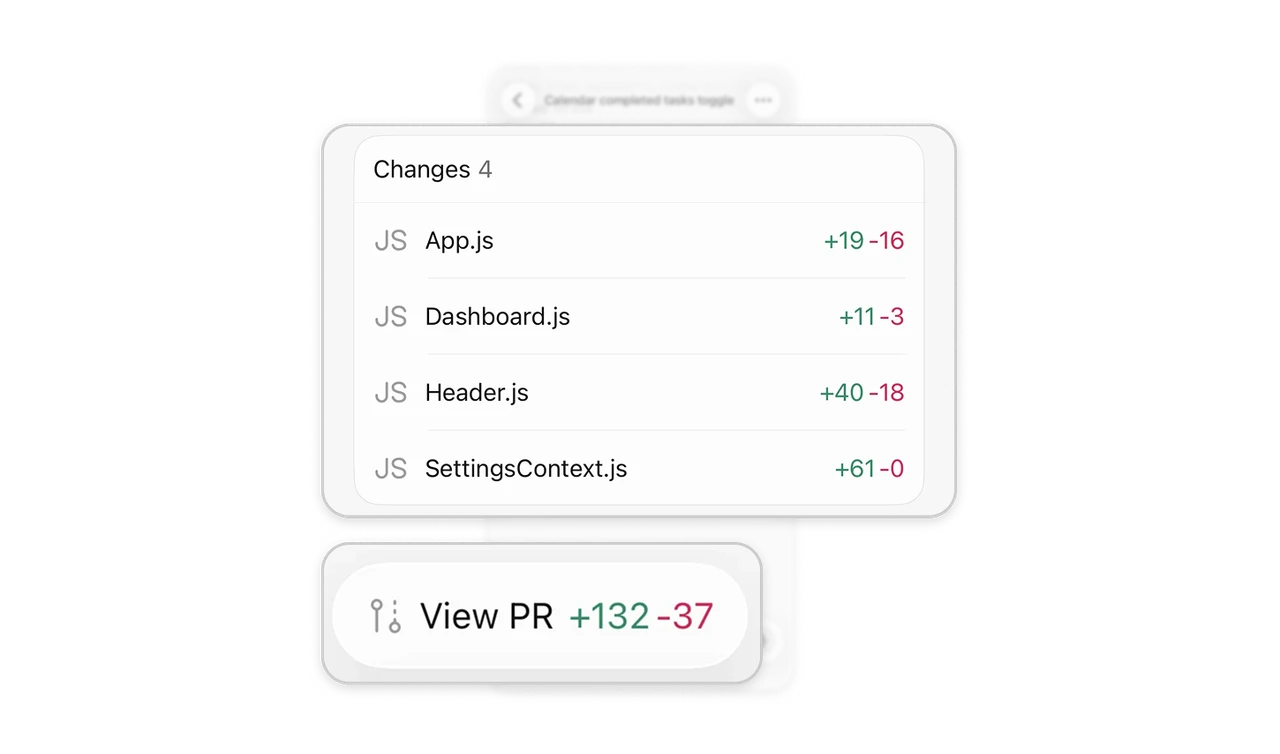
Separate inspection from marking work ready for review
“View PR” and “Mark Ready” appear as separate actions beneath the completed task. One provides access to inspect the changes; the other advances a draft pull request into the ready-for-review state. Their distinct labels make inspection and workflow progression separate decisions. Keep access to the work beside the control that advances its status, allowing users to examine the result before deliberately deciding whether it is ready for the next stage.
State the starting point and reported verification
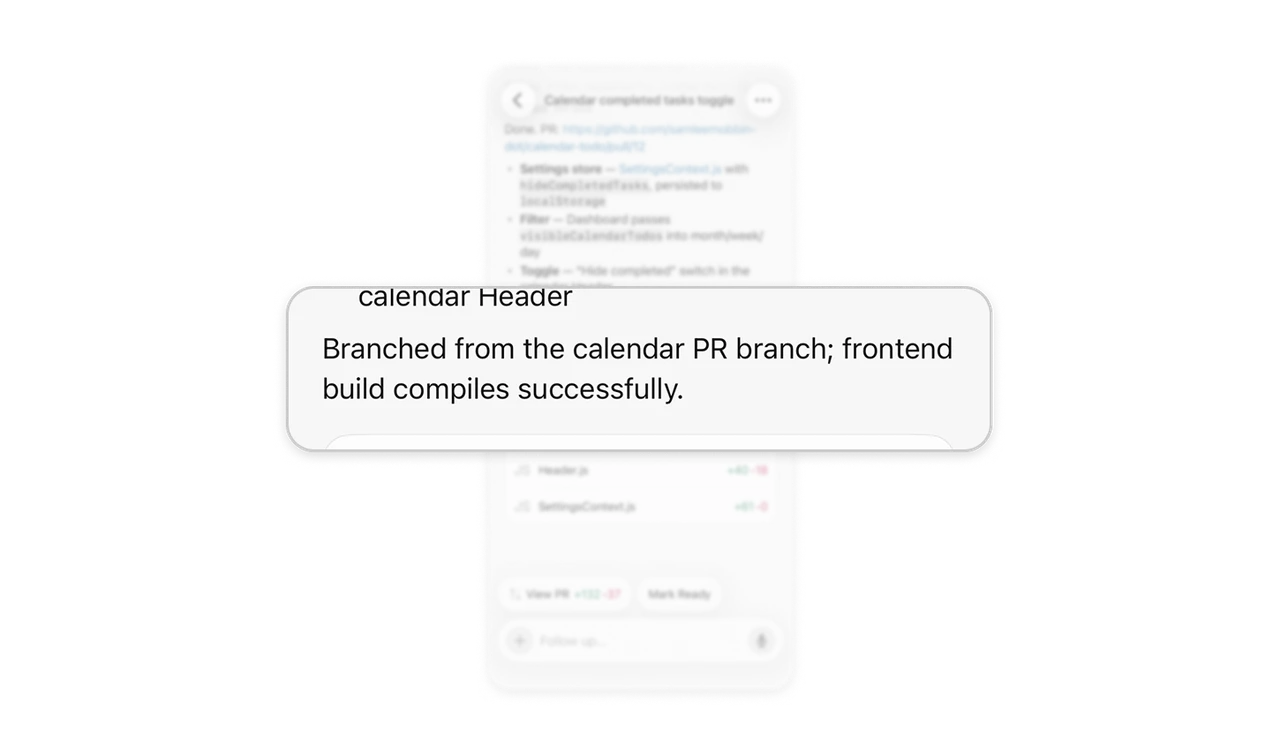
The closing sentence says the work branched from the calendar PR branch and that the frontend build compiles successfully. It supplies starting context and reports a specific check. “Compiles successfully” is a bounded claim that does not establish whether the requested behavior has been fully tested. Include the relevant starting point and precise verification results in an agent’s handoff so reviewers can understand dependencies and decide what further checks are needed.
Similar Breakdown Lessons