Home dashboard

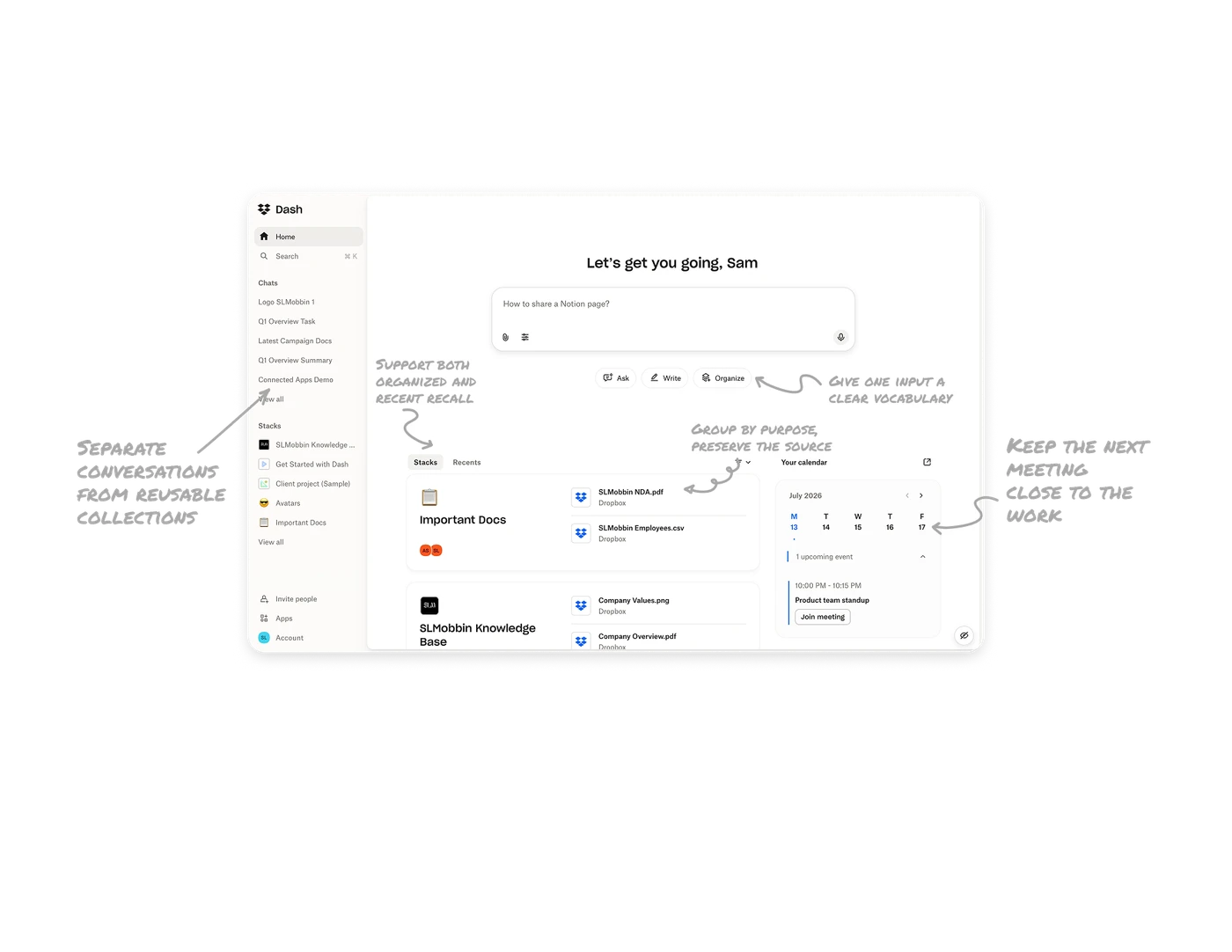
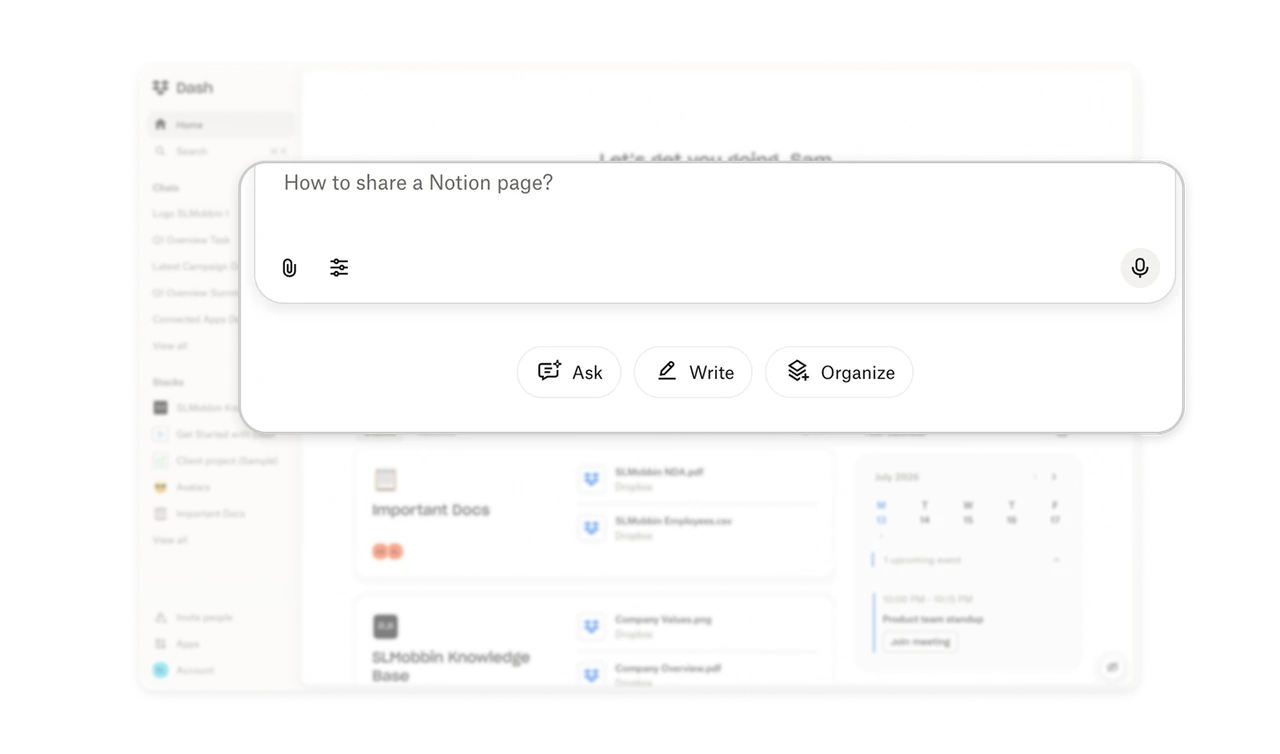
Give one input a clear vocabulary
Ask, Write, and Organize sit beneath the same prompt box, naming three different kinds of work. Asking a question, drafting content, and arranging information call for different outcomes, even when all begin with text. These verbs help users recognize what they can request and what kind of result to expect. For broad AI products, make the available jobs understandable before asking people to compose the perfect prompt.
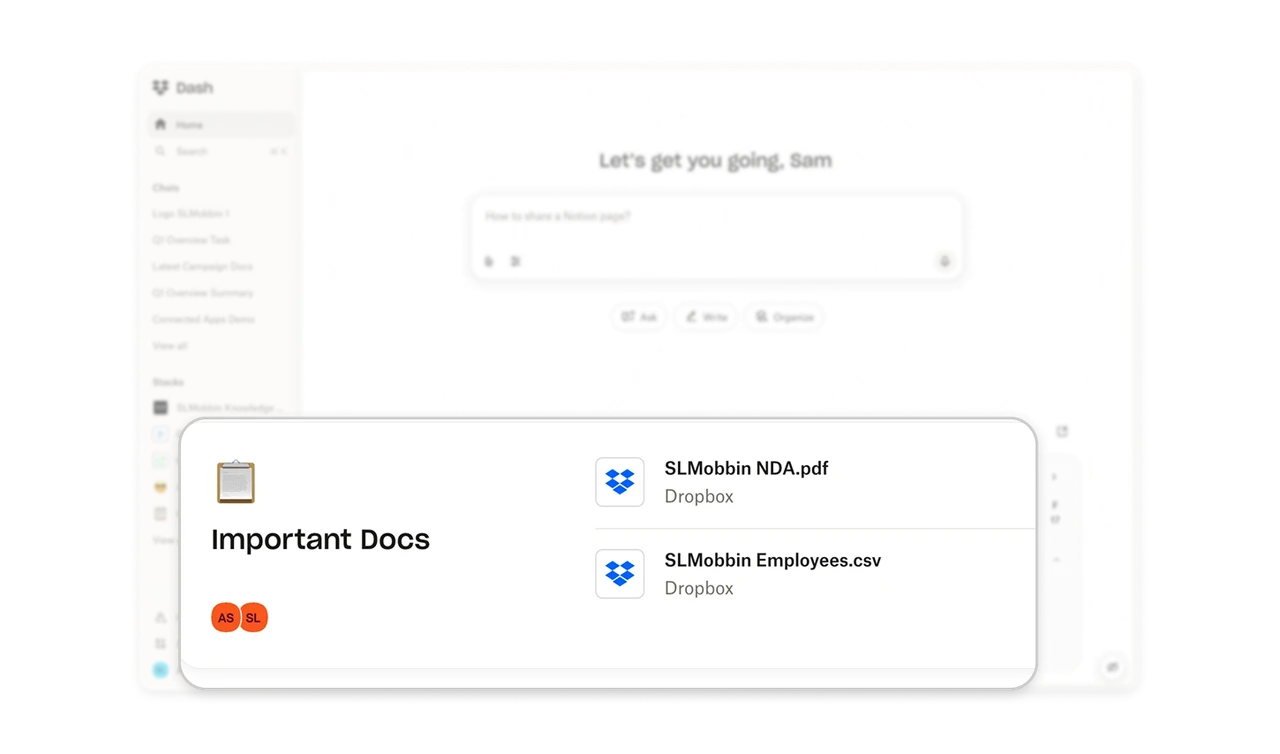
Group by purpose, preserve the source
Important Docs groups files beneath a shared purpose, while each item retains its Dropbox logo and source label. Stacks can collect content across connected tools, allowing the collection to follow the work rather than an application boundary. The visible filenames also help users judge what belongs inside before opening it. Organize the overview around what people are trying to accomplish, while keeping each item’s origin recognizable.
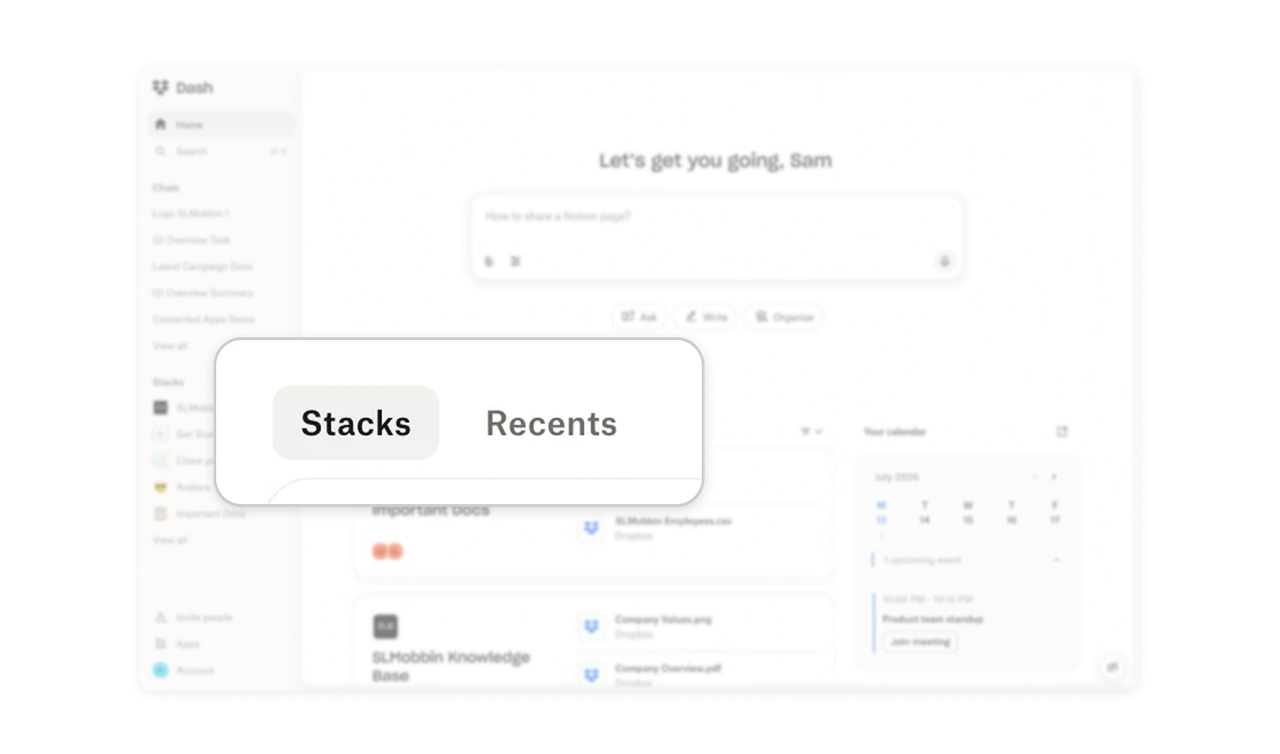
Support both organized and recent recall
Stacks and Recents offer two entry points into the content area. One names a collection-based route; the other offers a route based on recency. These match different clues people remember: where something belongs or when they last encountered it. Give users both ways back to their work without requiring an exact filename. Retrieval should make use of the memory someone has, rather than demand the one your navigation expects.
Keep the next meeting close to the work
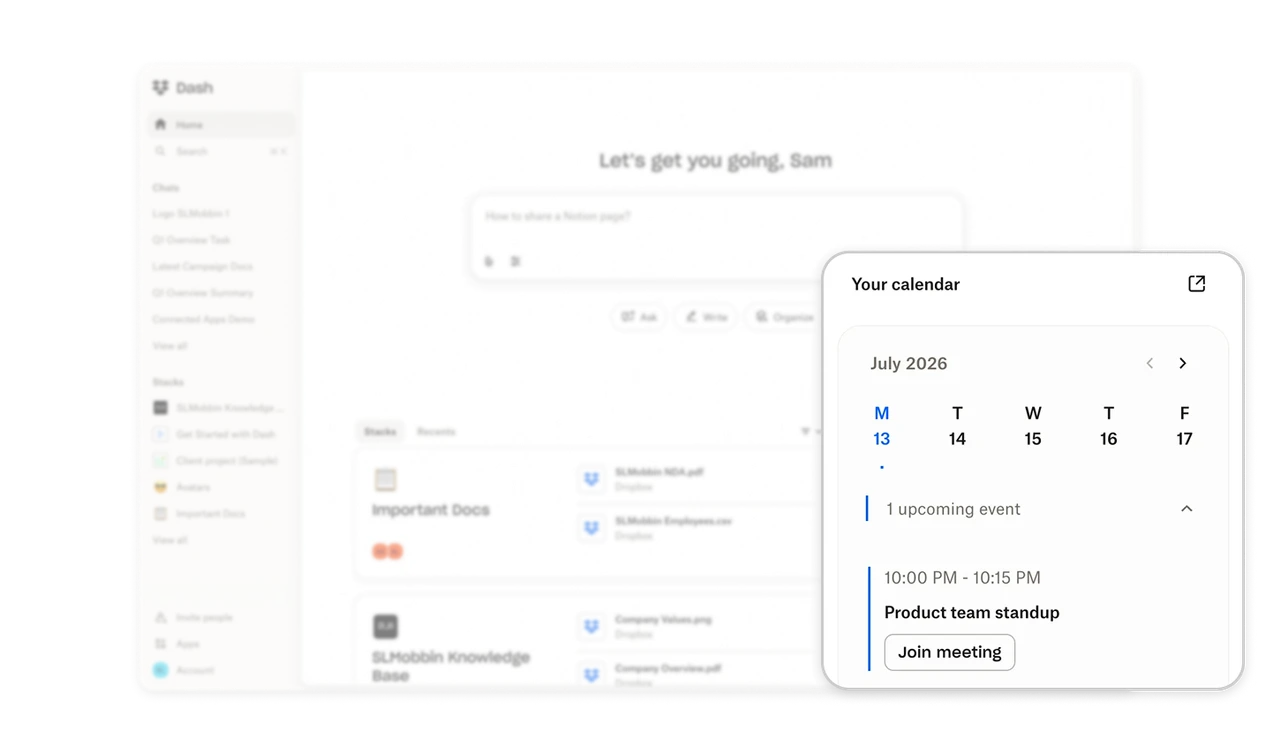
The calendar places the upcoming standup’s time, title, and Join meeting button beside the knowledge workspace. This connects finding information with the scheduled activity where it may be needed. Users can see what is coming and enter the meeting from the same home screen. For work hubs, include adjacent actions that help people use the information they find. The value of retrieval continues into the next task.
Separate conversations from reusable collections
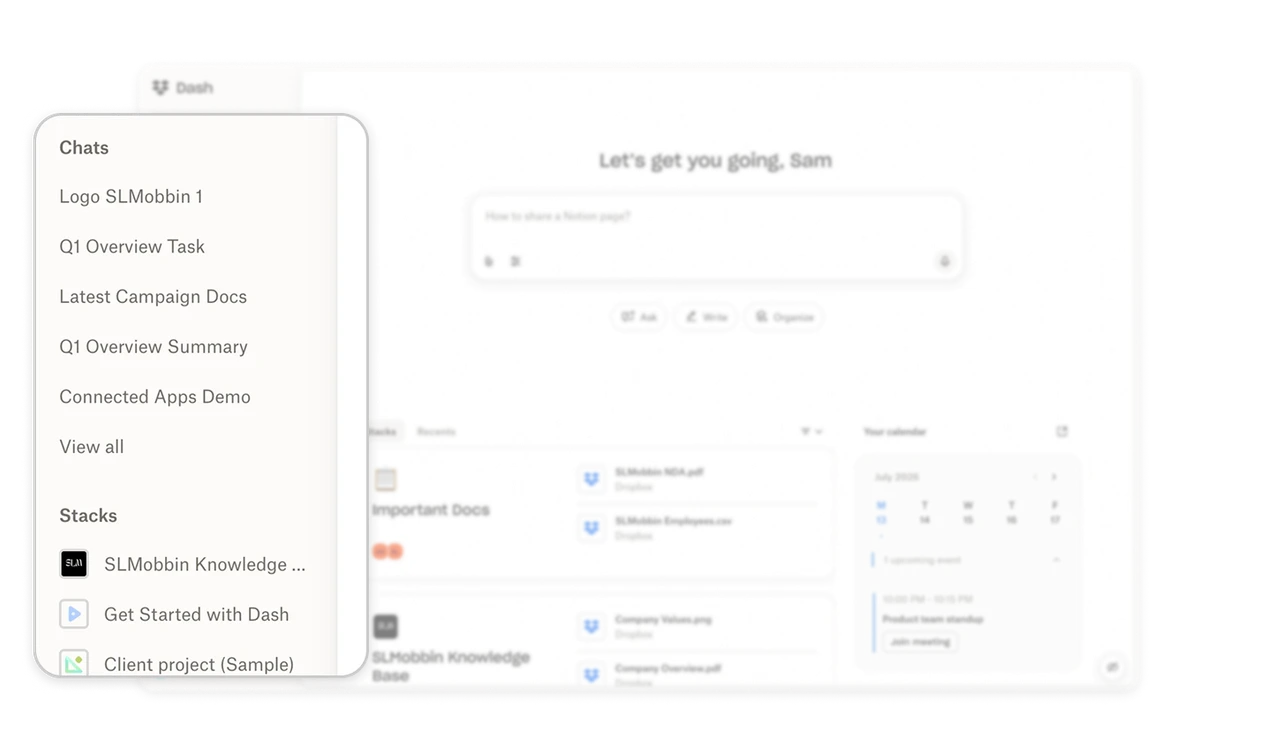
The sidebar gives Chats and Stacks their own named lists and separate View all links. Users can return through the conversation they remember or the collection that holds their material, instead of translating both into one undifferentiated history. The distinction is especially useful when an AI product produces conversations around existing work. Organize return paths around the different objects people need to revisit, and label those groups consistently across the interface.
Similar Breakdown Lessons