Home Dashboard

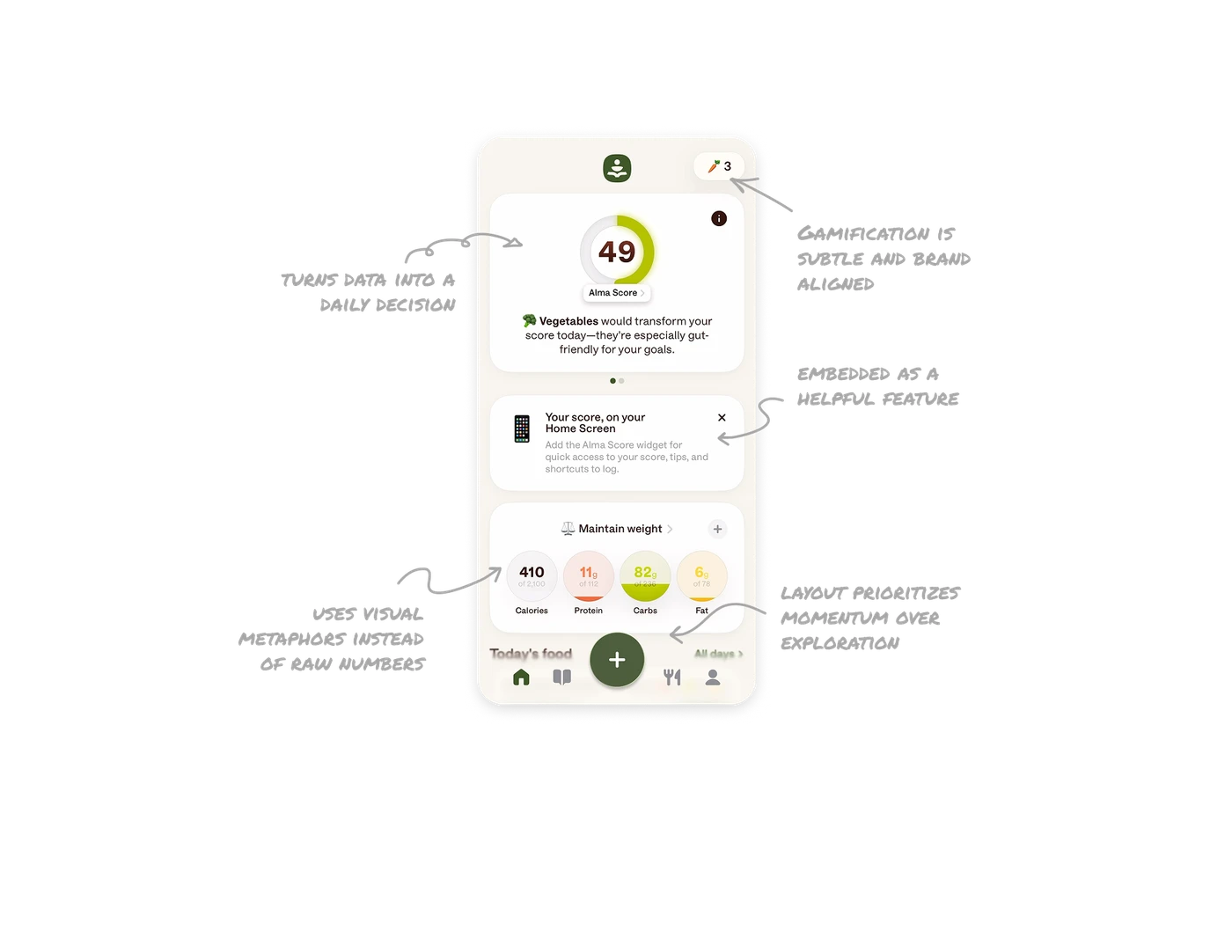
The hero card turns data into a daily decision
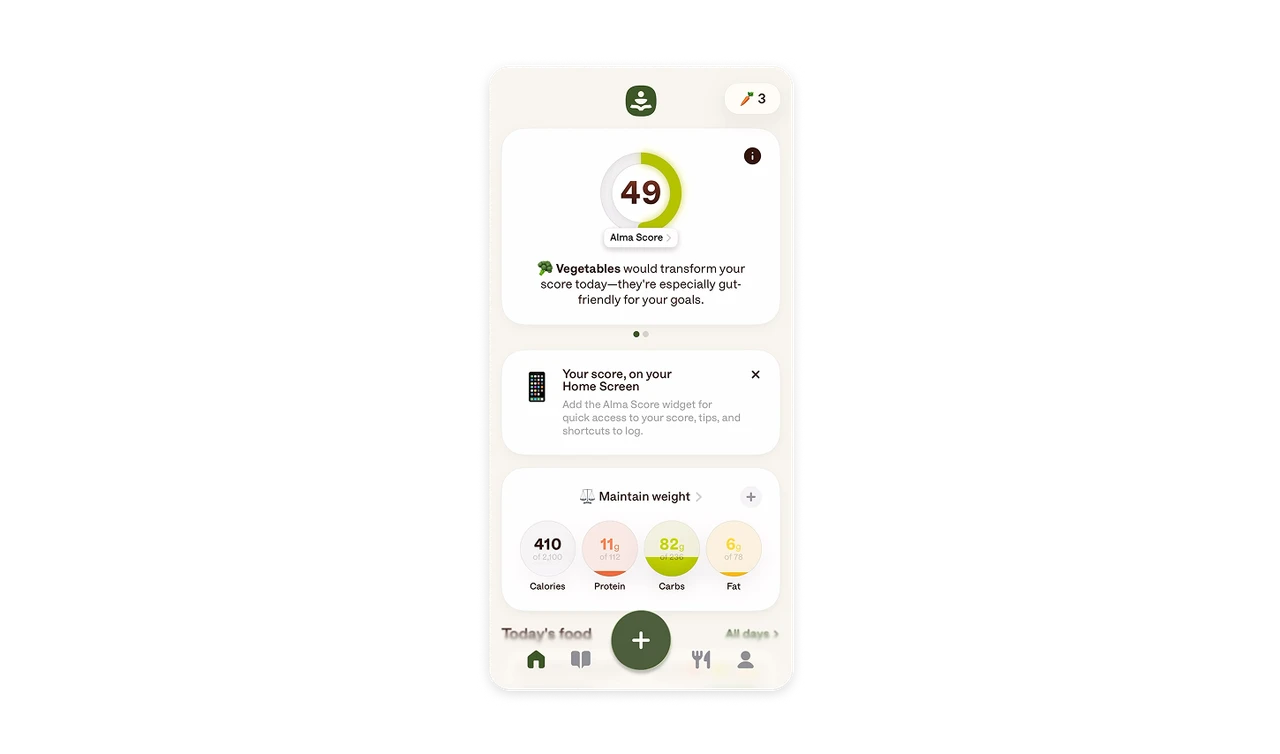
The score ring, bold number, and short food insight work together to answer one question fast. What should I do today to improve? This makes the dashboard feel actionable, not just informative.
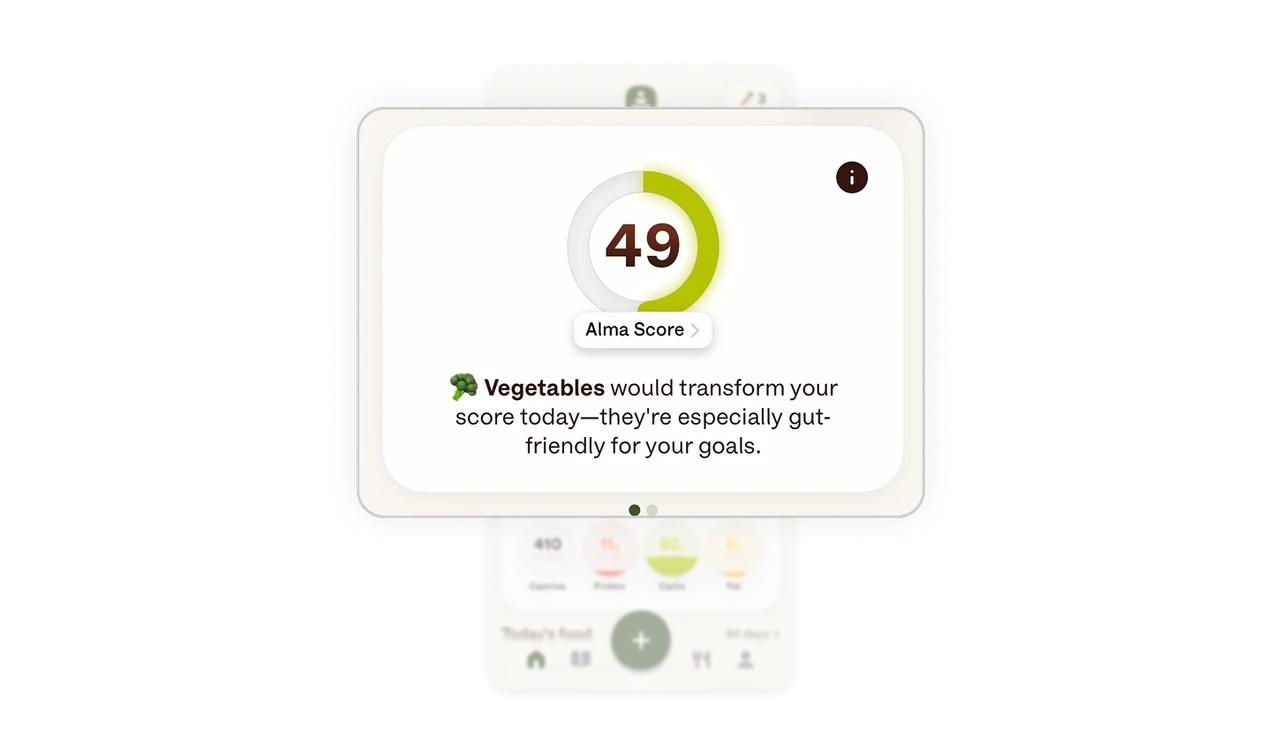
Product growth is embedded as a helpful feature
The widget prompt is framed as quicker access to progress and logging, not a promotion. It appears in context, is easy to dismiss, and clearly explains the value before asking for action.
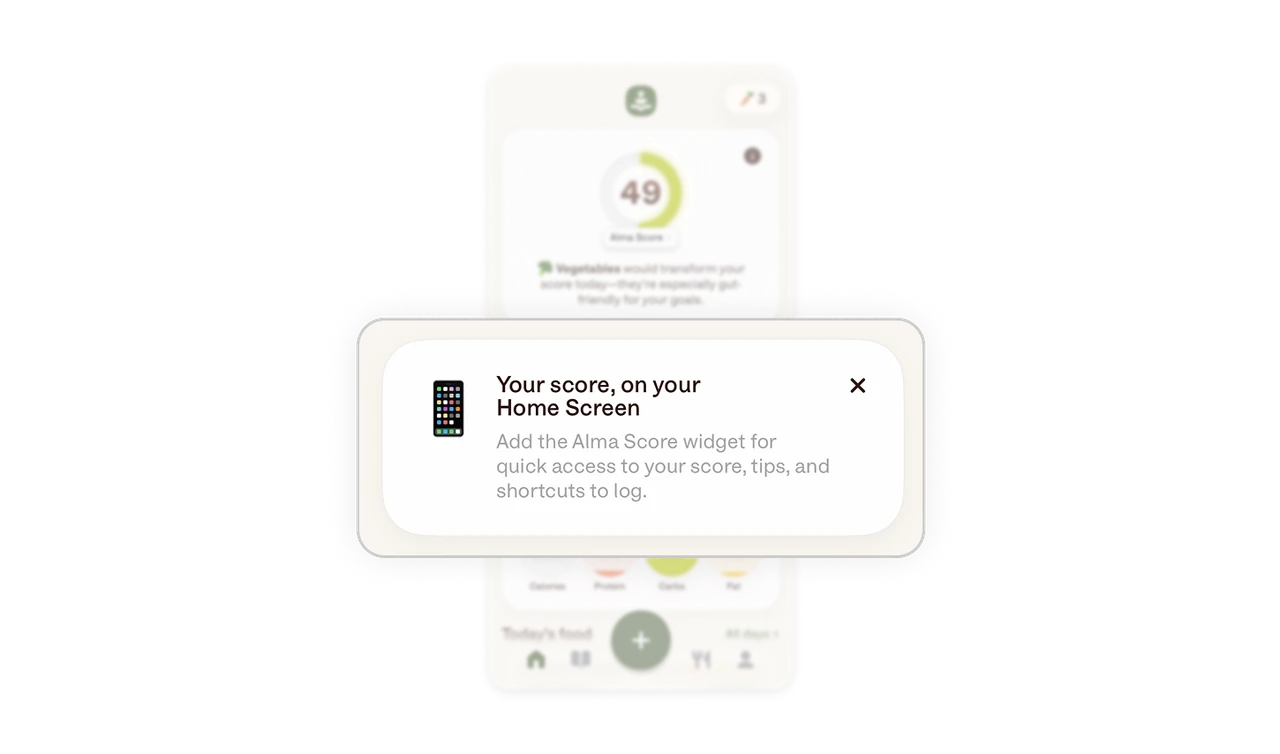
Nutritional KPIs use visual metaphors instead of raw numbers
Calories, protein, carbs, and fat are shown as filled circles with soft color coding. The liquid style progress makes portion and balance instantly understandable without reading detailed labels.
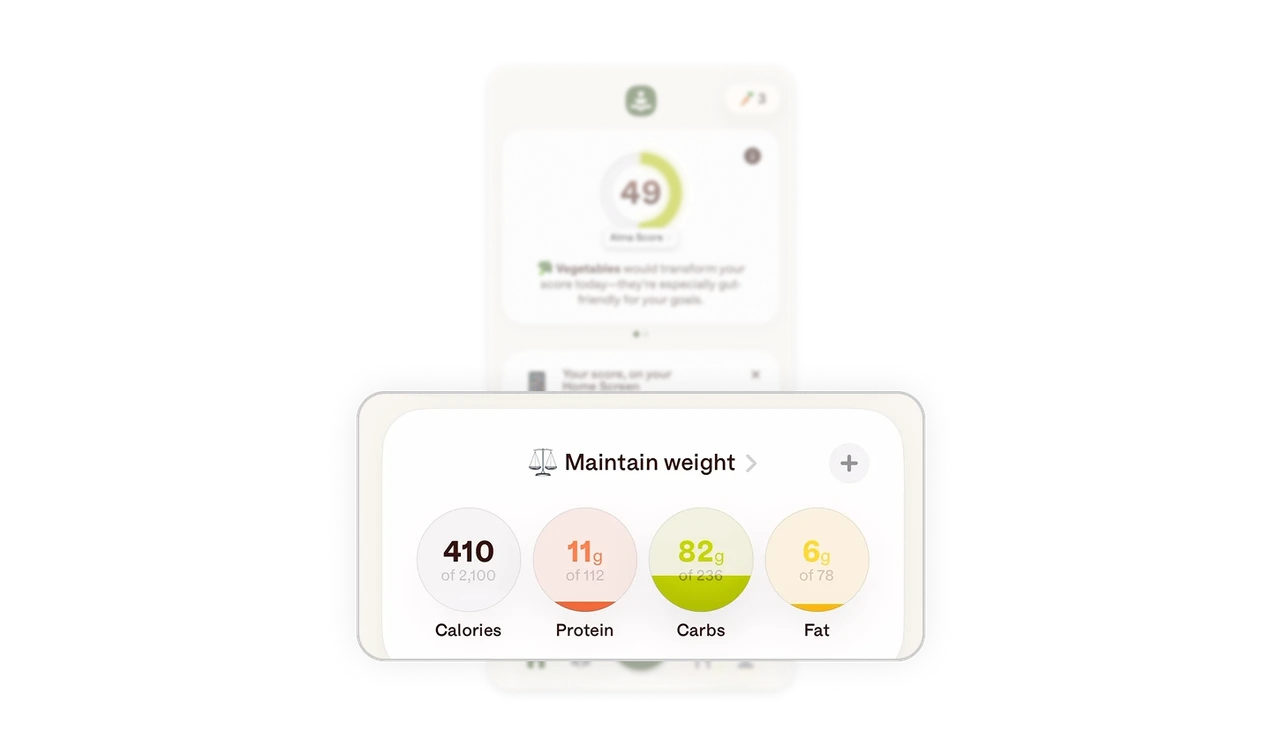
Gamification is subtle and brand aligned
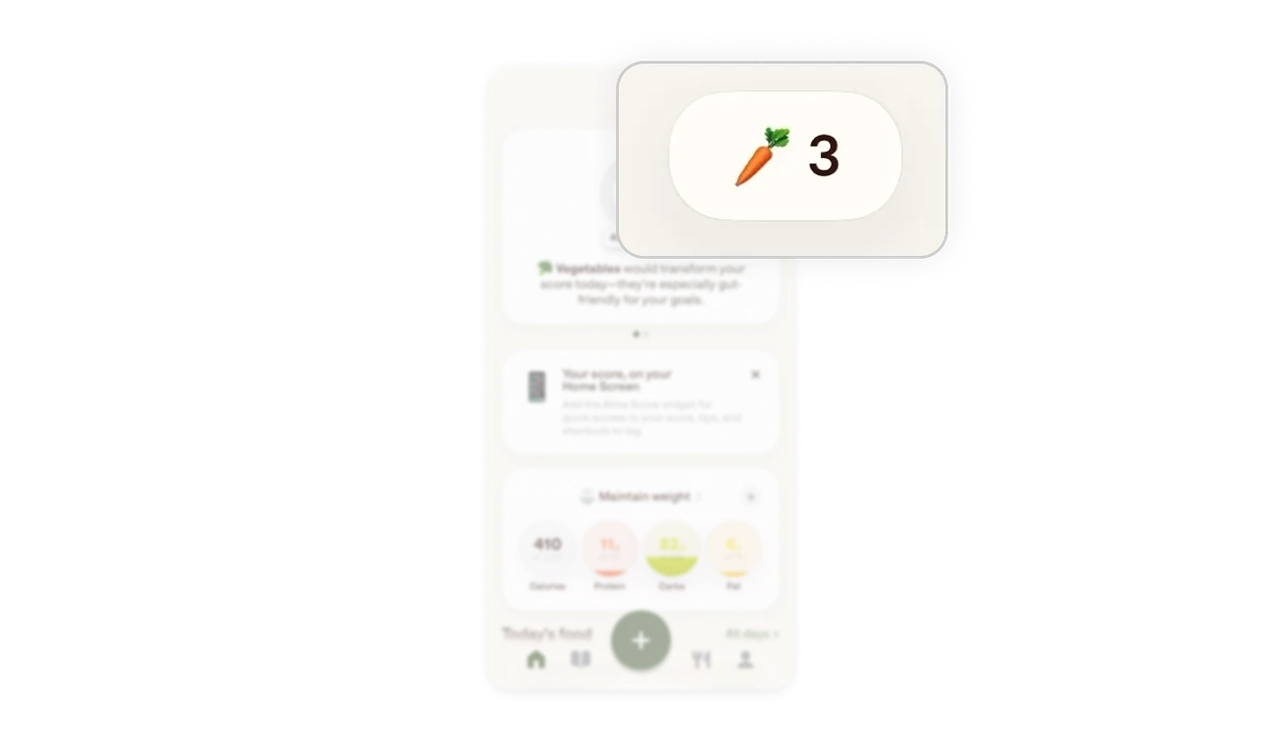
The streak indicator uses a small vegetable icon and a count in the header. It reinforces habit building and brand personality while staying lightweight and non distracting.
The layout prioritizes momentum over exploration
Primary actions like adding food sit in a large central button within thumb reach. Supporting details live in cards below, keeping the focus on logging and daily progress rather than deep navigation.
Similar Breakdown Lessons







