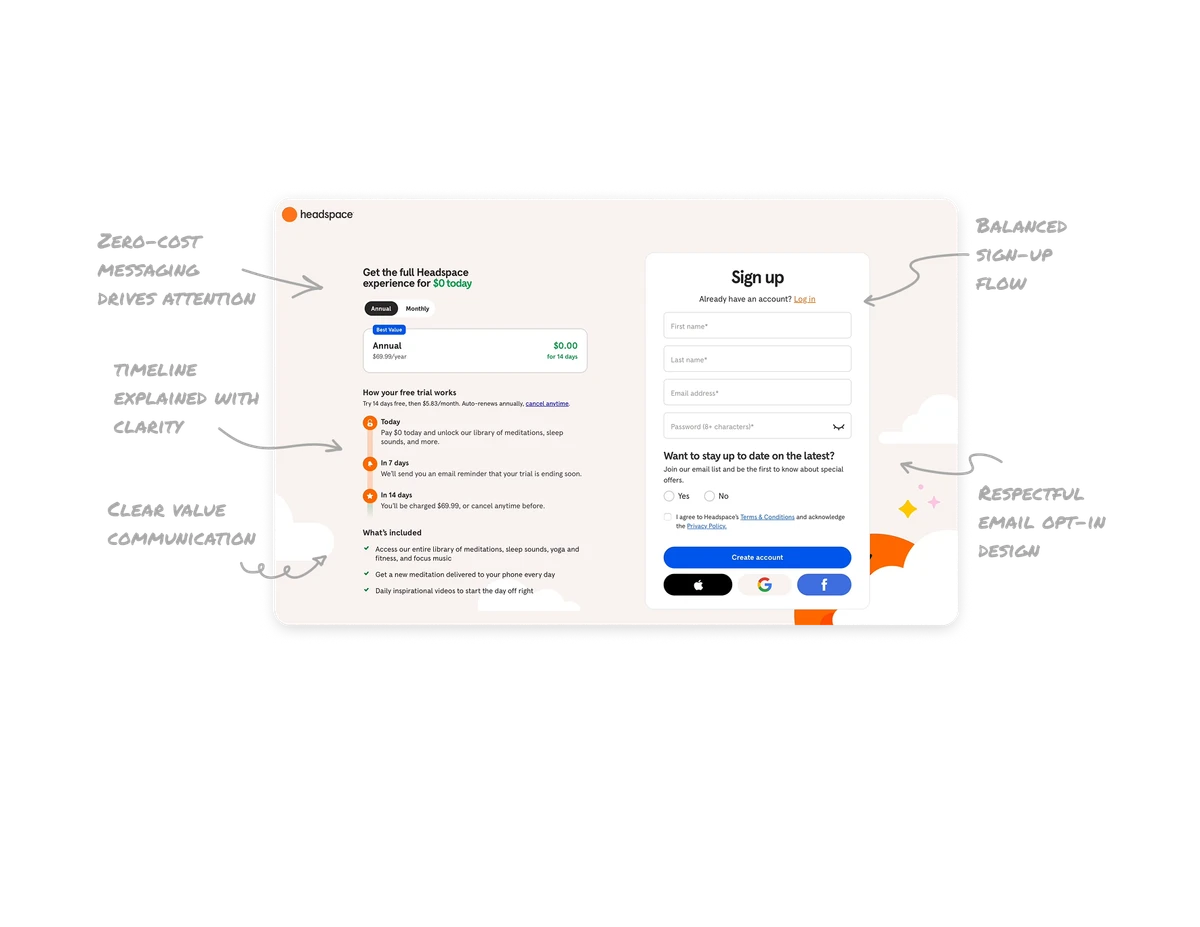
Home Dashboard

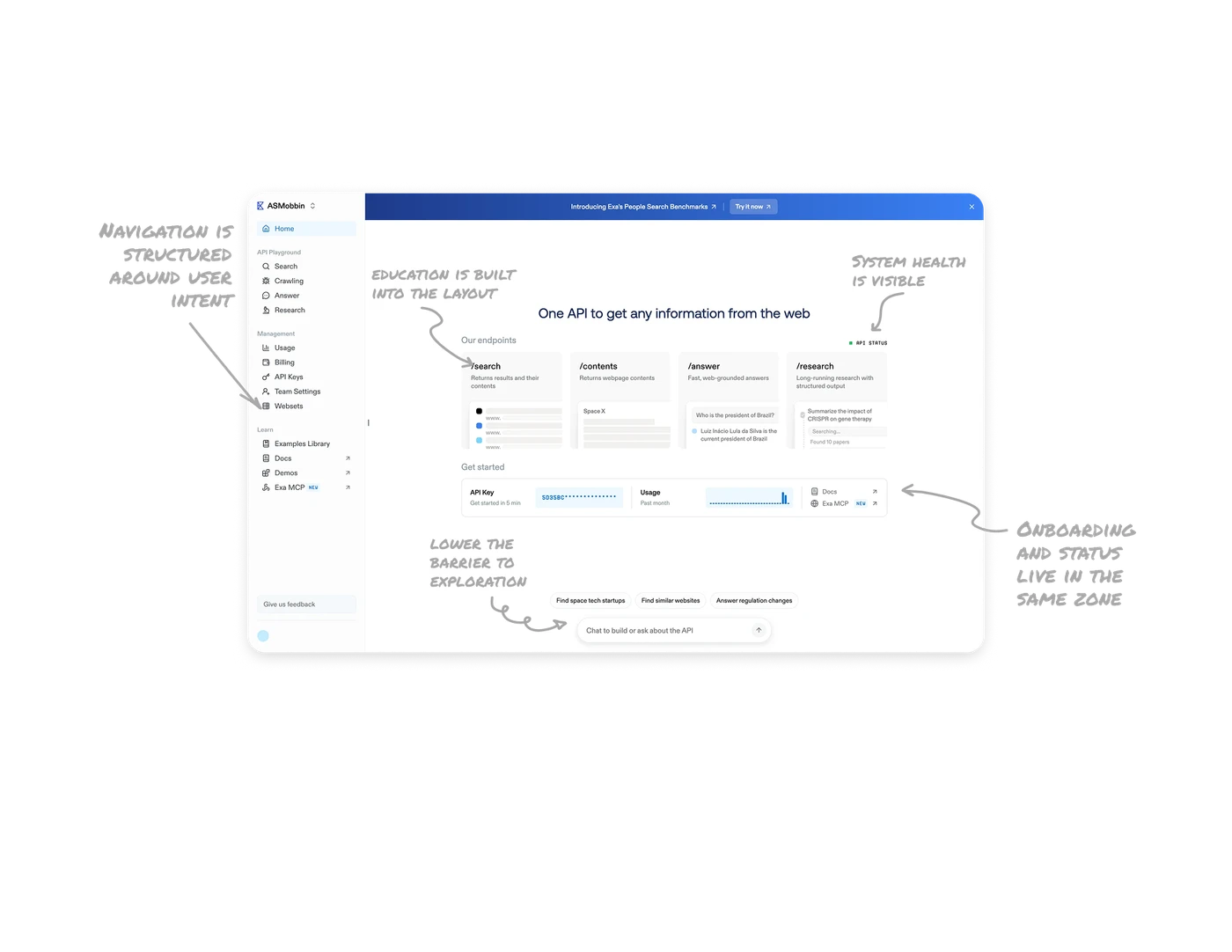
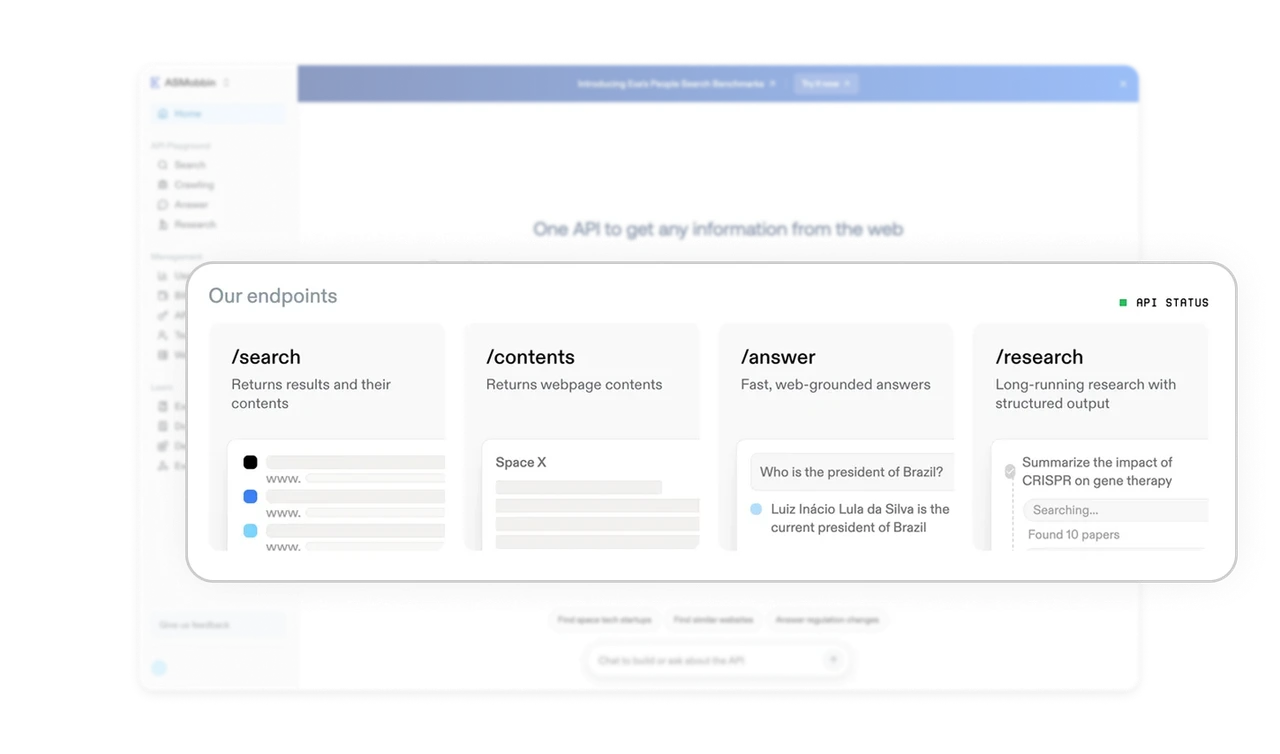
Product education is built into the layout
The endpoints section explains the platform through visual cards, short descriptions, and examples. Users understand what each API does without reading documentation first.
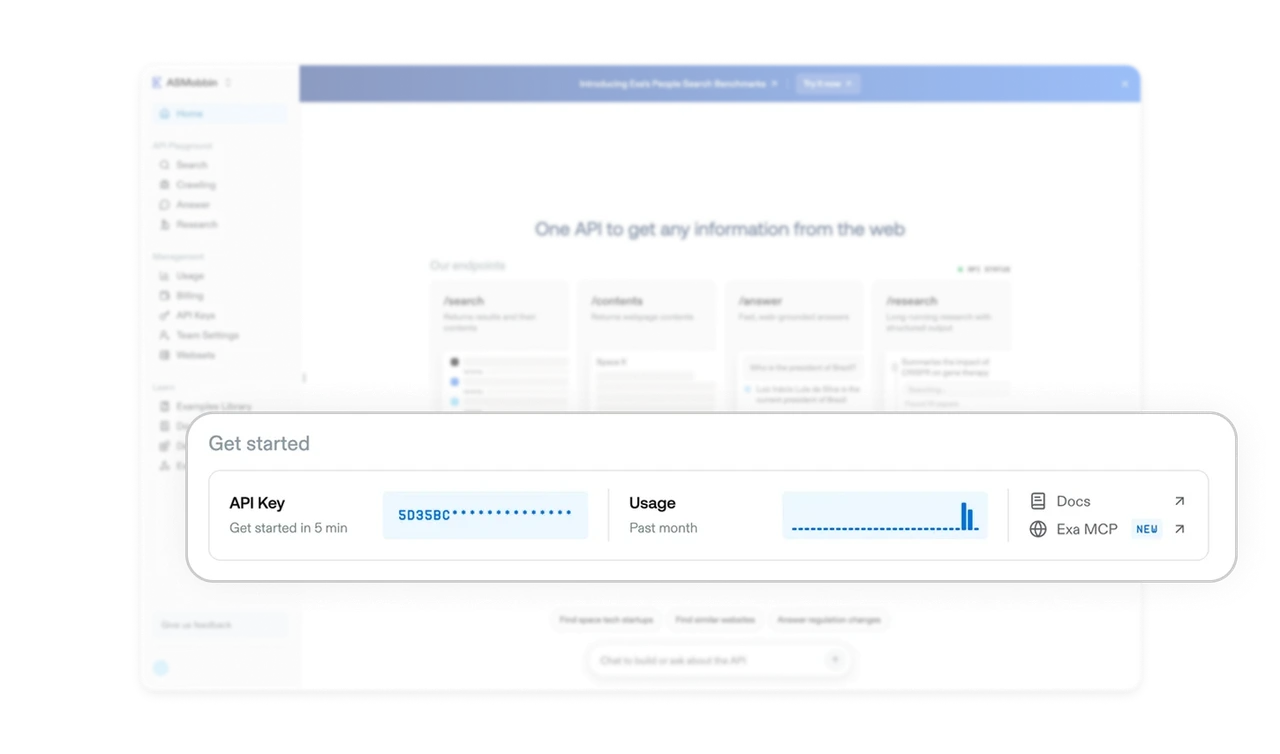
Onboarding and status live in the same zone
API key access, usage overview, and documentation links are grouped in one place. Masked keys balance accessibility with security, while the usage chart gives instant feedback on activity.
Conversational entry points lower the barrier to exploration
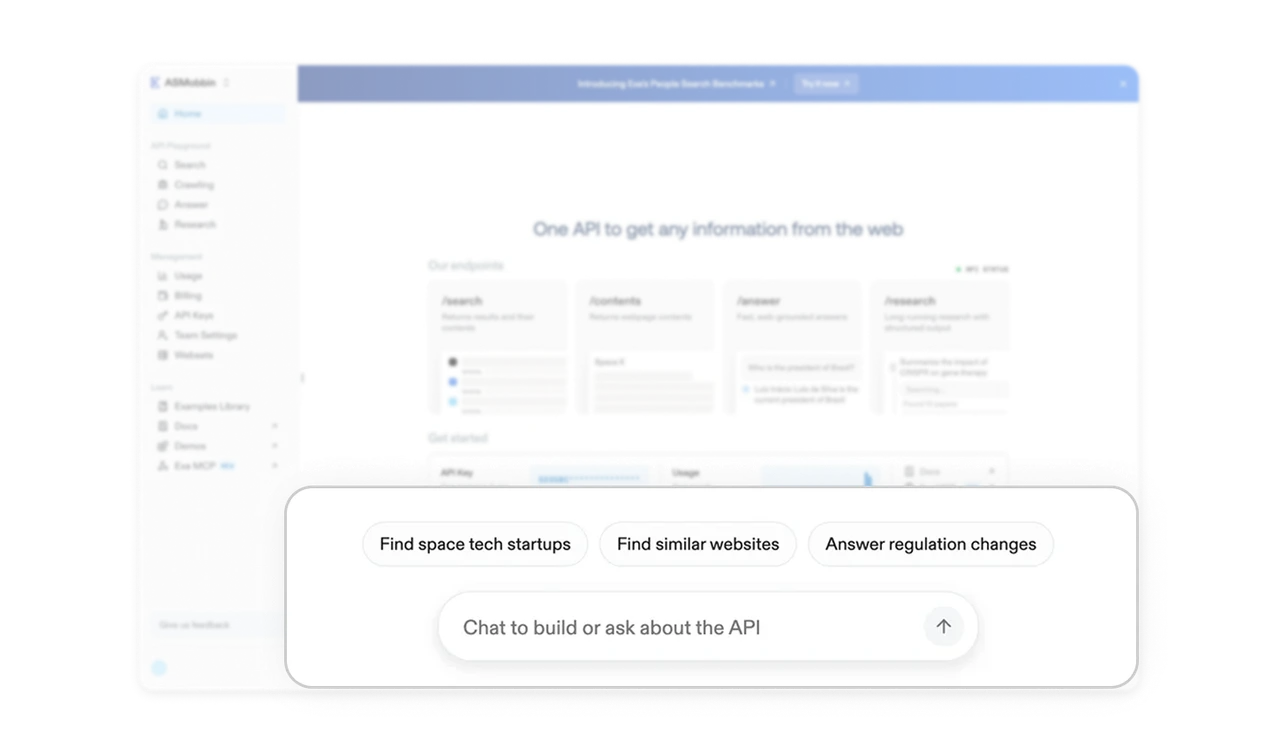
The chat input at the bottom invites users to ask or build directly. Suggested prompts above it remove blank page anxiety and guide first actions without forcing a tutorial.
System health is visible without demanding attention
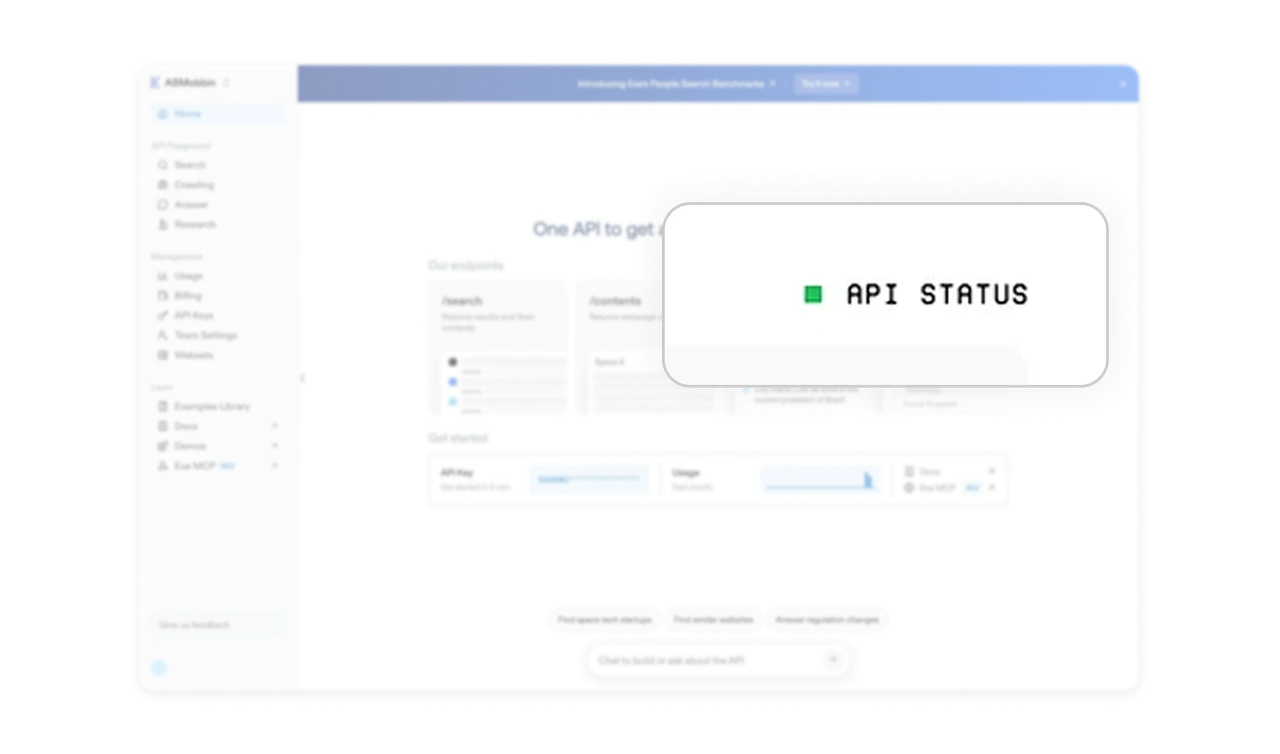
API status is shown with a simple color indicator in the main workspace. It reassures users at a glance without adding banners, alerts, or visual noise.
Navigation is structured around user intent
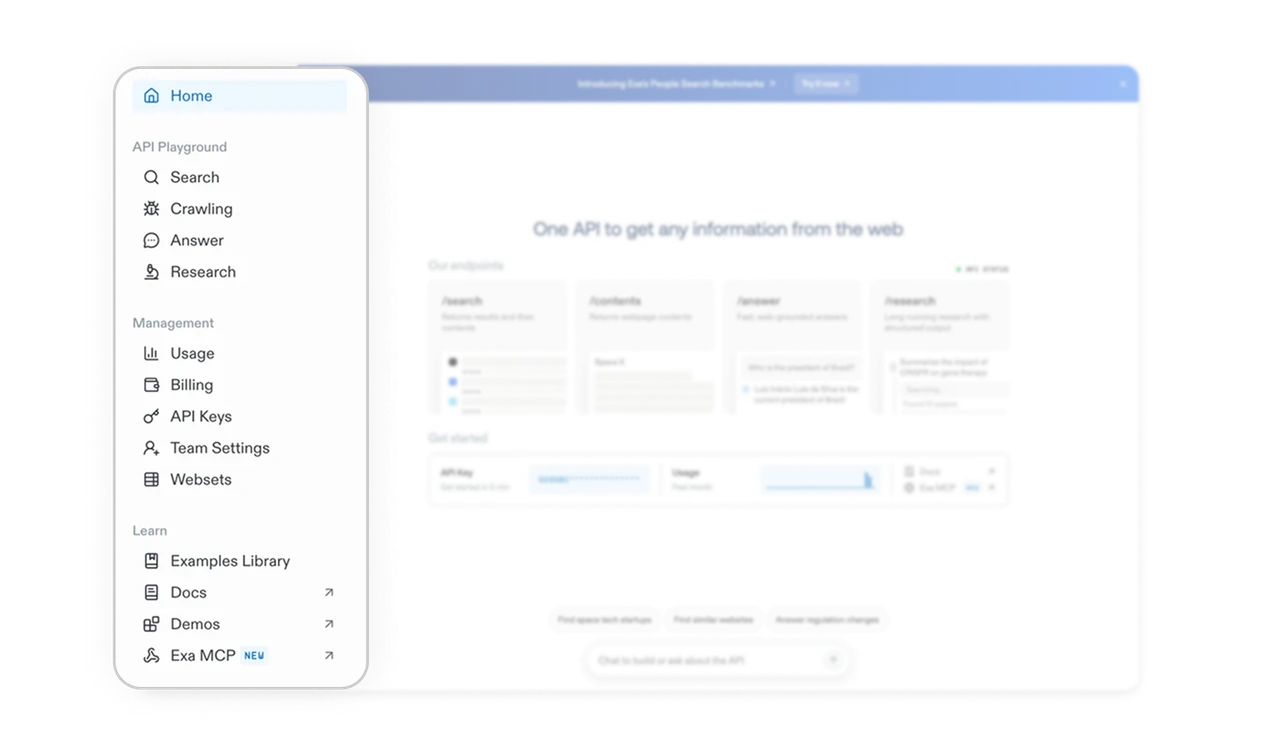
The sidebar groups tools by what users want to do, like search, crawl, or research. Consistent icons, restrained color, and subtle labels like New make discovery easy without clutter.
Similar Breakdown Lessons