Event Creation

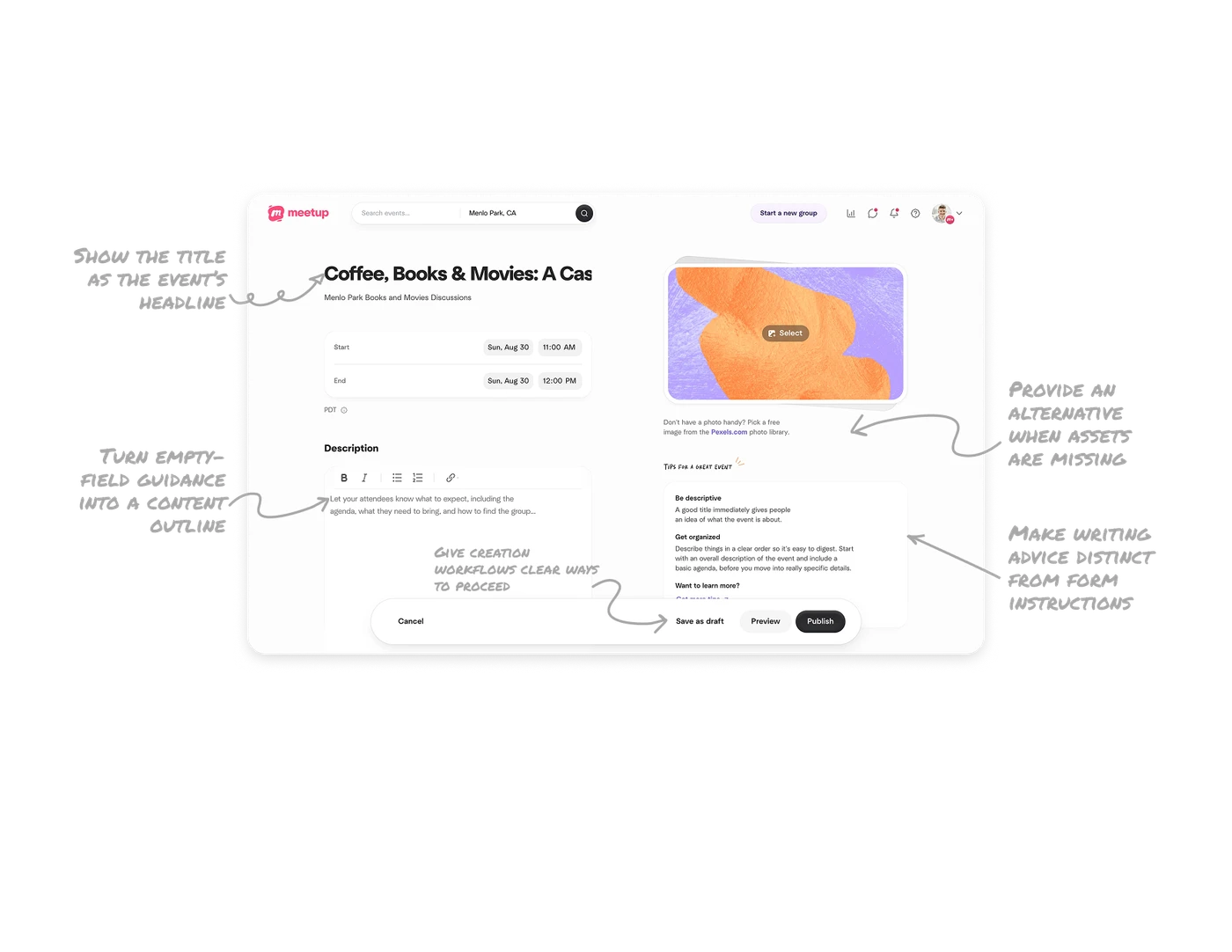
Give creation workflows clear ways to proceed
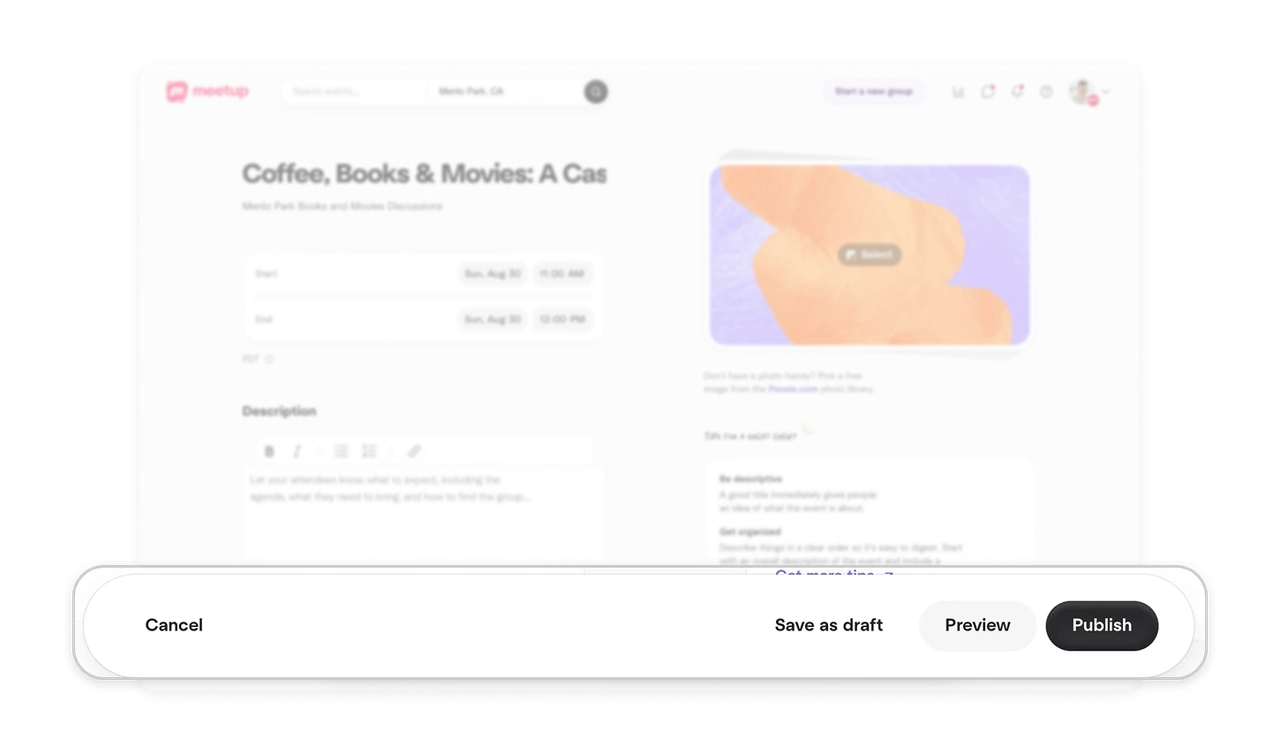
Cancel sits at the left of the bottom bar, while Save as draft, Preview and Publish are grouped on the right. The spacing separates leaving the task from actions that preserve, inspect or release the work. Publish receives the strongest emphasis. Offer meaningful choices for different levels of readiness, and make their relationship clear through both wording and placement.
Turn empty-field guidance into a content outline
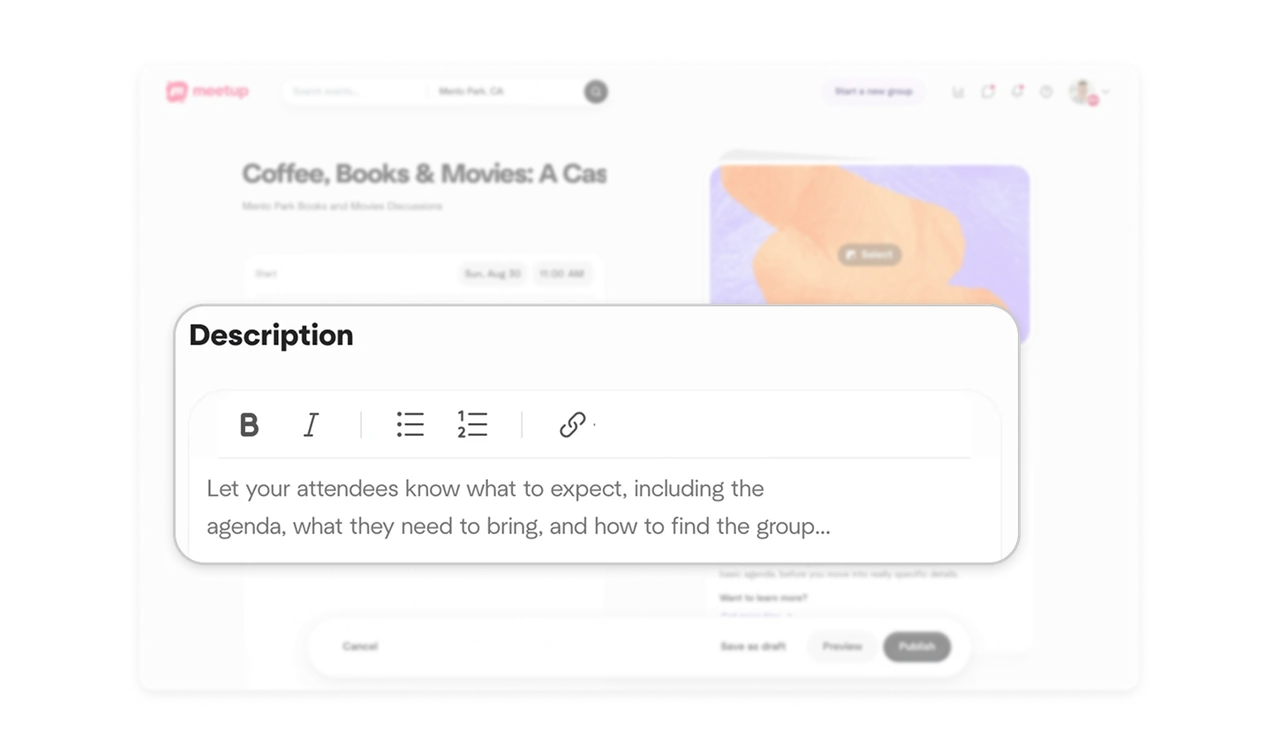
The description placeholder asks for an agenda, what attendees should bring, and how to find the group. It gives organizers concrete questions to answer before they start writing. Nearby list and link controls provide ways to structure those answers. In authoring tools, pair guidance about what readers need with formatting suited to that information, helping users move from an empty field to useful content.
Provide an alternative when assets are missing
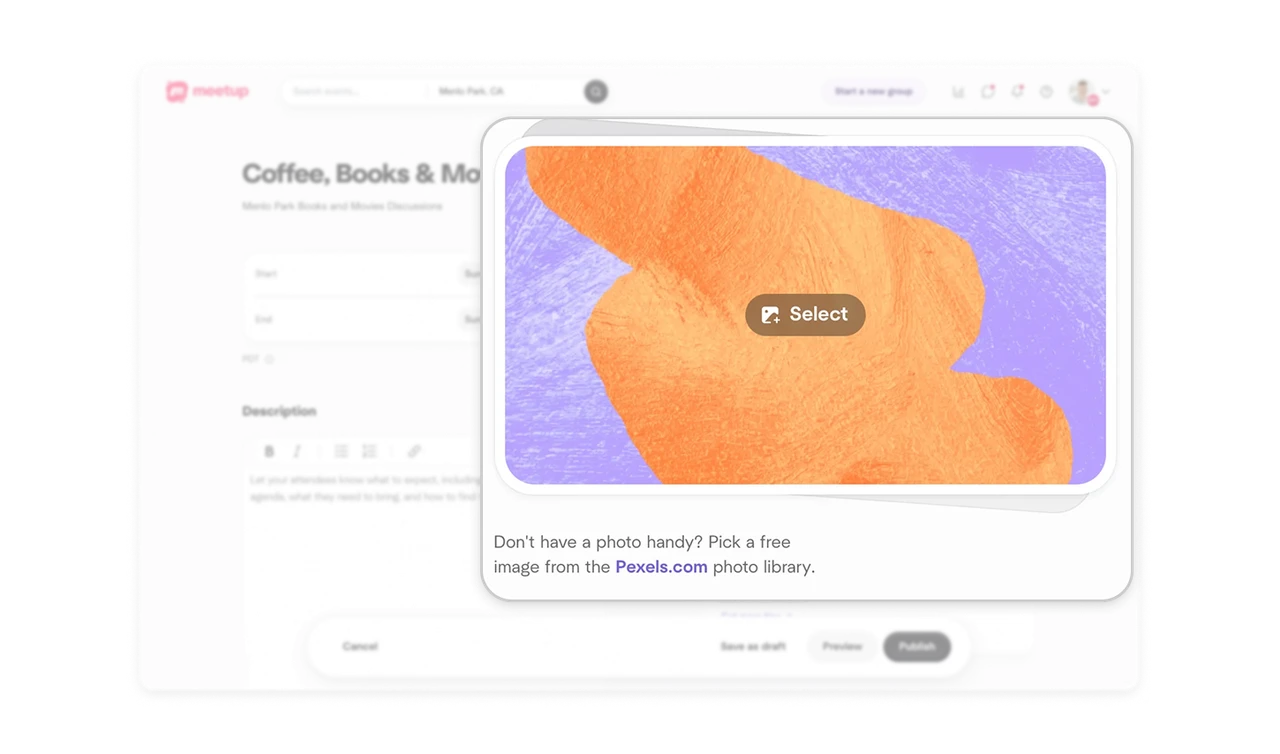
Beneath the image selector, Meetup asks “Don’t have a photo handy?” and points to free images from Pexels.com. The wording recognizes a practical obstacle at the exact place an organizer encounters it, then names an alternative source and its cost. Pair asset requests with relevant sourcing options when users may understand what is needed but lack material to supply.
Show the title as the event’s headline
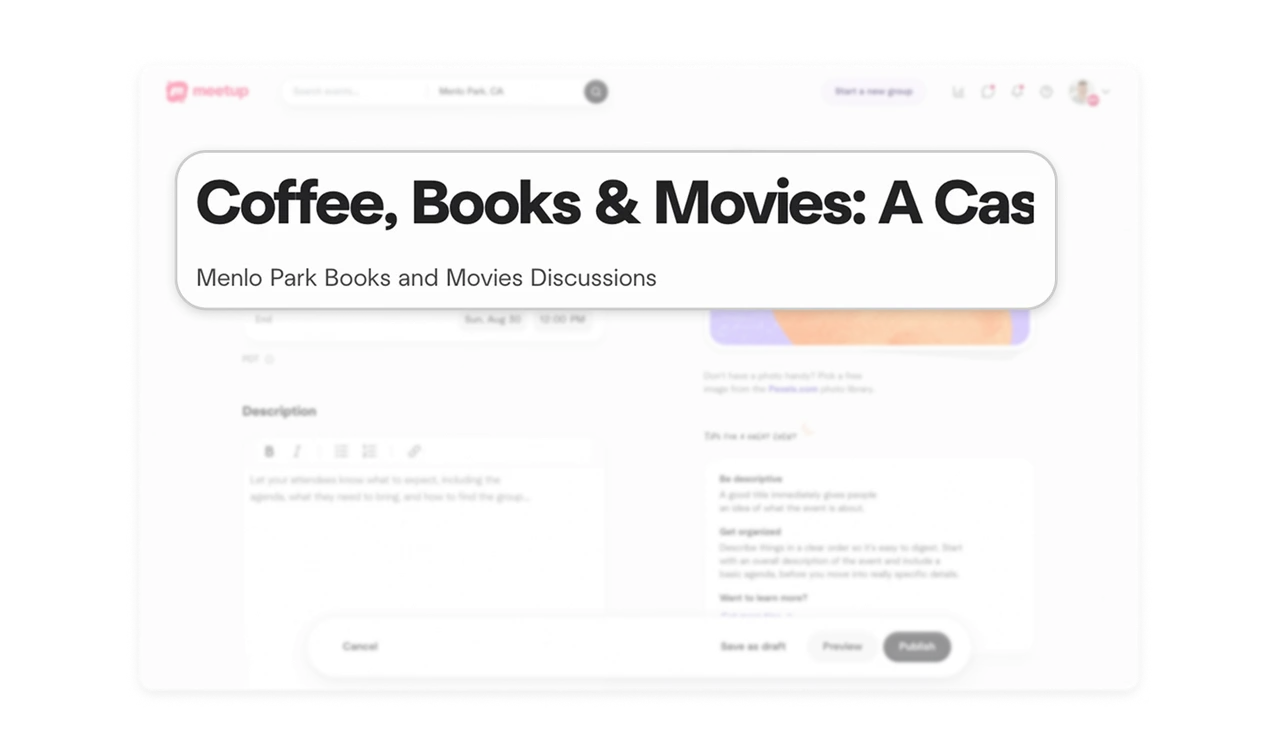
The event title appears in large, bold type above the group name, giving it headline prominence within the creation screen. The title receives more visual emphasis than the scheduling fields and description label, establishing a hierarchy between the event’s identity and its details. When a title carries a page’s first impression, show it prominently during authoring and keep the full wording inspectable as it grows.
Make writing advice distinct from form instructions
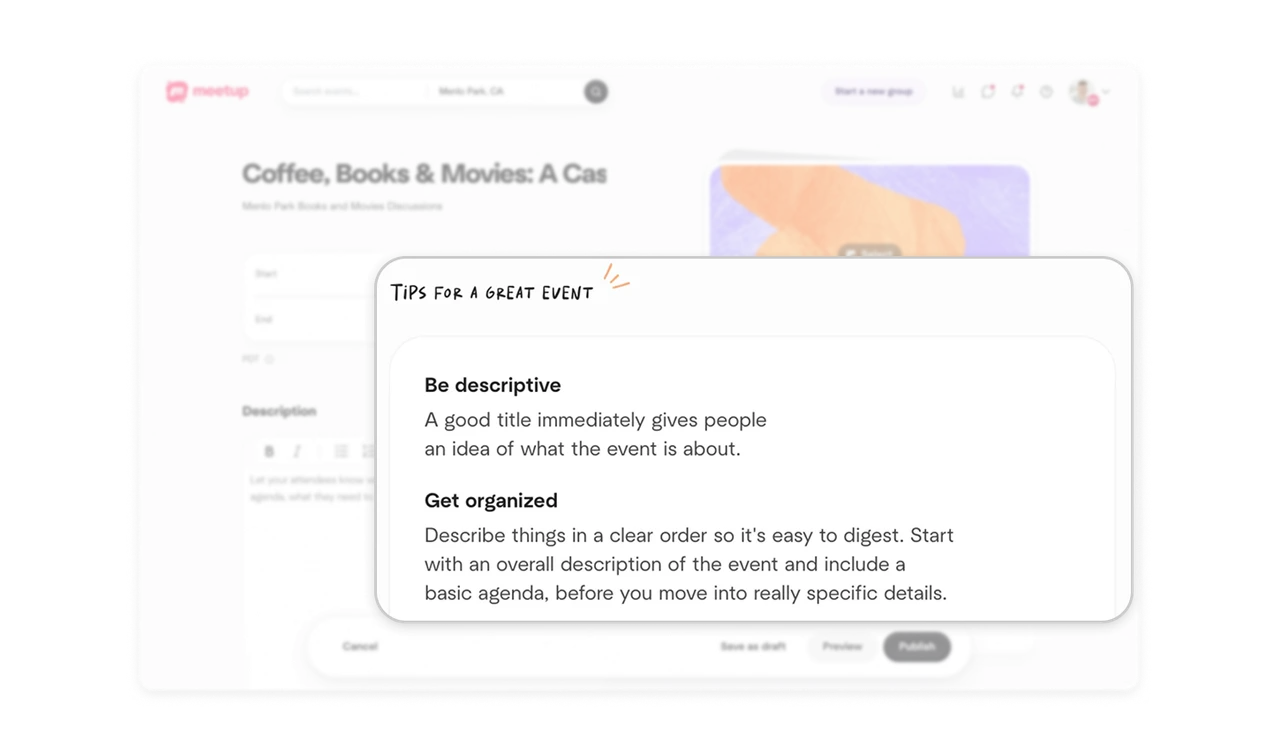
The tips panel pairs a handwritten-style heading and sketched flourish with advice about title clarity and description structure. Its informal treatment distinguishes the guidance from the form’s conventional labels, while short subheadings make the advice easy to scan. Give editorial coaching a recognizable presentation beside the task, helping authors improve how they communicate as well as which fields they complete.
Similar Breakdown Lessons