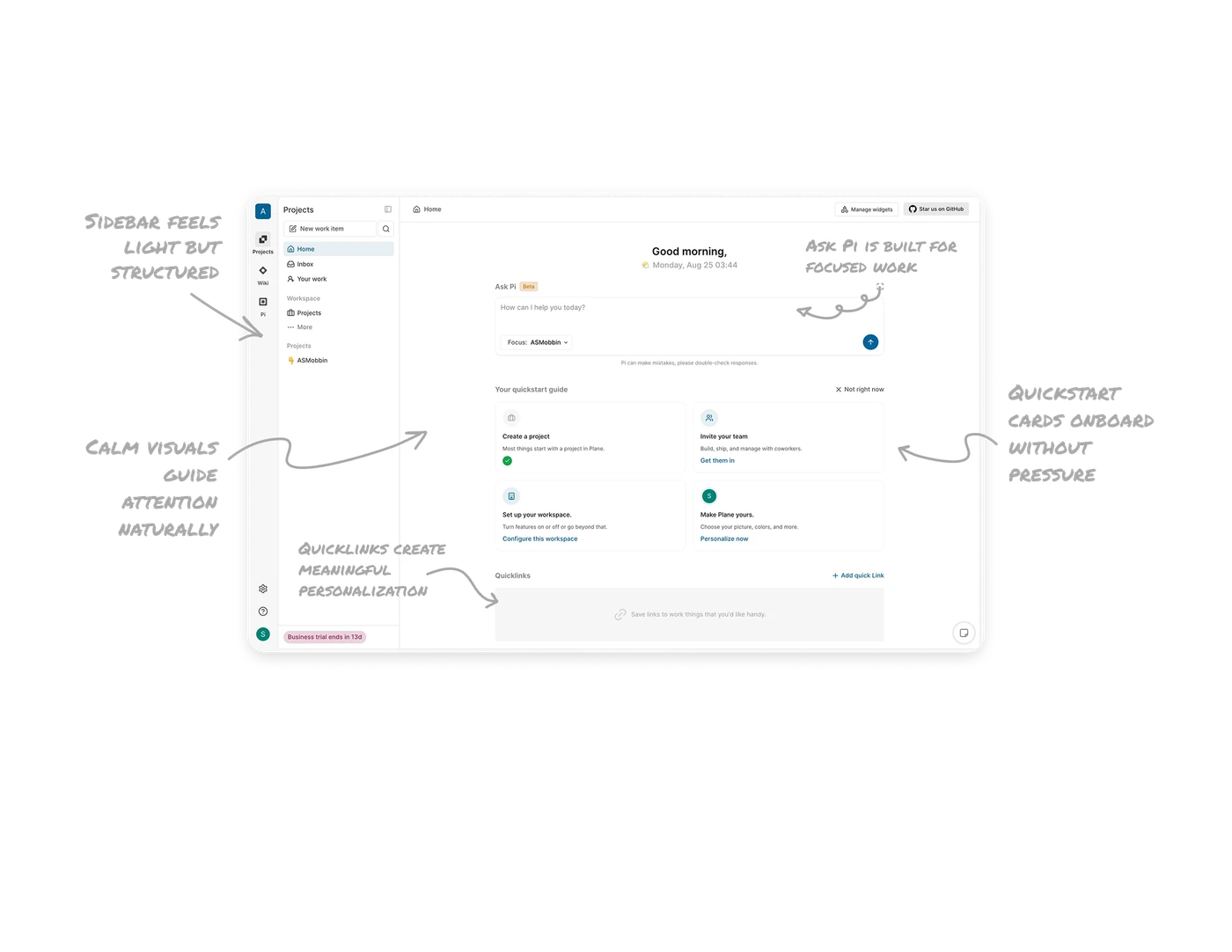
Onboarding Dashboard

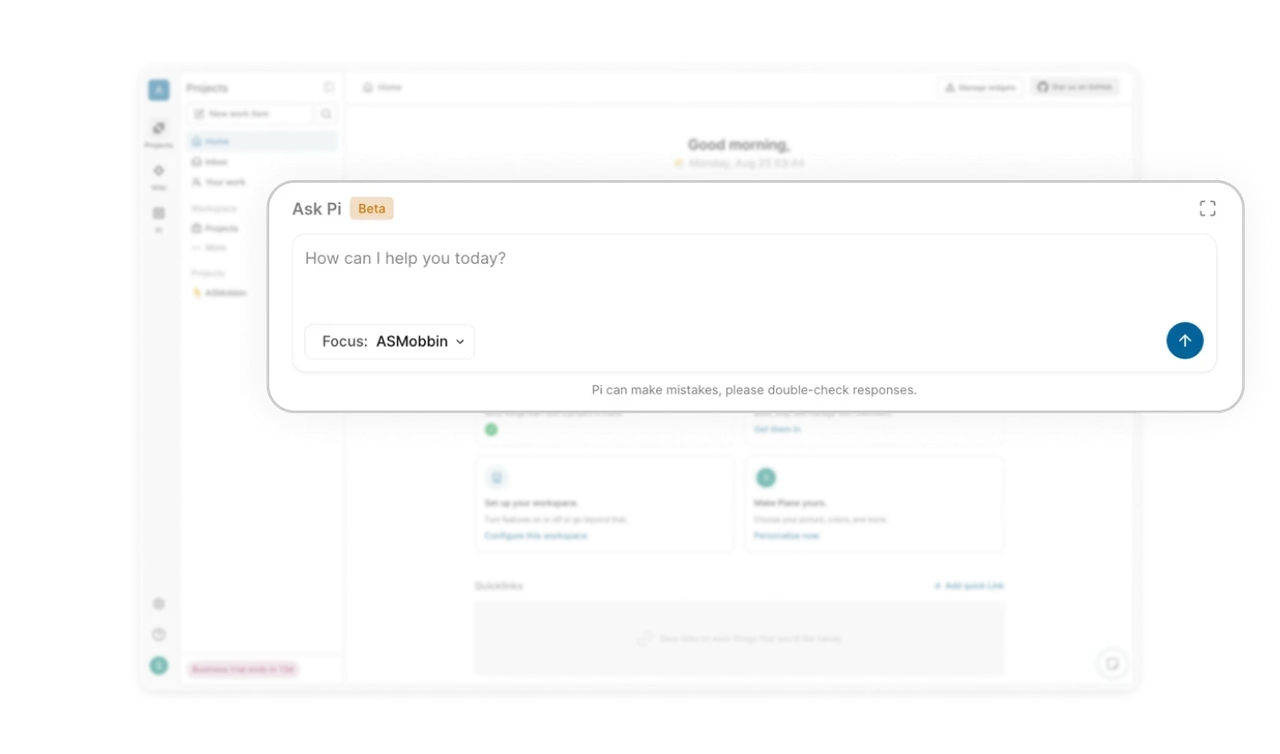
Ask Pi is built for focused work
The large input box feels like a workspace, not a chat bar. Full screen mode helps users lock in, and the focus dropdown keeps responses tied to the right project.
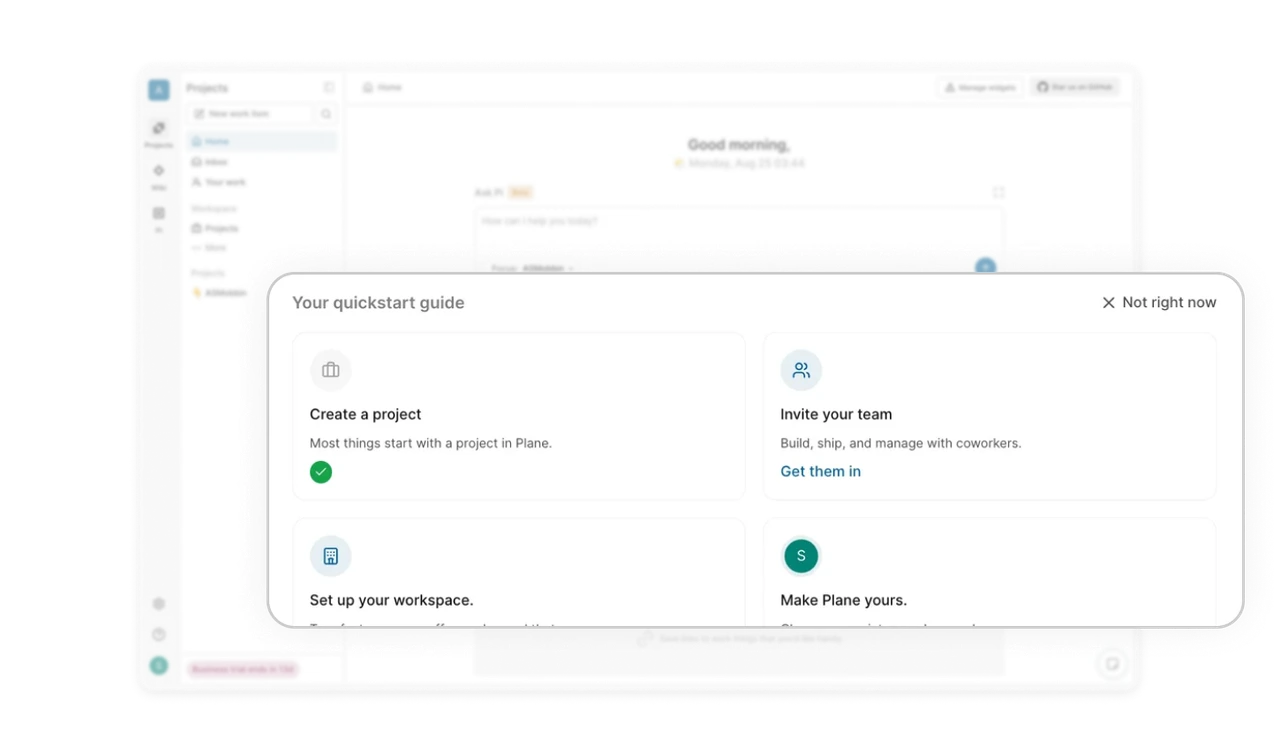
Quickstart cards onboard without pressure
Each card has a clear icon, a short line of context, and one action. It stays helpful without feeling like a tutorial. Users can hide the whole section when they no longer need it.
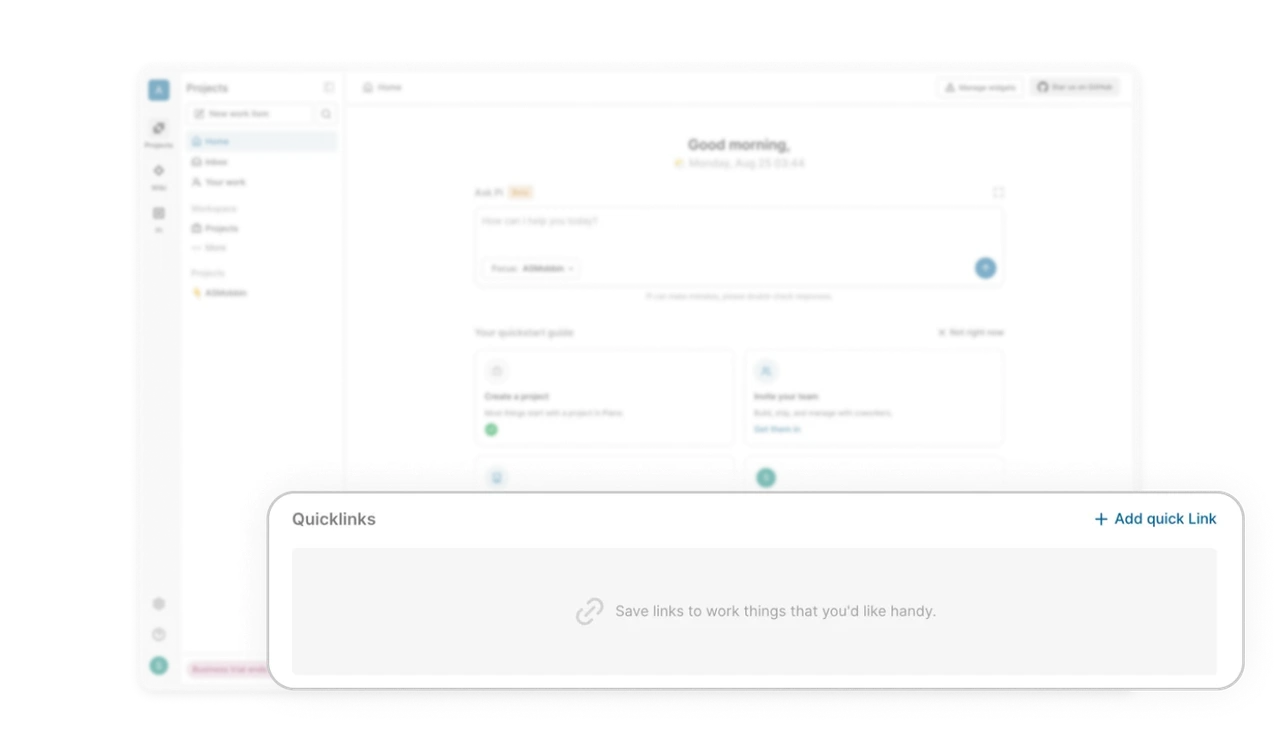
Quicklinks create meaningful personalization
The space lets users pin what matters without cluttering the layout. It stays out of the way but boosts efficiency for anyone who chooses to use it.
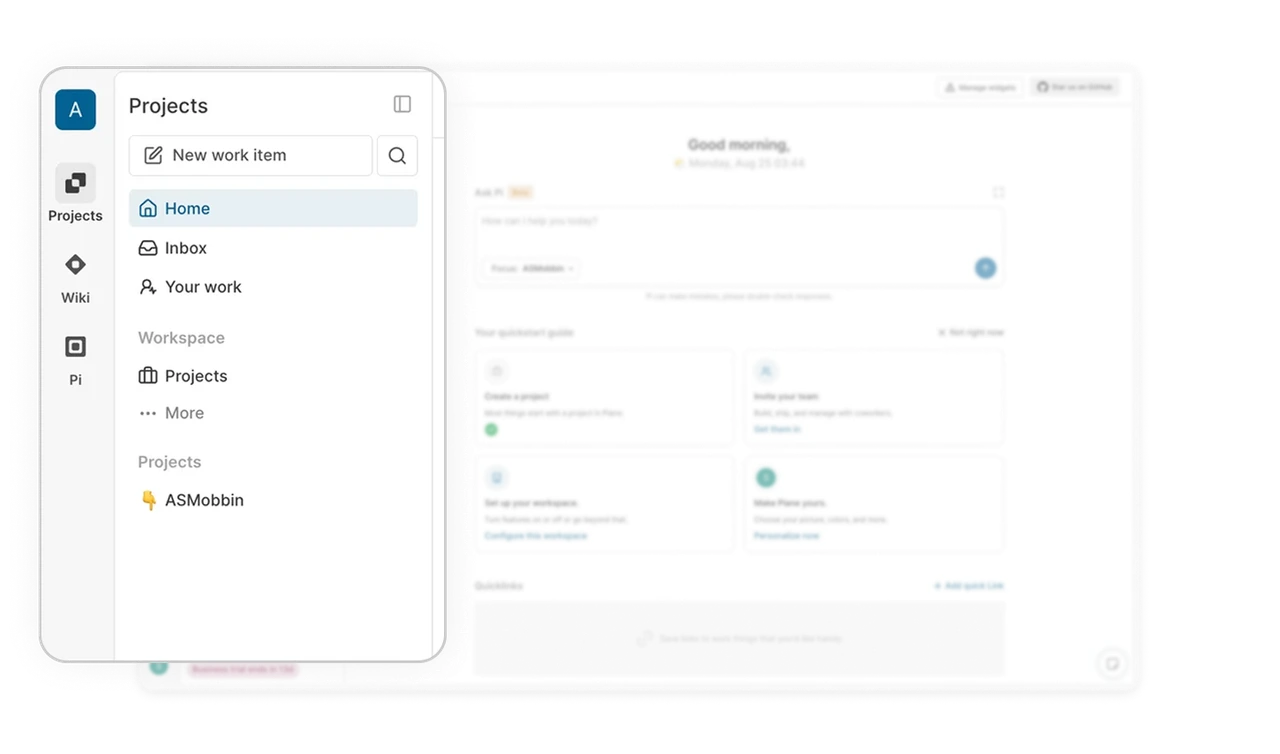
Sidebar navigation feels light but structured
Core sections stay visible while deeper areas sit behind collapsible groups. It reduces overwhelm and makes navigation predictable and fast.
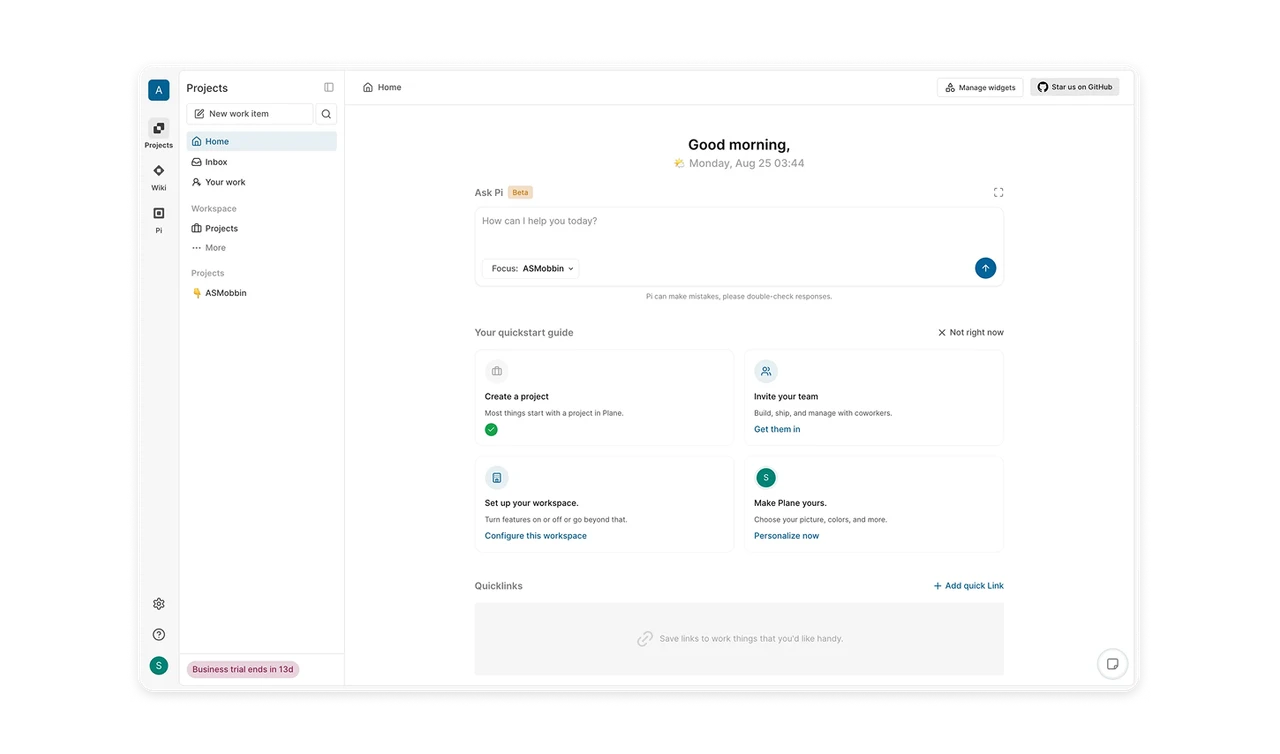
Calm visuals guide attention naturally
White space does the heavy lifting. Color is saved for icons, indicators, and actions, which keeps attention exactly where it should be.
Similar Breakdown Lessons