SaaS HR Dashboard

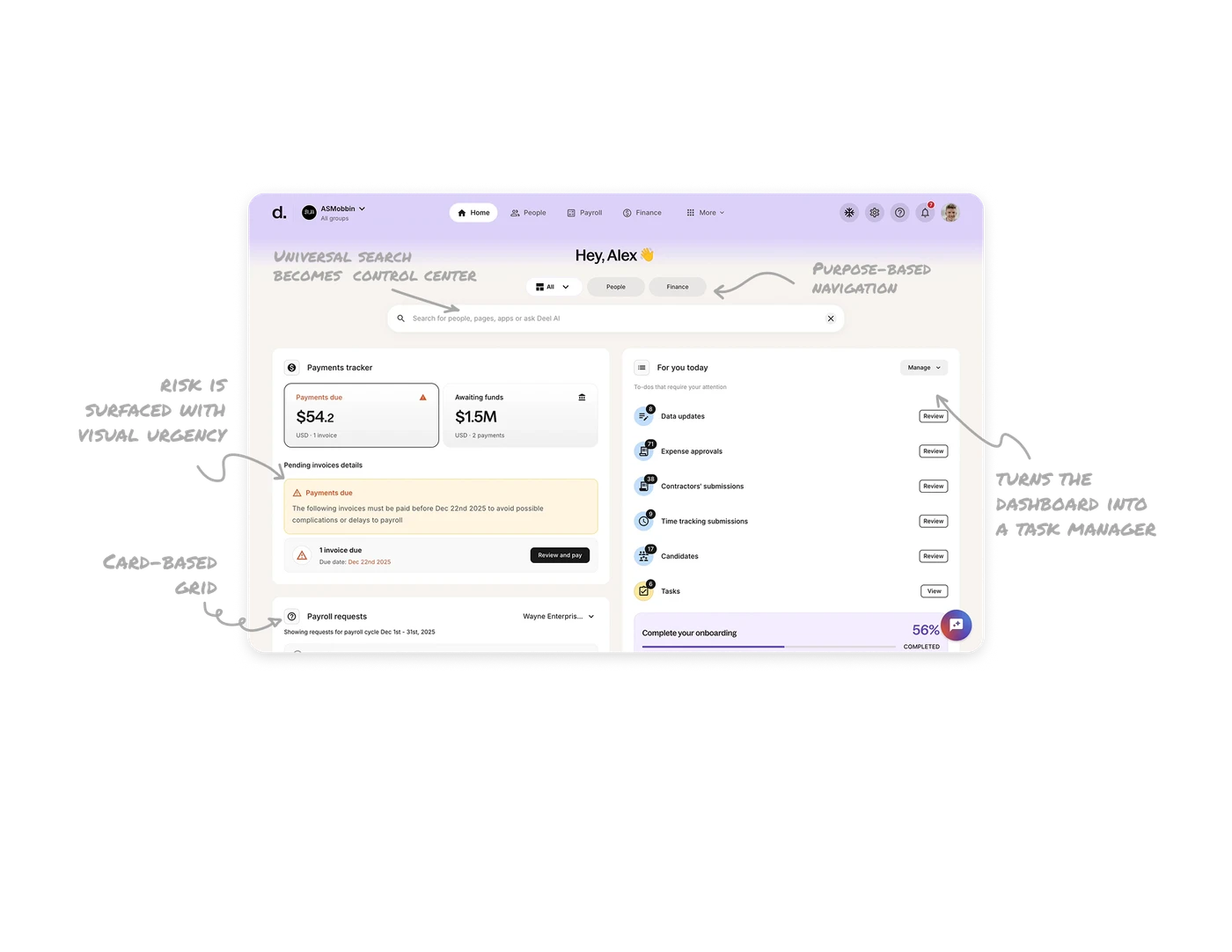
Purpose-based navigation helps users think in goals
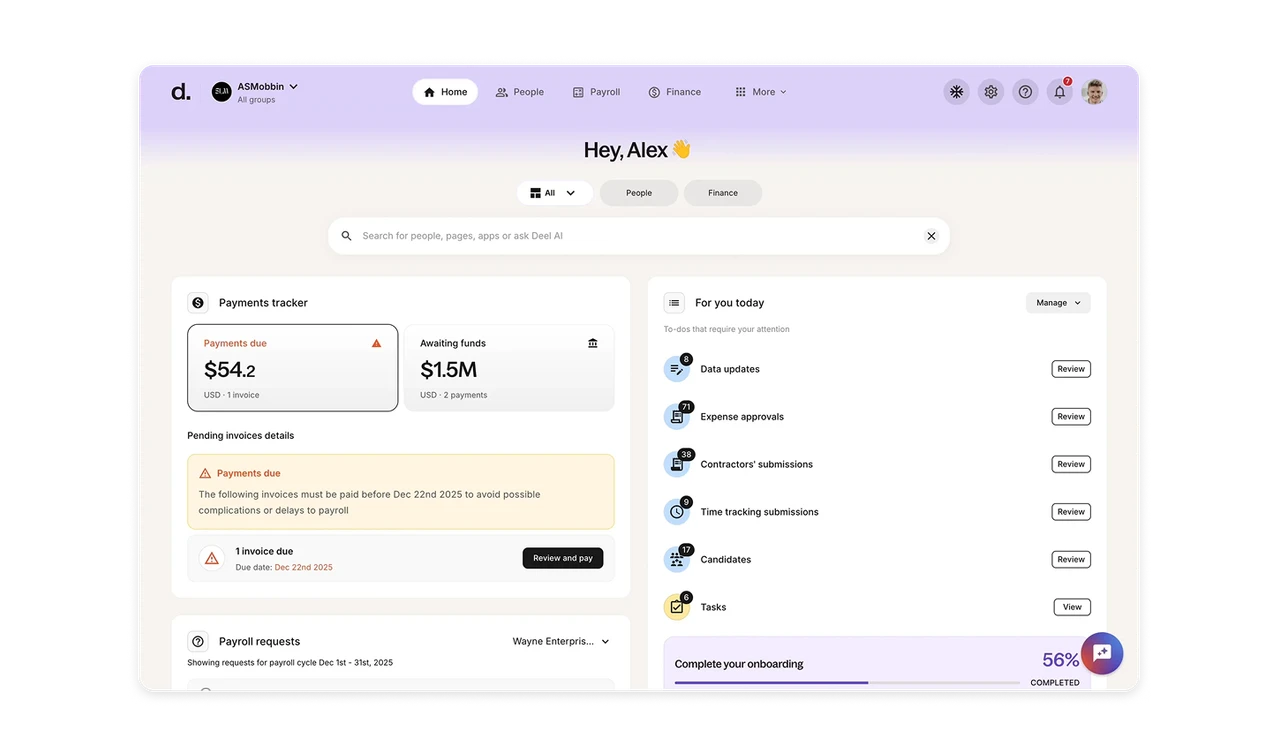
The top navigation is organized around real user intent like People, Finance, and More. Instead of forcing users to hunt through feature names, Deel mirrors how HR and operations teams actually think about their work.
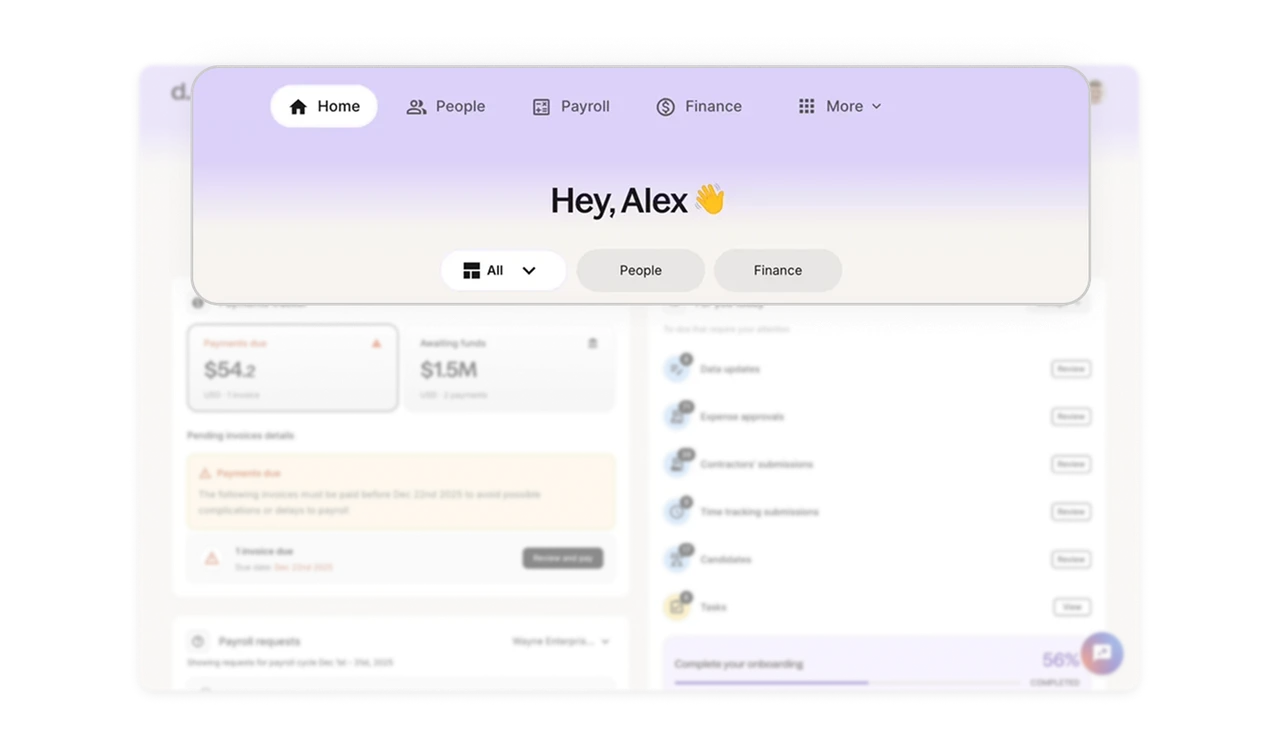
Universal search becomes the control center of the product
The centered search bar is visually dominant and always accessible. On an information-heavy platform like Deel, search is not a utility. It is the fastest path to action. Also with AI being embedded directly into search turns it into an intelligent assistant rather than a basic lookup tool.
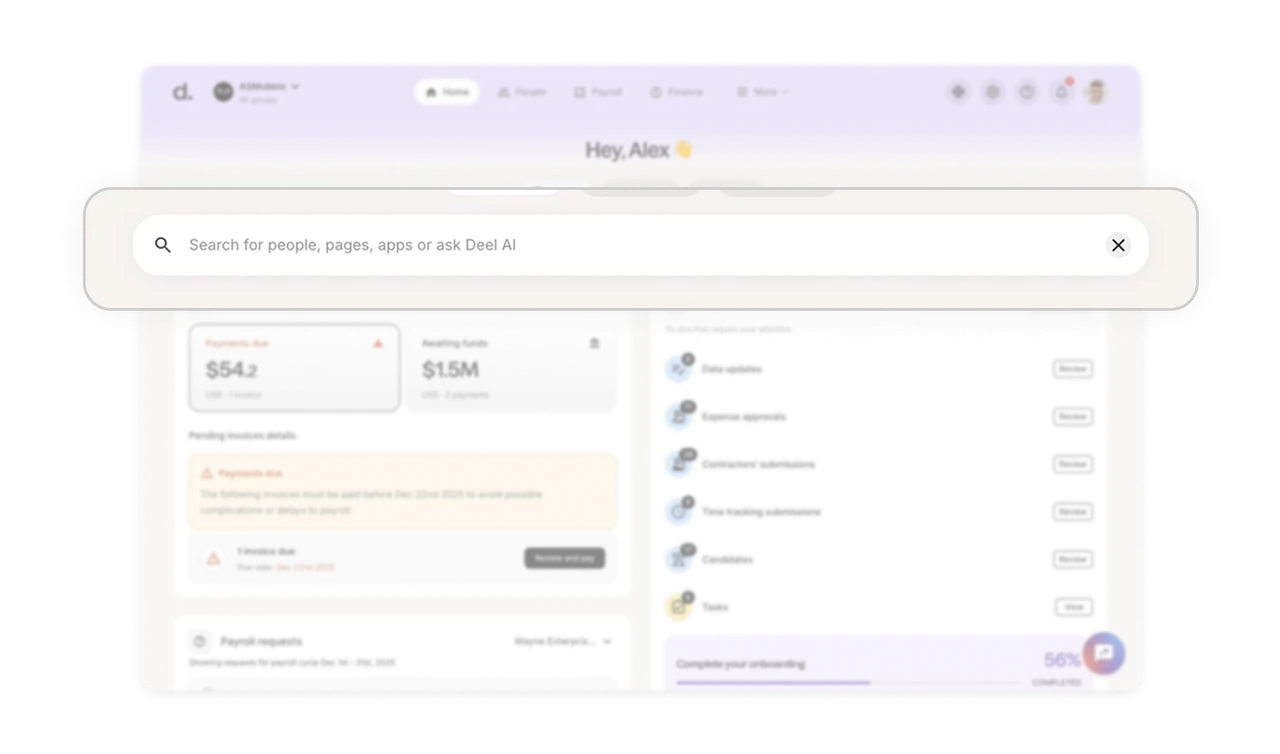
“For you today” turns the dashboard into a task manager
This section clearly shows what needs attention right now, with counts, categories, and one-click actions. Putting this as the first major card ensures users start their day with clarity.
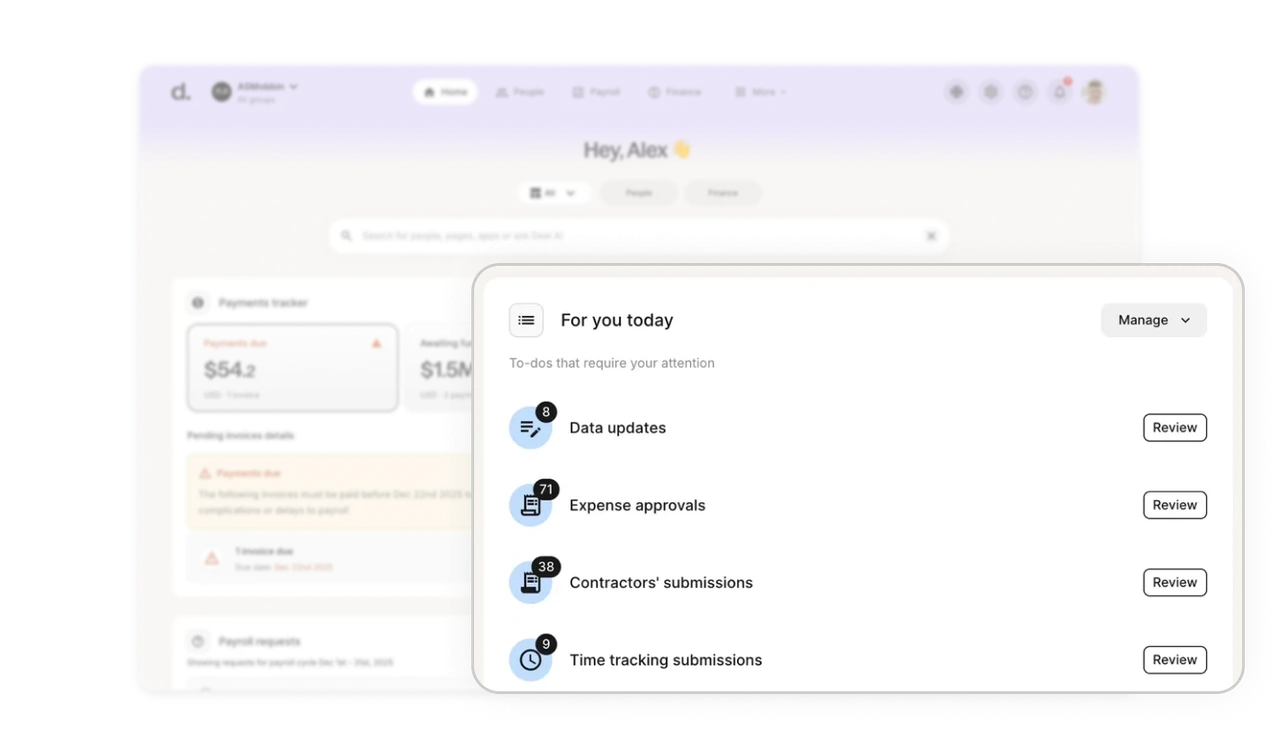
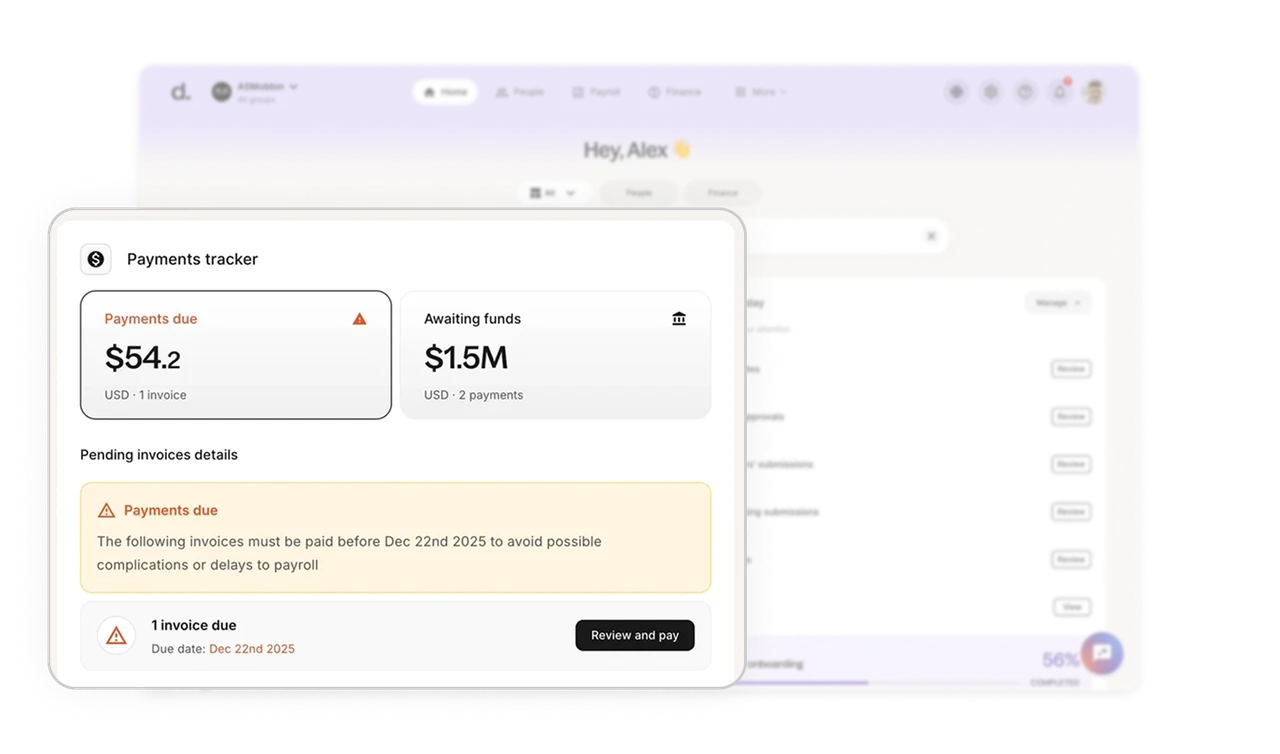
Financial risk is surfaced with visual urgency
The payments tracker uses large typography, warning colors, and clear status labels to highlight financial risk. Users instantly understand what is due, what is blocked, and what needs action.
Card-based grid creates predictable information zones
Every section lives inside a well-defined card with consistent spacing, hierarchy, and layout. This trains users to scan the dashboard the same way every time. Over time, users build muscle memory and navigate the dashboard almost subconsciously.
Similar Breakdown Lessons







