Store home dashboard

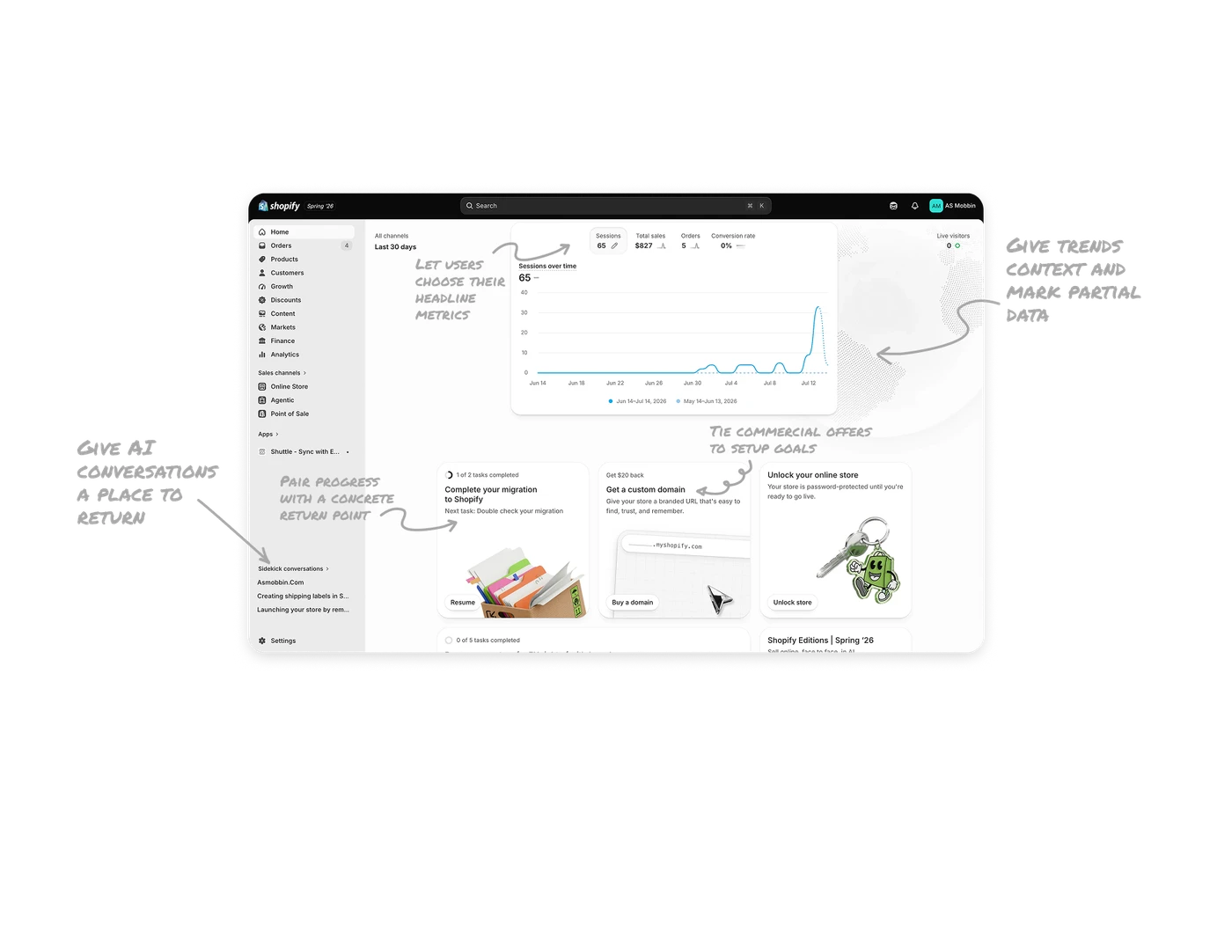
Let users choose their headline metrics
A pencil beside Sessions offers metric editing, while the selected metric determines the chart shown below. Shopify lets each user choose four Home metrics without changing anyone else’s view. This accommodates different responsibilities within the same business while preserving a compact dashboard. For shared products, make the overview adaptable to individual decisions: let users choose what deserves attention, then connect each chosen measure to a fuller explanation.
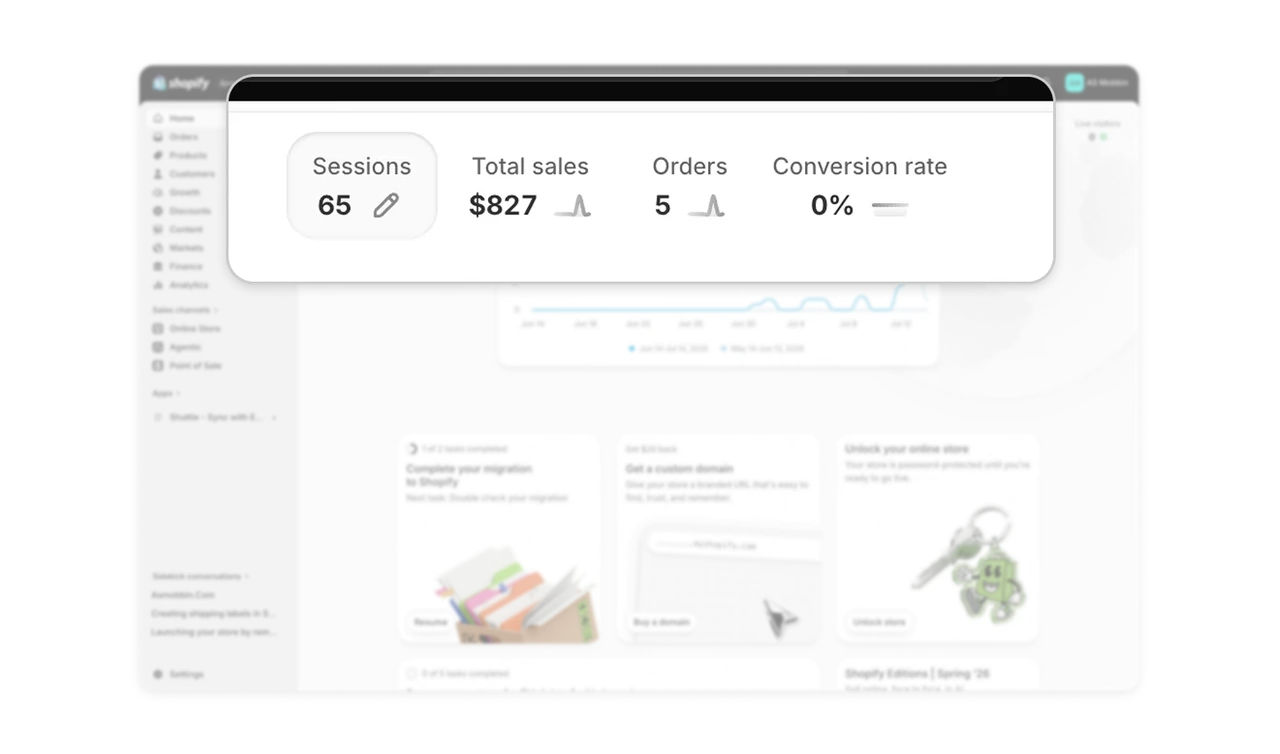
Give trends context and mark partial data
The chart pairs a lighter previous-period comparison, flat at zero here, with a dotted tail for the unfinished day. The comparison shows what current traffic is being measured against, while the tail distinguishes partial results from completed periods. Use visual hierarchy to keep the current trend prominent without losing its baseline. A useful chart helps users judge both how performance has changed and whether the latest result is ready to compare.
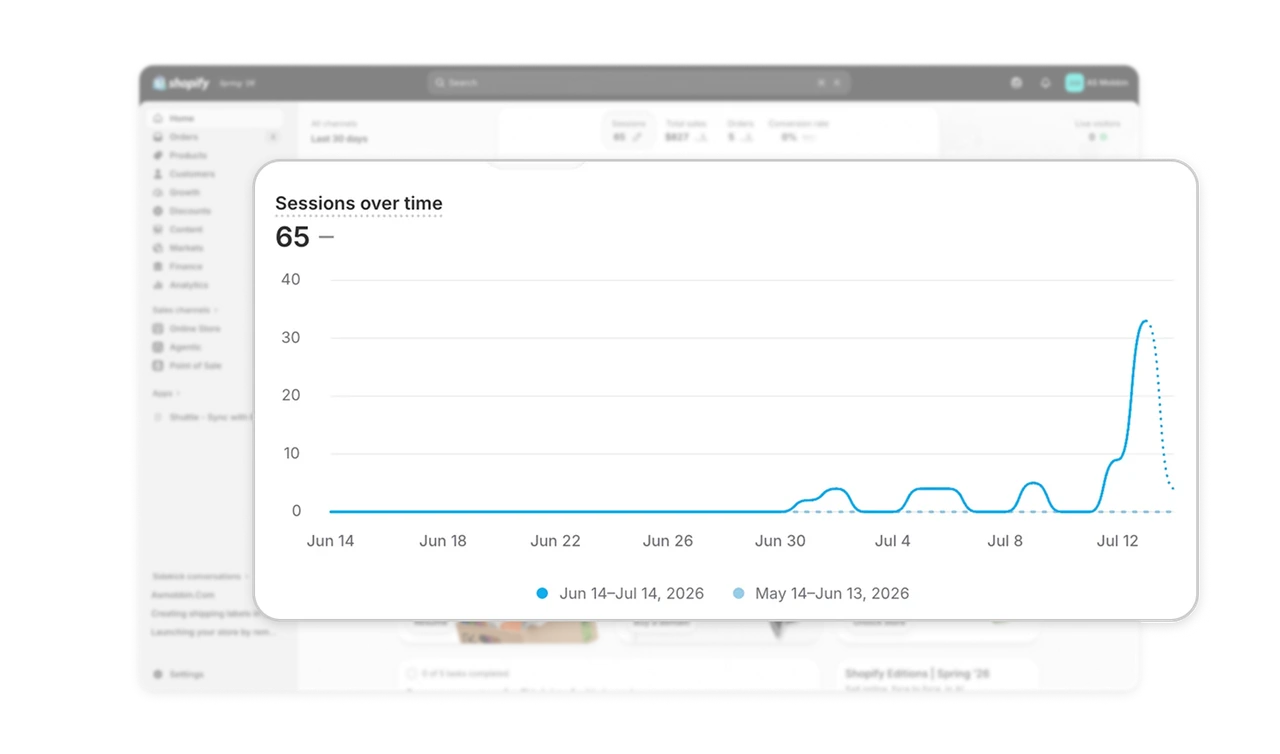
Pair progress with a concrete return point
The migration card combines “1 of 2 tasks completed,” “Next task: Double check your migration” and a Resume button. Together, these answer how far the merchant has progressed and what remains to do. A progress count alone would leave the next step unspecified. For interrupted setup flows, place the remaining task beside the continuation action so people can decide to return without reconstructing their previous session.
Tie commercial offers to setup goals
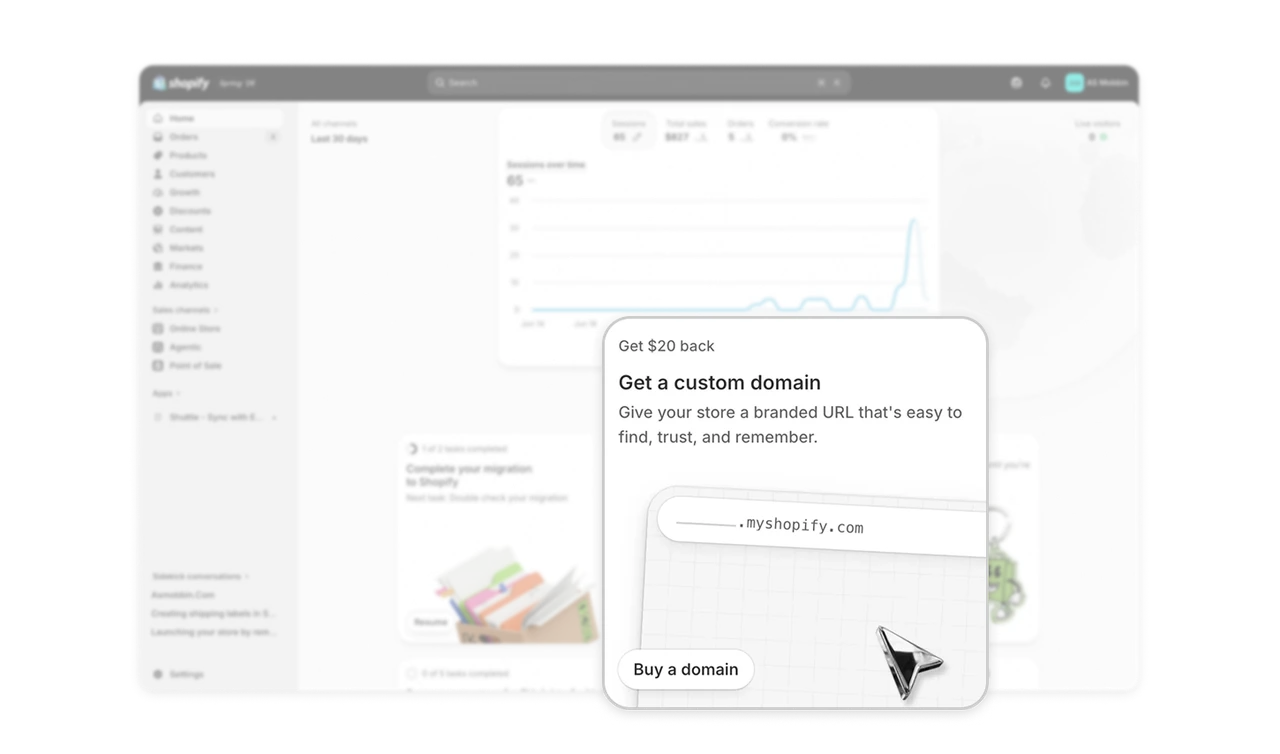
The domain card pairs “Get $20 back” with a branded URL benefit and a “Buy a domain” action. The offer sits alongside migration and launch tasks, giving the purchase a clear relationship to preparing the store. Its copy explains what the merchant gains while the button names the commercial commitment. Place optional purchases near the task they support, and describe their practical value alongside the incentive.
Give AI conversations a place to return
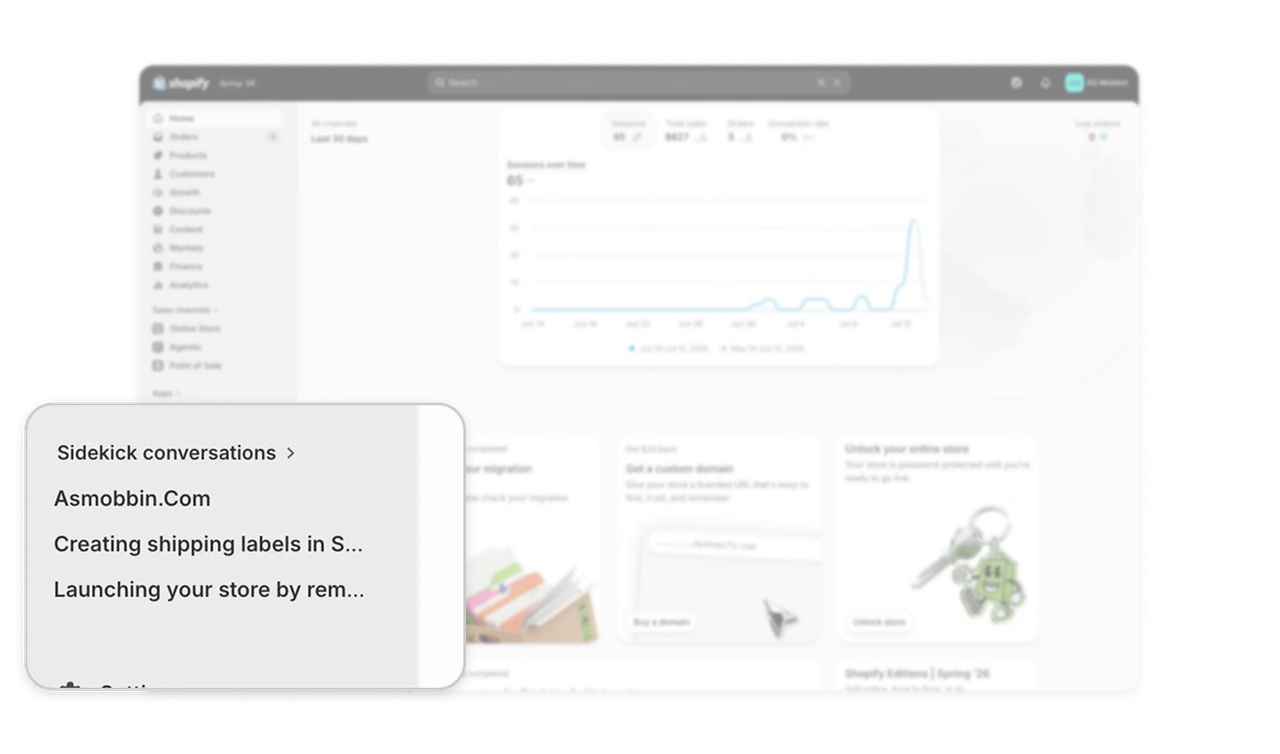
The sidebar lists named threads under “Sidekick conversations,” including work on shipping labels and store launch. Shopify preserves chat history across browser sessions and lets merchants return to earlier conversations. Giving these threads a place in navigation makes prior assistance easier to revisit during ongoing work. When AI supports tasks that span sessions, provide recognizable conversation titles and a stable return path so useful exchanges remain accessible.
Similar Breakdown Lessons