Spending Plan

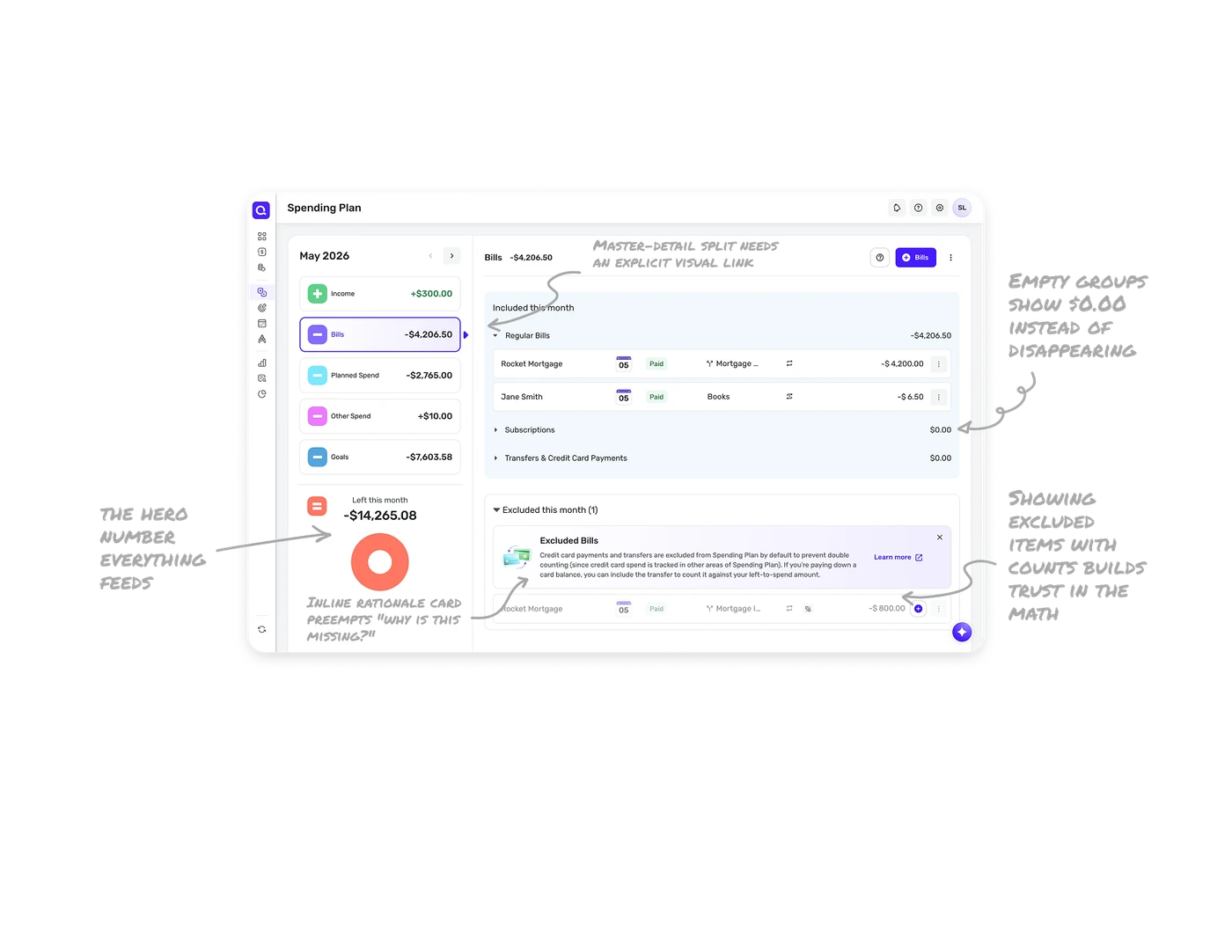
Master-detail split needs an explicit visual link
The left column lists budget categories and the right panel shows the selected one's line items. The selected Bills card gets a purple outline plus an arrow pointing toward the detail panel. That pairing makes the relationship unmistakable, users always know which category they are drilling into. Master-detail layouts fail quietly when the selection state is weak, the explicit link is what keeps orientation effortless.
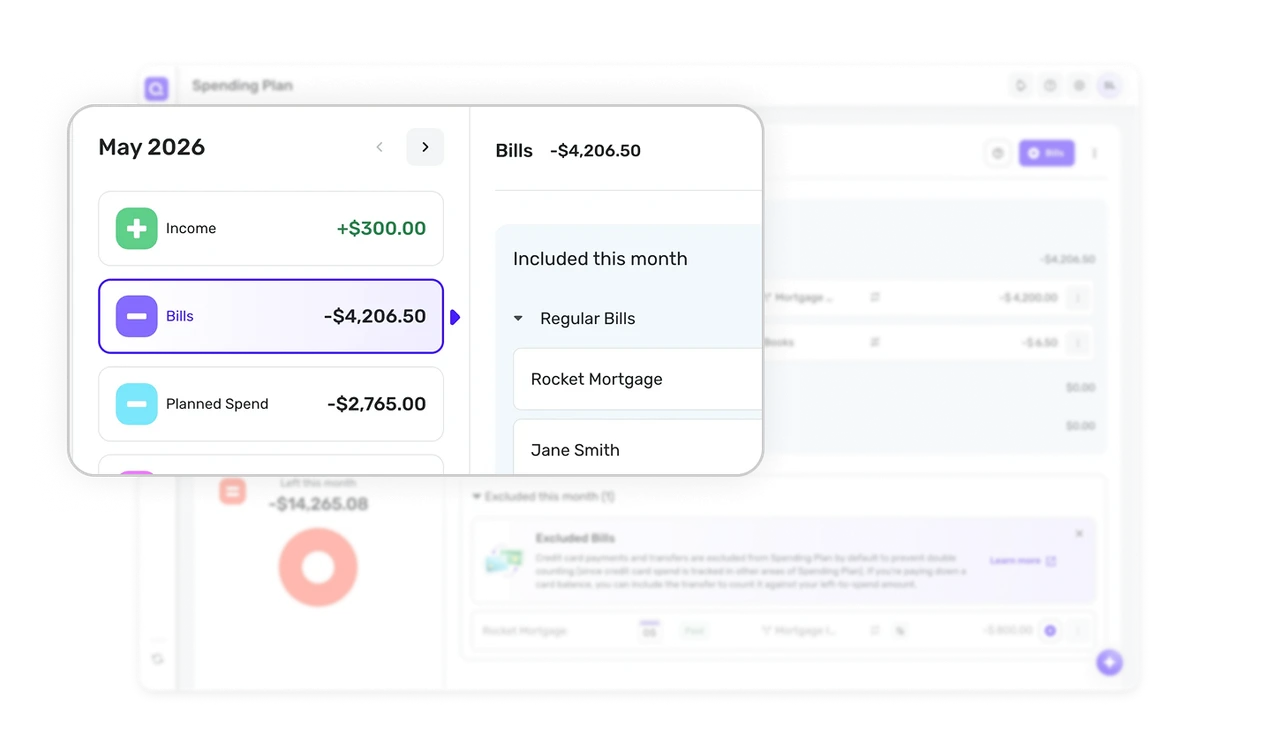
"Left this month" is the hero number everything feeds
At the bottom of the category list sits the synthesized result, -$14,265.08 with a large red donut. Every category above is an input, this figure is the answer. Budget tools should surface the one number users actually care about, how much is left, as the visual climax. Making the answer the hero turns a wall of line items into a story with a conclusion.
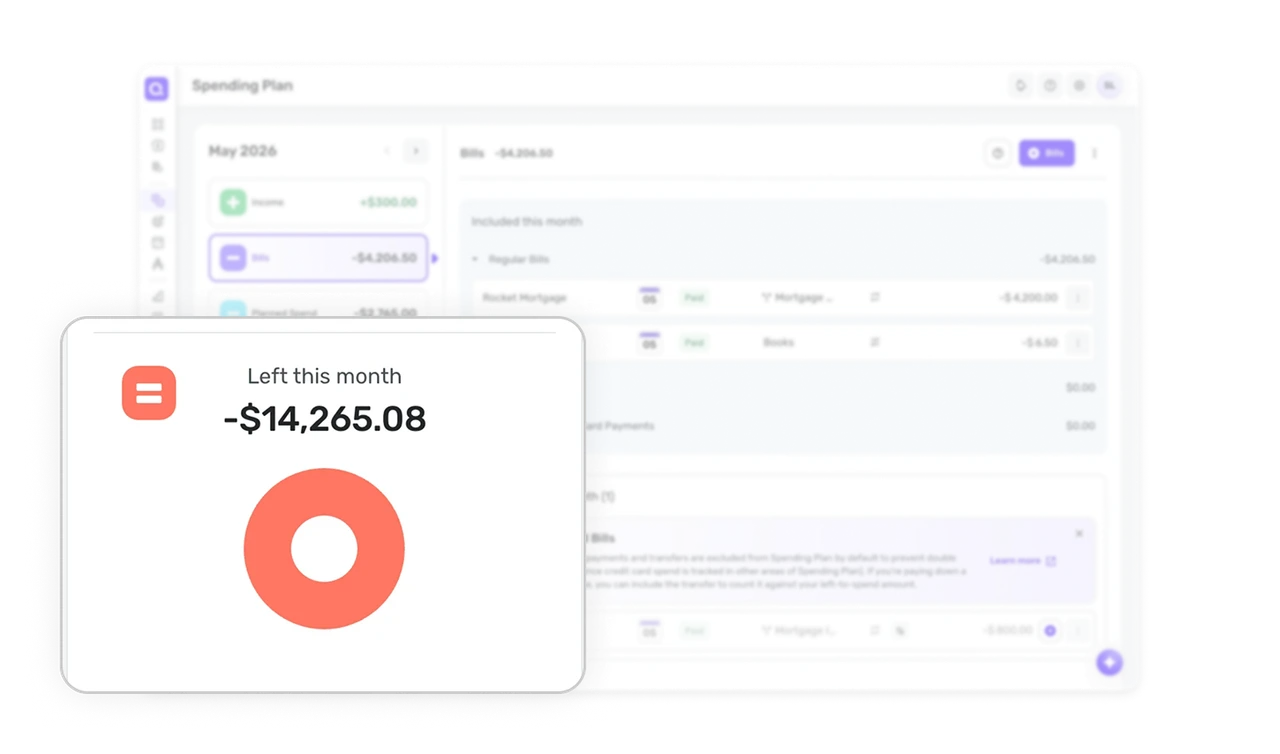
Showing excluded items with counts builds trust in the math
The right panel splits into "Included this month" and "Excluded this month (1)" with a visible count. Users see not just what is counted but what was deliberately left out. When a system makes automatic decisions, hiding the exclusions breeds distrust. Showing them with a count reassures users that nothing slipped through, the math is auditable at a glance.
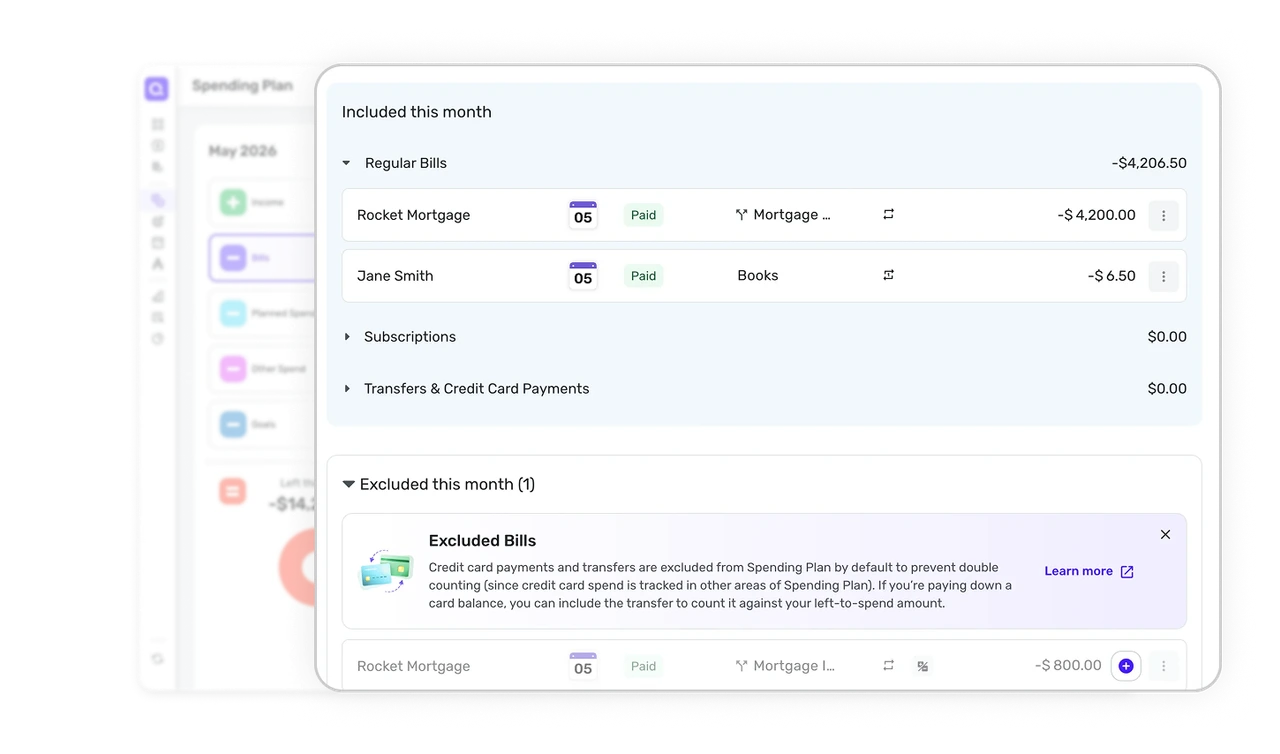
Inline rationale card preempts "why is this missing?"
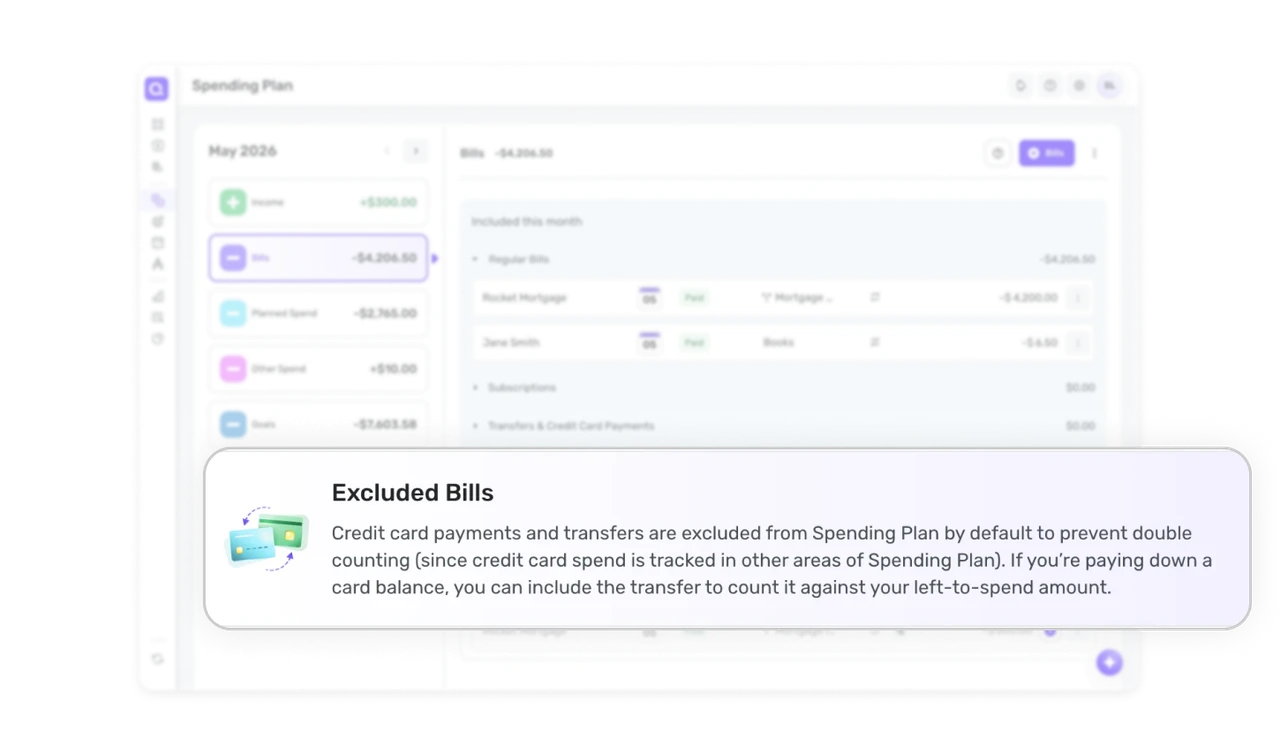
A highlighted card explains that credit card payments are excluded by default "to prevent double counting," with a Learn more link, right where the exclusion happens. The product answers the user's confusion before they ask it. Explaining non-obvious system behavior inline at the exact spot it occurs prevents support tickets and builds trust in the logic behind the numbers.
Empty groups show $0.00 instead of disappearing
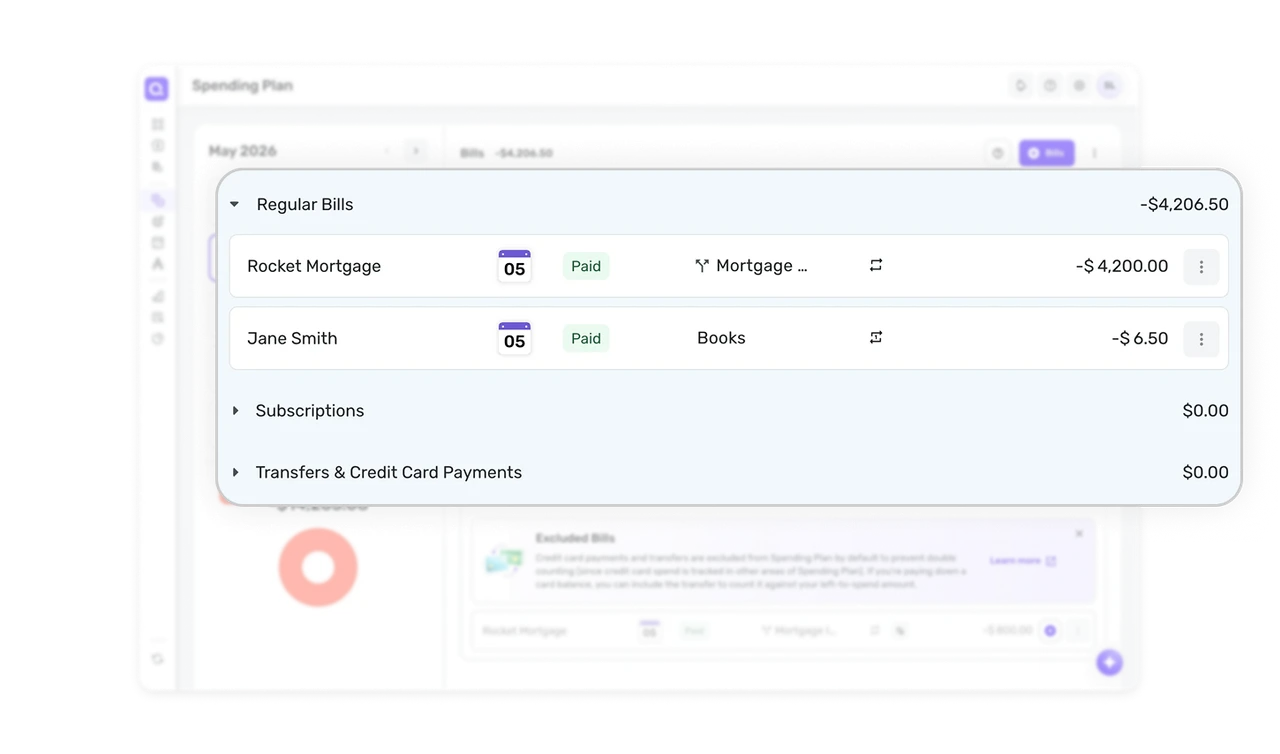
Bills are organized into collapsible groups with visible subtotals, and empty groups like "Subscriptions $0.00" still appear rather than hiding. Users learn the category exists and is simply empty. Completeness beats minimalism when it aids the mental model, a visible zero tells users where future items will land and confirms nothing is being concealed.
Similar Breakdown Lessons







