Support Inbox

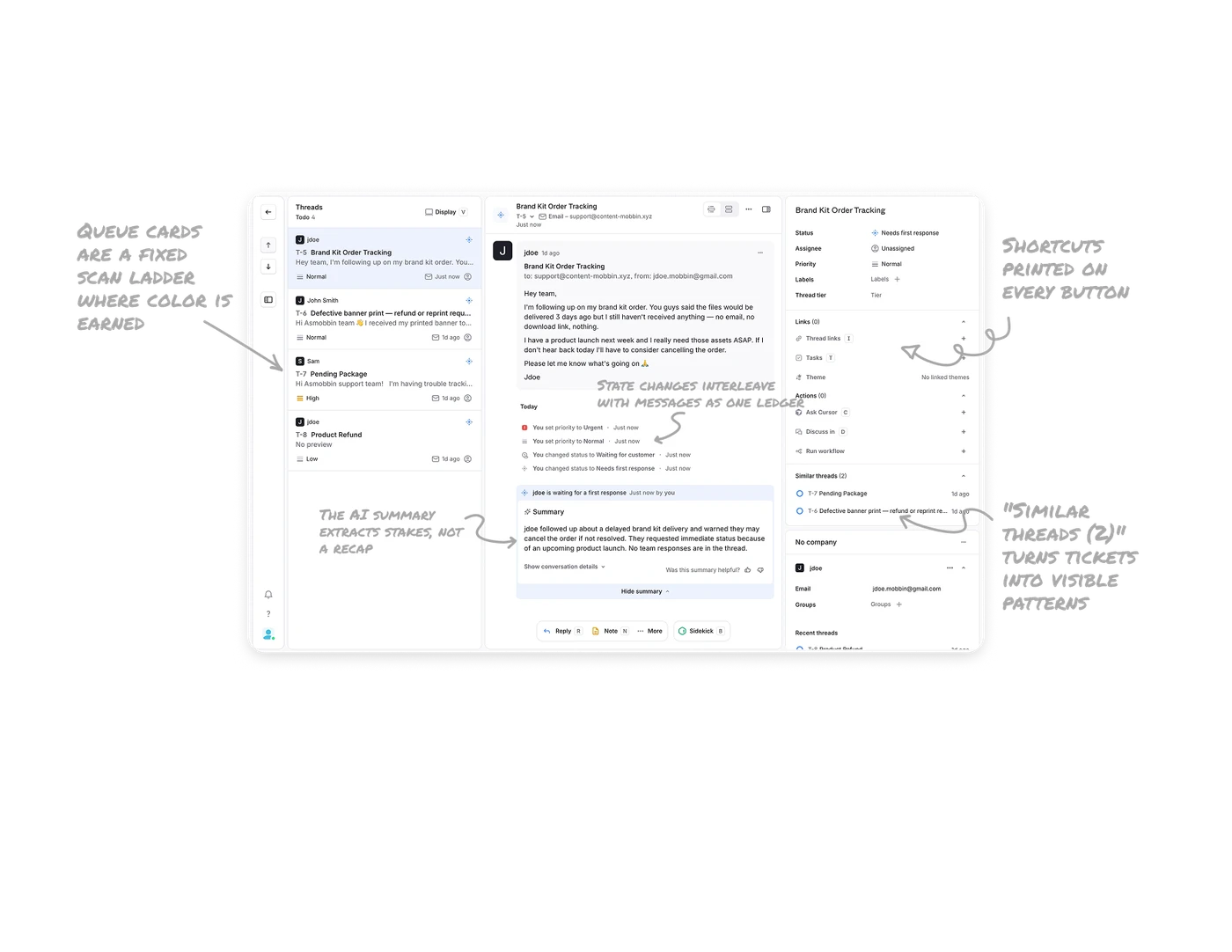
The AI summary extracts stakes, not a recap
Sidekick's summary surfaces the risk: customer may cancel, product launch next week, no team responses in the thread. Urgency, reason, and current gap in three sentences. Support summaries should answer "what is at risk and where do we stand?", not "what was said?" May-cancel, launch-deadline, nobody-replied are the three facts that determine what happens next, which makes this triage intelligence rather than paraphrase. Train the summary on the decision, not the content.
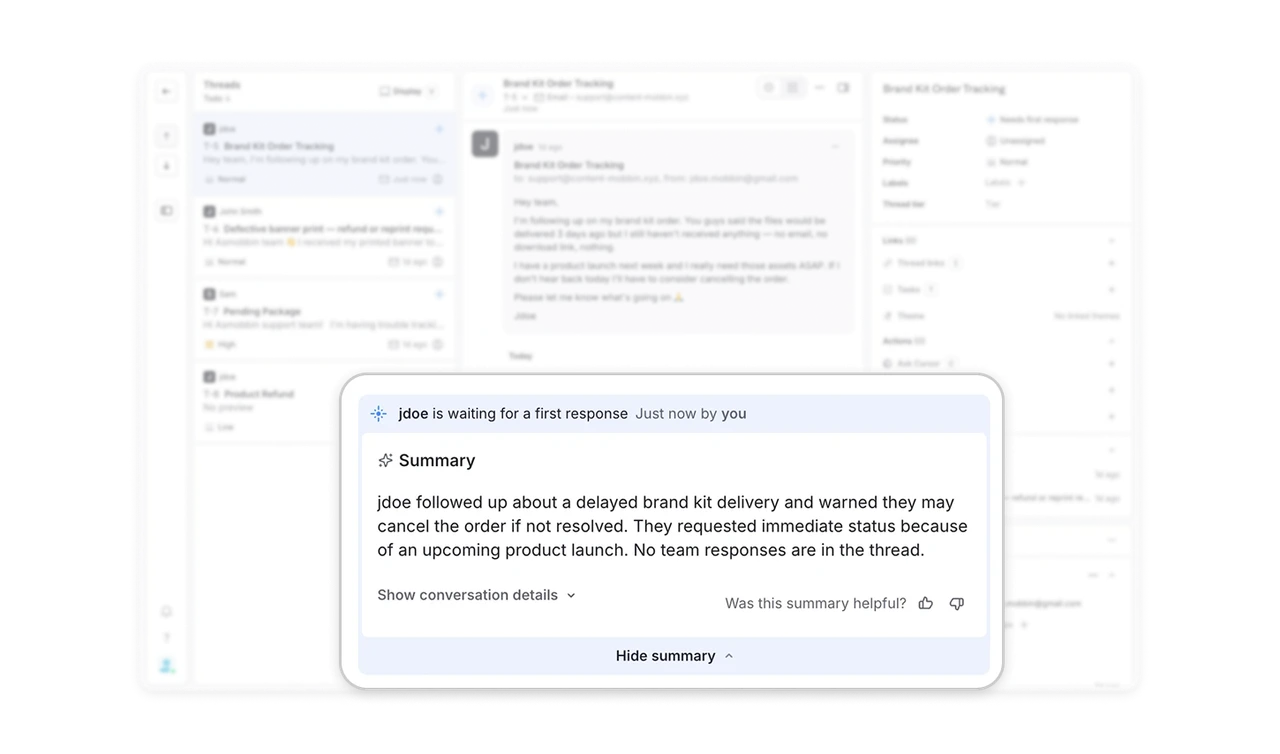
Queue cards are a fixed scan ladder where color is earned
Every thread card runs the same order: avatar and sender, ticket ID with bold subject, greyed preview, then a metadata strip. Triage speed comes from positional memory, not reading, so every element sits in the same place on every card. Priority stays a small glyph, grey for Normal and Low, amber only for High, so the one urgent thread pops from a wall of neutral cards. A priority system where everything is colorful flags nothing. Color that is earned turns the queue into a self-highlighting list.
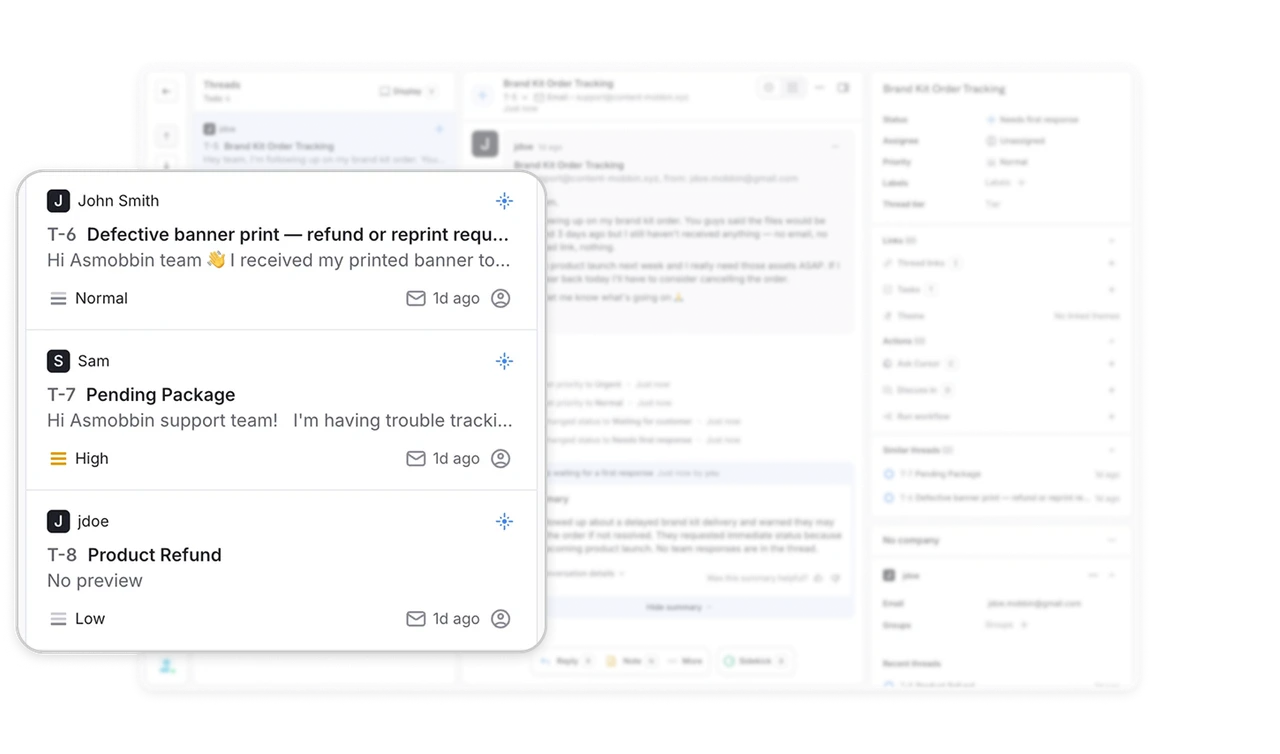
Shortcuts printed on every button make the UI its own training course
Reply R, Note N, Sidekick B, Ask Cursor C, Discuss in D, Display V, nearly every action wears its key as a visible badge. Support agents live in this screen for hours, and every printed key passively converts a mouse user into a keyboard user. For daily-driver tools, print the shortcut on the control itself, everywhere, not in a tooltip or a hidden cheat sheet. The interface teaches its own fast path on every glance, no onboarding required.
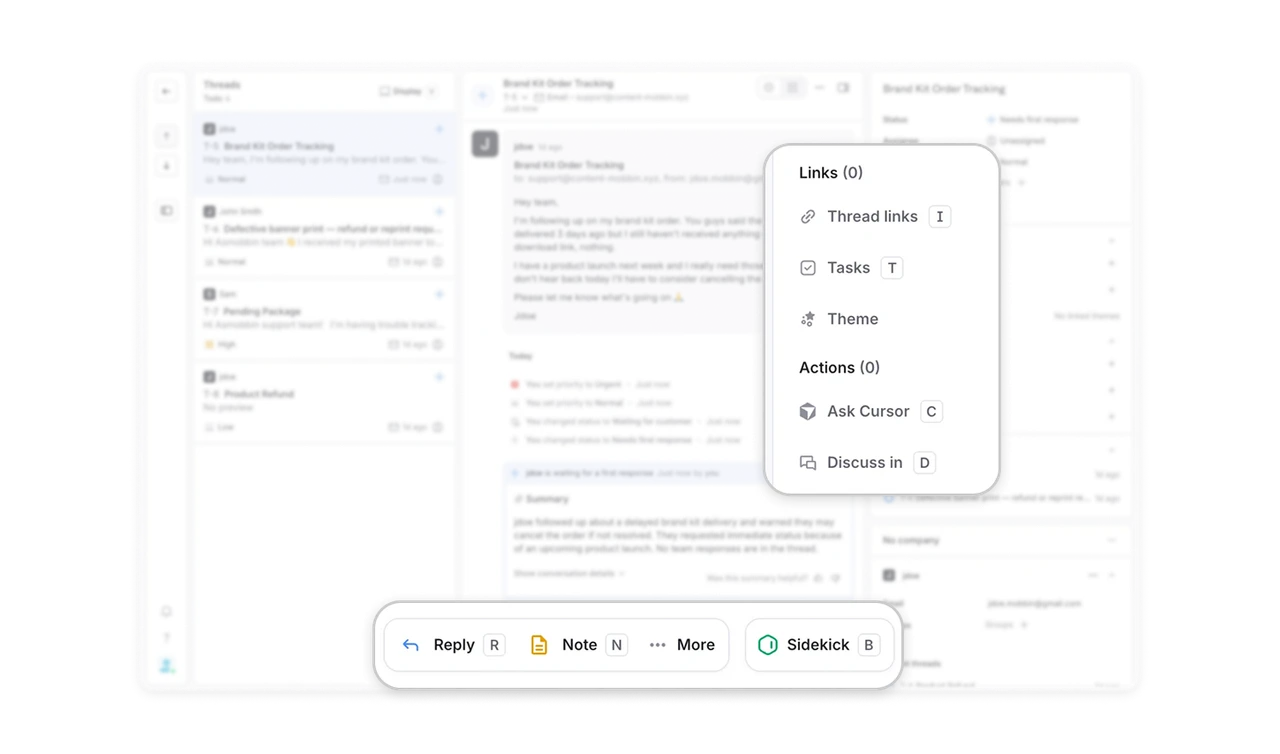
State changes interleave with messages as one chronological ledger
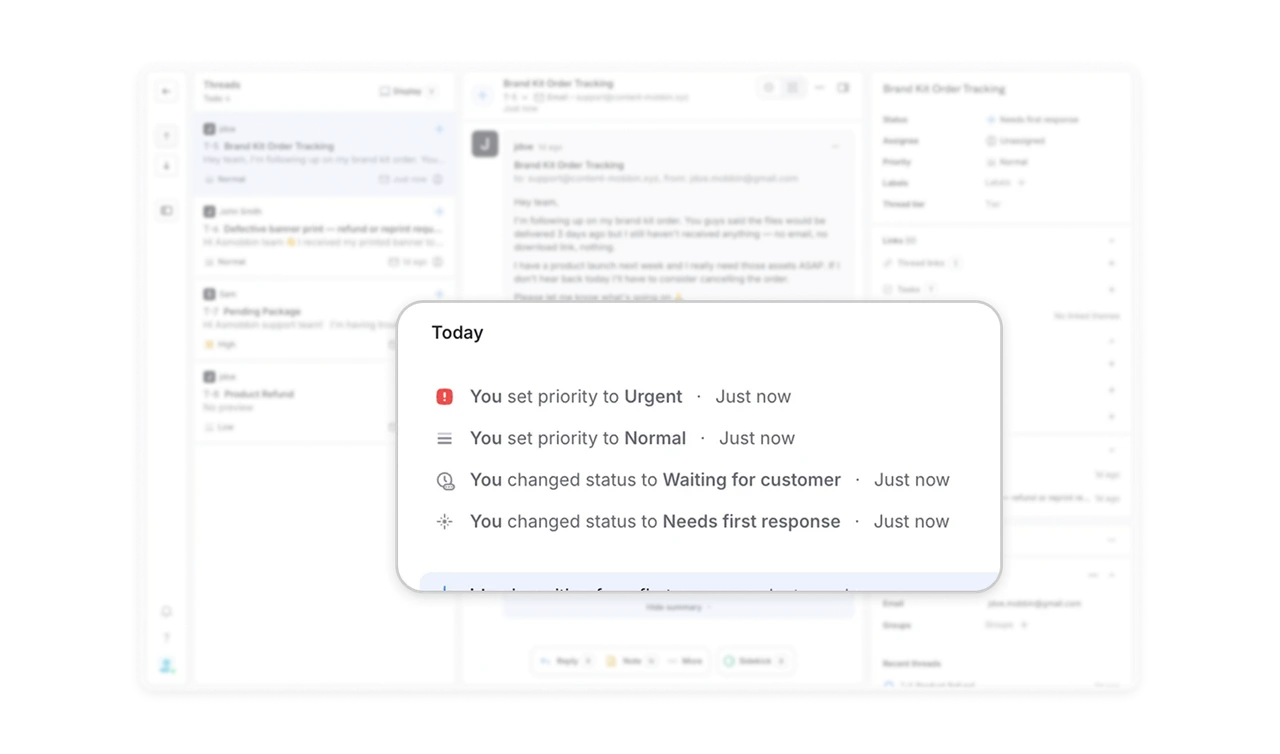
Between the email and the summary sits the activity log: priority set to Urgent, then Normal, status to Waiting for customer, each timestamped and attributed, inline with the conversation. A support thread is both a conversation and a case file, and merging them means any teammate reconstructs the full story, including reversals, without hunting a separate history tab. Interleave state with speech chronologically. The order of events IS the context.
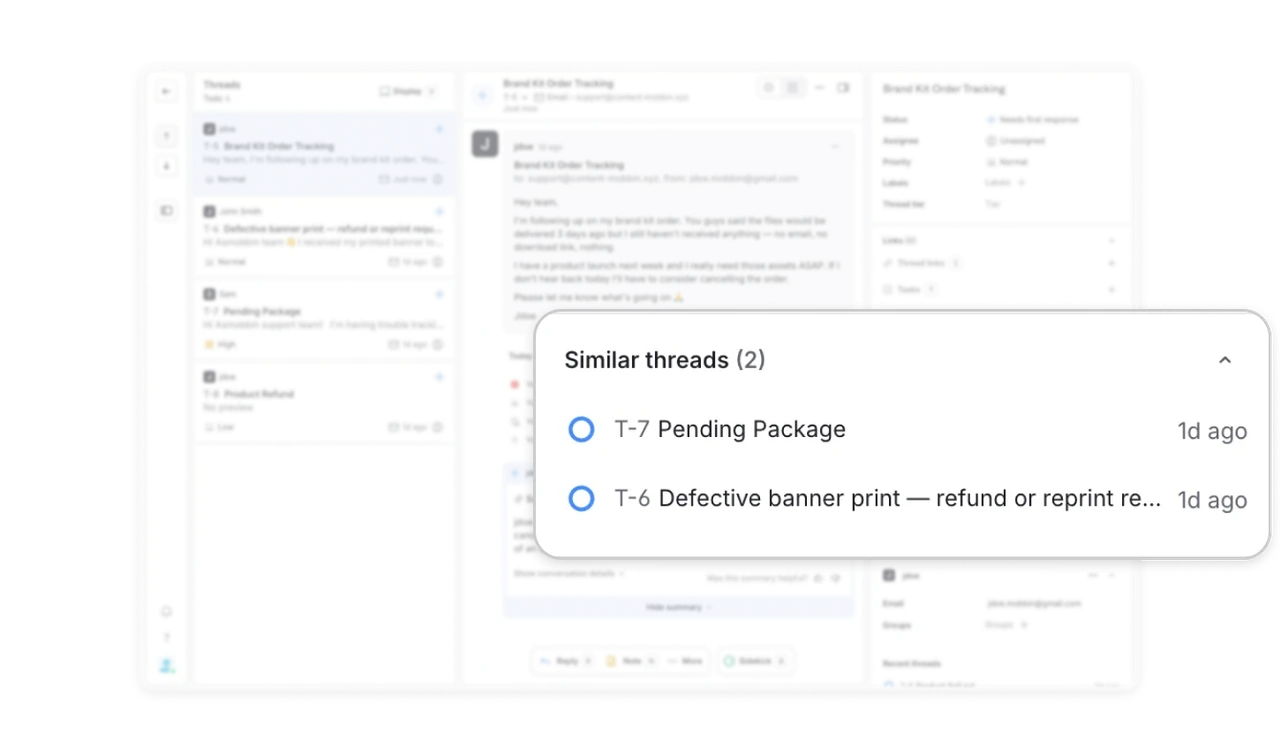
"Similar threads (2)" turns tickets into visible patterns
The right panel links two related cases, Pending Package and Defective banner, beside the active delivery complaint. Three shipping issues in a day, and the system surfaces the cluster while the agent works one case. Surface sibling cases next to the active one. It is the difference between answering three emails and recognizing one systemic delivery failure. For support tools, the highest-leverage AI is not drafting replies, it is spotting that this ticket is not alone.
Similar Breakdown Lessons