Video Publishing Settings

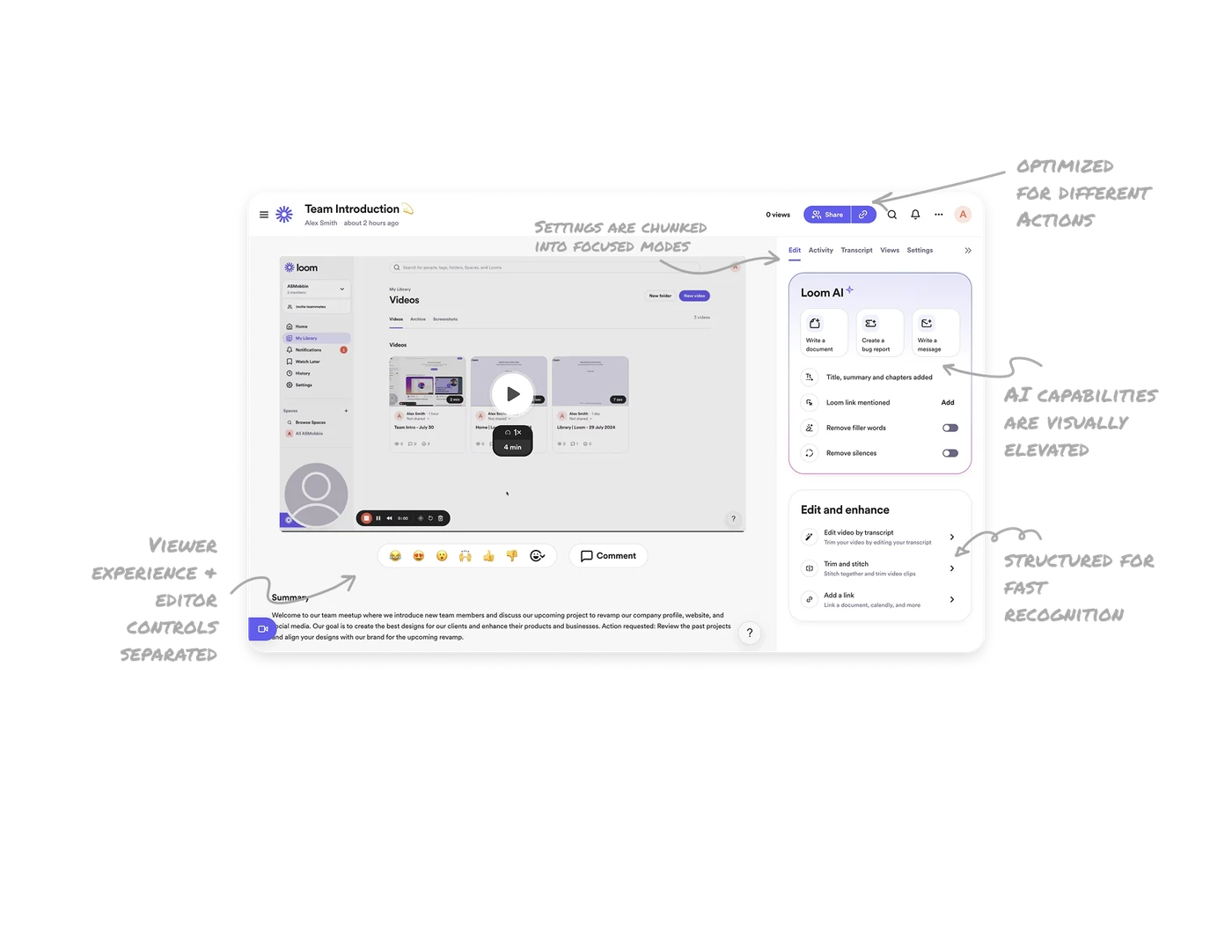
Viewer experience and editor controls separated
The layout mirrors the real viewer experience on the left, while editing and ownership controls live on the right. This separation helps creators make changes with confidence, knowing exactly how viewers will see the final output.
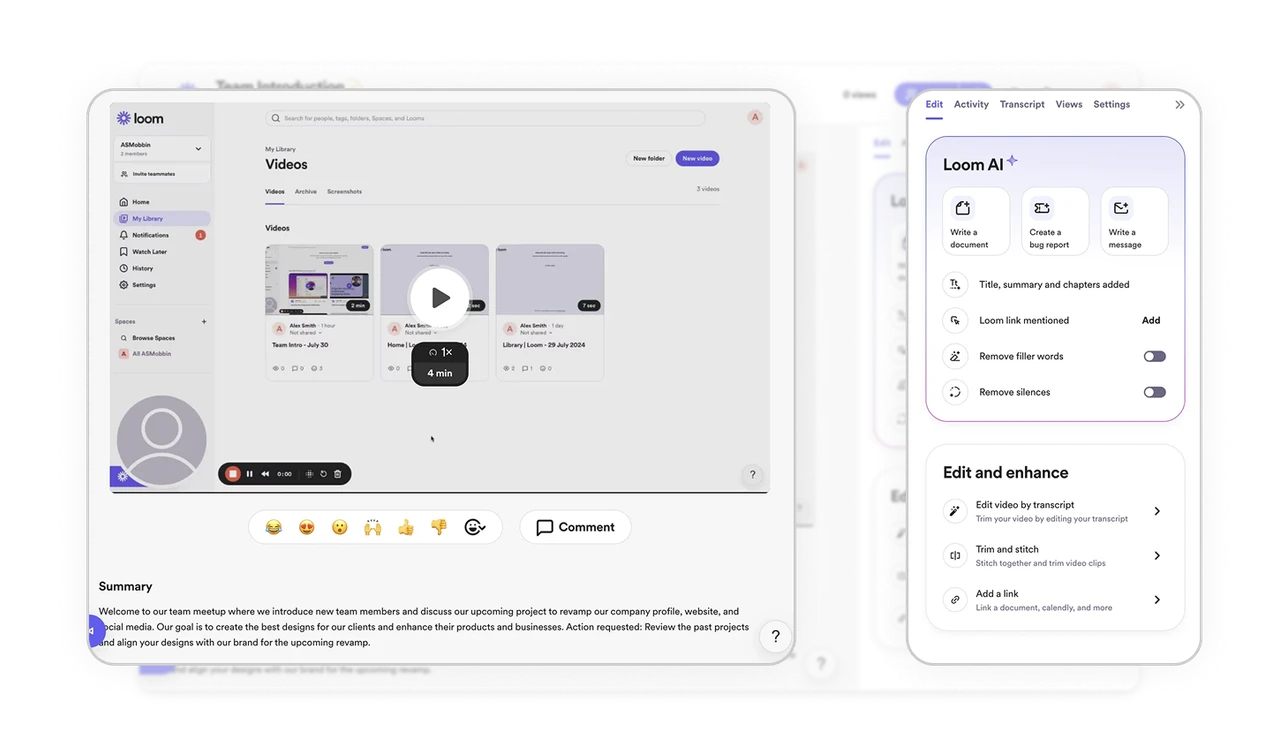
AI capabilities are visually elevated
AI actions are grouped in a dedicated section with distinct styling. This makes the value of AI immediately visible and positions it as an assistive layer rather than just another feature in a long list.
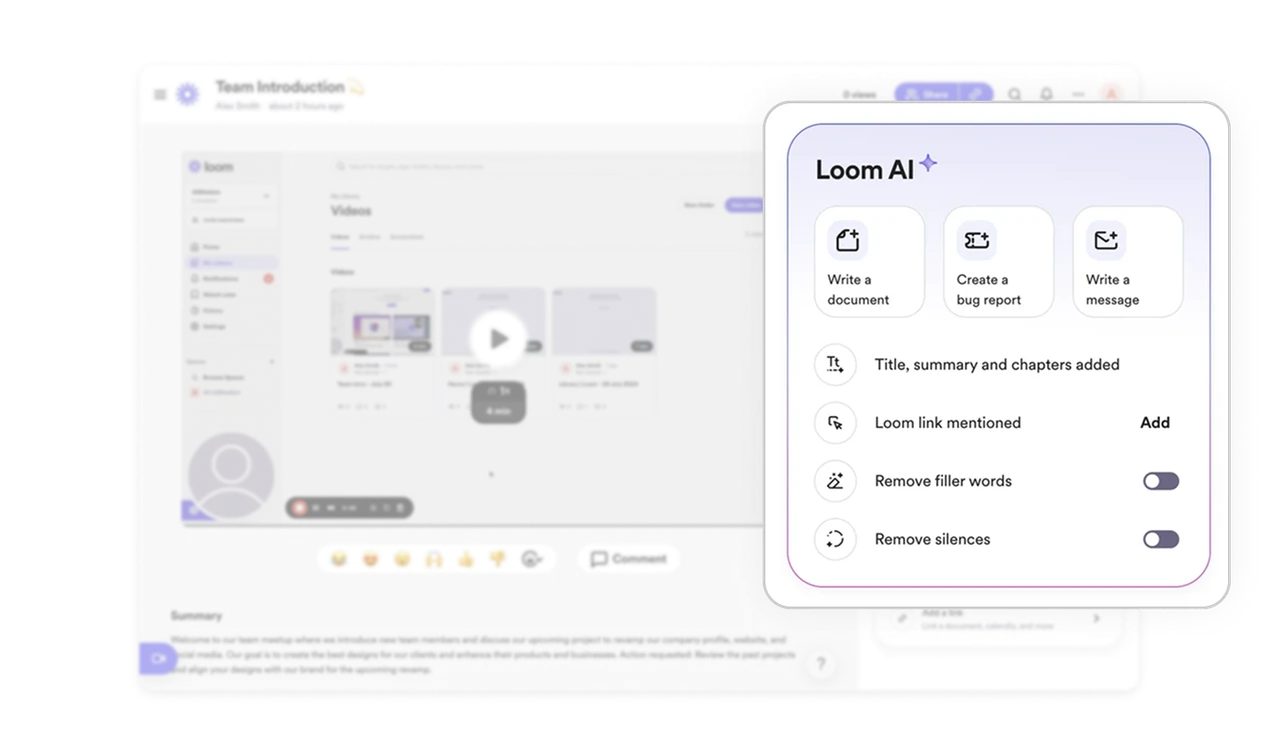
Secondary actions are structured for fast recognition
Editing tools are grouped into consistent list items with icons, titles, and short descriptions. This reduces learning time and allows users to scan, choose, and act without needing exploration.
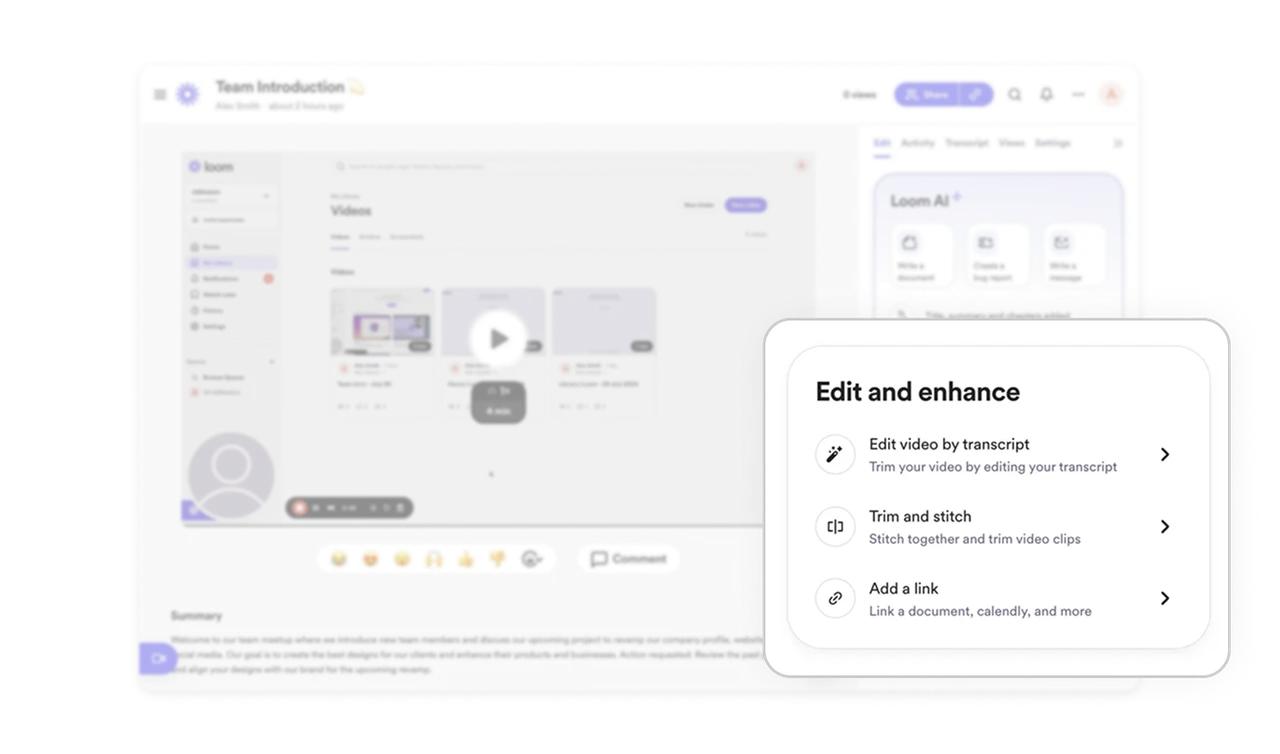
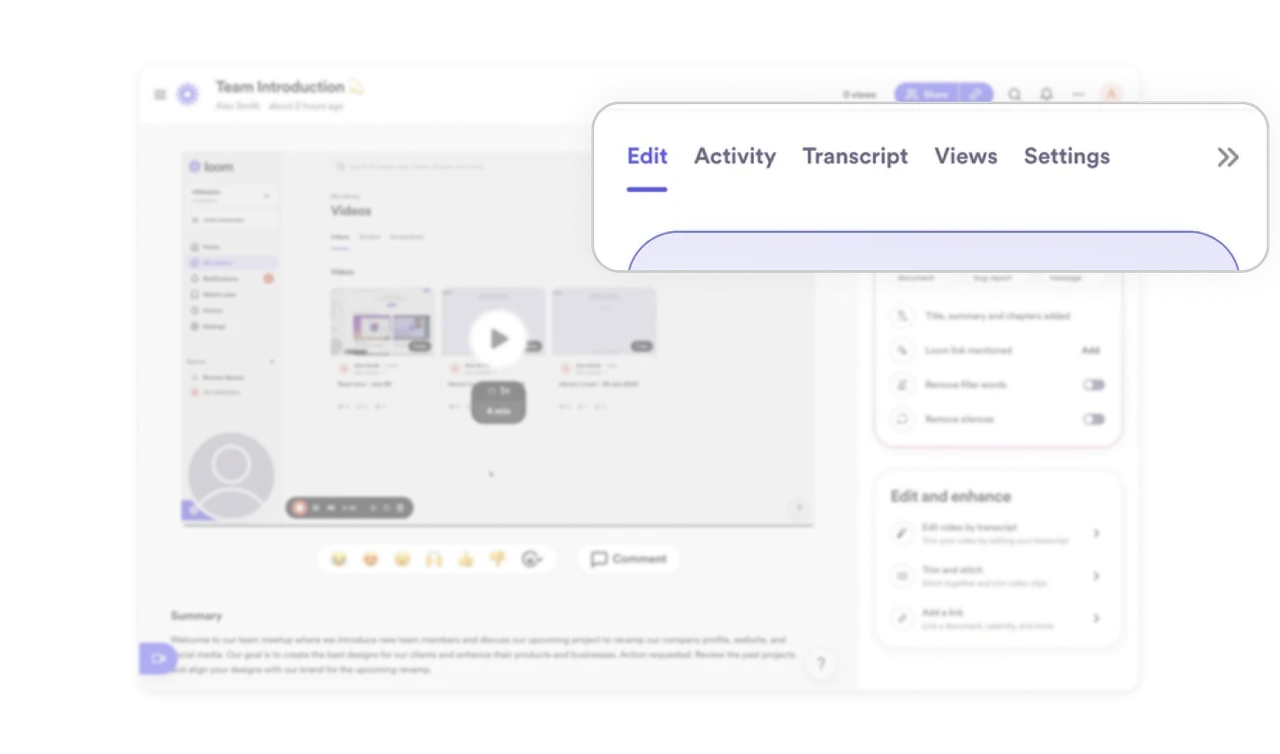
Settings are chunked into focused modes
Admin controls like Edit, Activity, Transcript, and Views are separated into top-level tabs. This prevents overload and lets users focus on one intent at a time instead of scrolling through dense panels.
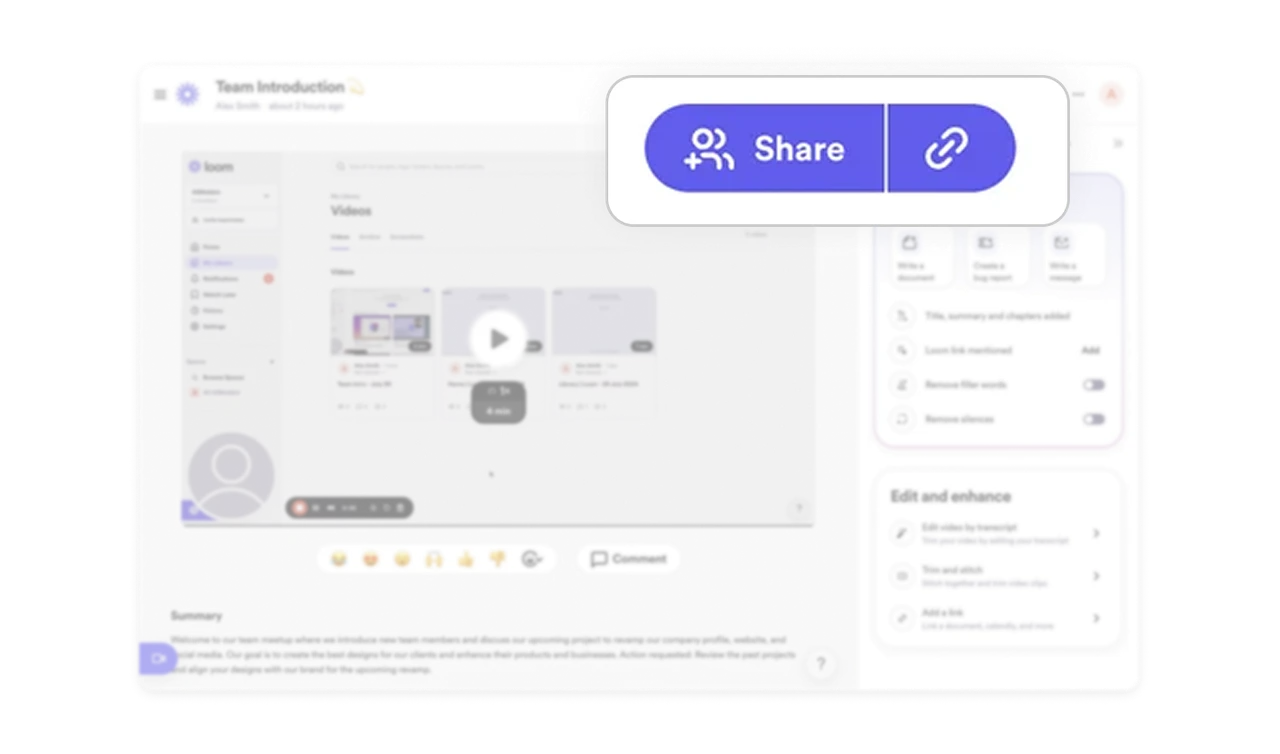
Sharing is optimized for different user mental models
The primary Share CTA supports both workflows. Users can invite people directly or copy a link instantly. One action supports multiple intents without extra decision steps.
Similar Breakdown Lessons







