Notes Feed and AI Actions

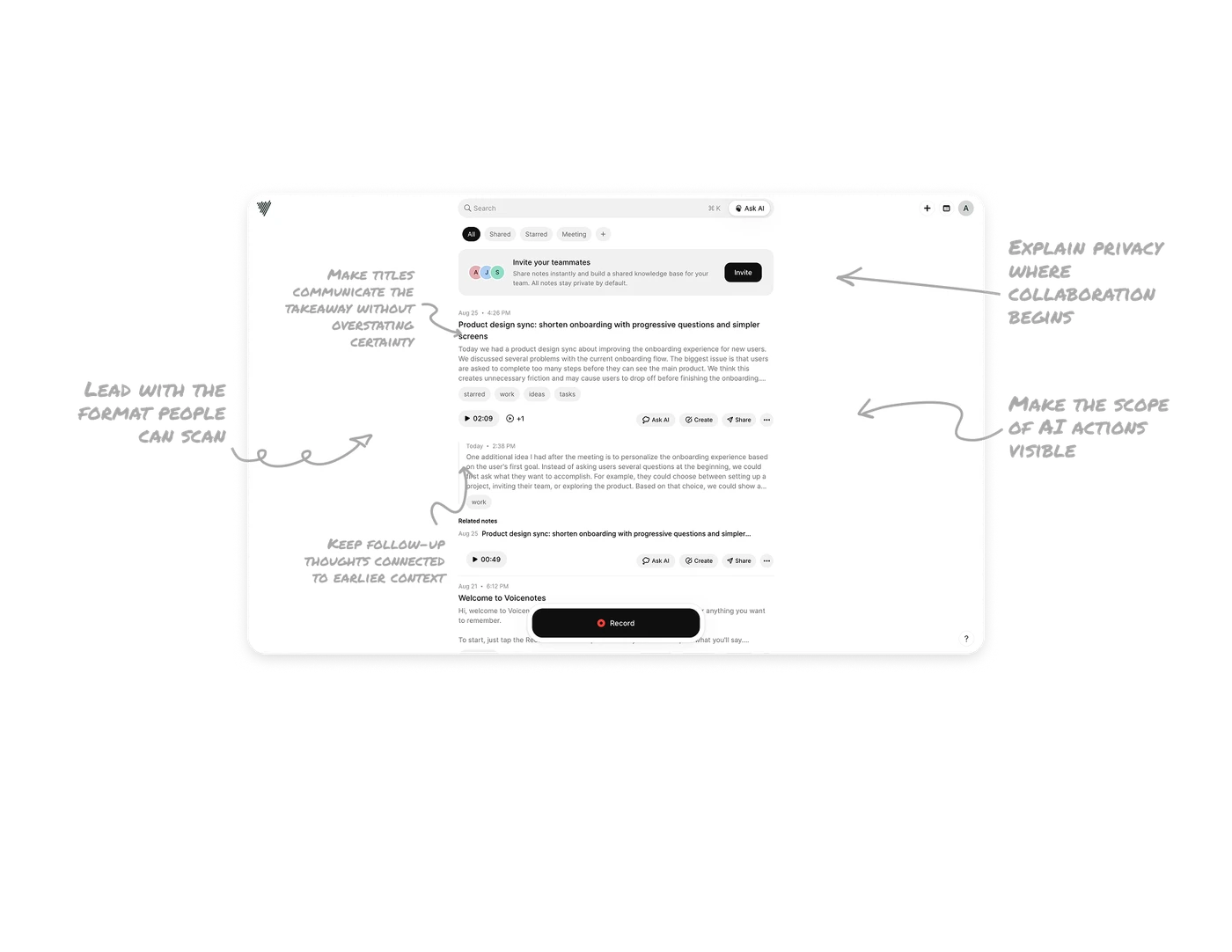
Lead with the format people can scan
The feed gives titles and text previews more prominence than recordings, which appear as compact play-duration chips. Users can find a relevant thought before committing to listening, while the original audio remains accessible. Design capture and retrieval around their different needs: speaking can make an idea easy to record; readable text makes it easier to rediscover. The duration helps users judge the listening time upfront.
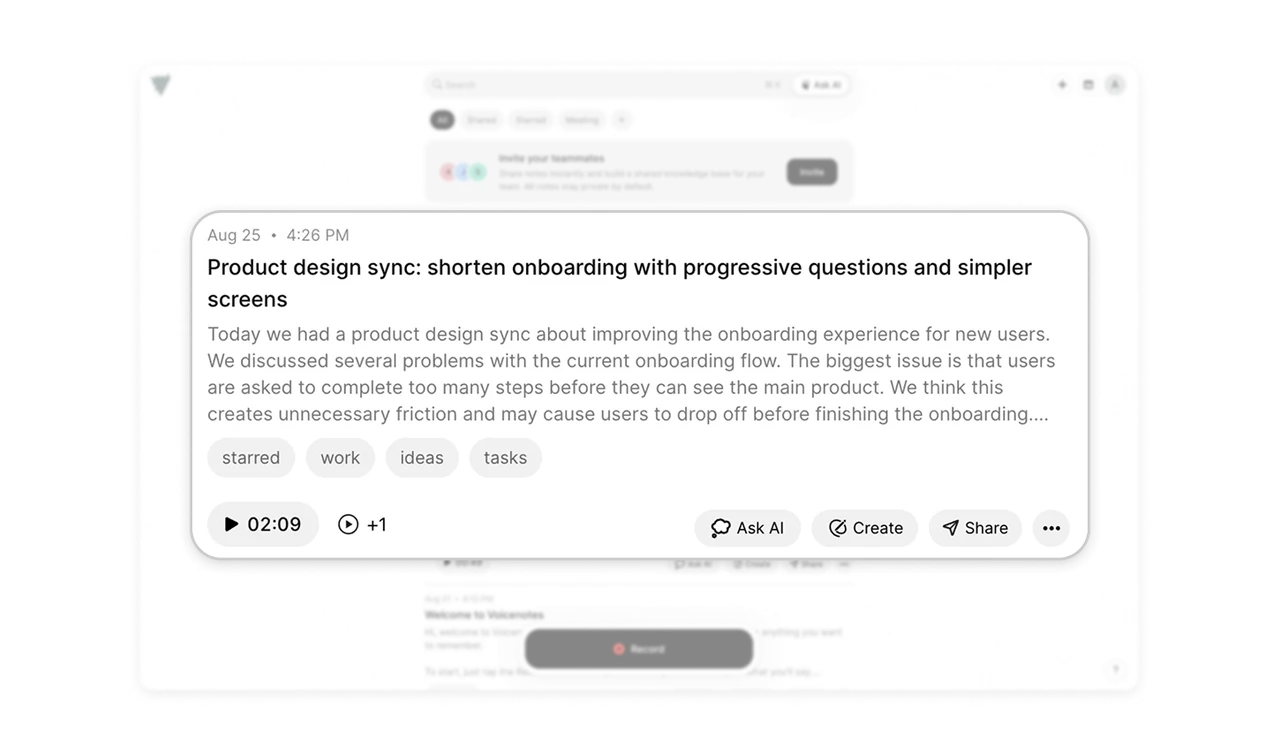
Make titles communicate the takeaway without overstating certainty
The headline surfaces a concrete direction: shorter onboarding through progressive questions and simpler screens. The preview underneath describes a discussion, including tentative wording such as “We think.” Together, they highlight an important requirement for generated titles: communicate the useful takeaway while preserving whether it was suggested, decided, or left unresolved. A concise headline should help users judge relevance without making the underlying conversation sound more conclusive.
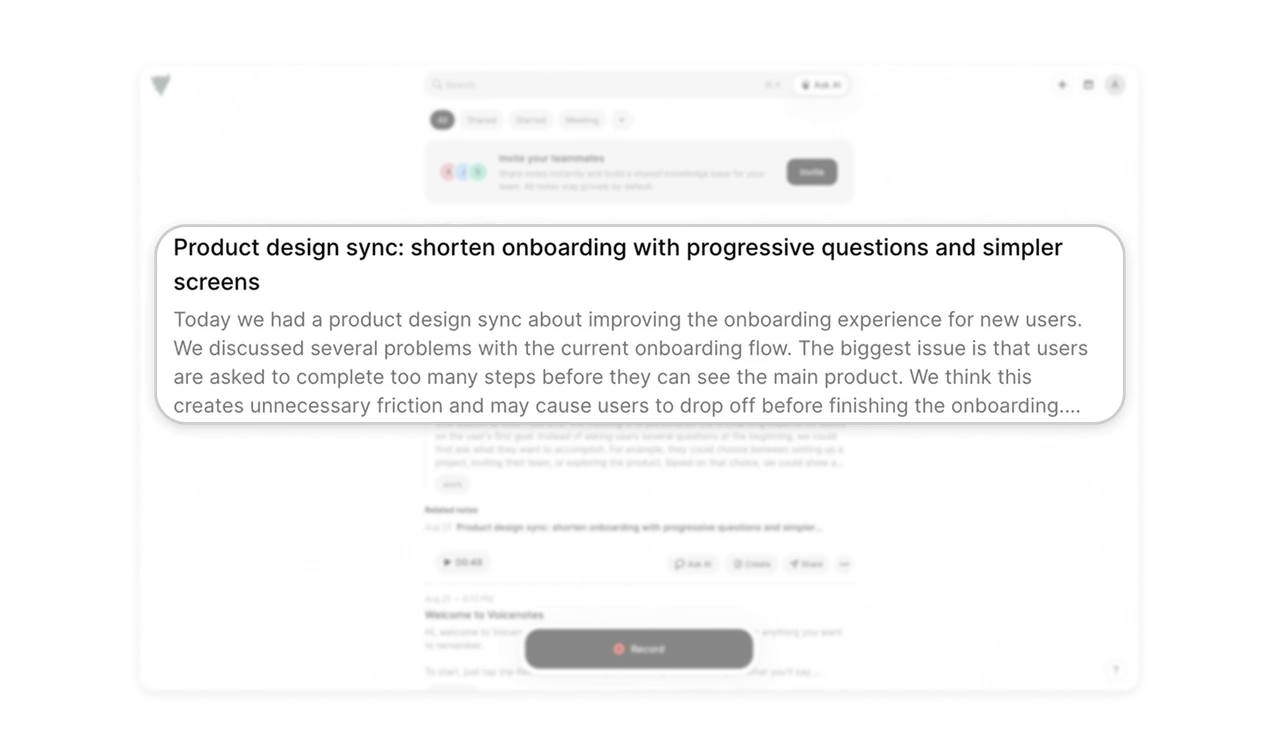
Keep follow-up thoughts connected to earlier context
“One additional idea I had after the meeting…” appears beneath the original note, indented with a vertical line and a separate timestamp. These cues show that the thought belongs with the earlier discussion but arrived later. Support ideas that develop across several captures by preserving both their relationship and chronology. Readers should be able to follow how a thought evolved without reconstructing the connection from scattered entries.
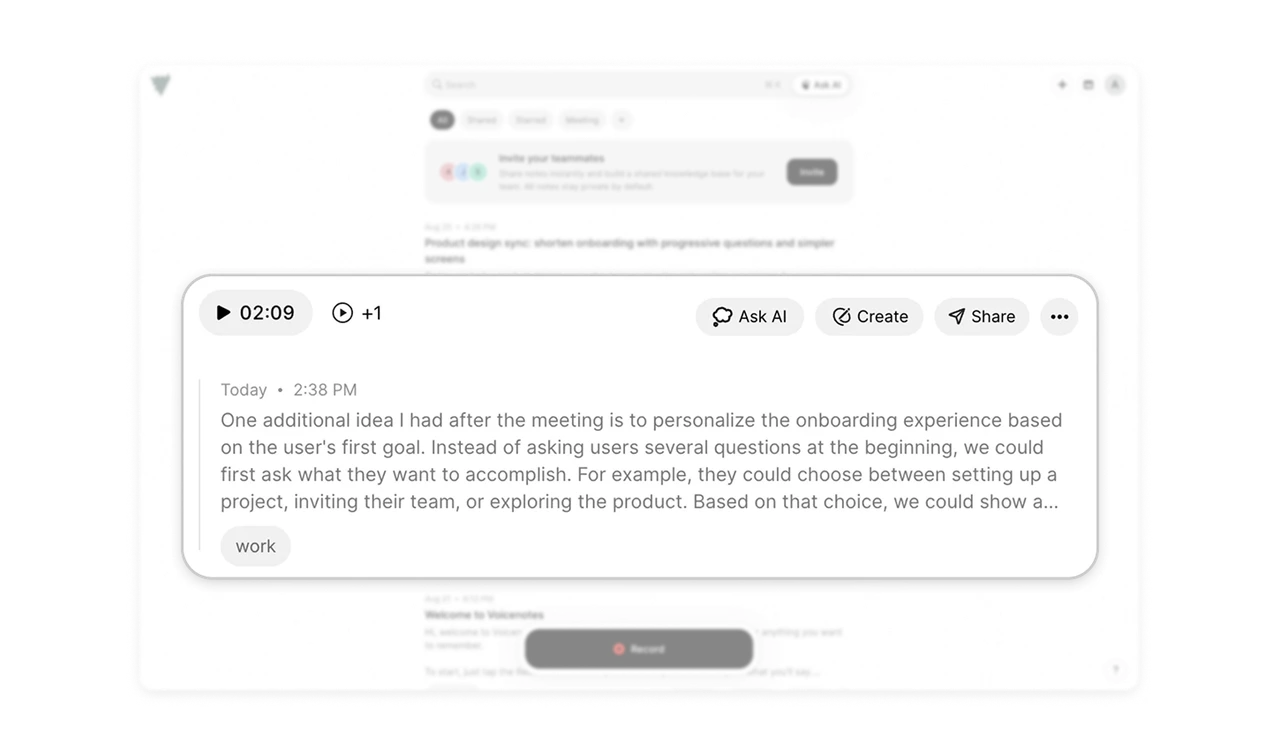
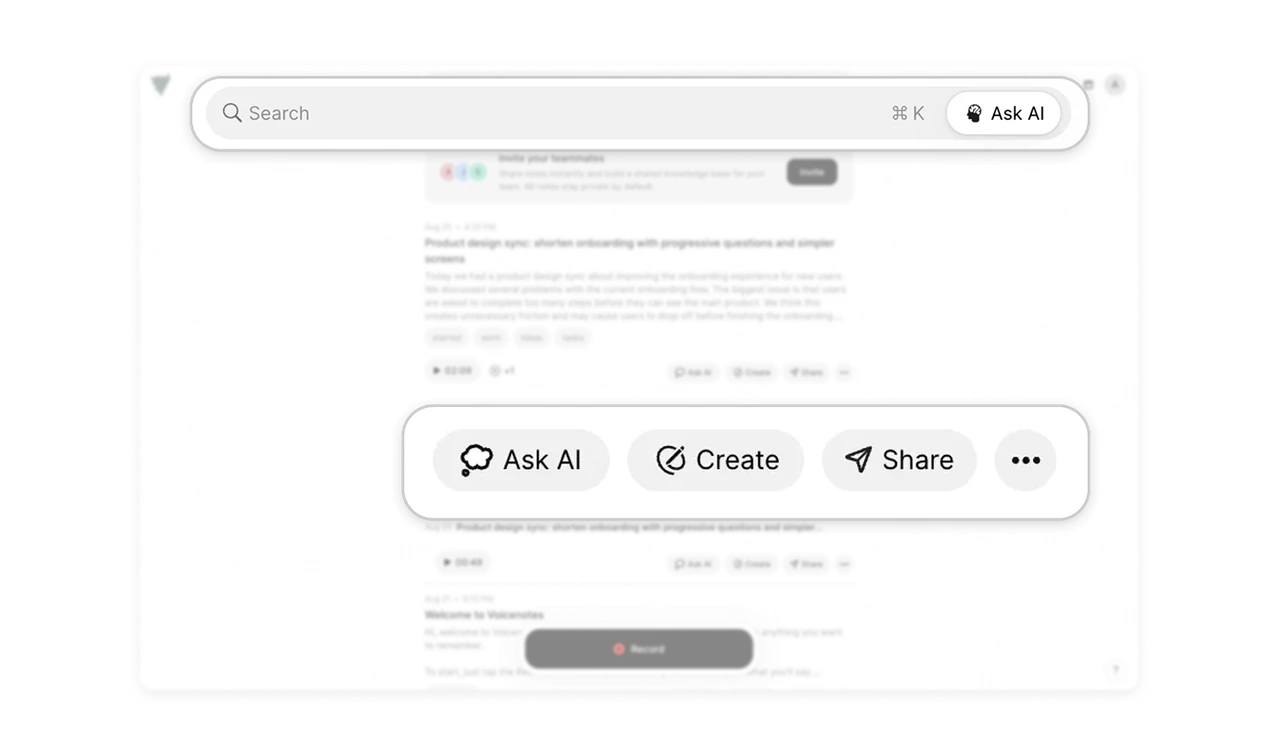
Make the scope of AI actions visible
Ask AI appears in the top search area and within individual note action rows. This placement suggests two starting points: the wider collection and a specific note. Create and Share sit alongside the local AI action, making further uses of that note discoverable. When AI operates across different scopes, use placement and clear labels to communicate which content an action concerns before users make a request.
Explain privacy where collaboration begins
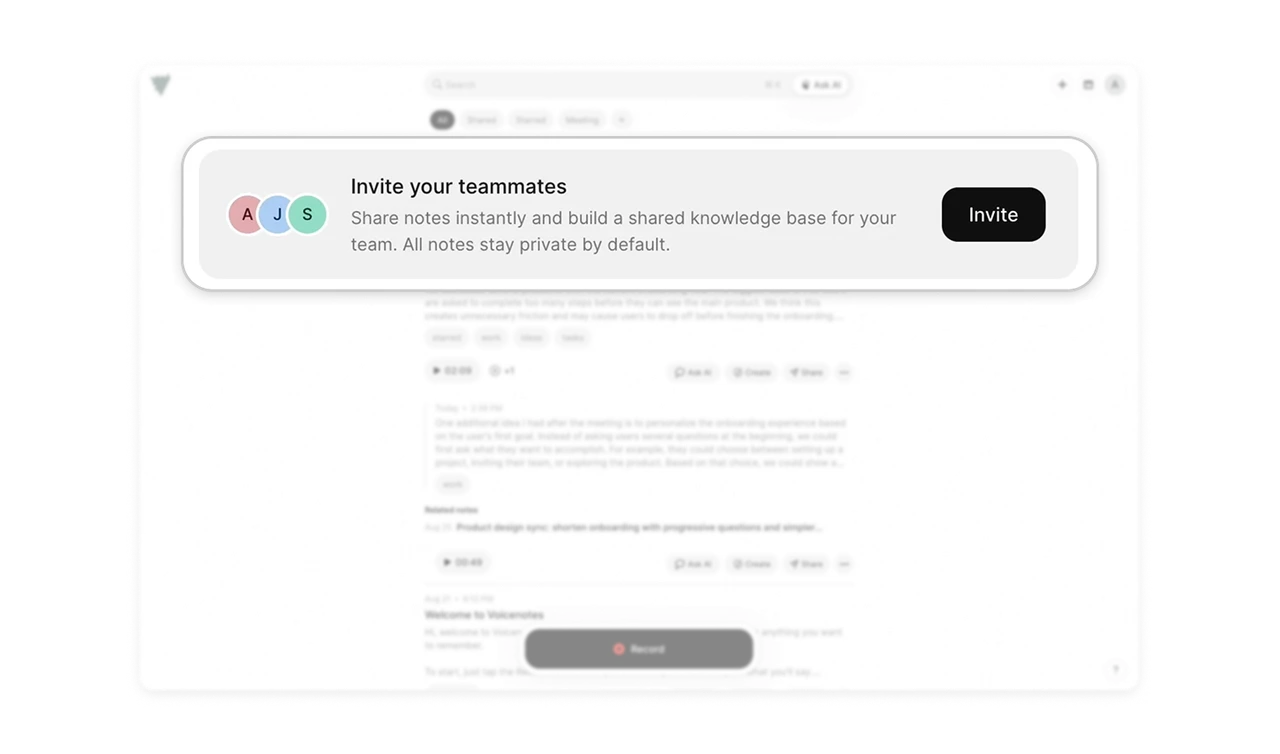
The invitation to build a shared team knowledge base includes the reassurance, “All notes stay private by default.” It answers a reasonable question raised by the invitation: whether bringing teammates in will expose personal recordings. When introducing collaboration into a personal workspace, explain the visibility default beside the invitation. Users need to understand both the benefit of sharing and the boundary around content they have already captured.
Similar Breakdown Lessons