Website Theme Editor

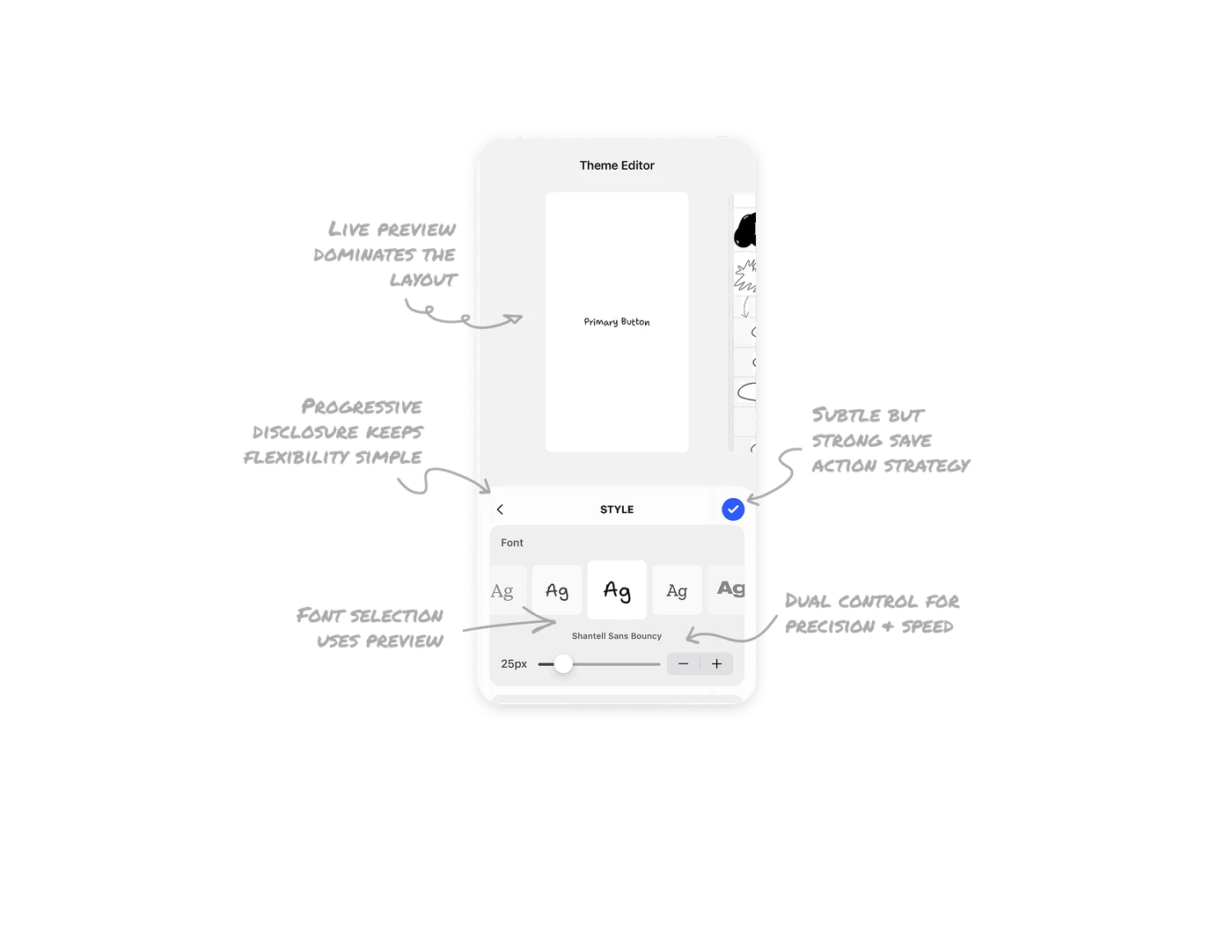
Live preview dominates the layout
The editor gives maximum space to the real website preview at the top. All style changes reflect instantly, reducing guesswork and cognitive load. Users design with context instead of blindly configuring in a settings page. This reinforces confidence and speeds up iteration because feedback is immediate.
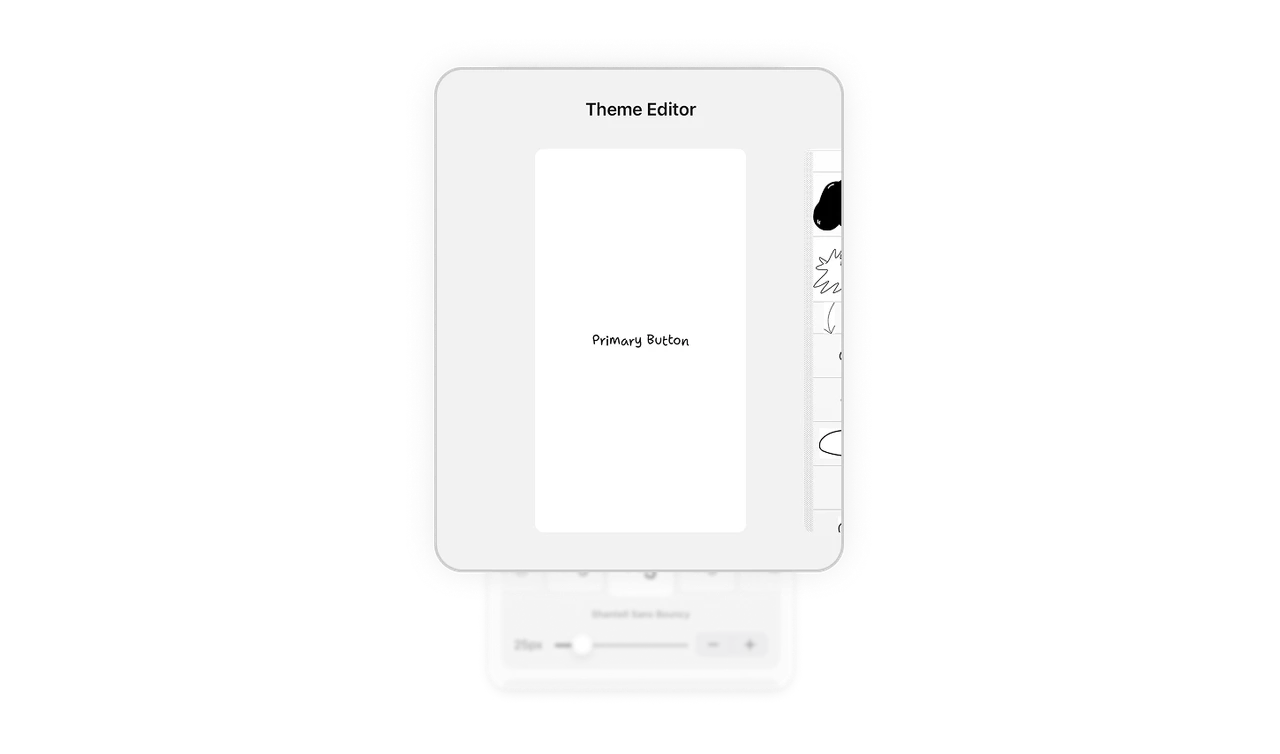
Progressive disclosure keeps flexibility simple
All customization controls live inside a bottom sheet. The visual output stays separate from configuration tools. This clear separation prevents clutter while still offering deep customization. Users understand that changes happen below and results appear above. It creates structural clarity without overwhelming the interface.
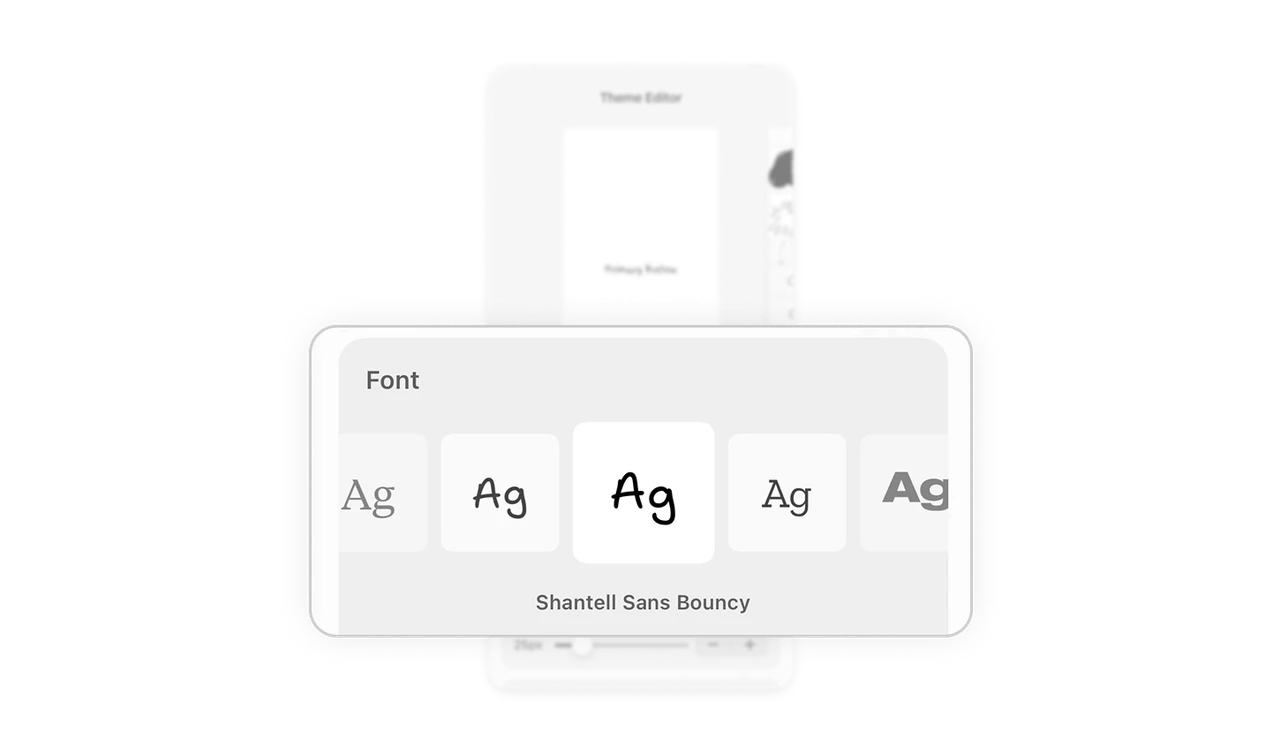
Font selection uses preview instead of abstraction
Fonts are shown with real previews using sample letters, so users can evaluate the style instantly. Instead of dropdown text lists, the UI reduces decision friction by showing visual differences upfront. This applies Hick’s Law in practice by limiting options and making each option self-explanatory.
Dual control for precision and speed
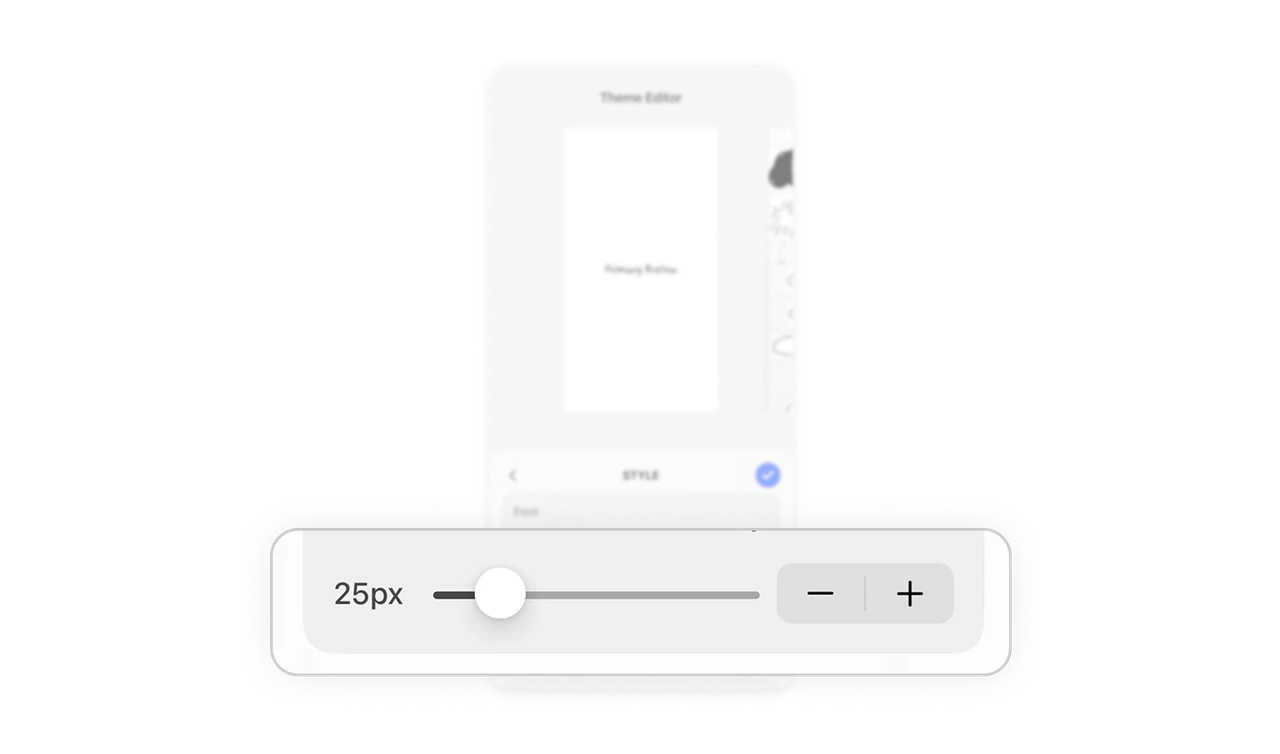
Font size includes both a slider for quick adjustments and plus minus buttons for fine-tuning. This respects different user behaviors. Some prefer rough exploration, others need pixel-level control. Offering both controls increases usability without adding complexity.
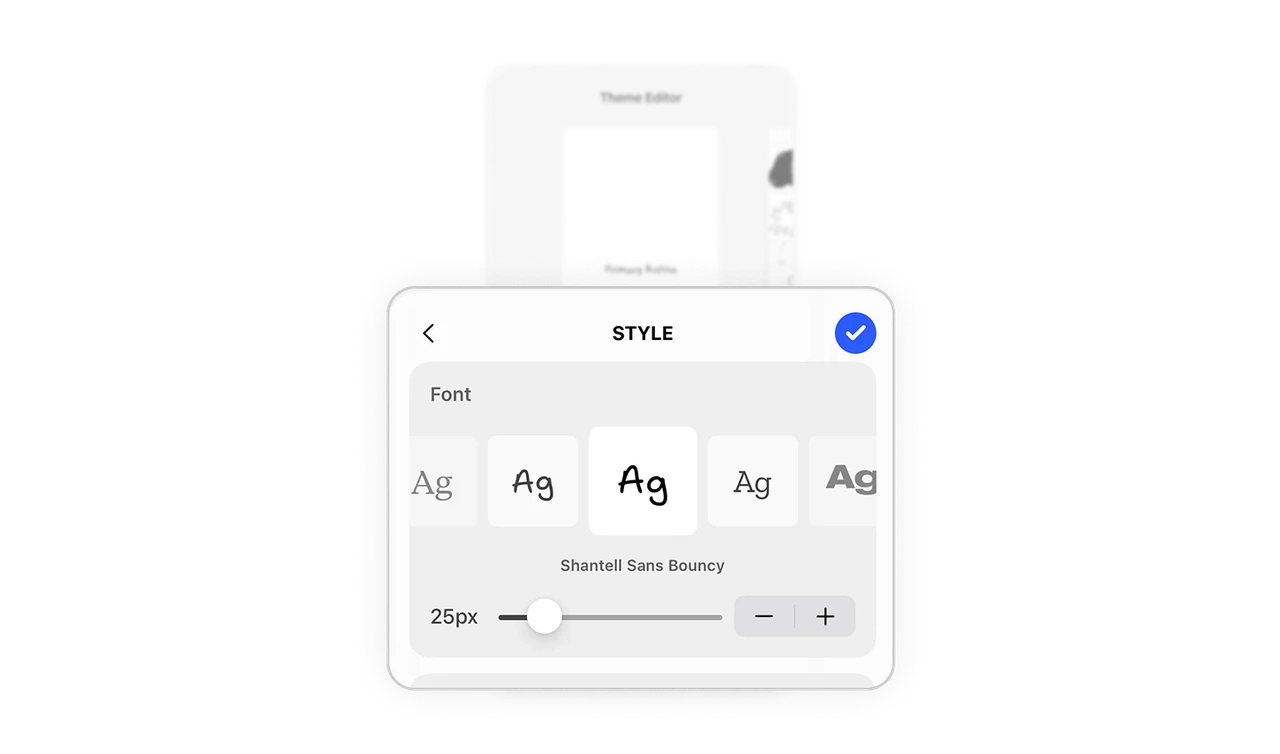
Subtle but strong save action strategy
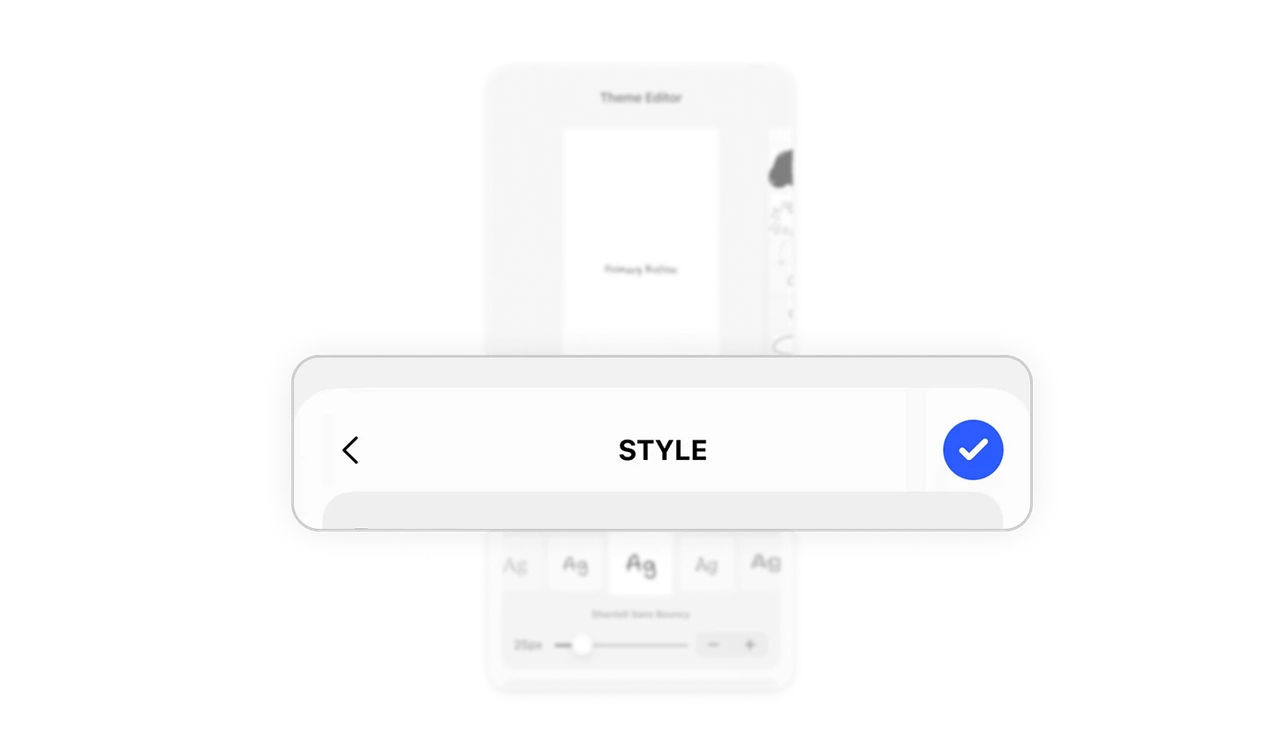
The checkmark button is visually highlighted through color contrast, while the rest of the interface remains minimal. This makes the primary action clear without adding large labels or extra buttons. It guides users toward completion in a quiet but effective way.
Similar Breakdown Lessons







