Workout Dashboard

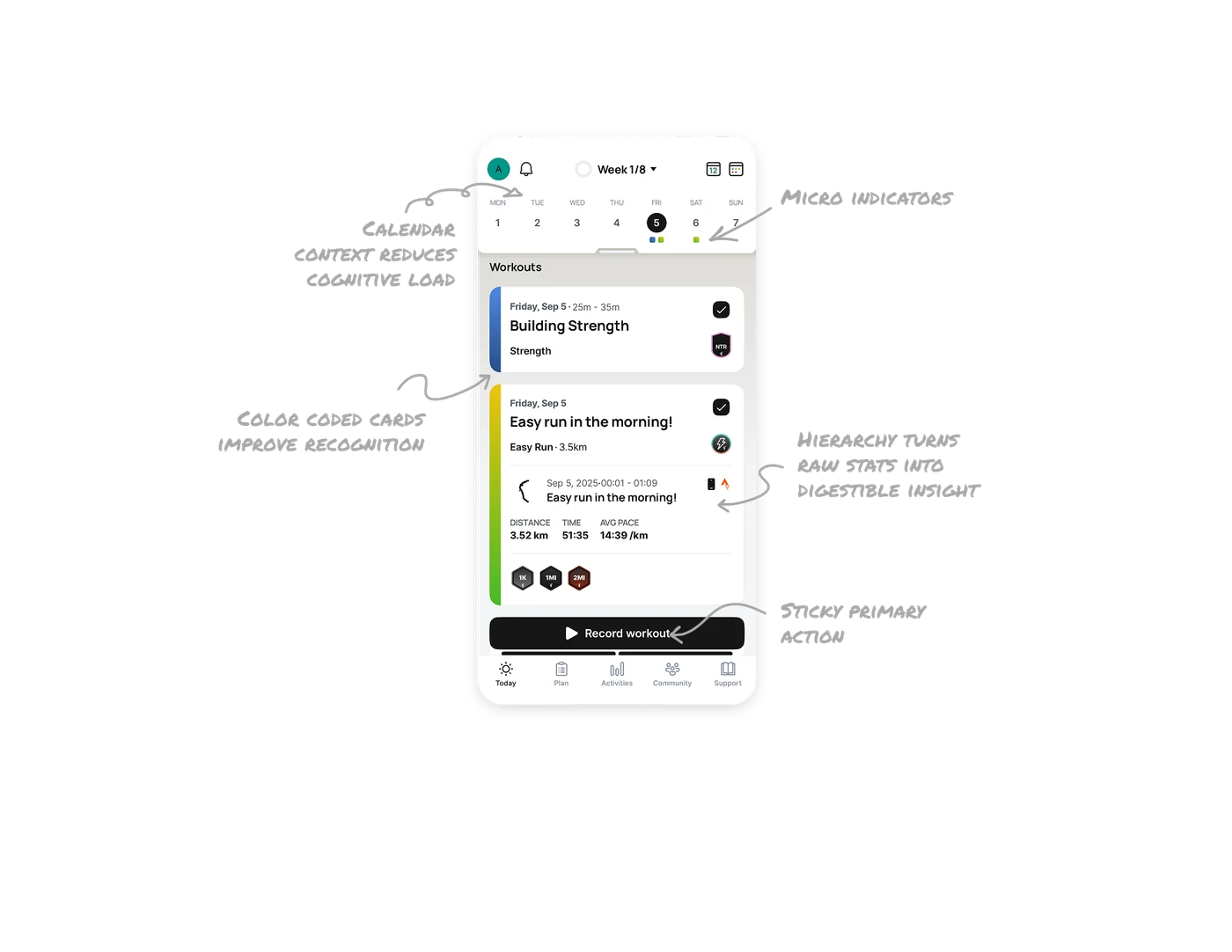
Calendar context reduces cognitive load
The top section shows week progress, selected day, and quick access to the full calendar using minimal icons. Users always know where they are in the plan without navigating away.
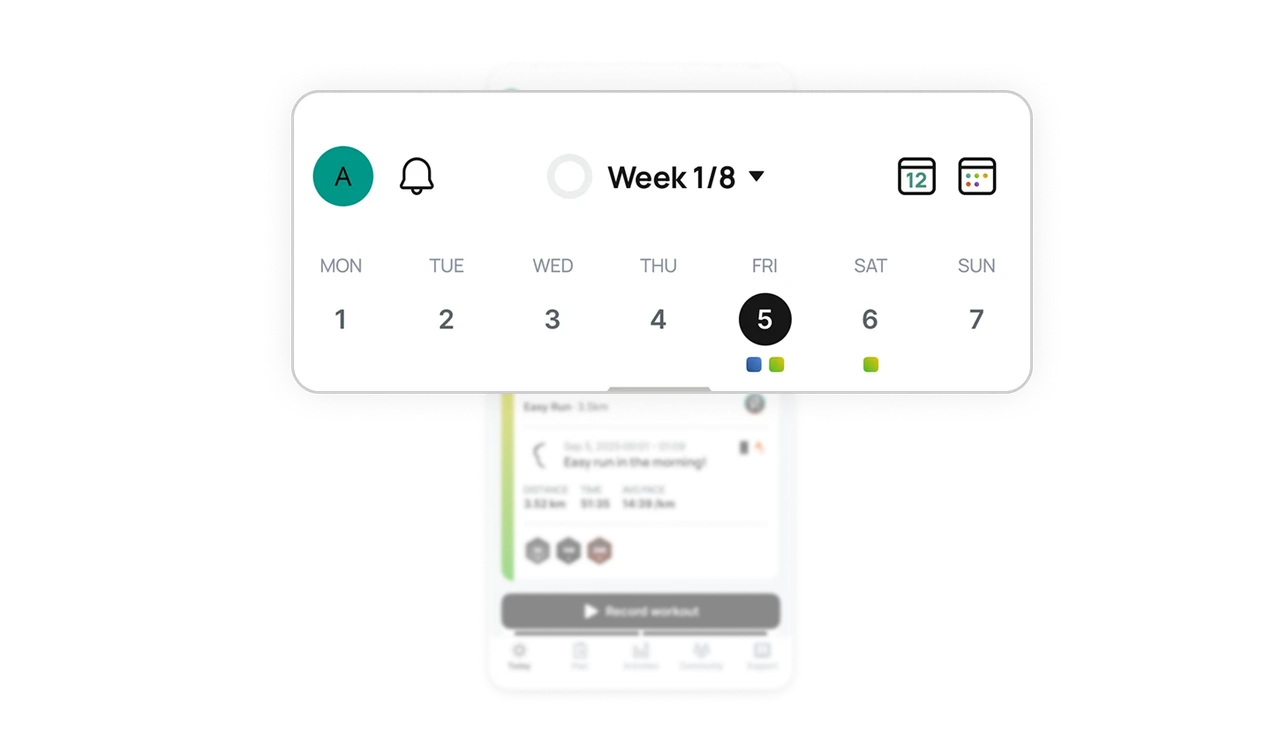
Micro indicators communicate volume without clutter
The active day uses strong contrast, while subtly colored dots under dates signal workout types. It conveys frequency and intensity without adding labels or noise.
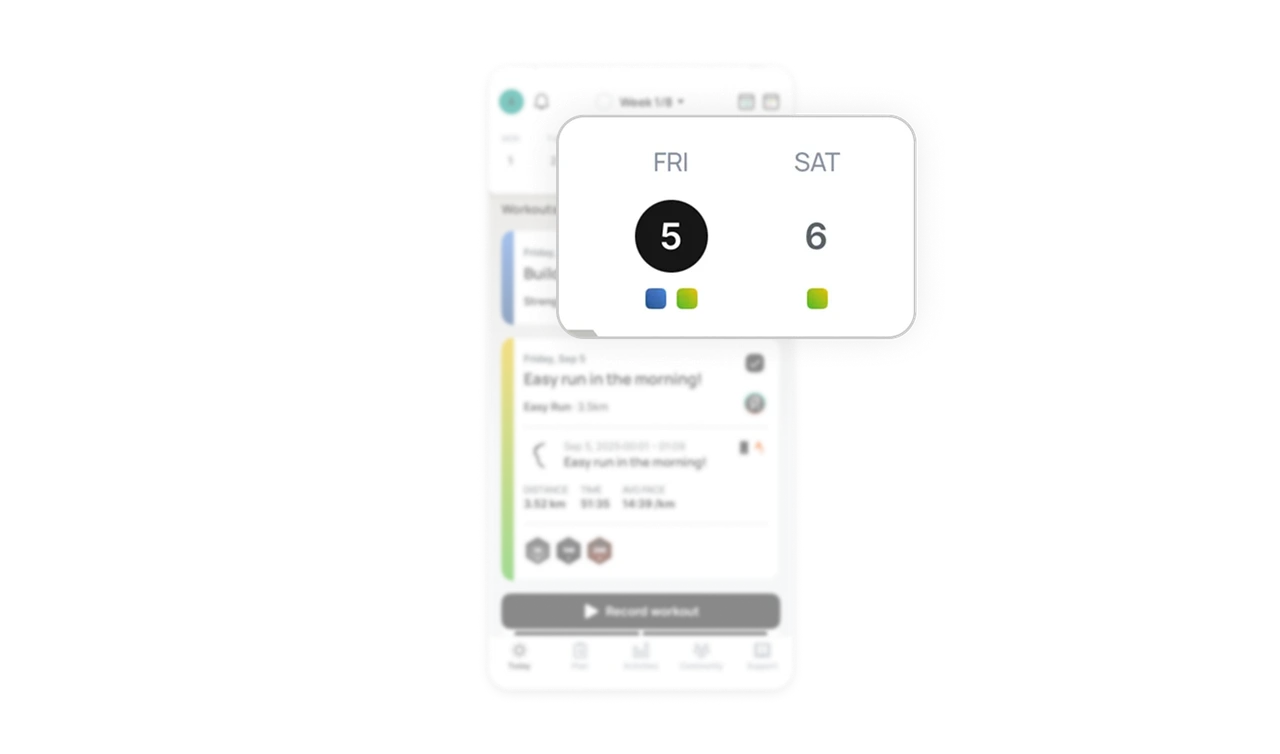
Color coded workout cards improve recognition
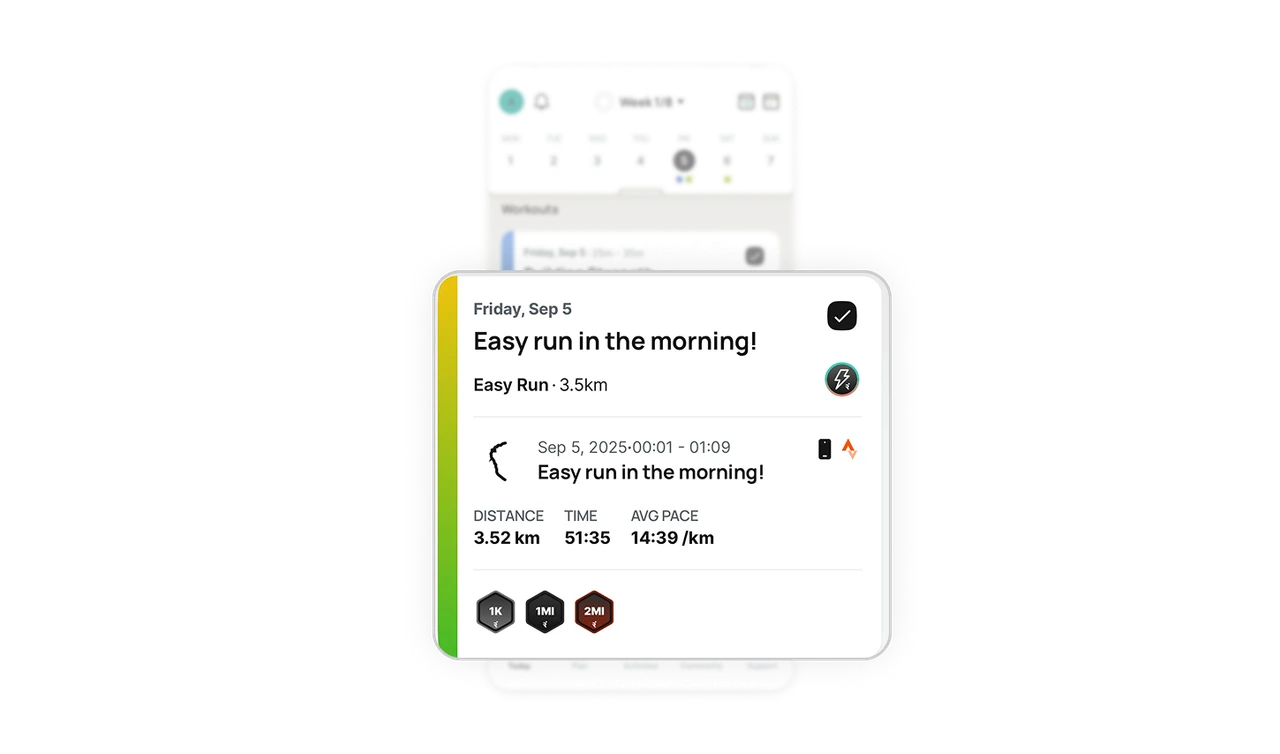
Each workout card has a colored side accent that maps to the workout type. Over time, users build visual memory and can identify sessions instantly without reading titles.
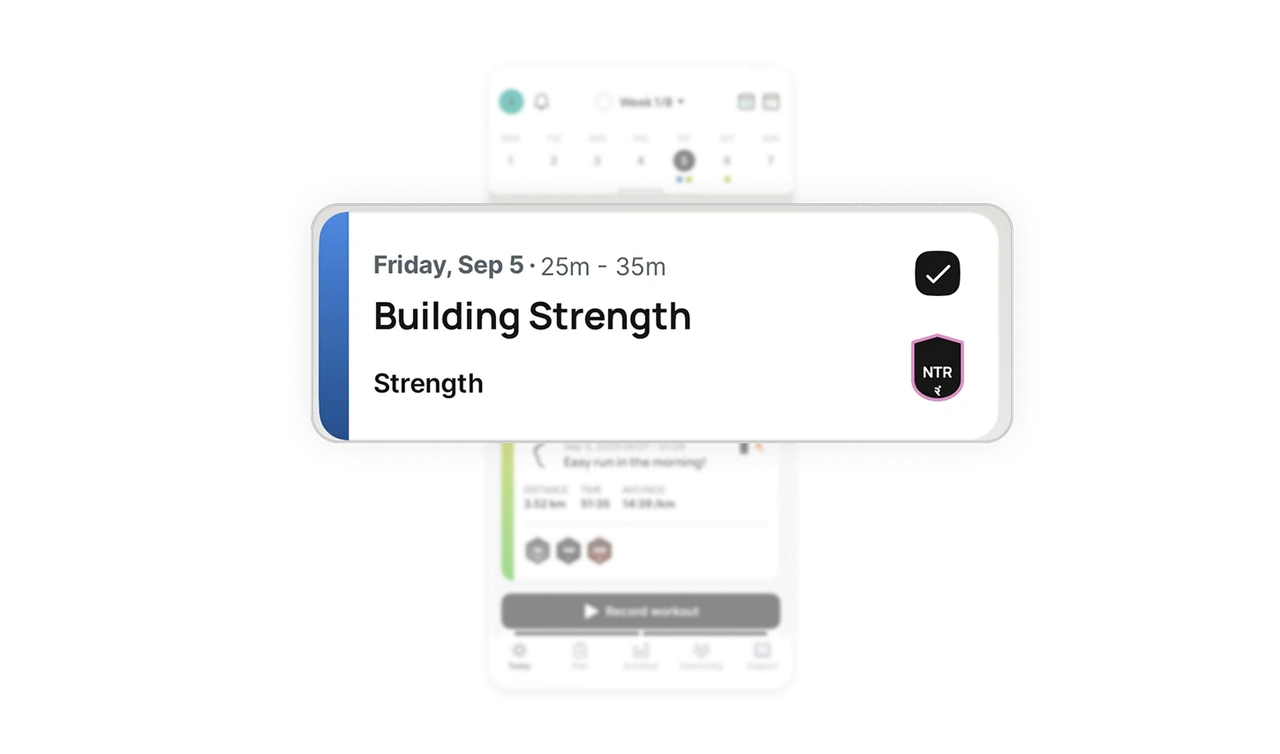
Hierarchy turns raw stats into digestible insight
The run card uses dividers, grouped metrics, and bold numbers to structure distance, time, and pace. Information is layered so users scan first, then dive deeper if needed.
Sticky primary action drives consistent behavior
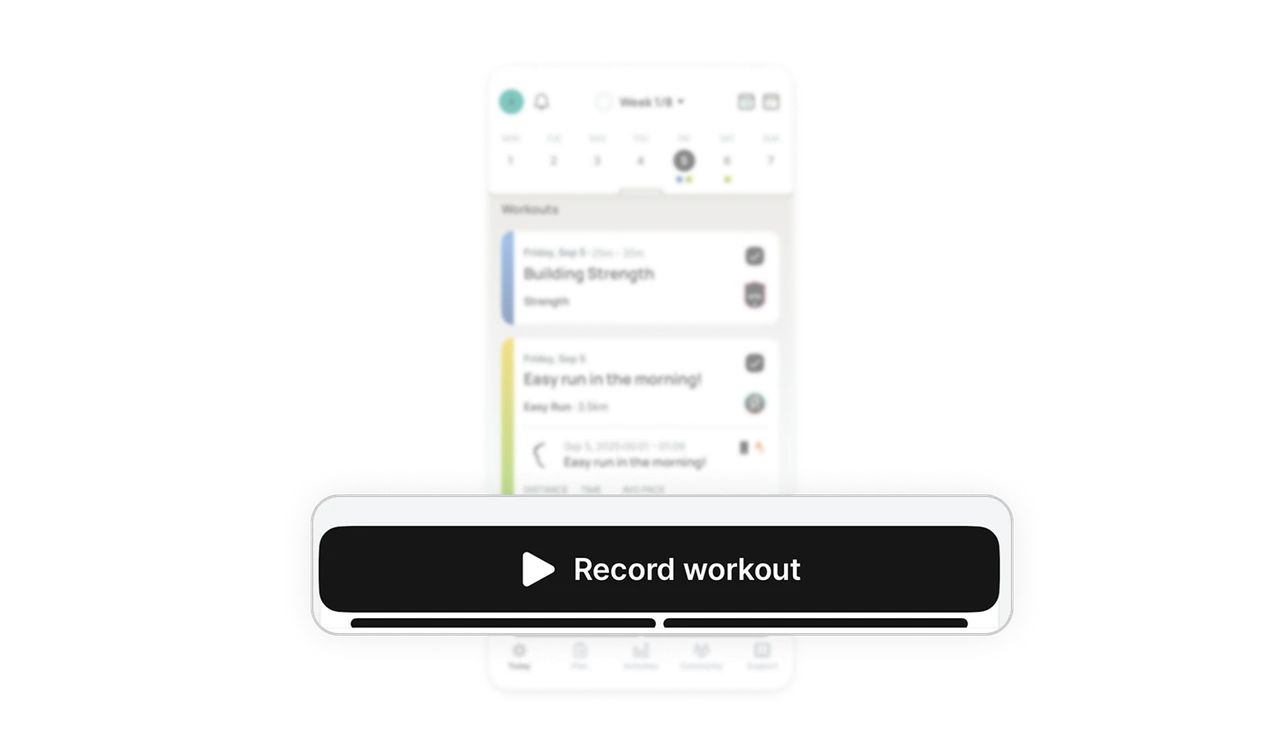
The Record workout button is placed in a thumb friendly sticky position. It stays visible, encouraging action without interrupting browsing.
Similar Breakdown Lessons







