Workout Editor

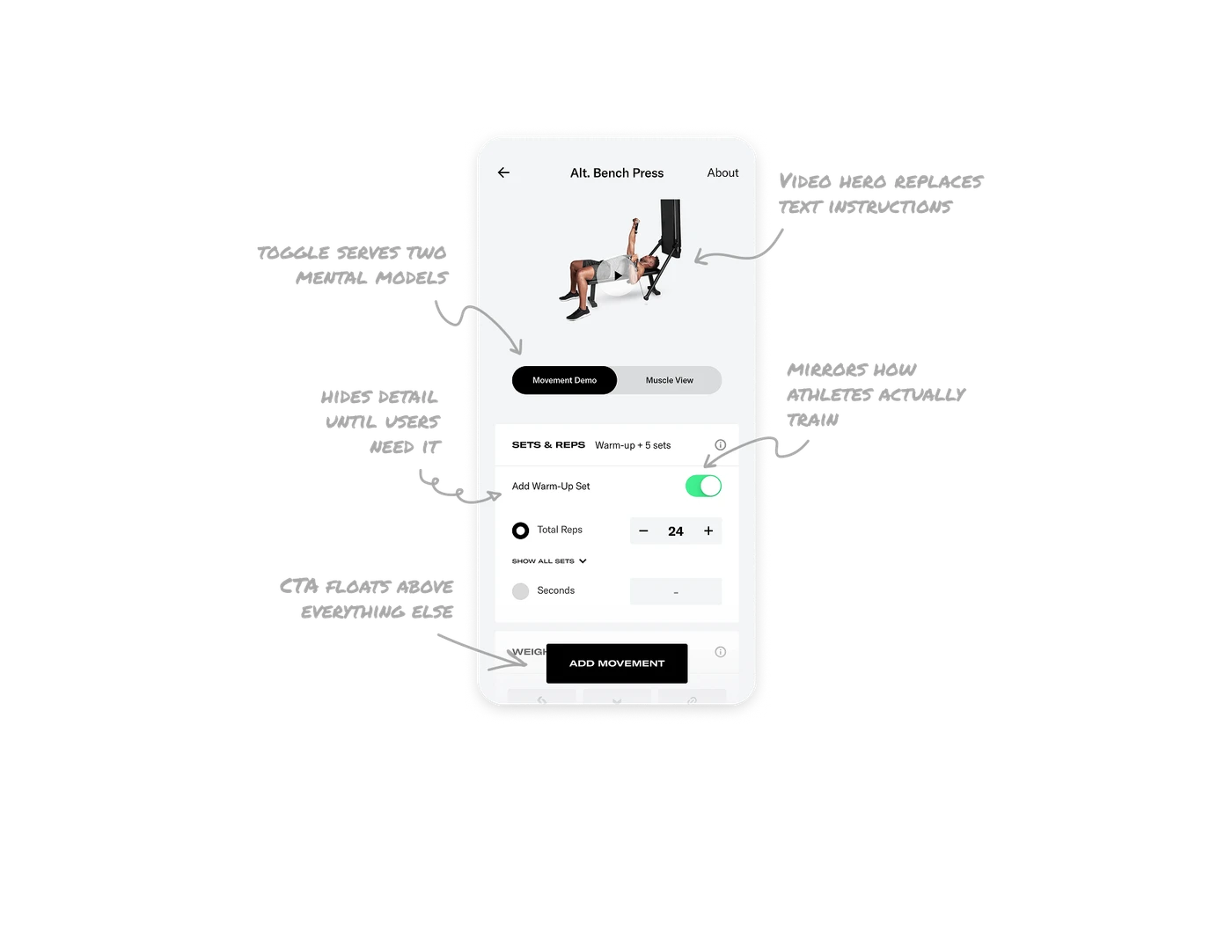
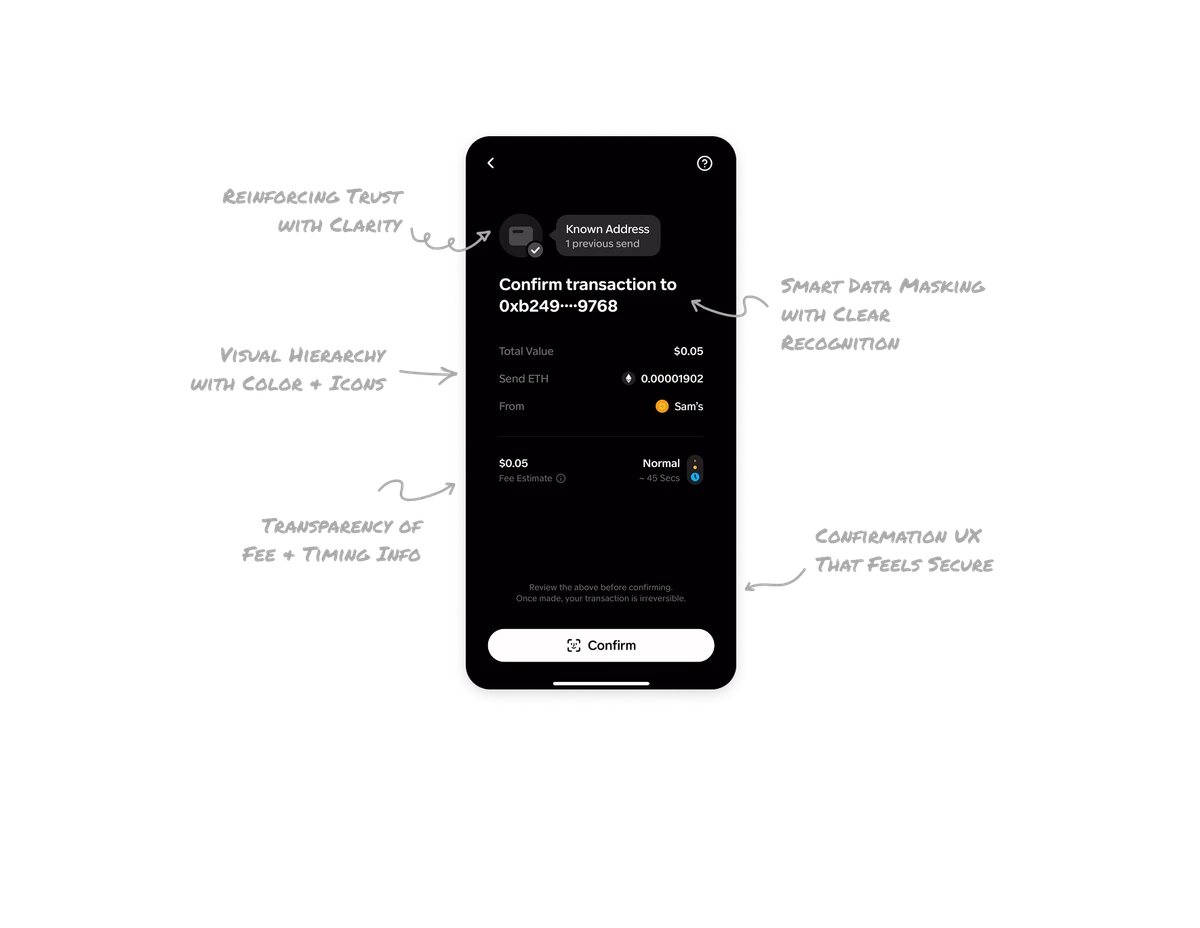
Video demo as hero replaces text instructions
A playable video of the exact movement sits at the top of the screen, not buried in a help section. Users understand the exercise form before touching any configuration. In fitness and instruction-based products, showing the movement beats describing it every single time. The video becomes the authoritative source of truth about what the exercise actually looks like.
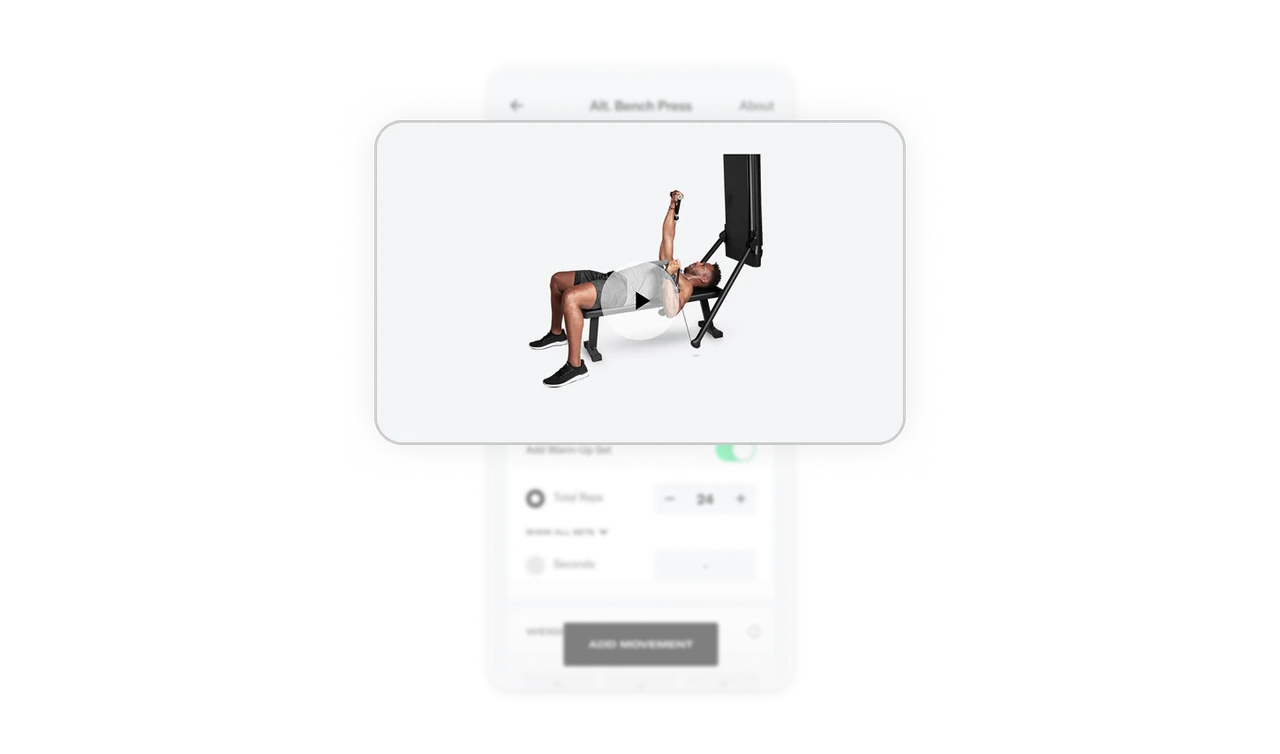
Movement Demo and Muscle View toggle serves two mental models
Beginners want to see how the movement looks. Advanced lifters want to see which muscles are activated. One toggle serves both without cluttering the screen. This is a subtle but advanced design decision: instead of picking one audience, the dual-view lets the same UI adapt to expertise level. Progressive products respect that users at different skill levels look at the same content differently.
Warm-up toggle mirrors how athletes actually train
Add Warm-Up Set sits as its own toggle separate from the working sets. This reflects the real-world training structure where warm-ups are not just "more sets." They are a distinct phase with different weight and intent. Modeling the UI around actual training behavior rather than a generic input form shows the product team understands their users as athletes, not just app users.
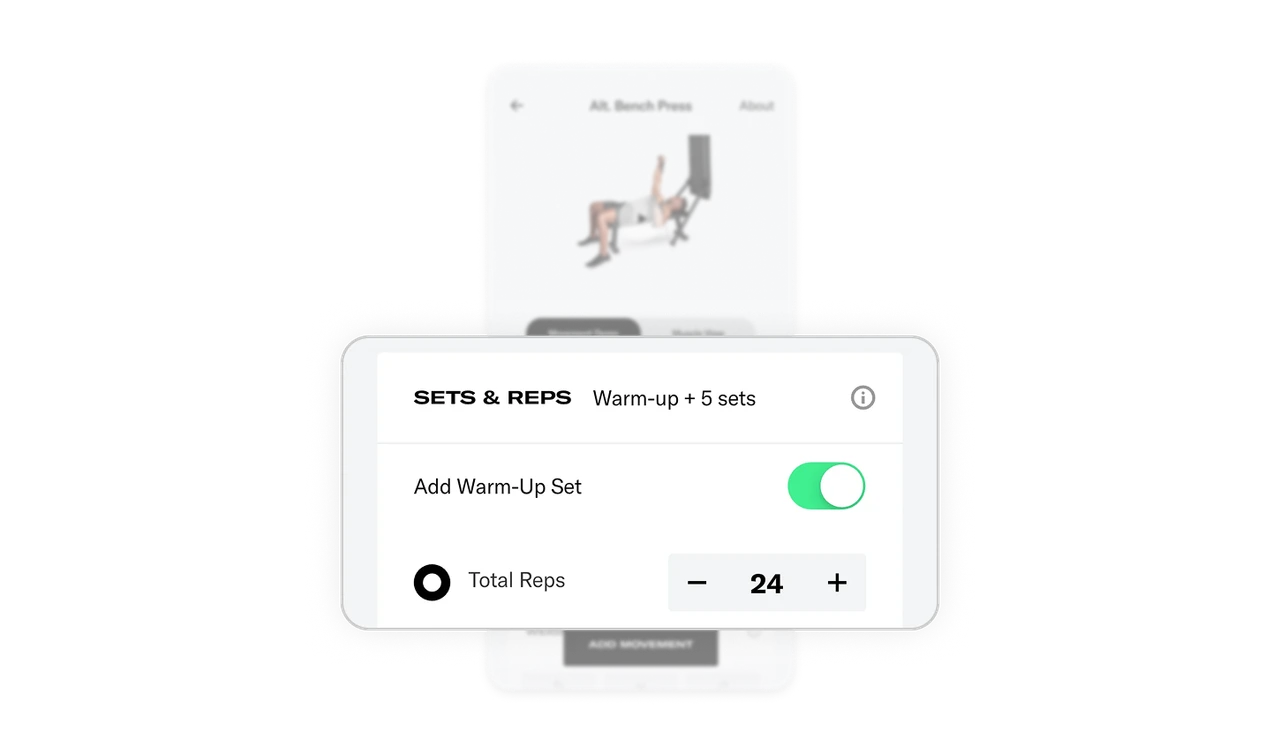
Show All Sets hides detail until users need it
Instead of displaying all five sets at once, Tonal shows a summary (Total Reps: 24) with a Show All Sets expand option. Most users accept the default and move on. Advanced users expand and edit each set individually. This is progressive disclosure applied to data entry: one interface serves both the "just do what coach says" user and the "I program every rep" user without forcing either into the other's experience.
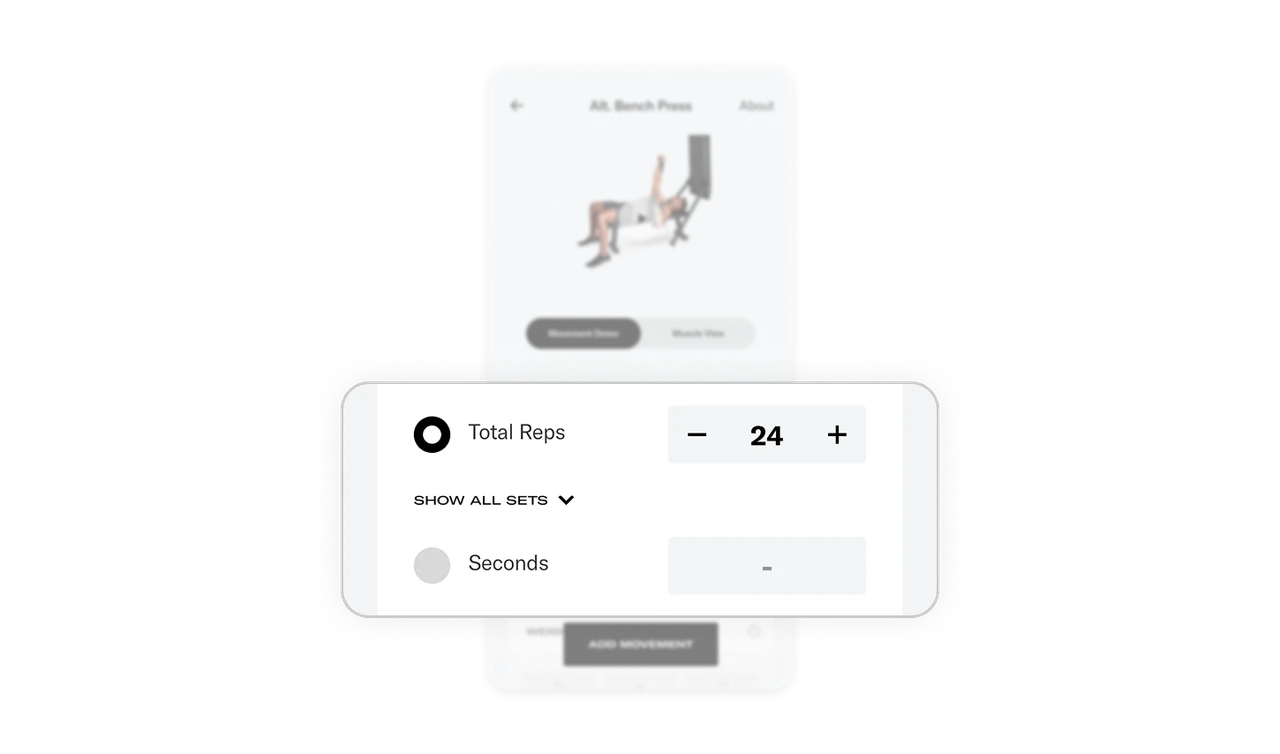
Add Movement CTA floats above everything else
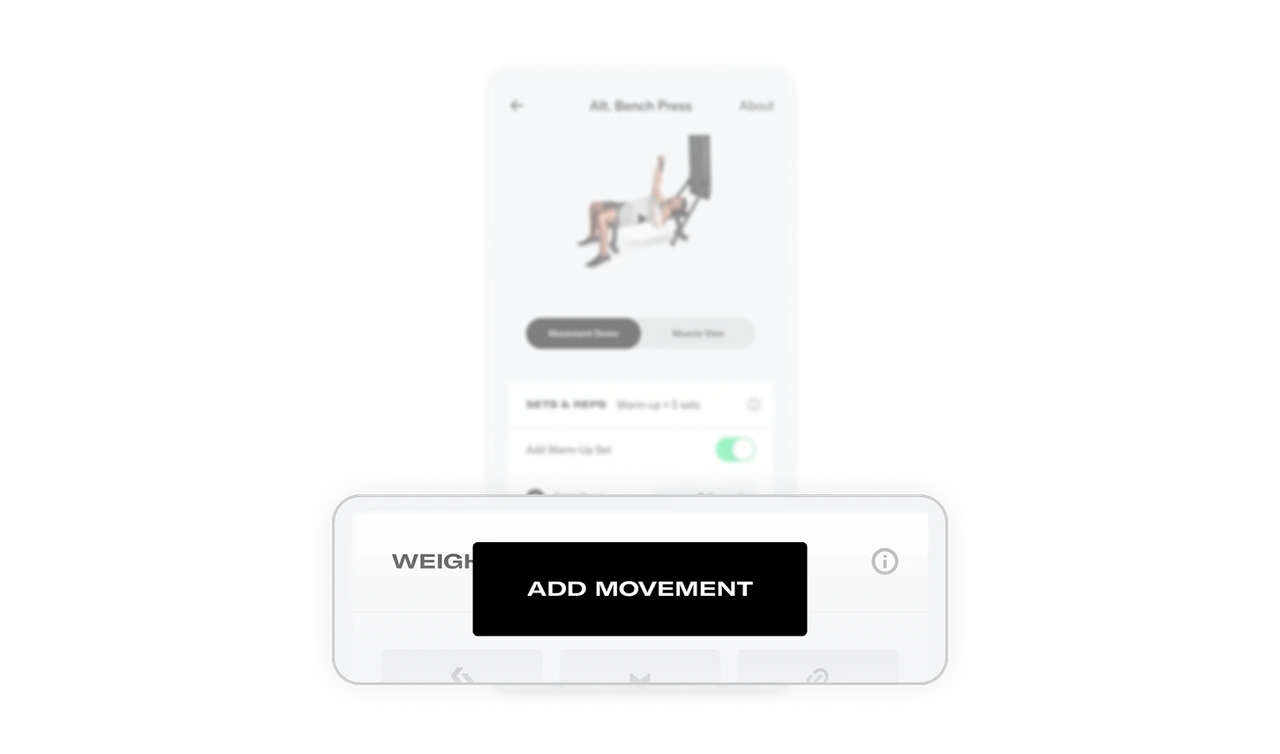
The black Add Movement button is pinned at the bottom, always visible, always thumb-reachable. No matter how far the user scrolls through configuration, the commit action never leaves. Floating primary CTAs in long forms remove the frustrating scroll-back-to-submit pattern that kills completion rates in data-entry screens. One persistent button = zero navigation friction at the final step.
Similar Breakdown Lessons