AI App Builder

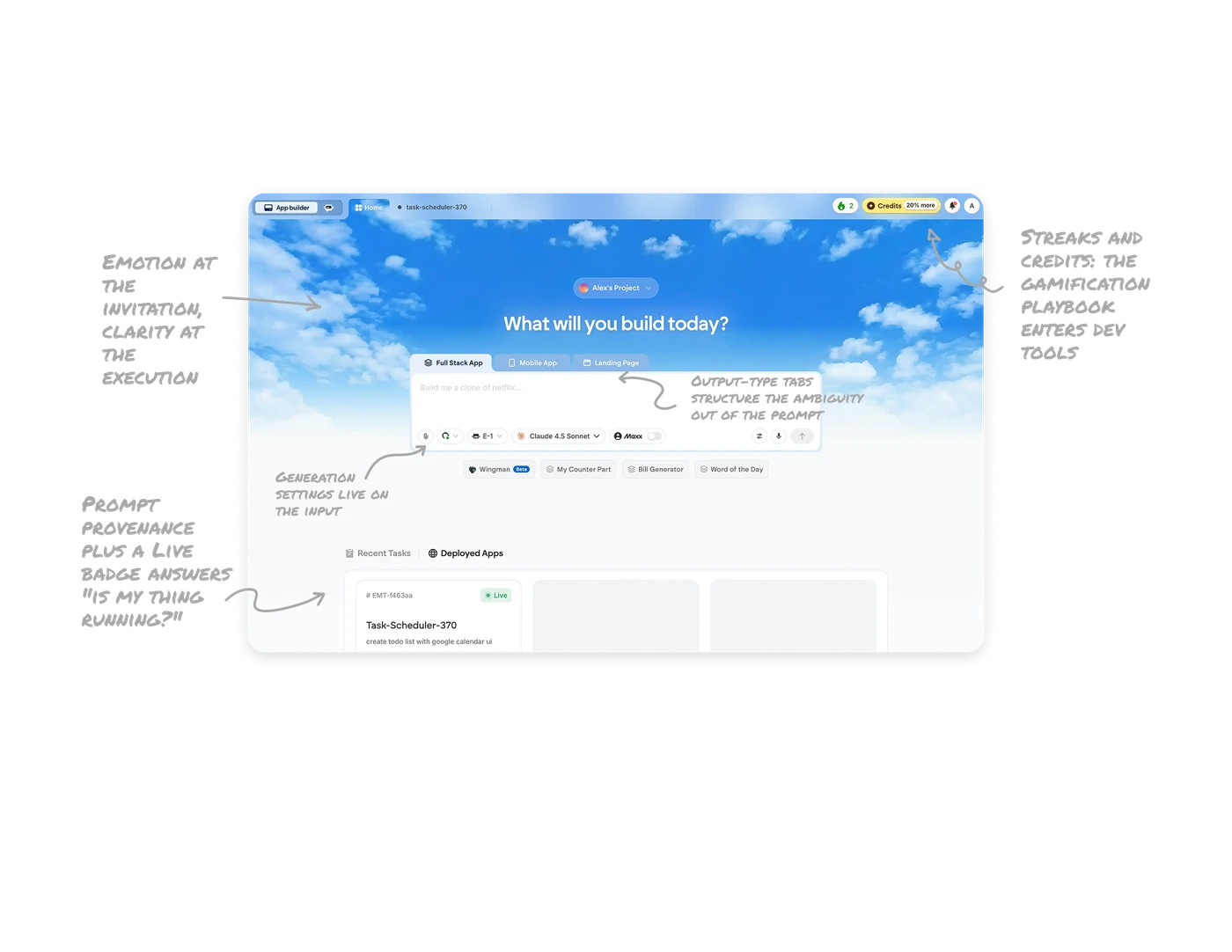
Emotion at the invitation, clarity at the execution
"What will you build today?" sits in large type over a blue-sky backdrop that fades to clean white where the work area begins. The sky does psychological work, open air, no ceiling, framing the user as a builder, while the neutral surfaces below keep tasks and deployed apps legible. Use atmosphere to set tone at the creation moment, then dissolve it exactly where users need to read and manage. The background is the brand promise, and it knows its place.
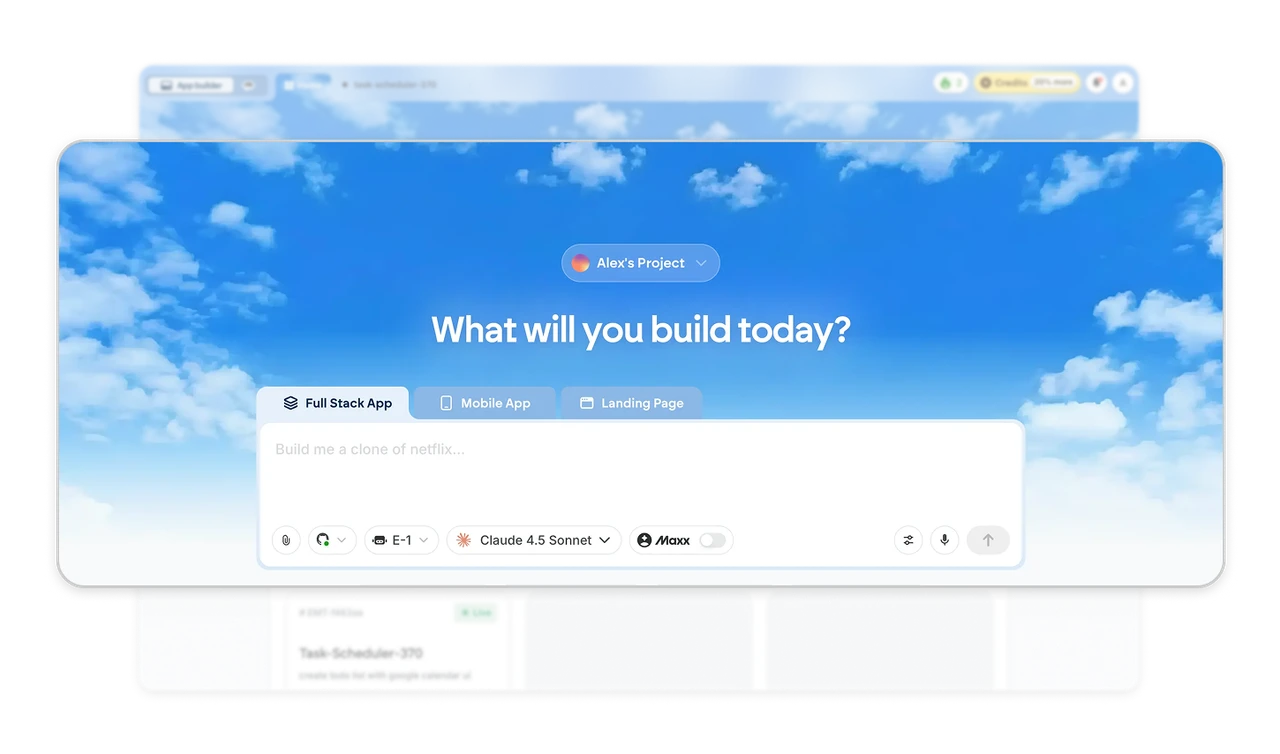
Output-type tabs structure the ambiguity out of the prompt
Full Stack App, Mobile App, and Landing Page sit as tabs above the input, declaring the output format before a word is typed. "A todo app" means something completely different per format, and capturing that intent as a structural choice beats hoping users specify it in prose. Let users declare scope first, describe second. Every ambiguity you remove from the prompt as structure is a generation that does not need regenerating.
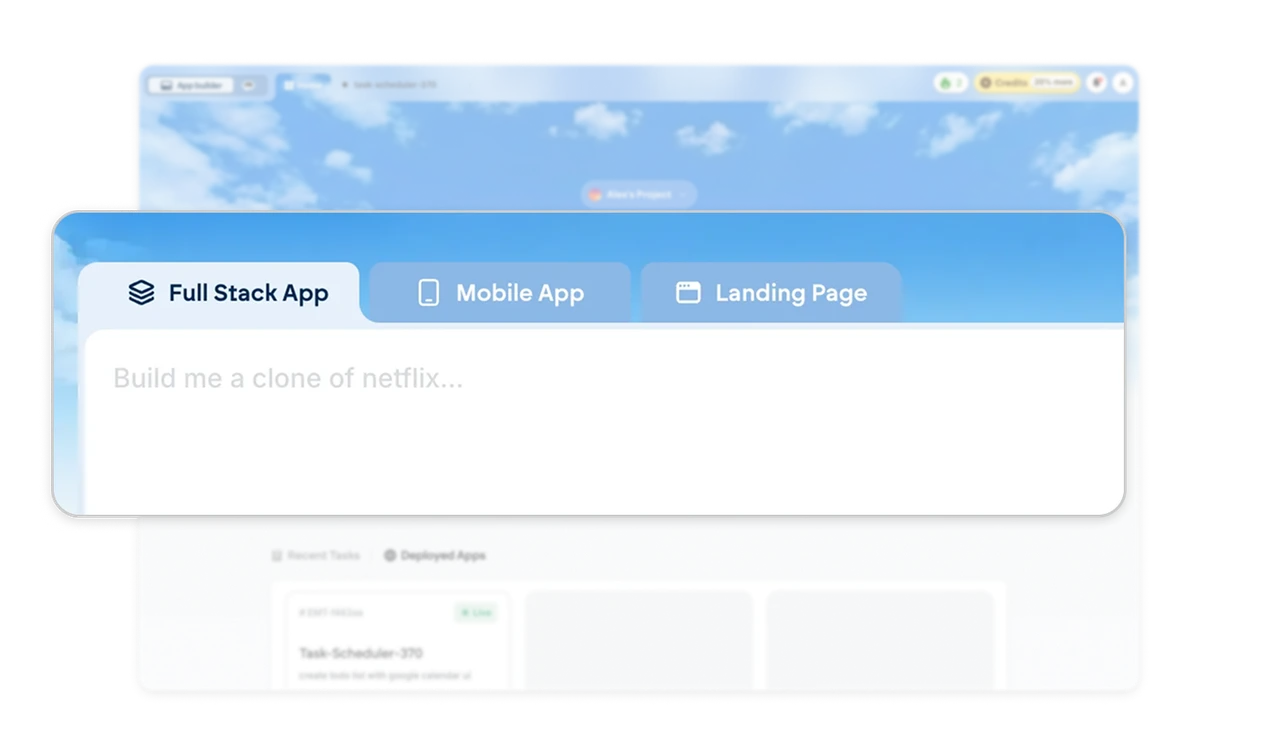
Generation settings live on the input
The prompt bar carries a full configuration, all as compact chips inside the input. The prompt bar is where the decision happens, so model choice and source repo belong at the point of generation. Attaching settings to the moment of use beats a separate page, because configuration divorced from context gets forgotten until the output disappoints.
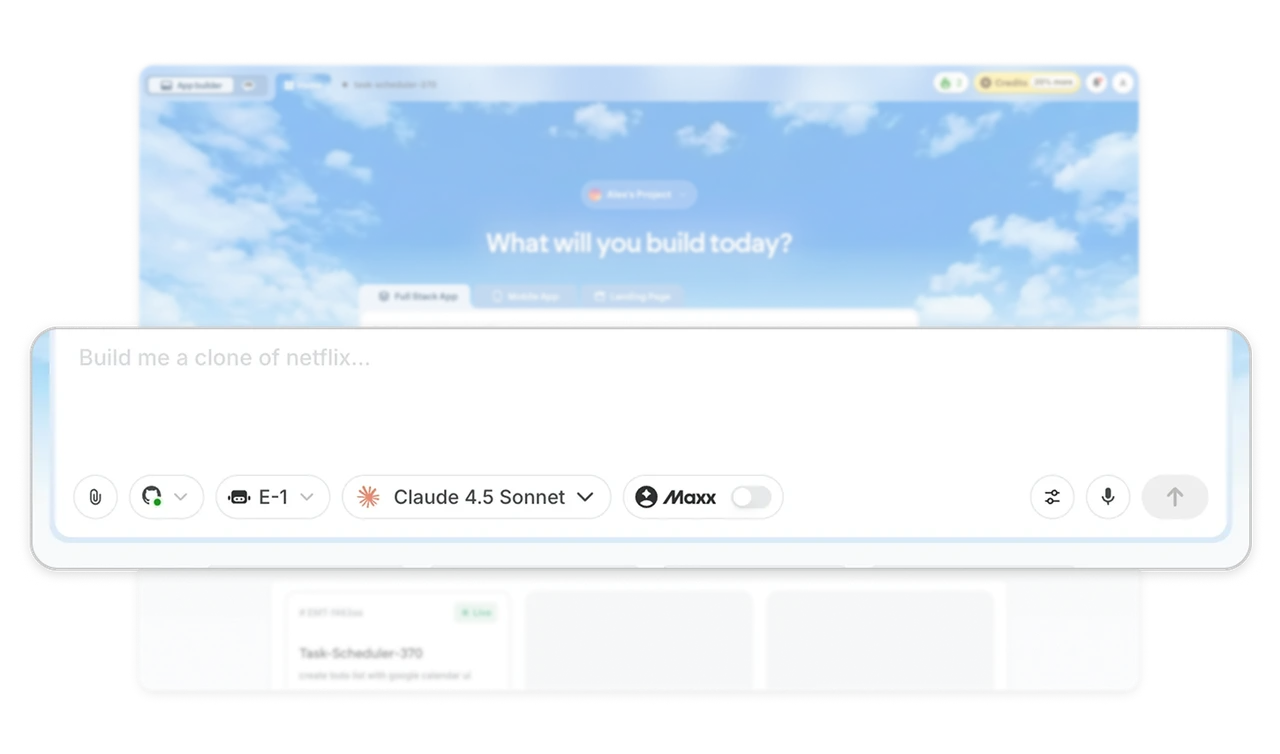
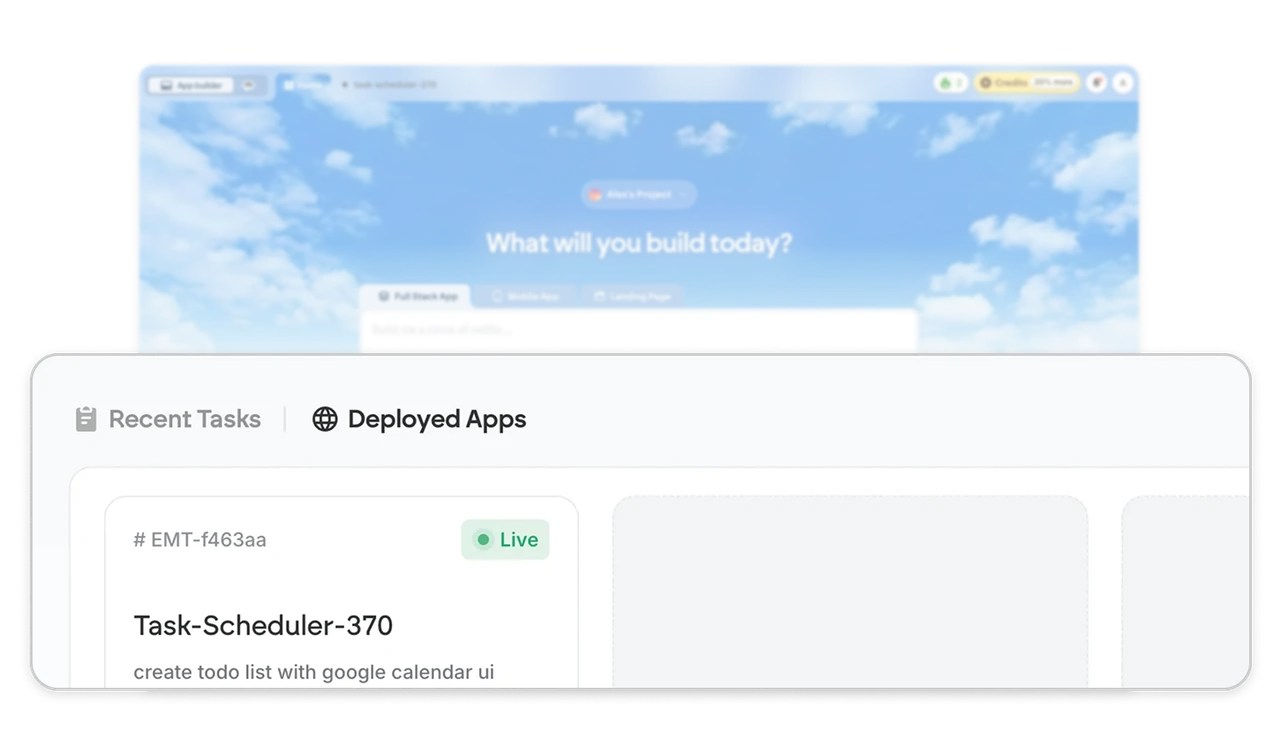
Prompt provenance plus a Live badge answers "is my app running?"
The Recent Tasks card shows the project name, a green Live badge, and the original prompt. The prompt is the project's provenance, and the deployment state shows at the list level so builders never open a project just to check its pulse. Show what made the thing and whether the thing is alive, together, on the card. Those are the two questions every returning builder asks first.
Streaks and credits: the gamification playbook enters dev tools
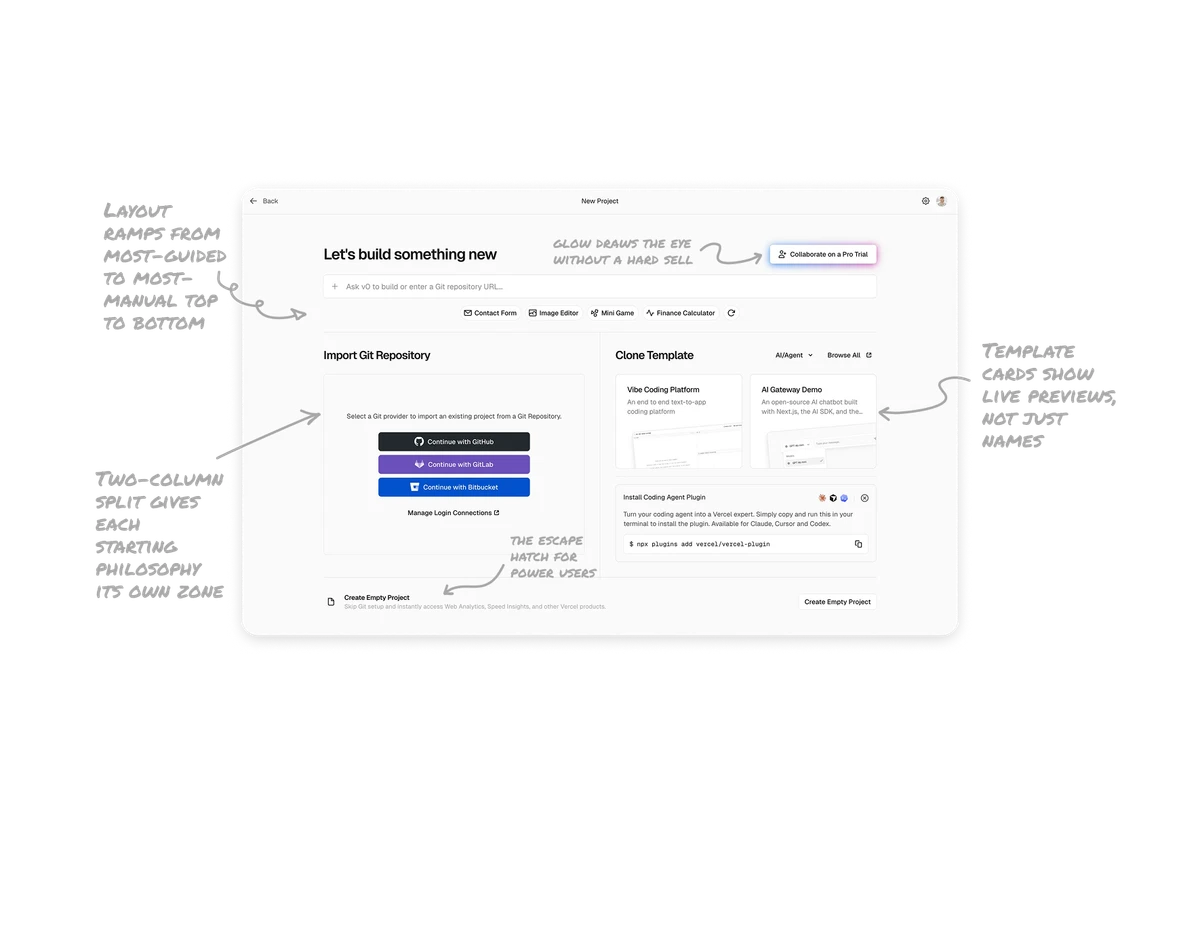
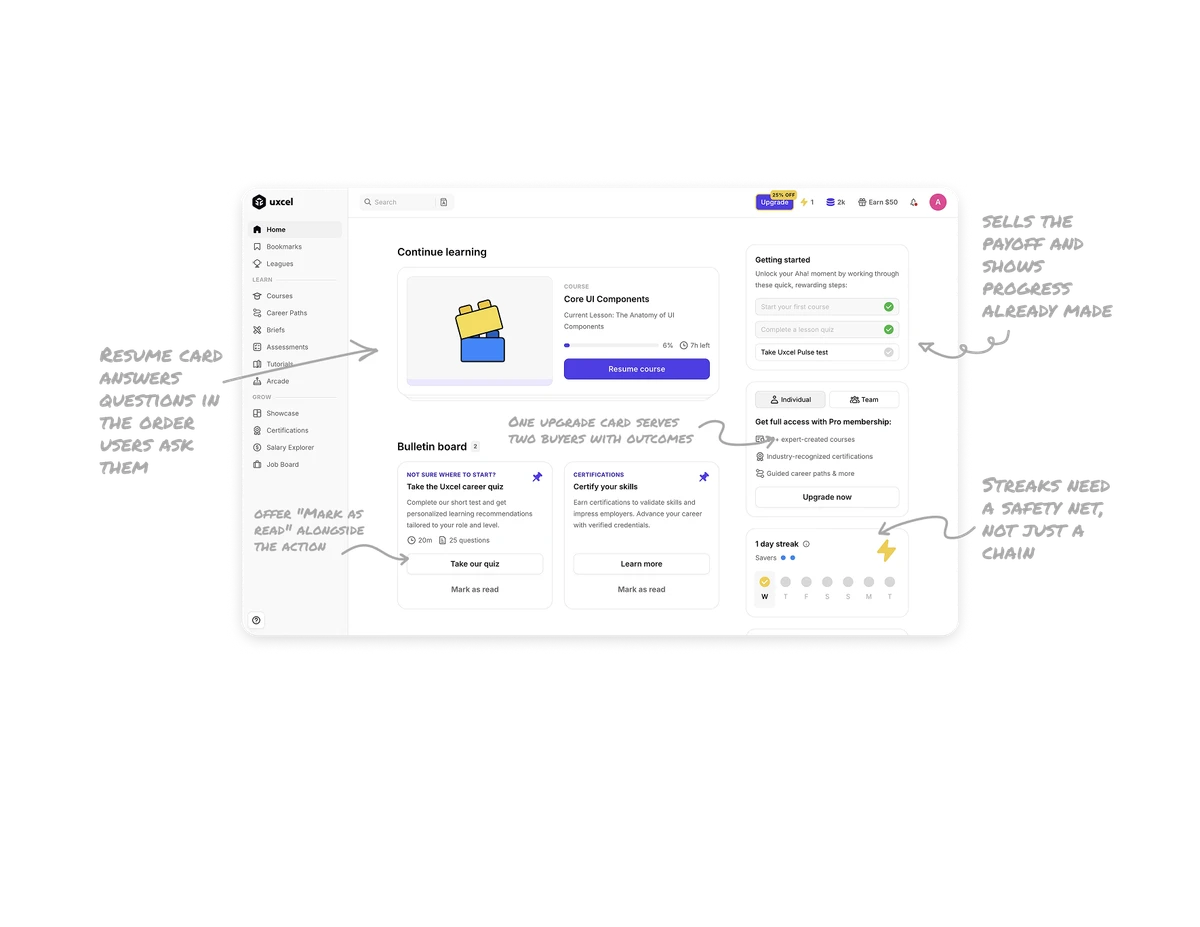
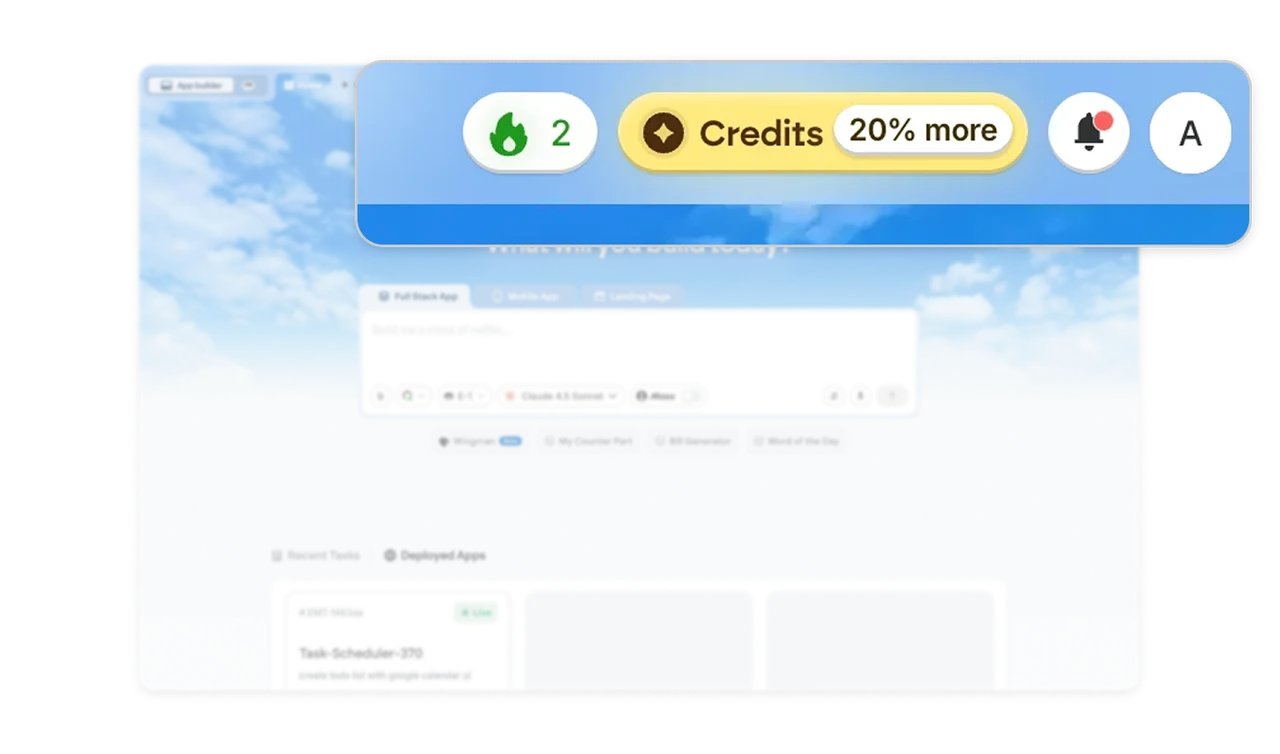
The header carries a flame streak counter and a Credits pill with a "20% more" bonus badge. A daily-habit mechanic and a consumption currency, patterns from Duolingo and Uxcel, now shipping in a developer tool. Usage-based AI products are adopting learning-app retention mechanics: streaks make building habitual, visible credits make consumption tangible, and bonus badges merchandise top-ups. Expect this everywhere tokens are burned.
Similar Breakdown Lessons