AI Design Canvas

AI explains its design decisions, not just its output
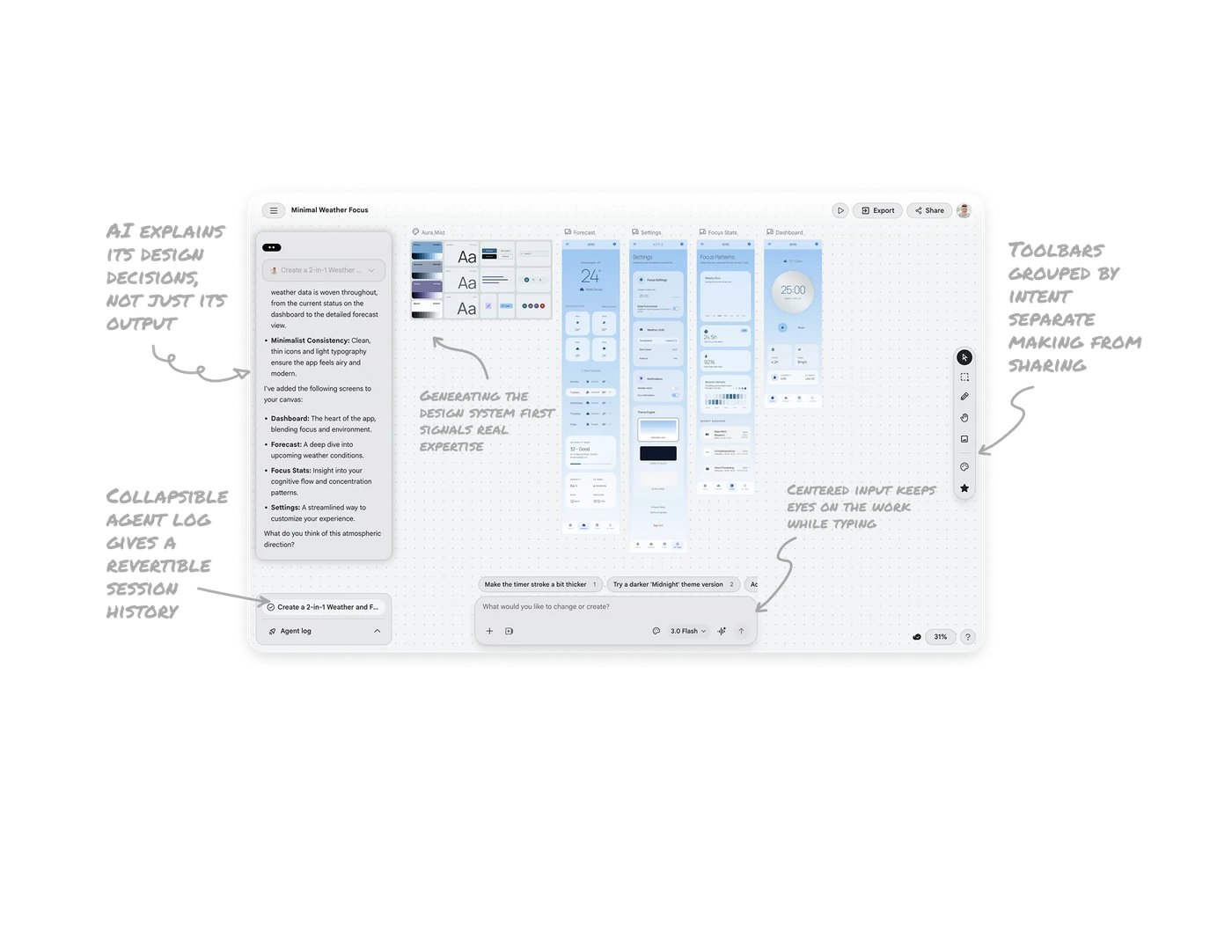
The left panel articulates the reasoning behind each choice: "Minimalist Consistency: clean thin icons ensure the app feels airy and modern." Users see why the AI made decisions, not just what it produced. When an AI explains its design rationale, it stops feeling like a slot machine and starts feeling like a collaborator. Reasoning transparency converts skeptical users into trusting ones in AI creative tools.
Generating the design system first signals real expertise
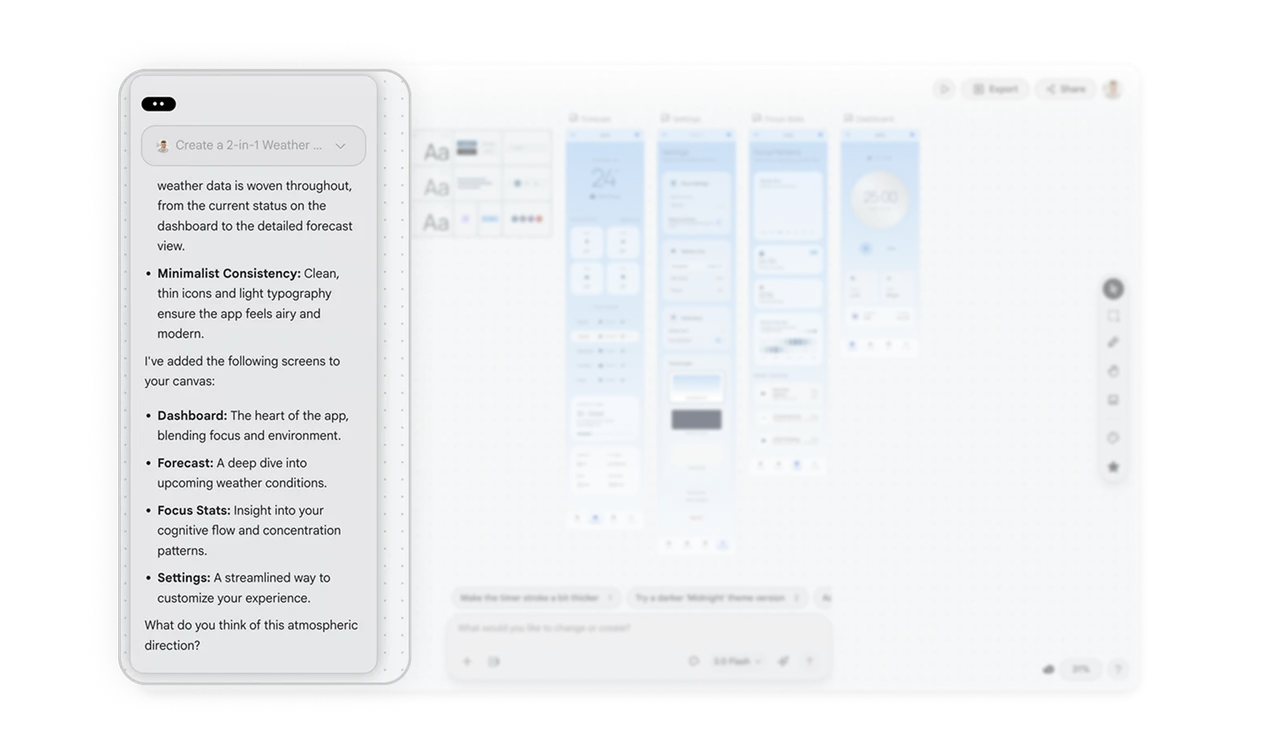
Stitch creates the Aura Mist design system, color tokens, typography scale, and components before laying out individual screens. This mirrors how professional designers actually work: system first, screens second. When an AI follows the real-world process rather than just producing pretty mockups, it signals genuine domain knowledge. Following the expert workflow builds more trust than producing the expert output alone.
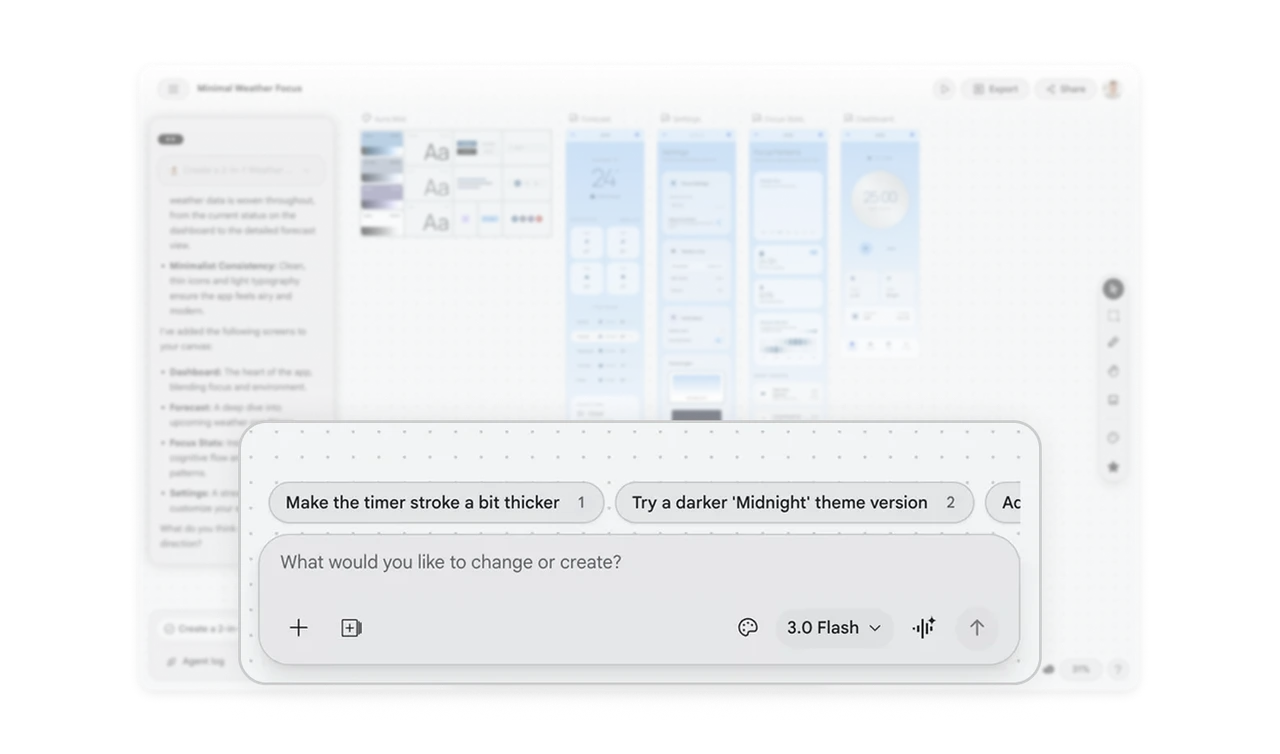
Centered canvas input keeps eyes on the work while typing
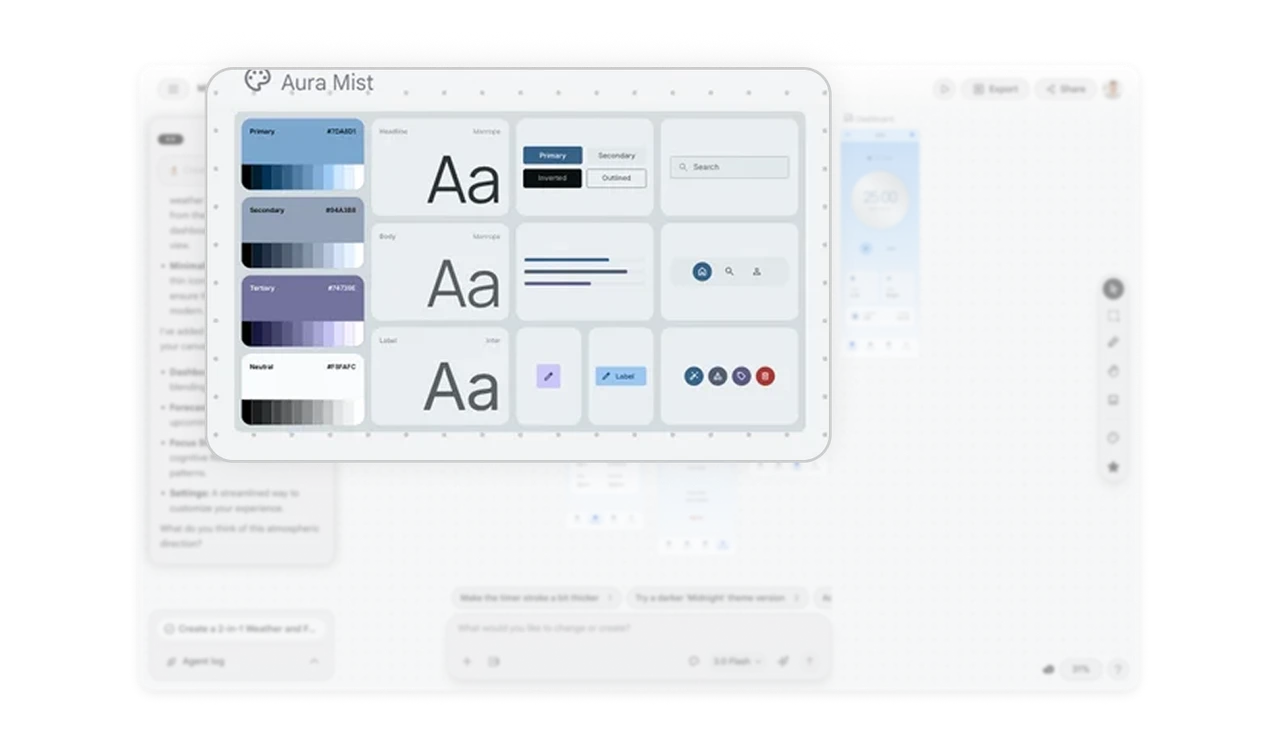
The prompt input floats at the bottom center of the infinite canvas, directly below the generated screens. Users look at their designs while typing the next instruction, no gaze switching between a side chat and the canvas. Suggestion chips like "Try a darker Midnight theme" sit above the input to keep iteration flowing. Placing the input where the user is already looking removes the cognitive cost of context switching.
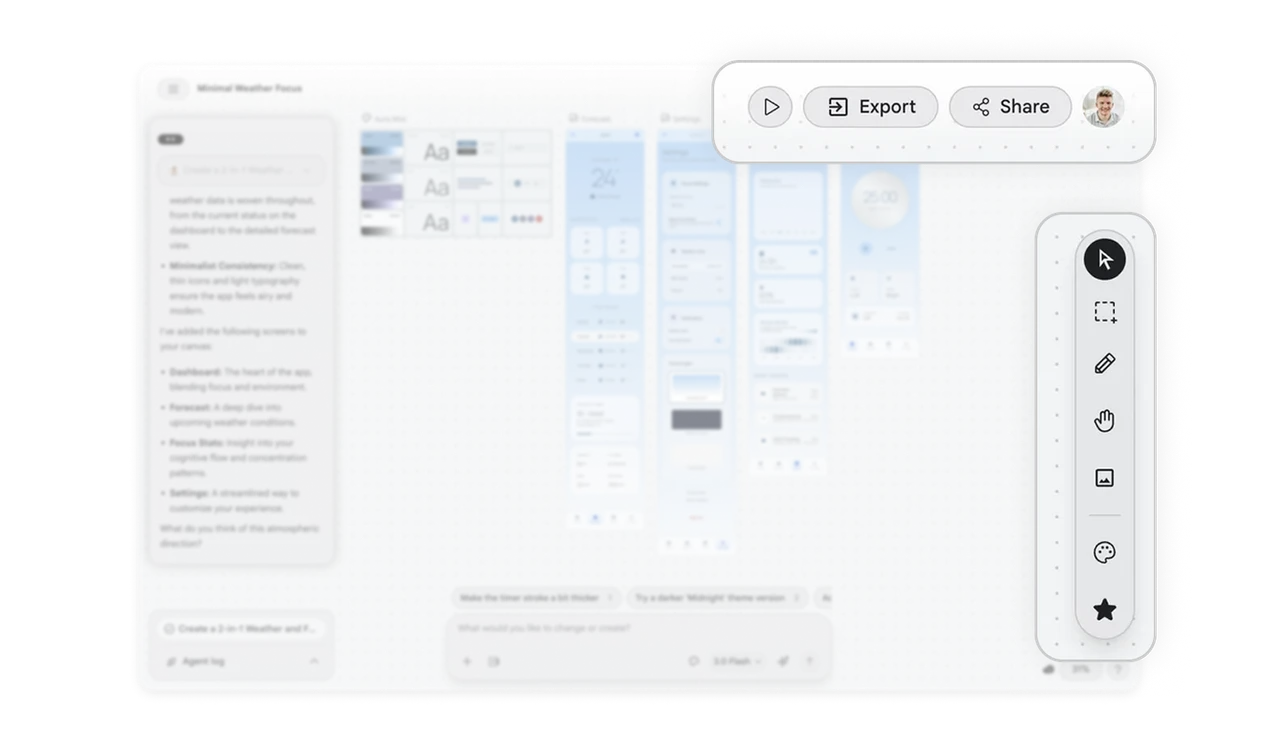
Toolbars grouped by intent separate making from sharing
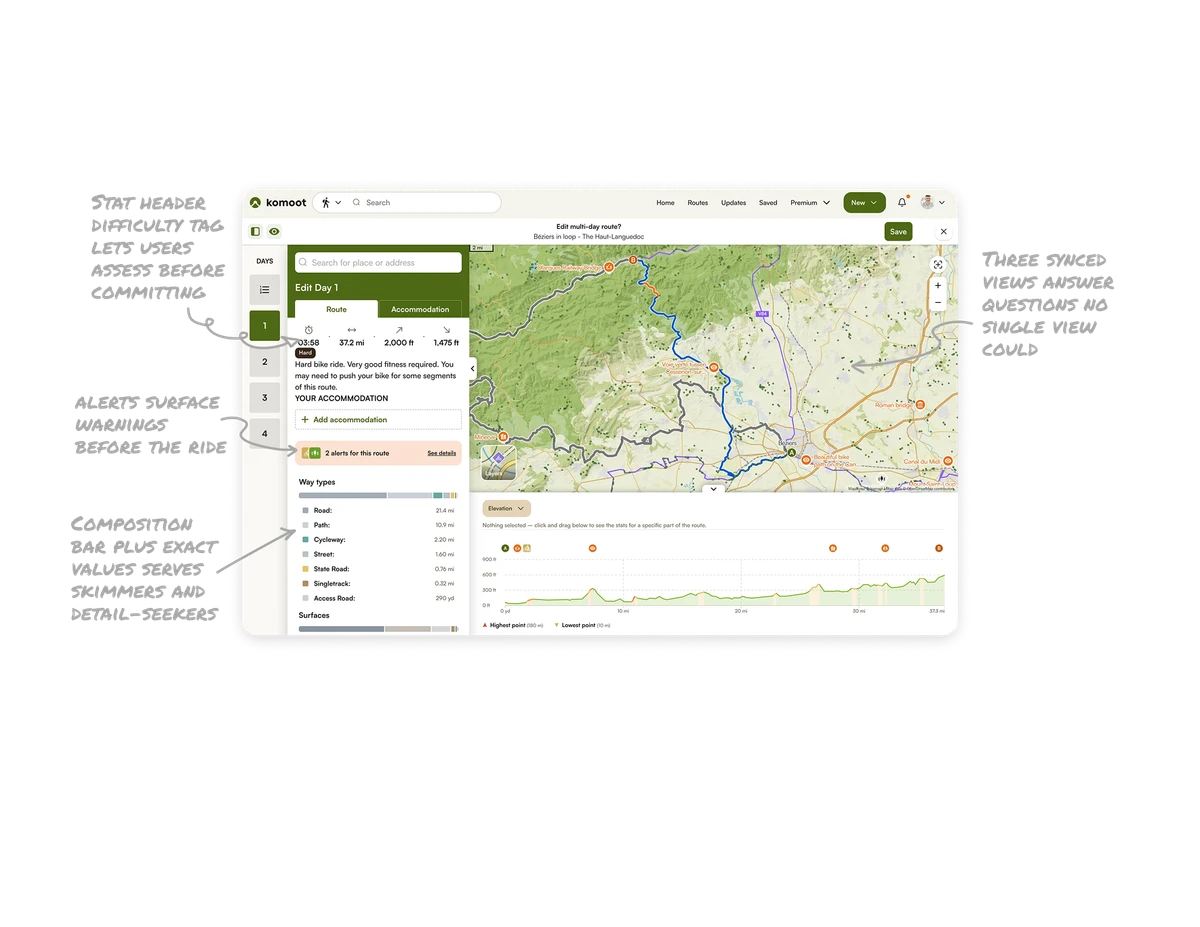
The center canvas toolbar holds design-making tools (select, draw, image). The top-right holds sharing actions (Export, Share, Present). The grouping separates two distinct mental modes: creating versus handing off. Mixing build tools and share tools in one bar forces users to filter constantly. Grouping by intent means users reach for the right zone based on what they are trying to do, not what the buttons are called.
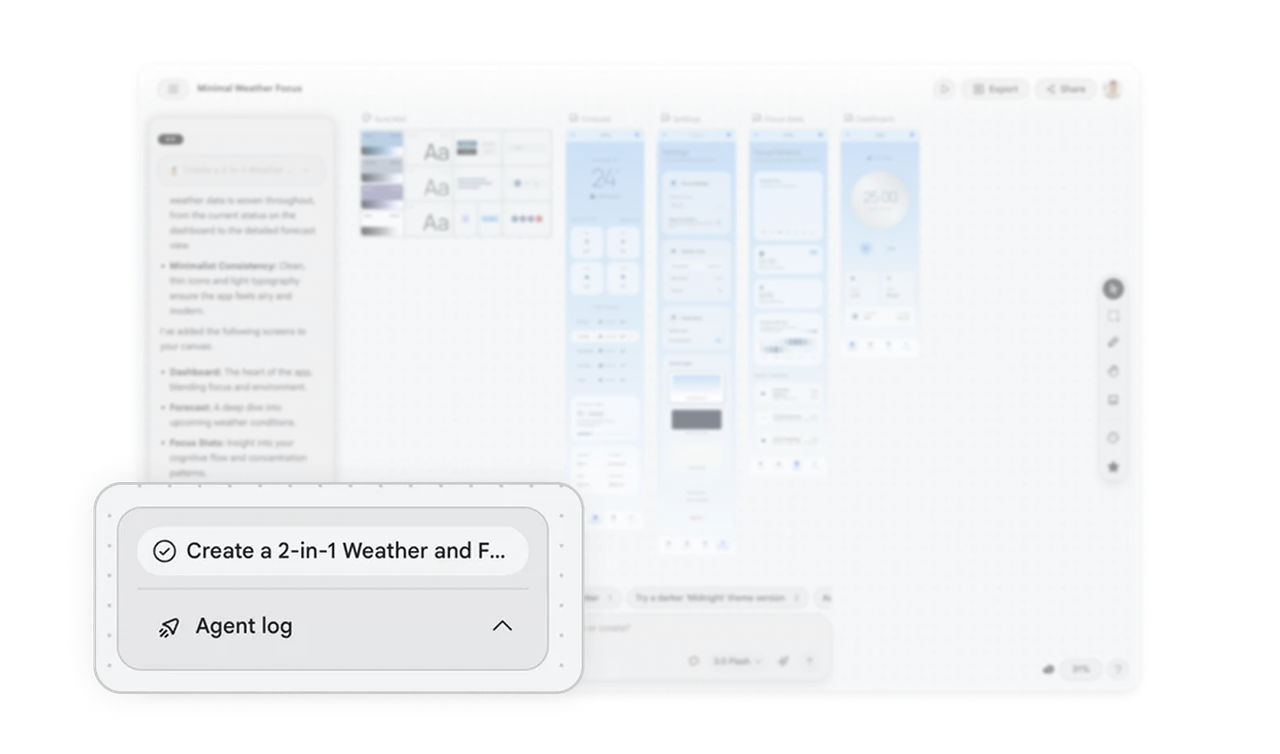
Collapsible agent log gives a revertible session history
The Agent log at the bottom left shows a high-level summary of what the AI did this session, collapsed by default. Users get the overview without detail overload and can expand to revert specific steps. In AI tools where many changes happen quickly, a collapsible action history is the safety net that lets users experiment freely, knowing they can always trace and undo what the agent did.
Similar Breakdown Lessons